
Turn recordings into transcripts and summaries in minutes
Upload audio or video for multilingual transcription, AI notes, and action items
You've just finished a 90-minute online meeting, and your iPhone's voice memos have automatically transcribed the conversation. But the tiring part is still ahead: copying the transcript into ChatGPT for a summary, manually listing action items, and sending the conclusions to your colleagues. Half an hour gone again.
Recently, I've been evaluating AI meeting recorder apps for iPhone for my team. I tried Notta and Tinrec and found that the key difference isn't transcription speed, but how the content is turned into actions and team assets after the meeting.
Notta vs Tinrec | Quick Overview
Notta is an AI meeting tool that emphasizes multi-device transcription, subtitles, and translation. Tinrec focuses more on post-meeting summaries, action items, Q&A, and team spaces. Both have iPhone apps, but their workflows differ. I'll compare them across four dimensions: post-meeting organization, Chinese terminology, team collaboration, and export options.
Dimension 1 | Post-Meeting Organization
Notta can quickly turn recordings into transcripts and summaries, but you often have to manually extract action items. After a client meeting, I got a complete summary from Notta but still had to manually copy six action items into my task management software.
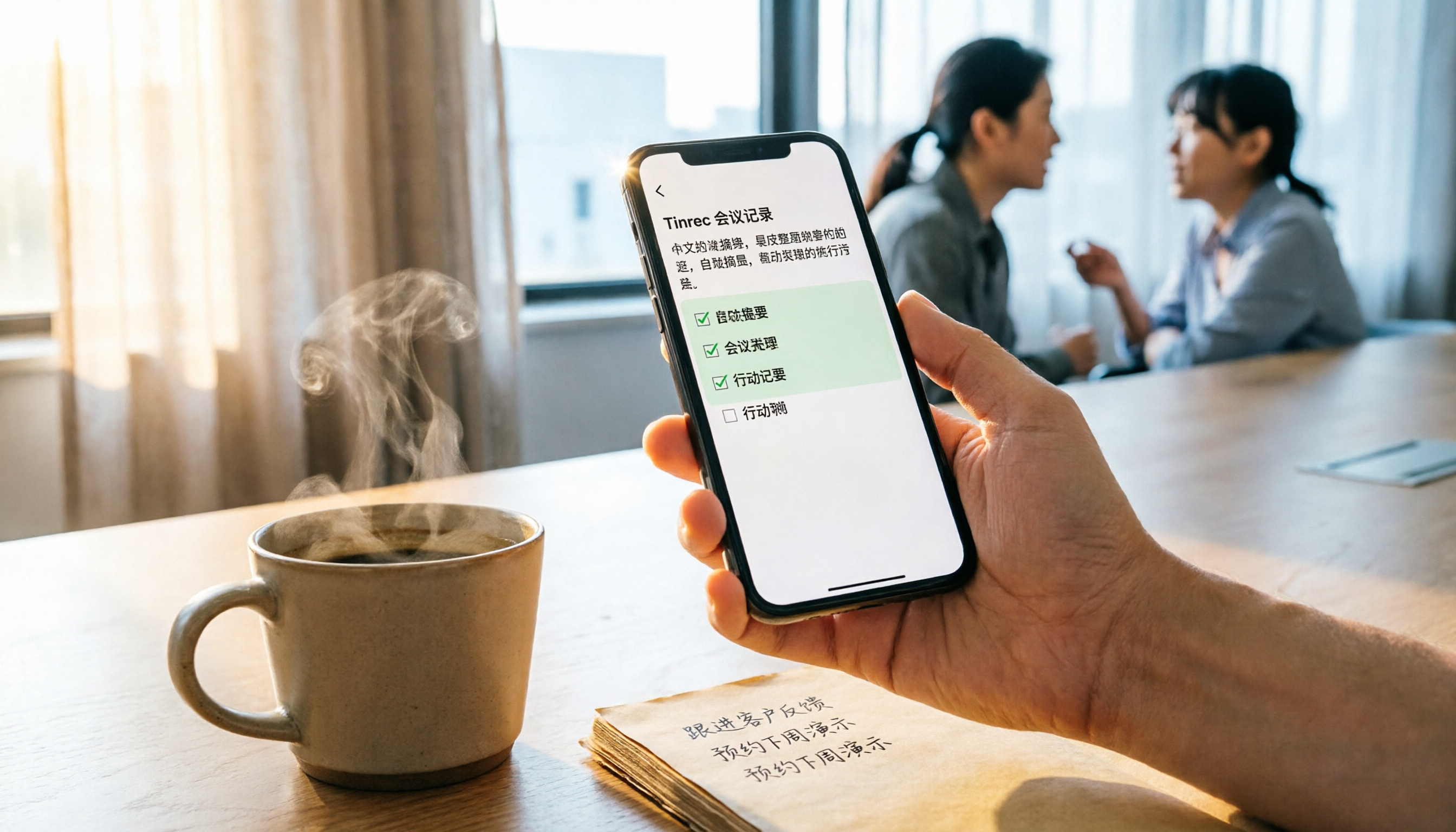
Tinrec doesn't just provide summaries; it automatically extracts sections, key points, and to-do lists. With the same recording, I could directly see the "Action Items" section and copy it to Notion to complete the assignment.
→ This dimension: Tinrec wins for post-meeting action.
Dimension 2 | Mixed Chinese Content and Technical Terms
It's common to mix Chinese and English in meetings, especially with product names and project codes. Notta's Chinese transcription is decent, but it still makes mistakes with internal jargon.
Tinrec offers a team glossary feature. After I added "Nimbus Project" and "Q3 Sprint," the transcription and summaries became much more accurate.
→ This dimension: Tinrec is better suited for Chinese-speaking teams.
Dimension 3 | Team Space and Knowledge Retention
Notta Business allows you to manage members and usage, but meeting data is mostly stored in personal folders.
Tinrec has a dedicated team space where all meeting recordings, transcripts, and action items belong to the team. If a member leaves or changes teams, the data doesn't disappear; admins can also view audit logs and the recycle bin.
→ This dimension: Tinrec turns meetings into team assets.
Stop organizing recordings by hand
Upload audio or video and automatically get a transcript, summary, and action items
Dimension 4 | Export and Further Processing
Notta allows you to export transcripts and subtitles, which is suitable for archiving meeting records.
Tinrec goes further, supporting export to tools like Notion and Google Docs, and offers Agent post-processing to generate reports, tables, and formal meeting minutes. I used it to produce a client proposal summary, saving half an hour of formatting.
→ This dimension: Tinrec covers post-meeting deliverables.
What Are the Unique Advantages of Each?
Tinrec's unique advantages:
- No-bot online meeting recording: The desktop version captures system audio directly, so you don't need a bot to join the meeting.
- Team space and seat management: Roles and seats are separated, with more complete data handover and recycle bin features.
- Team glossary: Improves recognition of technical terms and reduces typos.
- Agent post-processing: Generates reports, tables, and other deliverables directly from meeting content.
Notta's unique advantages:
- Mature batch subtitle and translation features: Ideal for scenarios requiring large volumes of subtitles or quick translation.
- Free tier offers 120 minutes per month and 3 minutes per session: Friendly for light users getting started.
Summary: Which One Should You Choose?
For most iPhone users, if you want to "take action immediately after a meeting and enable your team to reuse the content," Tinrec is more comprehensive.
If you only occasionally record a session and want simple transcripts and subtitles, Notta's free tier is sufficient.
In one sentence: Tinrec isn't necessarily more powerful, but it better understands the post-meeting workflow.
Quick start checklist:
- Download the Tinrec or Notta iPhone app and record a real meeting first.
- Feed the transcript into the summary feature and see if you can directly get action items.
- Create a team space and share recordings and minutes with colleagues.
- Add 3-5 common glossary terms in the team settings.
- Use export or Agent post-processing to generate a post-meeting report.
- For the next meeting, follow this workflow instead of manually copying and pasting.
Test it step by step, and you can turn meetings from a burden into a resource.
References
Turn every recording into actionable outcomes
Get 60 free transcription minutes when you sign in. No credit card required.
Related Reading
You might also like

How to Choose an Online Audio-to-Text Tool in 2026: 5 Steps to Pick the Right One and Get a Transcript
How do you choose an online audio-to-text tool? This article reviews 6 online options—Tinrec, MyEdit, cSubtitle, CyberLink, Yating Transcript, and Monica—comparing free quotas, Chinese recognition, export formats, and team collaboration. It also walks you through 5 steps to turn an audio file into a transcript.

2024 Review of 4 Audio-to-Text Tools: Which Saves the Most Time on Chinese Meeting Transcripts and AI Summaries?
The 2024 audio-to-text comparison isn't just about transcription speed—it's about whether the tool can organize your meeting notes afterward. Based on real meetings and interviews, this review compares Tinrec, Notta, Granola, and PLAUD on audio sources, transcripts, AI summaries, action items, team collaboration, and pricing limits to help you choose the right tool.

4 Free Online Audio-to-Text Tools Compared (2026): Which Offers the Best Free Tier and Chinese Recognition?
A comparison of Tinrec, MyEdit, cSubtitle, and Monica's free online audio-to-text offerings, covering free quotas, Chinese recognition, export formats, and post-meeting AI organization to help you decide which suits meetings, interviews, and subtitles.

4 Free AI Audio-to-Text Tools Tested: Which Free Tier Is Enough in 2026?
There are many free AI audio-to-text tools, but free quotas, single-recording length limits, Chinese recognition, and post-meeting organization capabilities vary widely. This article compares the free plans and use cases of 4 tools, using Tinrec's no-bot recording, AI Q&A, and team spaces as selection references.

2026 Comparison of 2 Online Audio-to-Text Tools: Tinrec vs Otter.ai — Which Is Better for Chinese Meetings?
Starting from common misconceptions, this comparison examines Tinrec and Otter.ai in Chinese meetings, bot-free recording, post-meeting organization, real-time translation, and team data retention to help you decide which online audio-to-text tool fits your daily work.

2026 Comparison of 2 Audio-to-Text Platforms: Free Tiers, Chinese Recognition, and Post-Meeting Organization at a Glance
A side-by-side comparison of Tinrec and Notta across free tiers, Chinese recognition, online meeting recording, post-meeting organization, and team collaboration, helping you decide whether the free version is enough and when to upgrade.

iPhone Voice Memos vs Tinrec in 2026: 5-Dimension Comparison — Is Free Transcription Enough?
iPhone's built-in Voice Memos can now transcribe recordings for free, so do you still need a separate tool? This article compares iPhone's built-in features with Tinrec across 5 practical dimensions and honestly explains where the free limits are, helping you decide which approach fits your meeting volume.

4 Free Audio-to-Text Tools Tested for 2026: Which Free Tier Is Actually Enough?
There are plenty of free audio-to-text tools, but few can handle a full meeting. This hands-on comparison tests the free plans of Tinrec, Otter.ai, Notta, and TurboScribe—breaking down how limits are calculated, transcript post-processing, audio retention, and team collaboration—to help you decide which free version is truly usable.

2026 Comparison of 2 Free Audio-to-Text Tools: Whose Free Tier Is Actually Enough?
Starting from the pain point of post-meeting organization for mid-level managers with multiple weekly meetings, this hands-on comparison tests Tinrec and Notta's free version quotas, online meeting recording, post-meeting AI organization, Chinese experience, team collaboration, and export workflows to help you decide how to choose a free audio-to-text tool.