
Turn recordings into transcripts and summaries in minutes
Upload audio or video for multilingual transcription, AI notes, and action items
How to Turn iPhone Recordings into Meeting Minutes in 2026: 5 Tools with Step-by-Step Guides
It's minute 40 of the meeting, and you glance at your notes only to find three words written down. You grab your iPhone to record, but later you spend twice as long listening back—this is a dilemma familiar to anyone who has to take meeting minutes. If you're a manager at an SME, a department head, or a startup team member, time is money, and the hidden cost of manually compiling meeting minutes may be higher than you think. This article outlines 5 ways to turn iPhone recordings into meeting minutes, from completely free built-in features to AI meeting assistants, helping you quickly decide which fits your budget and workflow.
Why You Need to Convert iPhone Recordings to Meeting Minutes
Meeting minutes aren't just typing; they're about turning discussions into trackable conclusions and action items. There are many transcription tools on the market, but many free plans offer very limited quotas or only provide verbatim transcripts, leaving you to do the follow-up work yourself. This article lists 5 common options and evaluates them based on whether they truly save you time on post-meeting organization, rather than just comparing transcription minutes.
Option 1 | Tinrec (Miaoting Recording) — The Most Comprehensive AI Recording Assistant
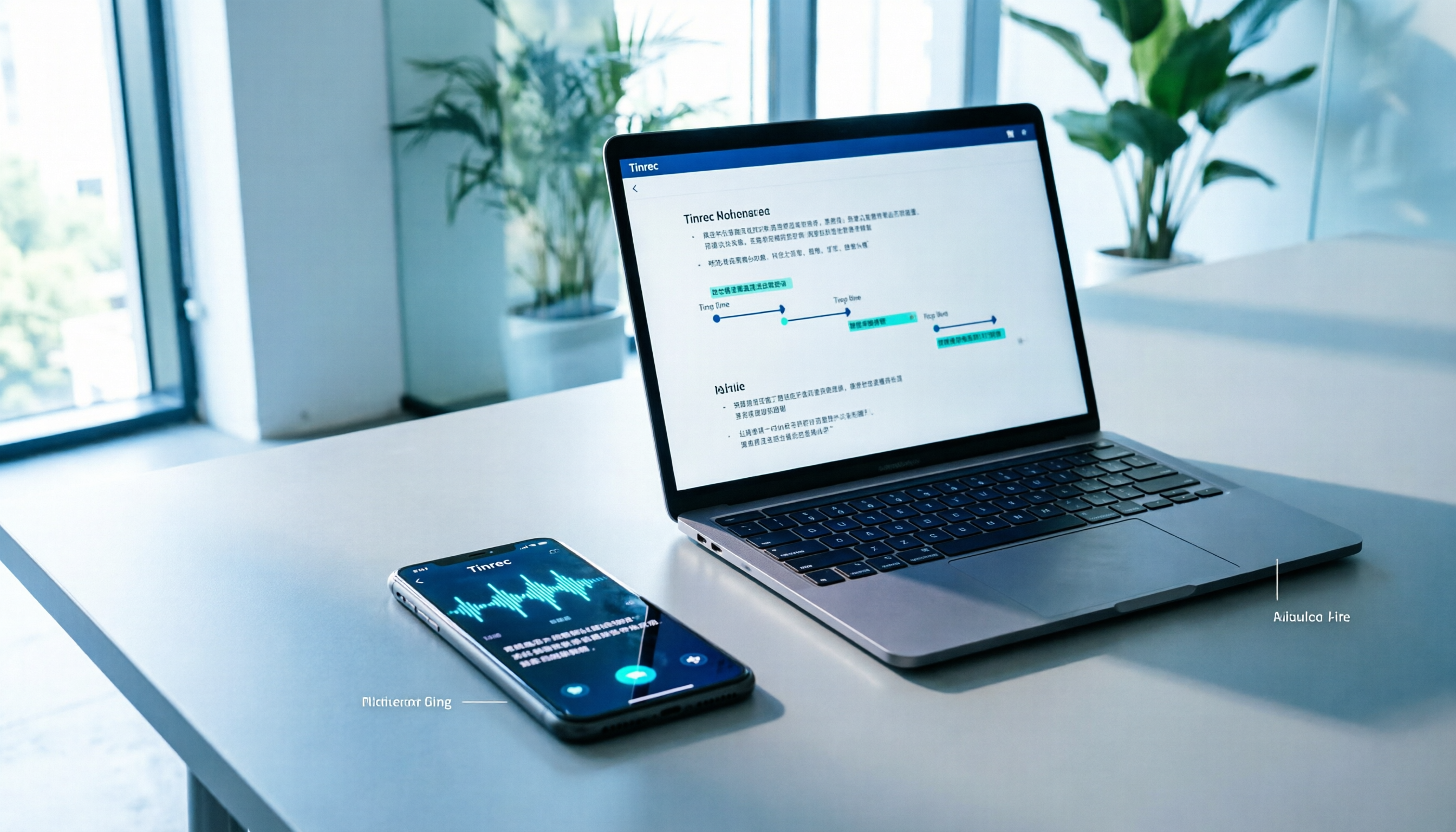
Tinrec isn't just a transcription tool; it's an AI meeting minutes workflow that turns meeting content into something searchable, queryable, and organized. For iPhone users, you can record in-person meetings directly on your phone or import existing audio files from your iPhone, and the system automatically generates verbatim transcripts, AI summaries, chapters, and action items.
Key highlights include:
- More than just a transcript: Tinrec automatically extracts key points and action items, rather than dumping a wall of text for you to read. For example, if your boss assigns three tasks during the meeting, Tinrec will list them in the summary.
- AI Q&A: You can ask Tinrec directly, "What was the budget cap we discussed?" or "What are the requirements for the report due next week?" and it will answer based on the recording, so you don't have to manually search the entire transcript.
- No bot for online meetings: If you also use your computer for Zoom, Google Meet, or Teams, the Tinrec desktop app can record system audio directly, without needing to invite a bot to the meeting.
- Multiple export formats: You can export the organized content to Notion, Google Docs, or download as a file for archiving and sharing.
Pricing: Tinrec offers a free plan to try basic features, and paid personal plans range from short-term weekly passes to long-term annual plans, suitable for different usage frequencies. If you need to turn meeting minutes into a shared team database, the team plan can manage members, seats, and usage, but individual users can start with the free plan or Pro.
Best for: Professionals who want more than just a transcript, needing automatic summaries, action items, and Q&A; those who want to integrate phone recordings and computer online meetings into a single workflow.
Option 2 | iPhone Built-in Notes and Voice Memos — Free Basic Choice
If you only have occasional meeting minutes needs and don't want to spend a dime, the built-in Notes and Voice Memos apps on iPhone can handle basic recording-to-text. As long as your iPhone is iPhone 12 or later and updated to iOS 18 or later, you can generate live transcripts while recording.
It's simple: In Voice Memos, after starting a recording, tap the text button in the bottom-left corner to see a live transcript; in Notes, you can also insert a recording directly into a note and convert it to text. The advantages are zero cost, no extra app downloads, and support for Traditional Chinese. However, in practice, the accuracy and sentence segmentation of the transcript still have room for improvement, with occasional typos or incoherent phrasing that requires manual editing.
Best for: Users with zero budget who only need simple transcription and are okay with manual corrections afterward.
Option 3 | Otter.ai — Mature Choice for English Meetings
Otter is a globally recognized AI meeting assistant, very mature in English business meeting scenarios, supporting Zoom, Teams, Google Meet, and has an iOS app for recording and transcription. Its features include real-time collaboration, speaker identification, and AI Chat. The free plan offers 300 minutes of transcription per month, which is sufficient for light English meeting users.
Stop organizing recordings by hand
Upload audio or video and automatically get a transcript, summary, and action items
However, if your meetings are primarily in Chinese, Otter's Chinese recognition is less accurate than English, and its follow-up features are more English-oriented. Paid plans start with Pro, which is about USD 8.49/month when billed annually, suitable for users needing more minutes and advanced features.
Best for: People whose meetings are primarily in English and who need real-time collaborative meeting notes with their team.
Option 4 | Notta — Multilingual Transcription and Translation
Notta is a transcription tool that supports both mobile and web, with good Chinese recognition in the Asian market, and also offers real-time translation and bilingual subtitles. You can record directly on your iPhone or upload audio files for transcription. The free plan offers 120 minutes per month, with a maximum of 3 minutes per session, suitable for occasional short meetings.
The paid Pro plan is about USD 8.17/month when billed annually, with 1,800 minutes per month, suitable for users needing consistent transcription and translation. Notta's strengths are multilingual support and file import, but if you need AI Q&A and action item organization after meetings, its depth is somewhat weaker compared to Tinrec.
Best for: People who need Chinese transcription and translation, or who often handle multilingual audio files.
Option 5 | Granola — Bot-Free AI Meeting Notes
Granola takes a "no-bot" approach, similar to Tinrec's desktop version, by capturing system audio directly from your computer without needing to invite a meeting bot. Its unique feature is combining AI transcription with your handwritten notes to produce more personalized meeting summaries, ideal for those who like to jot notes while listening.
However, Granola currently doesn't have a standalone iOS app; it's primarily used via Mac or Windows desktop. So if you only record on your iPhone, Granola won't help. Pricing includes a free plan, and the paid Business plan is USD 14 per user per month.
Best for: Users who primarily have meetings on their computer and want AI assistance without using bots.
With So Many Options, How Do You Choose?
The key to choosing a recording-to-meeting-minutes tool is whether you want to spend time organizing afterward. Here's a quick scenario-based guide:
- Want the most comprehensive AI features (transcription + summary + AI Q&A + action items) → Tinrec, which is currently the only option that integrates these features most smoothly, and works on both iPhone and computer.
- Zero budget, only need occasional transcription → iPhone built-in Notes or Voice Memos; basic features are sufficient, but remember to polish the text yourself.
- English meetings are primary, need a mature ecosystem → Otter.ai, with strong English recognition and collaboration, but Chinese scenarios may be less effective.
- Need extensive multilingual translation and file transcription → Notta, with good Chinese recognition, but lighter AI post-processing.
- Only use computer for meetings, like handwritten notes as a supplement → Granola, great bot-free experience, but no iPhone app.
If your need is "to get a presentable meeting minutes directly from an iPhone recording," Tinrec's AI summaries and action item extraction can save you the most time.
4 Things to Know Before Using iPhone Recording for Meeting Minutes
- Get consent to record: Whether it's an in-person or online meeting, inform all participants before recording and ensure compliance with local laws. Tools like Tinrec don't handle authorization for you.
- iPhone built-in features have model restrictions: To use live transcripts in Notes or Voice Memos, you need iPhone 12 or later with iOS 18 or later; older models can't use this feature.
- Accuracy is affected by environment: No tool can guarantee 100% accuracy; background noise, multiple people talking at once, and accents can all affect transcription quality. For important numbers or conclusions, cross-check with the recording playback.
- Free plans usually have limitations: Third-party tools' free versions often have minute or feature limits, e.g., Notta's free plan has a 3-minute maximum per session. If you have more than 2 hours of meetings per week, consider a paid plan directly.
Conclusion
Turning iPhone recordings into meeting minutes is no longer difficult, but "transcribing accurately" and "not having to organize afterward" are two different things. If you only need to occasionally convert recordings to text, built-in features can suffice; but if you want to truly turn meeting content into trackable action items and conclusions, Tinrec is the most feature-complete option on this list and worth trying first. We recommend starting with the free plan to experience AI summaries and Q&A, and see if it can save you at least 1 hour of organizing time each week.
References
- Record and transcribe calls on iPhone - Apple Support (Taiwan)
- iPhone Call Recording/Phone Recording/Voice Recording: 5 Tools Analysis and Practical Guide - Miaoting Recording Blog
- iPhone Notes and Recording Apps Have Transcript Features! Turn Lectures, Meetings, and Speeches into Text in 4 Simple Steps | Digital Times BusinessNext
- No Third-Party Apps Needed! A Complete Guide to iPhone Voice Memos and Notes App Recording-to-Text
- How to Convert iPhone Recordings to Text? 2026 5 Tools Tested: Chinese Recognition, Meeting Summaries, and Action Item Generation Guide - Miaoting Recording Blog
Turn every recording into actionable outcomes
Get 60 free transcription minutes when you sign in. No credit card required.
Related Reading
You might also like

2026 Audio-to-Text Comparison: Tinrec vs Otter.ai for Chinese Meetings & Team Knowledge
How to choose an audio-to-text tool in 2026? This article compares Tinrec and Otter.ai across 5 dimensions: Chinese meeting transcription, bot-free online meeting capture, audio file organization, post-meeting workflows, and team data governance. Based on public features and pricing, it helps you decide which is better suited for meeting notes needs in Taiwan.

How to Choose an Online Audio-to-Text Tool in 2026: 5 Steps to Pick the Right One and Get a Transcript
How do you choose an online audio-to-text tool? This article reviews 6 online options—Tinrec, MyEdit, cSubtitle, CyberLink, Yating Transcript, and Monica—comparing free quotas, Chinese recognition, export formats, and team collaboration. It also walks you through 5 steps to turn an audio file into a transcript.

2024 Review of 4 Audio-to-Text Tools: Which Saves the Most Time on Chinese Meeting Transcripts and AI Summaries?
The 2024 audio-to-text comparison isn't just about transcription speed—it's about whether the tool can organize your meeting notes afterward. Based on real meetings and interviews, this review compares Tinrec, Notta, Granola, and PLAUD on audio sources, transcripts, AI summaries, action items, team collaboration, and pricing limits to help you choose the right tool.

4 Free Online Audio-to-Text Tools Compared (2026): Which Offers the Best Free Tier and Chinese Recognition?
A comparison of Tinrec, MyEdit, cSubtitle, and Monica's free online audio-to-text offerings, covering free quotas, Chinese recognition, export formats, and post-meeting AI organization to help you decide which suits meetings, interviews, and subtitles.

4 Free AI Audio-to-Text Tools Tested: Which Free Tier Is Enough in 2026?
There are many free AI audio-to-text tools, but free quotas, single-recording length limits, Chinese recognition, and post-meeting organization capabilities vary widely. This article compares the free plans and use cases of 4 tools, using Tinrec's no-bot recording, AI Q&A, and team spaces as selection references.

2026 Comparison of 2 Online Audio-to-Text Tools: Tinrec vs Otter.ai — Which Is Better for Chinese Meetings?
Starting from common misconceptions, this comparison examines Tinrec and Otter.ai in Chinese meetings, bot-free recording, post-meeting organization, real-time translation, and team data retention to help you decide which online audio-to-text tool fits your daily work.

2026 Comparison of 2 Audio-to-Text Platforms: Free Tiers, Chinese Recognition, and Post-Meeting Organization at a Glance
A side-by-side comparison of Tinrec and Notta across free tiers, Chinese recognition, online meeting recording, post-meeting organization, and team collaboration, helping you decide whether the free version is enough and when to upgrade.

iPhone Voice Memos vs Tinrec in 2026: 5-Dimension Comparison — Is Free Transcription Enough?
iPhone's built-in Voice Memos can now transcribe recordings for free, so do you still need a separate tool? This article compares iPhone's built-in features with Tinrec across 5 practical dimensions and honestly explains where the free limits are, helping you decide which approach fits your meeting volume.

4 Free Audio-to-Text Tools Tested for 2026: Which Free Tier Is Actually Enough?
There are plenty of free audio-to-text tools, but few can handle a full meeting. This hands-on comparison tests the free plans of Tinrec, Otter.ai, Notta, and TurboScribe—breaking down how limits are calculated, transcript post-processing, audio retention, and team collaboration—to help you decide which free version is truly usable.