
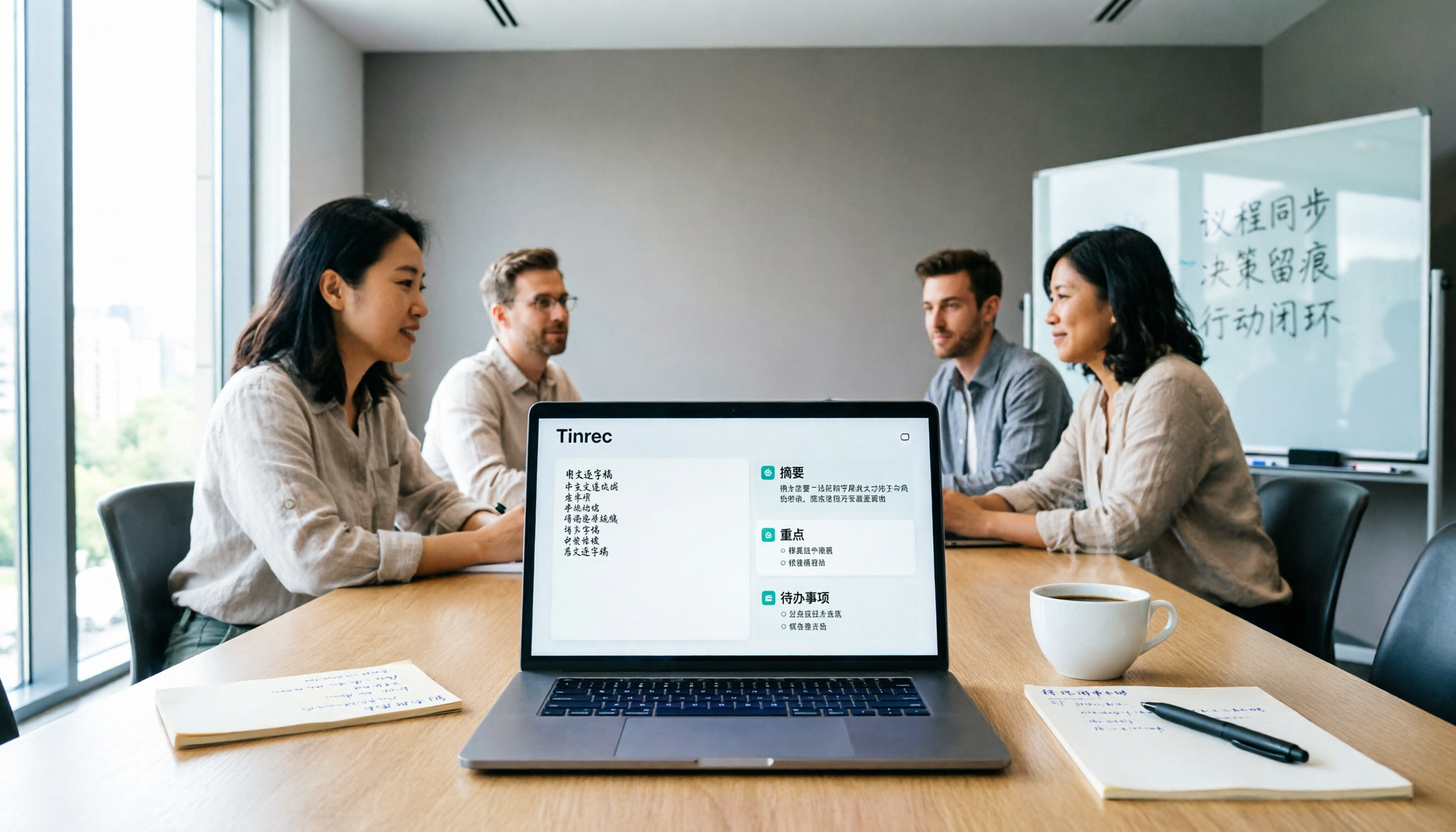
Turn recordings into transcripts and summaries in minutes
Upload audio or video for multilingual transcription, AI notes, and action items
Have you ever been in this situation: after a 90-minute meeting, your manager asks you to "take the minutes," and you open a blank document, staring at the page for half an hour, not knowing where to start.
The hardest part of meeting minutes isn't typing—it's condensing scattered discussions into a structured, focused, and actionable formal document. The traditional approach is to listen to the recording and type, then edit the transcript afterward, which often takes longer than the meeting itself.
Today, we're comparing two tools—Tinrec and Notta—both AI meeting minutes solutions. They both transcribe audio to text, but the difference lies in their post-processing capabilities. This article tests them across 5 key dimensions to show you which one is better for quickly producing professional meeting minutes.
Tinrec vs Notta: Quick Overview
Tinrec is a tool that combines AI meeting minutes with team collaboration. Besides real-time transcription, it automatically generates summaries, chapters, and action items, and can even output reports or tables. Notta also offers multi-platform transcription and translation, but differs in team spaces and depth of post-processing.
Here's the basic info on both tools:
- Core positioning: Tinrec emphasizes "turning meetings into actionable team knowledge"; Notta leans toward a general transcription and subtitle tool.
- Meeting recording method: Tinrec's desktop app can directly capture system audio without inviting a bot; Notta also supports meeting bots and desktop recording.
- Team features: Tinrec has dedicated team spaces, roles and seat management, usage analytics, and audit logs; Notta's Business plan offers role permissions and usage reports, but with less granular seat and recycle bin features.
- Pricing: Both have free tiers; paid plans vary by annual or monthly billing. Tinrec's team plan is per-seat, and Notta's Business plan is also per-seat.
Now let's dive into the five-dimension comparison.
Dimension 1: Chinese Transcription and Technical Term Recognition
Notta performs reliably in multilingual transcription, handling Chinese and mixed Chinese-English content, but it may require manual corrections for industry jargon or internal abbreviations. Its free plan offers only 120 minutes per month, with a max of 3 minutes per session—fine for light use, but limiting for heavy meeting loads.
Tinrec is specifically designed for Chinese environments, supporting Traditional and Simplified Chinese, plus real-time translation and bilingual display. The team plan includes a "team glossary" feature, where you can predefine company product names, project codes, and other terms, and the transcription will automatically apply them, significantly reducing post-editing time.
→ This dimension: Tinrec wins, especially for teams dealing with lots of Chinese technical terms.
Dimension 2: Bot-Free Recording and Real-Time Transcription
Notta supports joining Zoom, Meet, Teams, and other meetings via a meeting bot, or using the desktop app or file upload. However, bots can sometimes raise concerns among participants and require extra setup.
Tinrec's desktop app directly captures your computer's system audio, so no bot needs to join the meeting. Just open Tinrec, hit record, and it transcribes in the background in real time, showing both the original text and translation. For situations where you don't want a "stranger bot" in the meeting, this approach is discreet and convenient.
→ This dimension: Tinrec wins, as the bot-free experience fits typical office culture better.
Dimension 3: AI Summaries and Action Item Extraction (Meeting Minutes Format Generation)
Notta can output transcripts and provides summary features, but the summaries are more like bullet points. To turn them into a formal meeting minutes format, you'd still need to manually fill in sections like topics, decisions, and action items.
Tinrec goes beyond summaries: it automatically breaks down chapters, extracts key points, lists action items, and can even generate mind maps. More importantly, you can directly ask the AI to produce a standard meeting minutes document, including meeting time, attendees, discussion topics, decisions, and to-do lists. Below is an example snippet of meeting minutes generated by Tinrec:
【Meeting Minutes】
Meeting Topic: Q3 Marketing Campaign Discussion
Date: 2026/08/20
Attendees: John Wang, David Li, Emily Chen

1. Discussion Topics
1. New product launch timeline
2. Social media ad budget allocation

2. Decisions
- New product to complete testing by 9/15, official launch on 9/20.
- Social media ad budget increased to $200,000, managed by the marketing department.

3. Action Items
- John Wang: Submit test report by 9/5.
- Emily Chen: Update ad creatives by 8/25.
Stop organizing recordings by hand
Upload audio or video and automatically get a transcript, summary, and action items
This format is exactly what most companies expect from meeting minutes. Tinrec can generate it within seconds after the recording ends, and you can then fine-tune it.
→ This dimension: Tinrec wins, as its AI post-processing directly addresses the need to produce a formal format.
Dimension 4: Team Collaboration and Data Management
Notta's Business plan offers role permissions and usage reports, suitable for small to medium teams sharing transcription quotas. However, document-level permissions are simpler, and searching and archiving historical meeting data requires extra effort.
Tinrec's team plan is more like a meeting knowledge base: all meeting recordings, transcripts, summaries, and action items are centralized in a team space, where members can share, search, and ask questions. Admins can assign roles and seats, view usage trends, export audit logs, and even recover accidentally deleted audio files from the recycle bin. This design turns meeting minutes from personal files into a shared team knowledge asset.
→ This dimension: Tinrec wins, with more comprehensive team governance and data accumulation.
Dimension 5: Export and Workflow Integration
Notta supports exporting in multiple formats and can connect to some third-party tools, but further processing into reports or tables still requires manual work.
Tinrec offers common text and PDF exports, plus an Agent post-processing feature that lets you ask the AI to convert meeting content into reports, Excel tables, or even Slack messages. It also supports exporting to Notion, Google Docs, OneNote, Dropbox, and more, seamlessly integrating meeting minutes into your existing workflow.
→ This dimension: Tinrec wins, with stronger post-export processing capabilities.
What Are Their Unique Strengths?
Tinrec's unique strengths:
- Bot-free desktop recording: Discreetly records online meetings without alerting participants.
- Complete team space: Roles, seats, usage, audit, recycle bin—comprehensive management features.
- AI Q&A and Agent post-processing: Continue asking questions about the meeting content or automatically generate work documents.
- Chinese glossary and real-time translation: Better suited for teams in Taiwan.
Notta's unique strengths:
- Cross-platform transcription and subtitles: Rich options for subtitle creation and multilingual translation.
- Lower personal pricing threshold: If you only transcribe occasionally, the Pro annual plan is relatively affordable.
Overall, Notta is more of a general-purpose transcription tool, while Tinrec is a complete solution designed specifically for meeting minutes and team collaboration.
Summary: Which One Should You Choose?
- If you need to quickly produce formal meeting minutes format without manual copy-pasting → Choose Tinrec.
- If your team needs to share meeting data, track action items, and manage permissions → Choose Tinrec.
- If you often have online meetings and don't want a bot joining → Choose Tinrec.
- If you only occasionally transcribe a few recordings and have a limited budget → Notta's free or Pro plan is sufficient.
In a nutshell: For most professionals in Taiwan, Tinrec is the more complete choice, especially when you need to turn meeting minutes into team-usable documents. We recommend trying the free version first and testing it with your own meeting recording.
FAQ
Q1: Do I really need an AI tool for meeting minutes? Not necessarily, but AI tools can save you a lot of time. Manual minutes are suitable for situations requiring high accuracy or legal validity; for general internal meetings, AI assistance is very efficient.
Q2: What are the limitations of Tinrec's free plan? The free plan provides basic quotas for you to try recording, transcription, and summary features, but the exact minutes are subject to the official page. We recommend testing the free version first before deciding to upgrade.
Q3: Which has higher Chinese accuracy, Notta or Tinrec? Both have decent Chinese transcription, but Tinrec has enhanced support for Taiwanese terminology and team glossaries. Actual results depend on audio quality and accents, so it's best to test with your own recordings.
Q4: What fields should a meeting minutes format include? At a minimum, it should include: meeting topic, date and time, attendees, discussion topics, decisions, and action items. You can refer to the example format in this article and adjust based on your company's practices.
Q5: Should I worry about privacy when using AI meeting tools? Always obtain consent from participants before recording and comply with your company's security policies. Tinrec's team plan provides audit logs to track important operations.
References
- 【Meeting Minutes Writing 2026】Format Guide|Free Templates and Downloads - ProjectManager
- Meeting Minutes = Transcript? Professional Meeting Minutes Only Record 3 Key Points|Writing Tips and Templates - 104 Career Force
- Meeting Minutes Format Template|4 Key Points + Complete Template to Follow
- How to Take Meeting Minutes? 2026 Complete Guide for Beginners - Meta Note
- Meeting Minutes Tips with Examples | Indeed.com Hong Kong
Turn every recording into actionable outcomes
Get 60 free transcription minutes when you sign in. No credit card required.
Related Reading
You might also like

2026 Comparison of 4 Meeting Transcription Tools: Which One Actually Saves You Time?
How do you transcribe meeting recordings? We tested Tinrec, Notta, Otter.ai, and Granola using the same real meeting recording with mixed Chinese and English. We compared their transcription and post-meeting organization workflows, identified 5 key buying factors and 3 common mistakes, and compared free tiers, paid pricing, and team collaboration capabilities to help you decide which tool best fits your meeting habits.

2026 Comparison of 5 Meeting Transcription Tools: Free Tiers, Chinese Recognition, and Post-Meeting Organization—Which Saves the Most Time?
Comparing five common meeting transcription approaches from four angles: free tiers, Chinese recognition, post-meeting organization, and team collaboration. Explains why Tinrec is suitable for users who need Chinese meeting transcripts and team knowledge retention.

Best Meeting Transcription Tools in 2026: 4 Tested, Top Pick for Chinese Meetings & Team Knowledge
Most people choose meeting transcription tools based on free minutes, overlooking the cost of organizing transcripts afterward. This article addresses common pitfalls, outlines 4 key buying criteria, tests Tinrec, Otter.ai, Notta, and Granola, and provides a guide to avoid mistakes plus scenario-based recommendations.

Tinrec vs Notta 2026: 5-Dimension Comparison for Chinese Meeting Transcription
How to choose a meeting transcription tool? This article compares Tinrec and Notta across 5 practical dimensions: online meeting capture, post-meeting output, Chinese and bilingual experience, team data management, and plan quotas. It also covers real-world use cases and purchasing considerations to help you decide which tool better fits your workflow.

2026 Comparison of 5 Meeting Transcription Tools: Which One Actually Turns Transcripts into Action Items?
How to choose a meeting transcription tool? This article examines four key criteria: capture method, post-meeting output, audio retention, and team management. It compares Tinrec, Otter.ai, Notta, Granola, and TurboScribe, and outlines four common pitfalls plus scenario-based recommendations to help you choose the right meeting notes solution within your budget.

Tinrec vs Notta 2026: 5-Dimension Comparison — Which Free Chinese Meeting Transcription Tool Is Good Enough?
How to choose free meeting recording transcription software? This article compares Tinrec and Notta across 5 dimensions, tests bot-free online meeting recording, Chinese transcripts, AI summaries, and action items, and also covers the free quotas and limitations of Otter.ai and TurboScribe to help US professionals pick a truly usable meeting transcription tool.

2026 Free Meeting Transcription Options: Tinrec vs. Notta Compared
How to choose a meeting transcription tool? This article compares Tinrec and Notta across five dimensions: free quota, meeting capture method, post-meeting organization, Chinese language experience, and team data retention. It also explains the practical differences between free and paid plans to help you decide which tool better fits your meeting scenario.

2026 Comparison of 4 Meeting Transcription Tools: Which Free Version Is Good Enough?
Using the same mixed Chinese-English meeting recording, we tested Tinrec, Otter.ai, Notta, and Granola to clarify the differences: which one can record online meetings without a bot, which one only gives you a transcript, which free tier is truly sufficient, and what to consider for roles and seats when sharing meeting data with a team.

Smart Meeting Notes in 2026: Auto Summaries + Action Items Made Easy
Learn how to take smart meeting notes with Tinrec: from bot-free recording of online meetings, transcripts, and AI summaries to action item extraction, plus a clear explanation of the common misconception about "contrast adjustment" in meeting notes.