
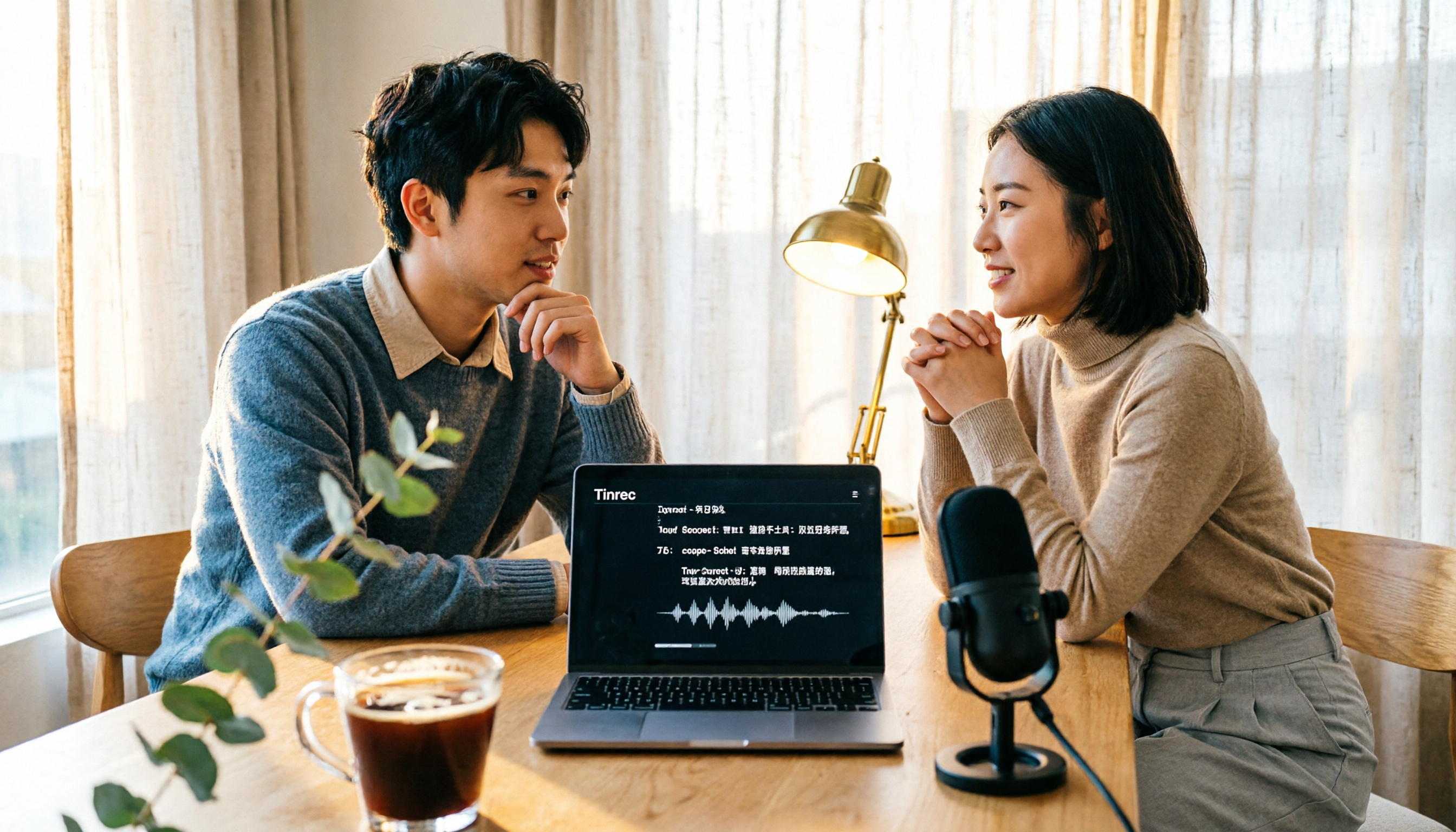
Turn recordings into transcripts and summaries in minutes
Upload audio or video for multilingual transcription, AI notes, and action items
What You Need Isn't a Tool, It's a Solution—Stop Getting Ripped Off by Transcription Costs
Many people assume that the more expensive a real-time transcription tool is, the better it works, or that free options are sufficient. But then they buy one and find out it doesn't support Cantonese, the output is riddled with errors, and they end up correcting every sentence manually—so they haven't saved any time at all. Others only look at the price, thinking a higher transcription cost means better accuracy. In reality, human transcription and AI tools each have their own use cases, and blindly paying up will only lead to disappointment.
Two hours in a meeting, another two hours writing up the minutes—that's the daily grind for many office workers in the city. Even more frustrating are Cantonese meetings: there are few transcription tools on the market that support Cantonese, and accuracy varies widely. After trying a few, you'll realize: what you need isn't a voice recorder, but an assistant that can help you organize key points and find answers.
If you've experienced any of the above, this article is written for you.
Before Choosing a Real-Time Transcription Tool, Understand These 4 Key Points
Accuracy: Don't Just Look at Official Numbers. The 98% accuracy rate advertised by companies is usually measured in a soundproof recording studio. Real meetings have air conditioning noise, keyboard sounds, and people talking over each other, which significantly reduces accuracy. It's best to test with your own recordings using free trials to see how well it handles Cantonese and mixed Chinese-English speech.
AI Features: Transcription Is Just the First Step. Many tools only transcribe, leaving you to find the key points yourself. If you need answers like "who said what" or "what was the meeting conclusion," you'll want a tool with AI-powered conversation queries. Tinrec is one of the few that lets you ask questions directly after recording.
Is Cross-Platform Support Important? Today you're on your computer in the office, tomorrow you're recording on your phone while out, and when you get home you want to review on your tablet—if the tool doesn't support cross-platform use, you'll be in for a headache. Make sure to choose one that has iOS, Android, and web versions.
Cost: Don't Just Look at the Monthly Fee. Free versions usually have minute limits, and paid versions come in individual and team tiers. Calculate roughly how many minutes you record each month, and consider whether you need team sharing. If your whole team will be using it, the shared quota and management features of the team plan are what really matter—the time saved far exceeds the monthly fee.
Tinrec (秒听录音) — Our Top Pick After Testing
Tinrec (秒听录音) is a multilingual AI meeting notes and collaboration tool that covers iOS, Android, and web, plus a desktop version that can record online meetings without a bot. It's not just about converting audio to text; it turns meeting content into a searchable, summarizable, queryable, and exportable team asset.
Hands-On Experience: When you open Tinrec during a meeting, it transcribes in real time as it records, and after the meeting, it automatically generates a summary, chapters, and action items. The best part is its AI Q&A feature—after recording a 30-minute Cantonese meeting, you can ask, "Who's responsible for following up on the budget?" It doesn't just search for keywords; it gives you the answer based on semantic understanding. Almost no competitor in the same price range offers this feature.
We tested it with a real Cantonese meeting recording with background noise from air conditioning and keyboards. Tinrec's transcription was noticeably more fluent than other free tools, especially with colloquial Cantonese and mixed Chinese-English speech. While it's not 100% perfect, it saves about 90% of the time compared to manually transcribing by listening to the recording.
Stop organizing recordings by hand
Upload audio or video and automatically get a transcript, summary, and action items
Pros:
- Bot-Free Online Meeting Recording: The desktop version captures system audio directly, so you don't need to invite extra bots to Zoom, Meet, or Teams, keeping meetings clean.
- Practical AI Organization: Beyond transcription, it offers summaries, action items, and mind maps, so you can generate meeting minutes right after recording.
- Team Space for Knowledge Accumulation: All meetings belong to the team, and members can search historical records. New hires can also review past decisions.
Limitations: The free version has limited credits, and heavy users will need to upgrade. The team plan is priced per seat at USD 29.80/month or USD 199/year per seat, suitable for companies that need sharing and management.
Who Is It For? If you frequently have Cantonese meetings, need to find key points right after recording, or want to turn meeting minutes into a team asset, Tinrec is currently the most comprehensive choice.
Beyond Tinrec: What Other Options Are There?
Otter.ai: The top choice for English meetings, with a generous free plan of 300 minutes per month. However, its Chinese and Cantonese experience is clearly not as good as Tinrec, and it lacks team-specific features like custom vocabulary and recycle bin. If you only record English content, Otter is a good option; but for Chinese meeting organization and team collaboration, Tinrec is a better fit.
Notta: It performs well in multilingual transcription, with a free plan of 120 minutes per month. However, Notta focuses on file transcription and subtitles, and its post-meeting organization features are weaker—it doesn't have Tinrec's AI conversation query or agent post-processing. If you mainly upload audio files to convert to text, Notta works; but for recording and organizing meetings simultaneously, Tinrec is more convenient.
Fireflies.ai: It's mature in meeting automation and sales analytics, but its Chinese experience is average, and it requires joining meetings as a bot. Tinrec's bot-free recording is cleaner, and its team space and custom vocabulary management are better suited to Chinese-speaking teams.
Pitfall Guide: 4 Common Mistakes When Choosing a Real-Time Transcription Tool
Pitfall 1: Only Looking at Price, Ignoring Hidden Limits. Many tools have low monthly fees, but the free version limits each recording to 30 minutes, or file import is almost unusable. Make sure to test before buying—don't fall for a cheap price and end up disappointed.
Pitfall 2: Not Considering Cantonese Support. Many tools only support Mandarin and English, and Cantonese transcription comes out riddled with errors. If you frequently have Cantonese meetings, be sure to test with your own recordings.
Pitfall 3: Overlooking Cross-Platform Needs. You record on your iPhone today, but tomorrow you need to organize on your computer. If the tool doesn't have a web or desktop version, you'll be in trouble. Tinrec covers all platforms, and it does this well.
Pitfall 4: Buying a Tool but Only Using It as a Voice Recorder. If you only use it for audio-to-text, you're only using a third of the tool's capabilities. With Tinrec's AI Q&A, for example, you can ask "What was the meeting conclusion?" right after recording—much faster than manually scanning through 30 minutes of transcript.
Conclusion: Which One Should You Choose?
If you need a tool designed for Chinese and Cantonese meetings, with bot-free online meeting recording, AI organization, and team collaboration, Tinrec is currently the most comprehensive choice.
Scenario Recommendations:
- Need bilingual transcription in Cantonese + Mandarin → Tinrec (multilingual support, bot-free recording)
- Want to use AI to find key points after recording → Tinrec (the only one with AI conversation query)
- Cross-platform use (mobile + computer) → Tinrec (iOS + Android + web + desktop)
- Limited budget, only record English → Otter.ai (free plan 300 minutes/month, the only exception)
We recommend downloading Tinrec's free version to try it out and see if the Cantonese transcription and AI Q&A meet your needs. Upgrade only if you find it useful—there's no need to pay upfront.
References
- 2026 Transcription Market Price List: Are Free AI Tools Any Good? | Tasker Article Column
- How Much Does Transcription Cost? 2026 Latest Rates and Quotes | Tasker
- Meeting Voice-to-Text and Transcription: Which AI Tool Should You Use? Free vs. Paid Comparison | Manager Today
- How Much Does Transcription Cost? 2 Types of Rates Explained | FMI
- 2026 Transcription Service Reviews: 10 Tools Complete Evaluation and Recommendation Guide
Turn every recording into actionable outcomes
Get 60 free transcription minutes when you sign in. No credit card required.
Related Reading
You might also like

2026 Smart Meeting Notes App Buying Guide: Tinrec vs Otter.ai Across 5 Dimensions
Starting from common buying mistakes, this guide compares Tinrec and Otter.ai across 5 dimensions—Chinese-language meetings, bot-free recording, post-meeting outputs, team governance, and pricing/quotas—to help SMBs and team leads make a choice they can justify to their boss.

2026 Comparison of 4 AI Meeting Notes Apps: Which Handles Chinese Meeting Minutes Best?
How much time do you spend after a meeting turning the content into minutes you can actually send out? This article is built around real meeting scenarios office workers face. It first breaks down the 5 key decision points when choosing an AI meeting notes app, then reviews Tinrec, Otter.ai, Granola, and Notta—their positioning, limitations, and pricing. Finally, it uses scenario-based guidance to help you decide which one fits you, and lists the 4 most common buying mistakes.

Tinrec vs Meeting Bots in 2026: 5-Dimension Comparison – Are Smart Meeting Recorders Worth It?
Tired of staying after meetings to organize notes? This article compares Tinrec with traditional meeting bots across 5 dimensions: meeting capture, Chinese transcription, post-meeting organization, team collaboration, and pricing/quotas. It also uses real scenarios to show how a smart meeting recorder can handle transcripts, summaries, and action items all at once.

3 Smart Meeting Notes Tools Tested: Which Delivers the Most Practical Minutes and Action Items?
After a meeting, all you have are three lines of notes? This article starts from the real pain points of meeting documentation, outlines key criteria for choosing a smart meeting notes tool, and tests and compares Tinrec, Otter.ai, Notta, and PLAUD Note on their meeting minutes and action item output examples, bot-free recording methods, Chinese language support, and team data ownership, with a pitfall guide and selection advice.

4 AI Meeting Notes Apps Tested for 2026: Which Handles Chinese Meetings and Post-Meeting Cleanup Best?
From meeting recording, transcription, summaries, and action items to team knowledge retention, compare Tinrec, Otter.ai, TurboScribe, and PLAUD on use cases and plan limitations to help you choose the right AI meeting notes software.

Best AI Meeting Notes App? 2026 Test: Tinrec vs Otter for Chinese Meetings
Choosing between Tinrec and Otter.ai for online meeting notes? This comparison covers 5 areas: Chinese transcription, online meeting recording, post-meeting output, team governance, and pricing. We list free tiers and paid prices to help you decide which fits your meeting style.

2024 Comparison of 3 Smart Meeting Notes Apps: Which One Turns a One-Hour Meeting into a Five-Minute Read?
Most people only look at free minutes when choosing smart meeting notes software, and meetings still go unrecorded. This article addresses three common misconceptions and walks through Tinrec's complete five-step workflow—recording, transcription, proofreading, generating meeting notes, and exporting/sharing—then compares it with Notta and Granola's use cases to help you decide which workflow truly saves that hour after the meeting.

Tinrec vs Notta 2026: 5-Dimension Comparison of AI Meeting Notes Apps for Chinese-Language Scenarios
There are countless meeting notes apps, but the first thing to determine is whether you need a verbatim transcript or data you can directly use after the meeting. This article focuses on Tinrec and Notta, breaks down 5 purchasing dimensions, and also covers the positioning and pricing of Otter.ai, Granola, and PLAUD to help you choose the AI meeting notes app that fits your meeting style.

2026 Comparison of 5 Online AI Meeting Notes Tools: No Meeting Bots—Which One Actually Gets the Post-Meeting Work Done?
Moving meeting notes online isn't about which tool has the most features—it's about how meetings get captured. From the perspective of a mid-level manager with 15 meetings a week, I tested 5 online AI meeting notes approaches, comparing capture methods, summary and action item quality, Chinese recognition, team governance, and quota structures. I also explain why I ultimately kept Tinrec and where its limitations lie.