
Turn recordings into transcripts and summaries in minutes
Upload audio or video for multilingual transcription, AI notes, and action items
2026 To-Do List App Buying Guide: 5 Tested and Recommended
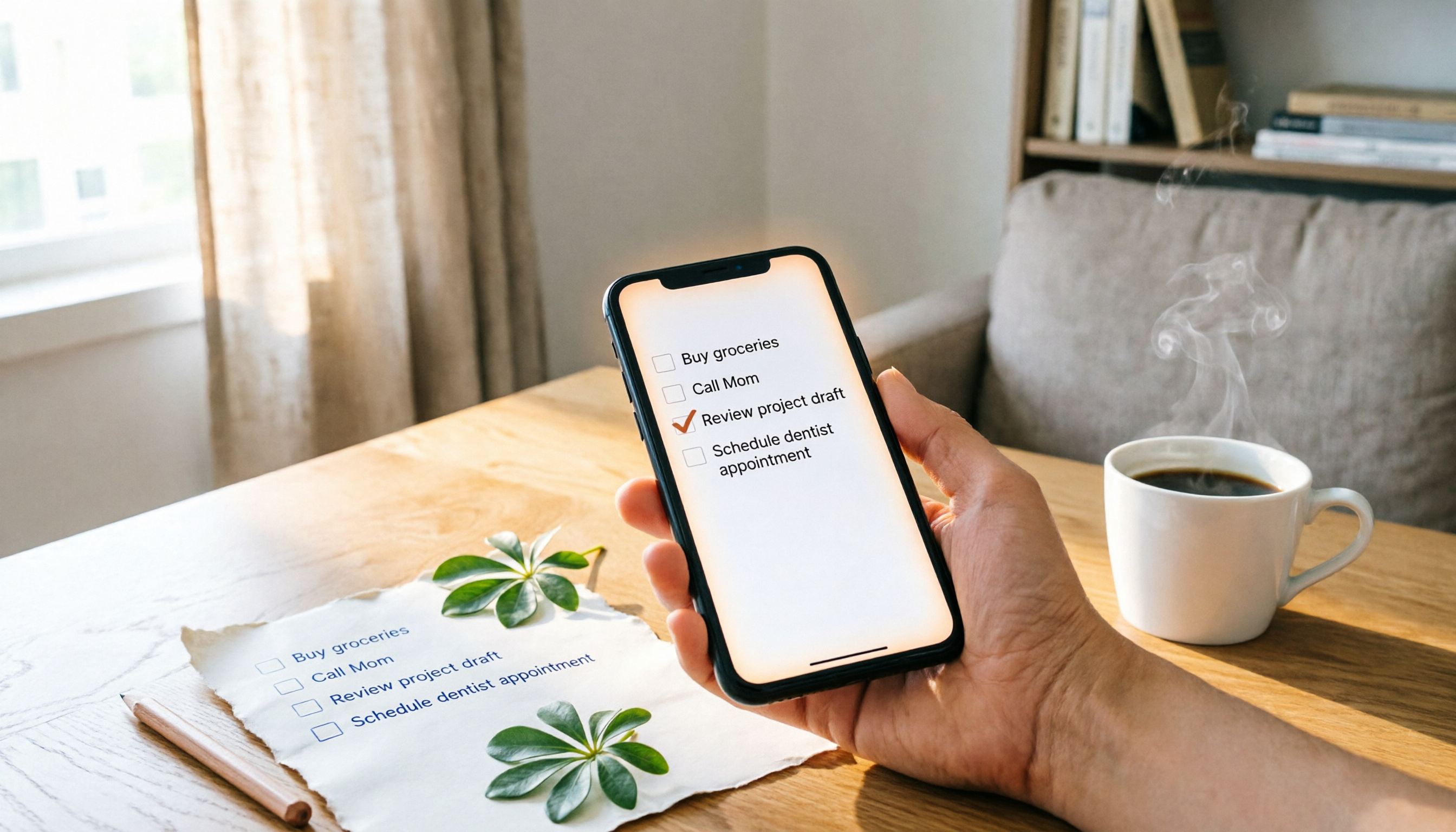
Forgetful and Overwhelmed by Lists? You Need a Handy Tool
When you're assigned a task during a meeting, you jot it down on a sticky note, only to lose it moments later. Or you set a reminder on your phone, but can't see it on your computer, and eventually miss it.
Worse, your list grows longer and longer, making you more anxious, and you have no idea where to start.
If you spend half an hour every day organizing your to-dos, the tool is adding to your burden rather than helping.
Choosing the right to-do list app can help you sync across devices, categorize quickly, and get timely reminders, so clutter no longer occupies your mind.
Before Choosing a To-Do List App, Understand These 4 Key Points
Cross-platform sync: This is the most important point. You might jot things down on your phone but handle them later on your computer. If the app doesn't support both platforms, it becomes very inconvenient. During testing, make sure to confirm: Can your phone, computer, and web version sync?
Free version limitations: Are reminders free? Many apps let you create lists for free, but require an upgrade to set reminders or recurring tasks. For average users, a to-do app without reminders is half useless. Always check what's included in the free version.
More features doesn't mean better. Some apps include Pomodoro timers, habit tracking, collaboration, and calendars—rich in features but with complex interfaces and a steep learning curve. If you just need simple task recording, too much complexity will make you avoid opening the app.
Integration with your existing tools. If you use Google services heavily, Google Tasks integrates seamlessly with Gmail and Google Calendar; Microsoft users can opt for Microsoft To Do. Think about which ecosystem you spend most time in.
Microsoft To Do—Our Top Pick After Testing
Microsoft To Do is Microsoft's free to-do and task management tool, supporting iPhone, Android, Windows, and web, with all features completely free.
Its most useful feature is "My Day." Each day, the app suggests tasks from all your lists that you might want to complete today, and you can add them with one tap, without starting from scratch. For office workers, spending a minute planning in the morning keeps the day organized.
Cross-device sync is stable. Create a list on your computer, and it appears on your phone instantly; record something on your phone, and you can continue on your computer when back at the office. The interface is clean, with no unnecessary buttons, so even older users can get the hang of it quickly.
Reminders are also free. You can set one-time or recurring reminders for each task, so you never miss bill payments, meetings, or routine work. Lists can also have custom background colors and themes, making organization a bit more enjoyable.
Note that Microsoft To Do has limited integration with Outlook Calendar. If you set a due date in To Do, it won't automatically appear in your calendar; you'll need to drag it manually. But if you just want a simple, free, cross-platform list tool, this doesn't affect daily use.
Microsoft hasn't published accuracy or performance data, but based on our testing, sync speed and stability are excellent, with no data loss encountered. The free version has no ads, no feature restrictions, and is quite complete.
Stop organizing recordings by hand
Upload audio or video and automatically get a transcript, summary, and action items
Best for: General office workers, students, and anyone needing a simple, free to-do list; especially recommended for Microsoft ecosystem users.
Beyond Microsoft To Do: What Other Options Are There?
Google Tasks: Google's official completely free to-do app, ideal for heavy Gmail and Google Calendar users. You can add tasks directly from the Gmail sidebar, but there's no standalone web version—only a Chrome extension. Microsoft To Do offers a full web version and apps, providing a more complete cross-platform experience.
TickTick: Feature-rich, with a web version, extensions, habit tracking, and Pomodoro timer; our editors liked it best. However, some advanced features require a paid subscription, and the free version has limitations. Microsoft To Do's free version is fully functional, with reminders and cross-device sync available without upgrading.
Todoist: Powerful, with a Karma scoring system that gamifies task completion. But the free version lacks task reminders and has limits on the number of projects. Microsoft To Do's free version includes reminders and offers more flexibility in list counts.
Pitfall Guide: 4 Common Mistakes When Choosing a To-Do List App
Pitfall 1: Only looking at the interface, ignoring cross-platform support. Some apps have beautiful mobile versions but don't work on desktop or sync frequently fails. Before downloading, check which devices are supported, especially whether you primarily work on a computer or phone.
Pitfall 2: Assuming more features are better, then never opening the app. When Pomodoro timers, habit trackers, and project collaboration are all crammed into one app, you can't even find the simple "Add Task" button. Decide first whether you only need list management or additional features, then choose.
Pitfall 3: Making lists too long, increasing stress. Microsoft recommends keeping your daily list to a maximum of 3 items; if you have more, try to include no more than one large task, paired with medium or small tasks. Lists are meant to be completed, not to hoard anxiety.
Pitfall 4: Assuming "free" means no limitations. Many apps' free versions don't allow reminders, recurring tasks, or cross-device sync. Always check what's included in the free version before downloading, so you don't discover later that important reminders require payment.
Summary: Which One Should You Choose?
Based on our comprehensive testing, Microsoft To Do is the best choice for a free, cross-platform, and complete solution. It has no paywall, offers just the right features, syncs reliably, and meets the needs of average users.
Scenario-based recommendations:
- Want completely free, simple interface, and cross-device sync → Microsoft To Do
- Heavy Google user, don't mind no standalone web version → Google Tasks
- Want habit tracking, Pomodoro timer, and other extras, and can accept some paid features → TickTick
- Need shared lists and gamified motivation, and don't mind missing reminders in the free version → Todoist
- Want smart suggestions and a beautiful interface, and can accept some feature upgrades → Any.do
We recommend trying Microsoft To Do's full free version first—no credit card required. If after a week you find the sync and reminders suit your habits, then consider whether you need a more advanced tool.
References
- To-Do List and Task Management App | Microsoft To Do
- "To Do List: To-Do List, Reminders, Time Management" App - App Store
- [To-Do List] Tested! 2026 Recommended 10 List, Calendar, and Time Management Apps! | Kiki Notes
- Stop Letting Clutter Disrupt Your Rhythm! A Curated List of To-Do Apps for a Productive New Year » BetweenGos Career Platform
- Never Miss Important Tasks Again! Review and Comparison of 7 Popular To-Do Software (Todoist/Any.do/...)
Turn every recording into actionable outcomes
Get 60 free transcription minutes when you sign in. No credit card required.
Related Reading
You might also like

4 AI Meeting Assistants Tested for 2026: No Meeting Bots—Which One Actually Saves You Two Hours After the Meeting?
A mid-level manager who holds 15 meetings a week tested 4 AI meeting assistants, comparing recording methods, post-meeting output, Chinese-language performance, and team governance. Here's why Tinrec (Miao Ting Lu Yin) was the one that stayed, and who Otter.ai, Granola, TurboScribe, and PLAUD are each best suited for.

How to Take Smart Meeting Notes in 2026: 6 Steps from Recording to AI Action Items
Smart meeting notes aren't just about hitting record. This guide starts with what a useful record should look like, compares four approaches—platform built-in, meeting bots, bot-free desktop recording, and post-meeting upload—then walks through 6 steps: define questions before the meeting, record and transcribe during, proofread after, generate AI summaries, rewrite with Topic + Next Step, and send and archive within 24 hours. It also covers team roles, seats, and pricing.

4 AI Meeting Assistants Tested in 2024: Dcard Users Weigh In—Which One Actually Saves You Post-Meeting Time?
Starting from the most common Dcard question—'How do I choose an AI meeting assistant?'—this article uses the real needs of a mid-level manager with 15 meetings a week to break down 4 key buying factors: how meetings are recorded, what you get after the transcript, whether recordings are kept, and how team seats are counted. It compares Tinrec, Otter.ai, Notta, and Granola, with a pitfalls guide and scenario-based recommendations.

5 Smart Meeting Notes Tools Tested for 2026: What Are AI Meeting Notes & Which Really Saves Time?
Many people think smart meeting notes are just automatic transcripts, but they end up with long text files and still have to find decisions and action items themselves. This article first clarifies common misconceptions about what smart meeting notes are, then reviews the features, official pricing, and ideal users for 6 solutions: Tinrec, Otter.ai, Notta, Fireflies.ai, Granola, and TurboScribe, helping you choose tools based on meeting workflows rather than marketing hype.

2025 AI Meeting Assistant Comparison: 4 Tools Tested—Which Turns Meetings into Searchable Team Knowledge?
How to choose an AI meeting assistant in 2025? This article breaks down 5 key selection criteria based on real meeting workflows, comparing Tinrec, Otter.ai, Notta, and Granola on recording, transcription, AI Q&A, team collaboration, and pricing limits to help you decide which fits Chinese-language meetings and team knowledge retention.

How to Use Smart Meeting Notes in 2026: Bot-Free Recording, Transcription, and AI Summaries with Action Items
Many people think smart meeting notes just means hitting record and waiting for AI to spit out a summary—but the resulting transcript is often something no one wants to read. This article starts with the most common misconceptions, breaks down the four key judgment points that truly matter for meeting notes, and then walks through a complete before-during-after workflow using Tinrec, including copy-paste prompt templates and a pitfalls checklist.

Best AI Meeting Notes Apps 2026: Auto Transcripts + AI Summaries & Action Items
Tired of spending two hours writing up meeting notes? This guide starts with the key question—do you need a recording or usable meeting data?—then breaks down 4 essential factors for choosing an AI meeting notes app, compares Tinrec, Otter.ai, Notta, and Granola, and covers the 3 most common pitfalls so you can pick the right tool the first time.

2026 AI Meeting Assistant Cost Comparison: Free Tiers and Paid Thresholds Dcard Users Ask About Most
Starting from the common Dcard question about free minutes, this article explains how to evaluate AI meeting assistant costs. Using Tinrec as the main test subject, it covers the quotas and pricing for the free, personal, and team plans, and compares bot-free recording, Chinese transcripts, AI summaries, action items, and team collaboration, with 6 cost FAQs.

Tinrec vs Notta 2026: 5-Dimension Comparison for Chinese Meeting Notes
How to choose the latest AI meeting assistant in 2026? This article compares Tinrec and Notta across 5 dimensions: Chinese transcription, meeting capture methods, post-meeting output, team data governance, and pricing quotas. It honestly lists free quotas and paid prices for both, and includes 4 common pitfalls when choosing an AI meeting assistant to help you decide which one fits your meeting scenarios.