
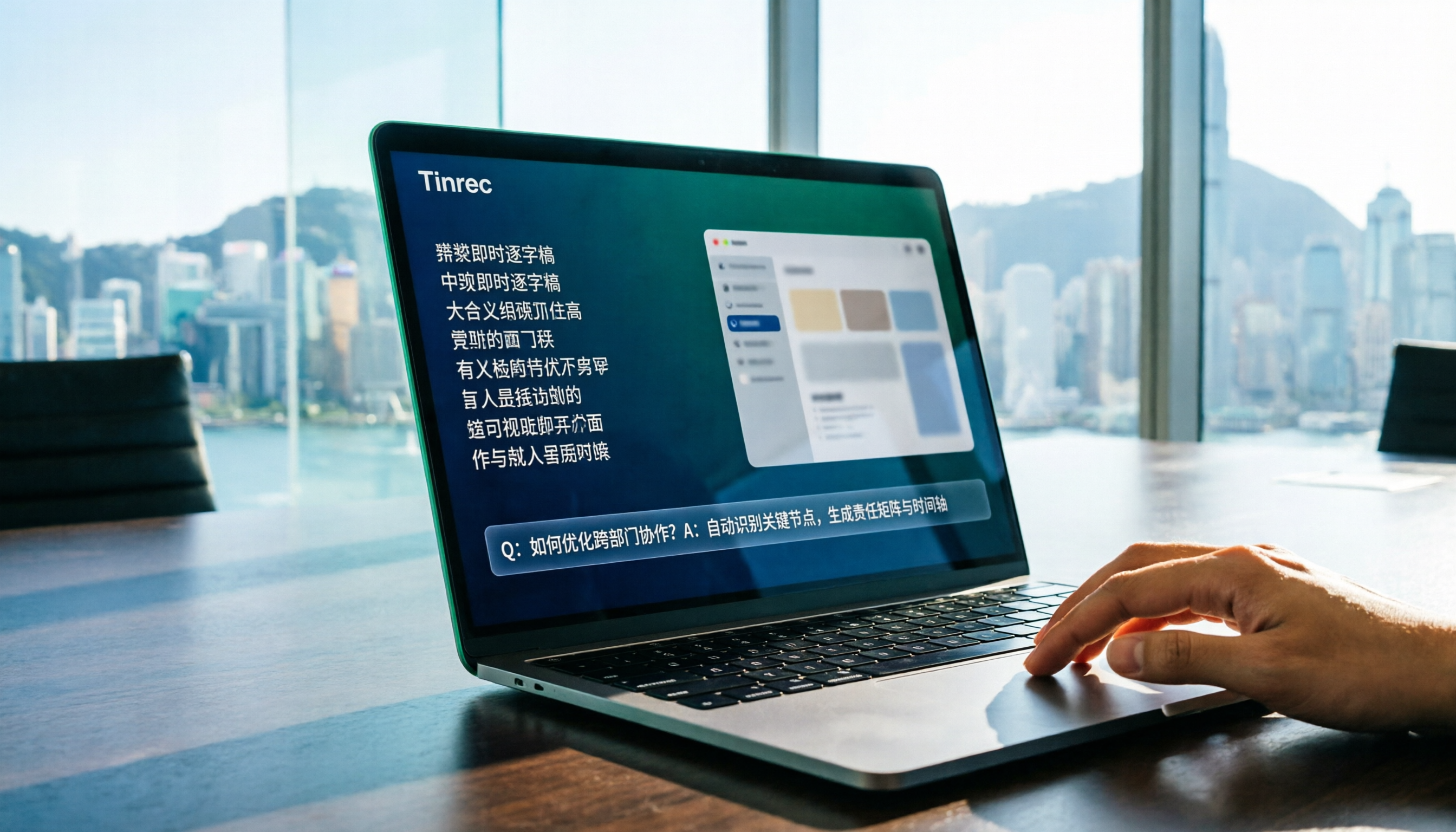
Turn recordings into transcripts and summaries in minutes
Upload audio or video for multilingual transcription, AI notes, and action items
How to Choose Real-Time Transcription in 2026? 5-Step Comparison: Tinrec vs Otter.ai
Imagine you're on a video call with an overseas client, using a transcription tool, when suddenly it pops up with "Bot has joined the meeting." The client pauses and asks, "Who's this?" Awkward, and the transcript is full of errors. This isn't hypothetical—it's a daily reality for many who use the wrong tool. Today, we compare two popular AI meeting notes tools: Tinrec and Otter.ai, using 5 steps to help you choose right.
Tinrec vs Otter.ai | Quick Overview
Tinrec positions itself as an "AI meeting notes and team collaboration tool," not just transcribing but also organizing summaries, action items, Q&A, and team knowledge. Otter.ai is a veteran AI meeting assistant, mature in English business meetings, but its Chinese capabilities may not be the best fit for Hong Kong users.
| Item | Tinrec | Otter.ai |
|---|---|---|
| Core Positioning | Bot-free meeting notes + team space | Meeting bot + automated meeting minutes |
| Supported Platforms | Desktop, web, mobile | Desktop, mobile, web |
| Free Plan | Basic quota (recording, import, summaries) | 300 minutes per month |
| Team Pricing | Monthly USD 29.80/seat/month; annual USD 199/seat/year | Business plan pricing varies by promotion |
| Key Differences | Bot-free recording, Chinese optimization, team knowledge base | Mature English ecosystem, extensive integrations |
This article compares five dimensions: bot-free recording, Chinese experience, file import, AI post-processing, and team collaboration, to help you see which fits you better.
Dimension 1 | Bot-Free Meeting Recording
Otter.ai traditionally relies on meeting bots joining Zoom, Teams, etc. Although it recently added desktop features, the user perception is still "a bot attends the meeting." For many Hong Kong companies, having an extra "bot" in the meeting roster is off-putting and may even raise compliance concerns.
Tinrec's desktop version directly captures system audio, so no bot needs to be invited to the meeting. Users simply open Tinrec and start recording; audio from Zoom, Google Meet, Microsoft Teams, and Webex is transcribed in real time, and meeting participants never see an extra member.
→ This dimension: Tinrec clearly wins. If you don't want an "uninvited guest" in meetings, Tinrec is the cleaner choice.
Dimension 2 | Chinese and Multilingual Experience
Otter.ai's strength is English; its English transcription accuracy and summary quality are high, but its Chinese (especially Cantonese and mixed Chinese-English) performance is mediocre. Many users report frequent typos in Traditional Chinese, or even entire segments converted to Simplified Chinese.
Tinrec is optimized for Chinese scenarios, supporting Traditional Chinese and mixed Chinese-English content, plus a team glossary feature to customize industry terms and improve recognition of professional jargon. Real-time translation can display original text, translation, or bilingual side-by-side, ideal for cross-language meetings.
→ This dimension: Tinrec clearly wins. Hong Kong users often deal with mixed Chinese-English, so Tinrec is more down-to-earth.
Stop organizing recordings by hand
Upload audio or video and automatically get a transcript, summary, and action items
Dimension 3 | File Import and Audio Retention
Otter.ai supports file import, but not on the free plan; the Pro plan allows only 10 files per month, and audio retention depends on the plan, so it may not be stored long-term. If you have a pile of old recordings to organize, the limitations are significant.
Tinrec supports uploading audio and video files to organize historical meetings and interview recordings. Audio is retained, and the team plan includes a recycle bin, allowing recovery of accidentally deleted files within 30 days. For users who need long-term storage of meeting records, this is a crucial safeguard.
→ This dimension: Tinrec wins. File import is more flexible, and audio retention is more reassuring.
Dimension 4 | AI Q&A and Post-Processing
Otter.ai has AI Chat that can answer questions about meeting content and generate summaries and action items. However, when it comes to generating reports, tables, documents, and other "post-meeting deliverables," its features are less deep, and users may need to do additional formatting themselves.
Tinrec, in addition to AI Q&A, offers Agent post-processing that can generate reports, tables, meeting minutes, and even mind maps based on meeting content. You can ask, "List all client commitments," and it will organize them into a table. This workflow from recording to deliverable saves considerable time.
→ This dimension: Tinrec wins. Post-processing is more comprehensive, directly producing work output.
Dimension 5 | Team Space and Governance
Otter.ai's team plan includes shared folders and user management, but permission controls are relatively simple, mainly centered on sharing meeting notes.
Tinrec's team plan is a complete team space: meeting data belongs to the team, with separate management of members, roles, and seats. Admins can view usage trends, member rankings, audit logs, and have a recycle bin. When a member leaves, data can be transferred and doesn't leave with them. This governance capability suits small and medium teams that value knowledge retention.
→ This dimension: Tinrec clearly wins. Team collaboration is not just about sharing; it includes management and traceability.
What Unique Advantages Does Each Have?
Tinrec's unique advantages:
- Bot-free recording: Desktop version directly captures system audio, so meetings aren't disturbed.
- Chinese and multilingual optimization: Supports Traditional Chinese, mixed Chinese-English, real-time translation, and team glossary, fitting Hong Kong's context.
- Agent post-processing: Generates reports, tables, mind maps—not just transcripts.
- Complete team space: Roles, seats, usage analytics, audit logs, recycle bin—meeting data truly accumulates.
Otter.ai's unique advantages:
- Mature English ecosystem: High accuracy in English meeting transcription and summaries, smooth integration with many third-party tools.
- Automated meeting minutes: Ready-to-use minutes right after the meeting, suitable for pure English business scenarios.
Summary: Who Should You Choose?
- If you need bot-free recording and don't want extra participants in meetings → Tinrec (clear winner)
- If you frequently handle Chinese meetings, mixed Chinese-English, and need Traditional Chinese transcripts → Tinrec (more down-to-earth)
- If you want to use AI to ask key points and generate reports and tables after recording → Tinrec (Agent post-processing is more comprehensive)
- If you need a team space to manage members, seats, usage, and audits → Tinrec (stronger governance)
- If you're in a pure English environment and only need mature automated meeting minutes, without file import or team governance → Otter.ai is sufficient
In a nutshell: For most Hong Kong professionals and small to medium teams, Tinrec is the more complete and locally suitable choice. Don't want meeting records to cause overtime? Try Tinrec and test it with your own recordings—that's the most practical approach.
References
- Yating Transcription
- Online AI Speech, Video, Audio File Auto-Transcription - Free Trial - cSubtitle
- Real-Time Transcription Service | Transcribe App & Web Editor
- Meeting Voice-to-Text and Transcripts: Which AI Tool Should You Use? Free vs Paid Comparison | Manager Today
- No More Transcript Hassles! AI Transcription Tools to Help You! 9 Transcription Tools Compared and Reviewed
Turn every recording into actionable outcomes
Get 60 free transcription minutes when you sign in. No credit card required.
Related Reading
You might also like

4 AI Meeting Assistants Tested for 2026: No Meeting Bots—Which One Actually Saves You Two Hours After the Meeting?
A mid-level manager who holds 15 meetings a week tested 4 AI meeting assistants, comparing recording methods, post-meeting output, Chinese-language performance, and team governance. Here's why Tinrec (Miao Ting Lu Yin) was the one that stayed, and who Otter.ai, Granola, TurboScribe, and PLAUD are each best suited for.

How to Take Smart Meeting Notes in 2026: 6 Steps from Recording to AI Action Items
Smart meeting notes aren't just about hitting record. This guide starts with what a useful record should look like, compares four approaches—platform built-in, meeting bots, bot-free desktop recording, and post-meeting upload—then walks through 6 steps: define questions before the meeting, record and transcribe during, proofread after, generate AI summaries, rewrite with Topic + Next Step, and send and archive within 24 hours. It also covers team roles, seats, and pricing.

4 AI Meeting Assistants Tested in 2024: Dcard Users Weigh In—Which One Actually Saves You Post-Meeting Time?
Starting from the most common Dcard question—'How do I choose an AI meeting assistant?'—this article uses the real needs of a mid-level manager with 15 meetings a week to break down 4 key buying factors: how meetings are recorded, what you get after the transcript, whether recordings are kept, and how team seats are counted. It compares Tinrec, Otter.ai, Notta, and Granola, with a pitfalls guide and scenario-based recommendations.

5 Smart Meeting Notes Tools Tested for 2026: What Are AI Meeting Notes & Which Really Saves Time?
Many people think smart meeting notes are just automatic transcripts, but they end up with long text files and still have to find decisions and action items themselves. This article first clarifies common misconceptions about what smart meeting notes are, then reviews the features, official pricing, and ideal users for 6 solutions: Tinrec, Otter.ai, Notta, Fireflies.ai, Granola, and TurboScribe, helping you choose tools based on meeting workflows rather than marketing hype.

2025 AI Meeting Assistant Comparison: 4 Tools Tested—Which Turns Meetings into Searchable Team Knowledge?
How to choose an AI meeting assistant in 2025? This article breaks down 5 key selection criteria based on real meeting workflows, comparing Tinrec, Otter.ai, Notta, and Granola on recording, transcription, AI Q&A, team collaboration, and pricing limits to help you decide which fits Chinese-language meetings and team knowledge retention.

How to Use Smart Meeting Notes in 2026: Bot-Free Recording, Transcription, and AI Summaries with Action Items
Many people think smart meeting notes just means hitting record and waiting for AI to spit out a summary—but the resulting transcript is often something no one wants to read. This article starts with the most common misconceptions, breaks down the four key judgment points that truly matter for meeting notes, and then walks through a complete before-during-after workflow using Tinrec, including copy-paste prompt templates and a pitfalls checklist.

Best AI Meeting Notes Apps 2026: Auto Transcripts + AI Summaries & Action Items
Tired of spending two hours writing up meeting notes? This guide starts with the key question—do you need a recording or usable meeting data?—then breaks down 4 essential factors for choosing an AI meeting notes app, compares Tinrec, Otter.ai, Notta, and Granola, and covers the 3 most common pitfalls so you can pick the right tool the first time.

2026 AI Meeting Assistant Cost Comparison: Free Tiers and Paid Thresholds Dcard Users Ask About Most
Starting from the common Dcard question about free minutes, this article explains how to evaluate AI meeting assistant costs. Using Tinrec as the main test subject, it covers the quotas and pricing for the free, personal, and team plans, and compares bot-free recording, Chinese transcripts, AI summaries, action items, and team collaboration, with 6 cost FAQs.

Tinrec vs Notta 2026: 5-Dimension Comparison for Chinese Meeting Notes
How to choose the latest AI meeting assistant in 2026? This article compares Tinrec and Notta across 5 dimensions: Chinese transcription, meeting capture methods, post-meeting output, team data governance, and pricing quotas. It honestly lists free quotas and paid prices for both, and includes 4 common pitfalls when choosing an AI meeting assistant to help you decide which one fits your meeting scenarios.