
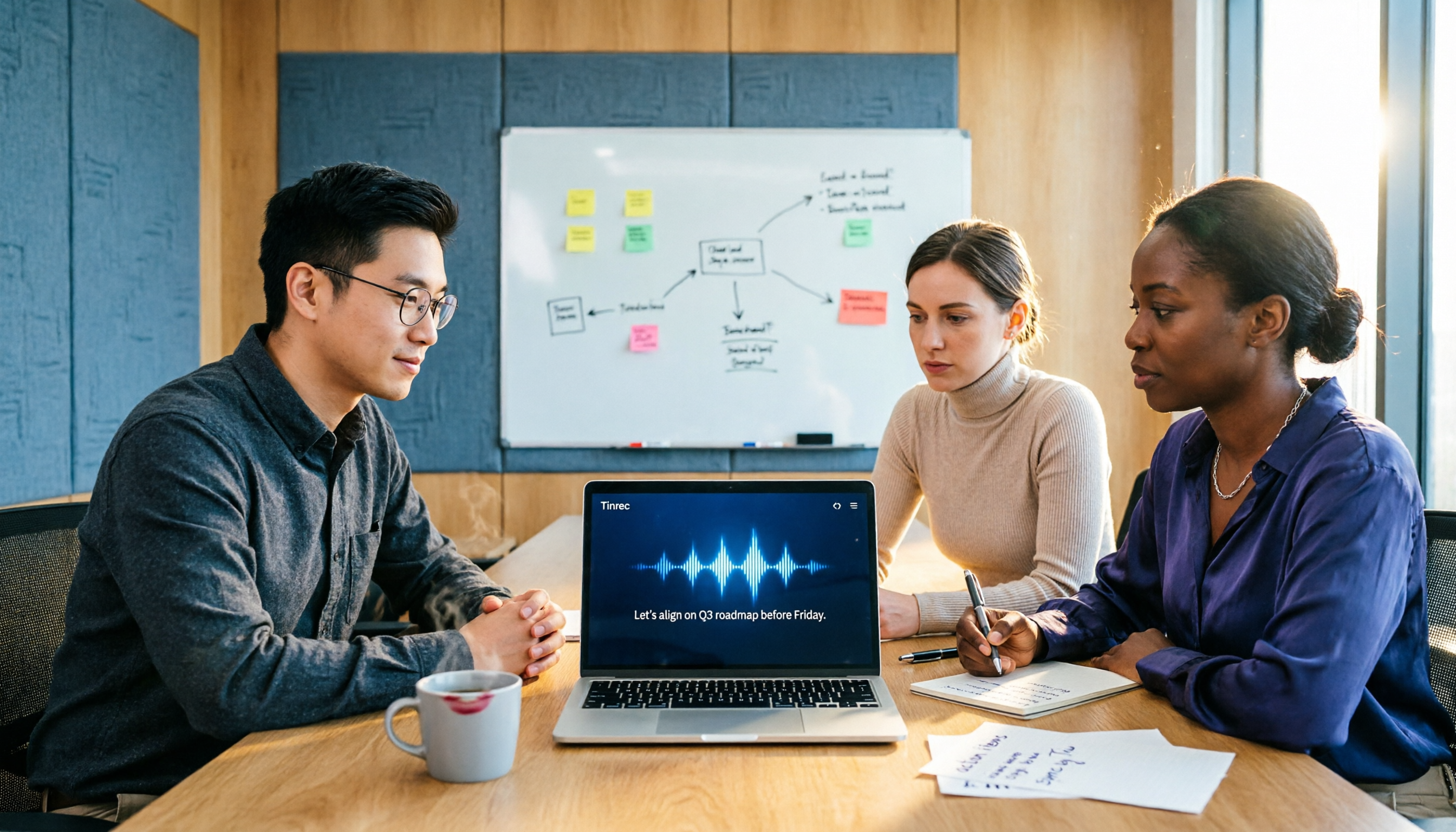
Turn recordings into transcripts and summaries in minutes
Upload audio or video for multilingual transcription, AI notes, and action items
2026 Hands-On Comparison of 2 Smart Meeting Tools: Tinrec vs PLAUD Note – Which Is Worth It?
After your last weekly meeting, you open the recording to prepare key points, only to find you have to listen to 45 minutes of discussion from the start, and then spend another half hour typing while listening. Worse, when you need to review decisions the following week, you can't remember which folder that recording is in. The value of a meeting isn't just in the moment; it's also in whether you can quickly find, understand, and continue using the content afterward. That's where smart meeting tools come in—and Tinrec and PLAUD Note represent two different approaches: one is software with multi-device integration, the other is a portable hardware recorder. After hands-on testing, we compare them across five key dimensions.
Tinrec vs PLAUD Note: Quick Overview
Tinrec is an AI meeting transcription and collaboration tool for individuals and teams. It requires no additional hardware; you can record, transcribe, summarize, create to-dos, and share with your team on your computer or phone. PLAUD Note, on the other hand, is an AI recording hardware device designed for portability and one-touch recording, ideal for on-the-go interviews or phone calls, with a companion mobile app for transcription and organization.
Here's a quick comparison of basic specs:
| Feature | Tinrec | PLAUD Note |
|---|---|---|
| Product Type | Software service (web, desktop, mobile) | Hardware recorder + App |
| Primary Input | Live recording, online meeting system audio, audio file import | Hardware microphone recording, phone call recording |
| Hardware Cost | None | NotePin USD 159 / Note Pro USD 189 |
| Free Plan | Free trial credits available | Starter: 300 minutes/month |
| Paid Plans | Pro monthly/yearly; team plans with per-seat pricing | Pro annual USD 99.99 (1,200 minutes/month) |
| Post-Meeting Processing | AI summaries, chapters, to-dos, Q&A, multi-format export | Summaries, templates, Q&A (plan-dependent) |
| Team Collaboration | Team spaces, members, roles, seats, usage analytics | Team membership and device management (hardware-oriented) |
This article compares them across five dimensions: meeting capture, input source diversity, AI post-processing, team collaboration, and cost flexibility.
Dimension 1: Meeting Capture – Which Is Smoother for Online Meetings?
PLAUD Note's recording is straightforward: press a button on the hardware to start. However, its microphone primarily captures ambient sound. For an online meeting, you'd need to place the recorder near your computer speakers or connect via Bluetooth, which often picks up background noise and can't directly record computer system audio.
Tinrec's desktop version can directly capture computer system audio, so you don't need to place a recorder near speakers or add a meeting bot. Just open Tinrec, select "Record System Audio," and it will capture sound from Zoom, Google Meet, or Microsoft Teams, transcribing it in real time.
→ This dimension: Tinrec clearly wins, especially for teams with frequent remote meetings.
Dimension 2: Input Source Diversity – What Else Can It Handle Besides Live Recording?
PLAUD Note's core is hardware recording. While it can record in-person conversations and phone calls, processing past audio files or videos requires playing them on your phone and recording with the device, which is cumbersome and degrades audio quality. It also doesn't support direct file import from your computer.
Tinrec supports live recording on mobile and desktop, but also allows direct upload of audio and video files, and even importing some public content via web links. This means you can not only record new meetings but also digitize historical recordings, interview videos, and course audio into searchable text in one go.
→ This dimension: Tinrec wins, offering broader input sources, ideal for those who need to organize large amounts of old material.
Dimension 3: AI Post-Processing – What Can You Do After Transcription?
PLAUD's app offers AI summaries, key points, and meeting templates, but the depth depends on your subscription plan. Its strength lies in quick summaries and action items, but if you want to dig deeper into meeting details, generate report tables, or export content to other tools, options are limited.
Stop organizing recordings by hand
Upload audio or video and automatically get a transcript, summary, and action items
Tinrec's post-processing is more comprehensive: beyond summaries and chapters, it automatically extracts to-dos, supports AI Q&A about the meeting content, and can even generate meeting minutes, reports, tables, and documents. Export options are also rich, allowing you to bring results into Notion, Google Docs, OneNote, and other tools.
→ This dimension: Tinrec wins, not just providing transcripts but turning meetings into workable material.
Dimension 4: Team Collaboration and Knowledge Retention – Solo vs. Group Use
PLAUD Note is primarily a personal tool. Although it has team membership plans, they are more about device management and member permissions. Meeting data often stays in individual accounts, making it hard to build a shared team knowledge base. When a member leaves, recordings and notes may go with their account.
Tinrec's team version provides a dedicated team space where meeting data belongs to the team and doesn't disappear when individuals leave. Admins can set roles, allocate seats, view usage, and access audit logs. New members can search and read historical meeting materials, turning every meeting into a team asset.
→ This dimension: Tinrec wins, especially for departments or project teams that need to share meeting records.
Dimension 5: Cost Flexibility – Hardware Purchase vs. Software Subscription
PLAUD Note requires an upfront hardware investment (starting at USD 159), and to unlock full AI features, you'll also need a subscription. This is a higher barrier for those on a budget or who just want to try it out.
Tinrec has no hardware cost. The free version lets you experience basic transcription and summarization, and you can choose weekly, monthly, or yearly plans based on usage. If you already have a computer and phone, you can start with almost zero barrier, without carrying an extra device.
→ This dimension: Tinrec wins on initial cost and flexibility, but PLAUD's hardware purchase could be cost-effective with long-term use, so it's a tie.
What Are Their Unique Advantages?
Tinrec's Unique Advantages
- Record online meetings without bots: capture system audio directly, protecting meeting privacy.
- Multiple input sources: live recording, audio/video files, and web links, reviving old data.
- Complete post-meeting workflow: summaries, chapters, to-dos, Q&A, export, and agent post-processing.
- Team space and governance: data belongs to the team, with clear roles, seats, usage, and audit.
PLAUD Note's Unique Advantages
- Portable hardware recording: compact and long battery life, ideal for on-the-go interviews or phone calls without a computer.
- Offline recording: works without internet, suitable for areas with poor signal.
Summary: Which Should You Choose?
- If you need to record online meetings, organize historical recordings, and share meeting data with your team → Tinrec is better (software-ready, feature-rich).
- If you're often on the road meeting clients and need one-touch recording without minding an extra device → PLAUD Note is better.
- If you want to try smart meeting features at zero cost → Tinrec's free version is a good start.
- If you already own PLAUD hardware and mainly need simple recording-to-text → PLAUD is sufficient, but for deep AI organization and team collaboration, you may need additional tools.
In a nutshell: For most workplace and team meeting scenarios, Tinrec is the more complete choice because it takes meetings from "recorded" to "usable." We recommend downloading Tinrec's free version and testing it with your own meeting recordings.
FAQ
Q1: What's the main difference between Tinrec and PLAUD Note? A1: Tinrec is a pure software service with no extra hardware, focusing on post-meeting processing and team collaboration. PLAUD Note is a hardware recorder, great for portability and offline recording, but with limited input sources and AI post-processing.
Q2: Can Tinrec record online meetings like Zoom or Teams? A2: Yes. Tinrec's desktop version captures computer system audio directly, so you don't need to add a meeting bot or disturb other participants.
Q3: Can PLAUD Note import old audio files from my computer? A3: No. PLAUD Note relies on its hardware microphone for recording and doesn't support direct file import. To transcribe old files, you'd need to play them and record, which is inconvenient.
Q4: Is Tinrec's free version sufficient? A4: The free version provides basic credits, suitable for occasional meeting transcription. If you have regular weekly meetings, consider the Pro plan for better value.
Q5: Which one is better for teams? A5: We recommend Tinrec's team version. It allows you to create a team space, centrally store meeting data, manage members and usage, and avoid meeting records scattered across personal accounts.
Q6: What should I be aware of when using such tools? A6: Before recording, ensure compliance with local regulations and obtain consent from participants, especially for meetings involving clients or sensitive information.
References
Turn every recording into actionable outcomes
Get 60 free transcription minutes when you sign in. No credit card required.
Related Reading
You might also like

How to Use Smart Meeting Notes in 2026: Bot-Free Recording, Transcription, and AI Summaries with Action Items
Many people think smart meeting notes just means hitting record and waiting for AI to spit out a summary—but the resulting transcript is often something no one wants to read. This article starts with the most common misconceptions, breaks down the four key judgment points that truly matter for meeting notes, and then walks through a complete before-during-after workflow using Tinrec, including copy-paste prompt templates and a pitfalls checklist.

Best AI Meeting Notes Apps 2026: Auto Transcripts + AI Summaries & Action Items
Tired of spending two hours writing up meeting notes? This guide starts with the key question—do you need a recording or usable meeting data?—then breaks down 4 essential factors for choosing an AI meeting notes app, compares Tinrec, Otter.ai, Notta, and Granola, and covers the 3 most common pitfalls so you can pick the right tool the first time.

2026 AI Meeting Assistant Cost Comparison: Free Tiers and Paid Thresholds Dcard Users Ask About Most
Starting from the common Dcard question about free minutes, this article explains how to evaluate AI meeting assistant costs. Using Tinrec as the main test subject, it covers the quotas and pricing for the free, personal, and team plans, and compares bot-free recording, Chinese transcripts, AI summaries, action items, and team collaboration, with 6 cost FAQs.

Tinrec vs Notta 2026: 5-Dimension Comparison for Chinese Meeting Notes
How to choose the latest AI meeting assistant in 2026? This article compares Tinrec and Notta across 5 dimensions: Chinese transcription, meeting capture methods, post-meeting output, team data governance, and pricing quotas. It honestly lists free quotas and paid prices for both, and includes 4 common pitfalls when choosing an AI meeting assistant to help you decide which one fits your meeting scenarios.

2026 AI Meeting Assistant Comparison: No Bots, Best Chinese Transcription?
How to choose the latest AI meeting assistants in 2026? This article examines four key aspects: recording method, audio retention, Chinese recognition, and post-meeting output. It compares Tinrec, Otter.ai, Notta, and PLAUD, and includes pricing, seats, and quotas for personal and team plans to help you avoid the trap of only looking at free minutes.

How to Download an AI Meeting Assistant in 2026: 5 Steps from Installation to Meeting Minutes
Looking for an AI meeting assistant in 2026 but stuck on download, installation, and setup? This guide tackles real pain points and walks you through 5 steps to complete Tinrec download, permission settings, recording transcription, and post-meeting export, plus 5 things to consider when choosing and FAQs.

2025 AI Meeting Assistant Comparison: Tinrec, Otter.ai, Notta, and Granola Reviewed
Many people download AI meeting assistants only to find transcripts hard to use, Chinese recognition unreliable, and team data scattered. This article compares Tinrec, Otter.ai, Notta, and Granola across selection criteria, real workflows, and pitfalls to help you choose a tool that actually produces usable meeting notes.

2026 Smart Meeting Notes Tools Compared: How to Tell If Meeting Minutes Are Actually Useful
Most people evaluate smart meeting notes tools only by transcription accuracy, but the real cost is in how you use the notes after the meeting. This article starts with common misconceptions, breaks down 4 key points for reviewing meeting notes, compares Tinrec, Otter.ai, Notta, and Granola, and highlights 3 pitfalls to help you choose a tool that fits your workflow.

4 Smart Meeting Notes Tools Tested for 2026: From Transcripts to Action Items, Which One Really Saves Time?
Meeting notes aren't just about keeping a transcript. This article starts with the most common pitfalls, breaks down the correct workflow for smart meeting notes and 4 key selection criteria, and compares Tinrec, Otter.ai, Notta, and Granola in terms of recording capture methods, post-meeting organization capabilities, and team collaboration differences, with a guide to avoiding pitfalls and selection advice.