
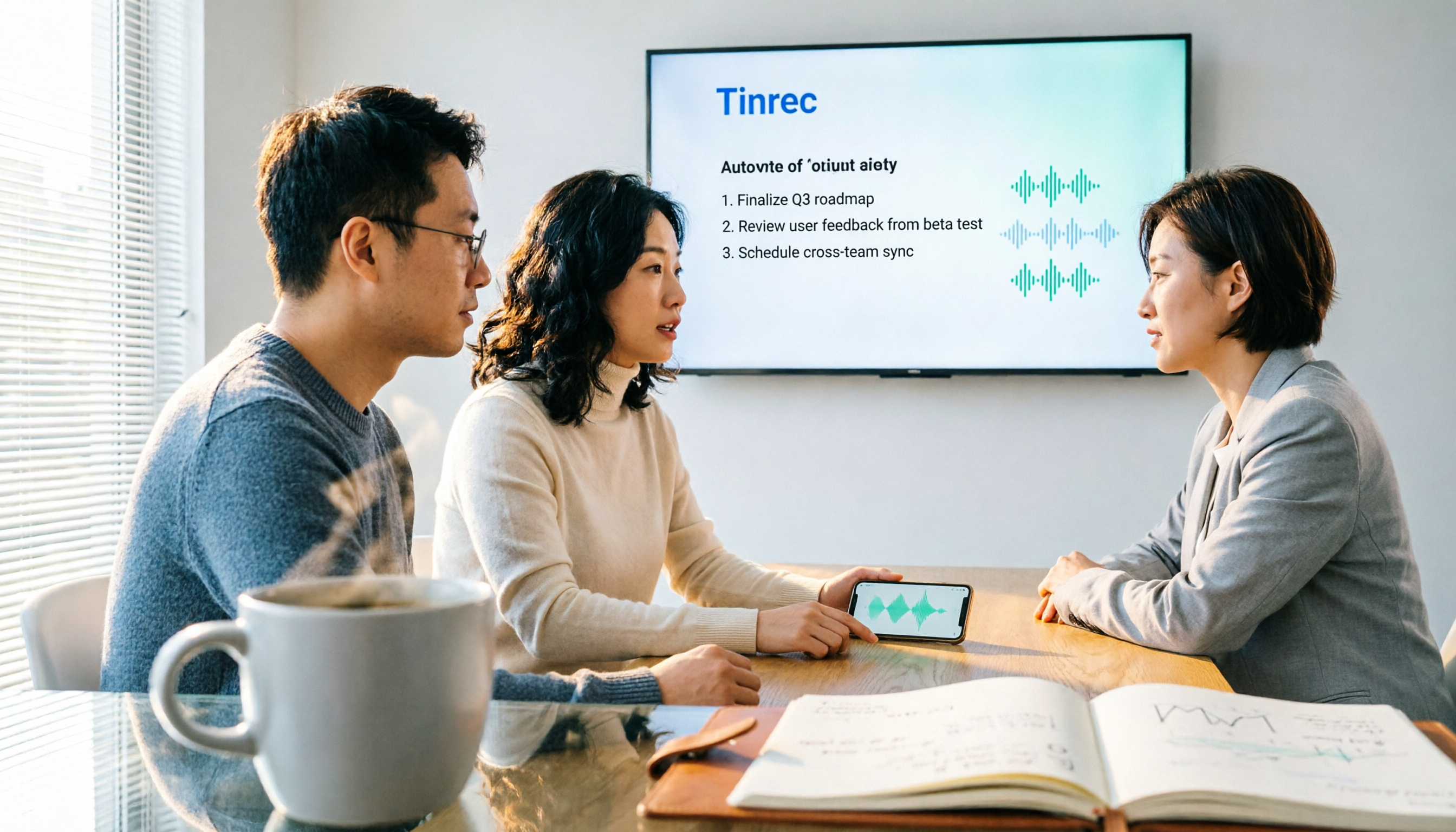
Turn recordings into transcripts and summaries in minutes
Upload audio or video for multilingual transcription, AI notes, and action items
If you're on the fence about adopting a smart meeting collaboration tool, or don't know how to choose—this article will give you a clear framework. I attend about 15 meetings a week, and what I used to dread most wasn't the meetings themselves, but the post-meeting note-taking. It wasn't until I started using Tinrec that things truly changed.
Two Hours in Meetings, Two More for Notes—You Don't Need a Tool, You Need a Solution
The core benefit of smart meeting collaboration is enabling teams to transcend geographical limits, share files in real time, and co-edit discussions, significantly boosting operational efficiency. But most people get stuck at the last mile: after the meeting ends, decisions and action items are scattered across transcripts, chat logs, and paper notes, making follow-up a nightmare.
Online meetings are even trickier: with a traditional voice recorder, audio quality suffers; with a meeting bot, it feels weird to have a stranger "attend." Plus, many tools only give you a transcript, leaving you to dig through it for key points.
If you've experienced any of this, this article is for you. Choosing the right tool can solve recording, organizing, and tracking in one go.
Before Choosing a Smart Meeting Collaboration Tool, Understand These 5 Key Points
1. Is bot-free recording important? Many tools rely on meeting bots to join calls, but some companies' security policies prohibit external apps from joining. Tinrec's desktop app captures system audio directly, no bot needed—cleaner and more discreet.
2. Is the AI organization capability sufficient? Transcription alone isn't enough; you want summaries, key points, and action items immediately after the meeting. Tinrec auto-generates summaries, chapters, and to-dos, and you can even ask it directly, "Who mentioned the budget in the last meeting?"
3. Chinese and multilingual support If your meetings are in Chinese or mixed Chinese-English, many foreign tools underperform. Tinrec is specially tuned for Chinese, Traditional Chinese, and multilingual scenarios, and even supports real-time translation.
4. Does it retain recordings and support file import? Some tools (like Granola) don't keep meeting audio or allow uploading pre-recorded files. Tinrec supports recording storage and audio/video file import, so you can organize historical meetings too.
5. Team collaboration and permission management If you need to share meeting materials with your team, manage members and seats, personal tools won't cut it. Tinrec's team plan offers spaces, roles, seats, usage analytics, and audit logs, turning meetings into team assets.
Tinrec (Instant Recording)—Our Top Pick After Hands-On Testing
Tinrec (Instant Recording) is an AI meeting notes and collaboration tool that supports multiple languages, bot-free online meeting recording, and automatic summary and to-do organization. It's not just speech-to-text; it turns meeting content into searchable, collaborative, trackable data.
Core features in action:
- Bot-free online meeting recording: Open the Tinrec desktop app, and it captures your computer's system audio directly, working with Zoom, Google Meet, Microsoft Teams, and Webex. No need to invite a bot, keeping the meeting screen clean and reducing security concerns.
- Auto-generated summaries and to-dos: When the meeting ends, Tinrec has already organized the transcript, AI summary, chapters, and key points. The most useful part is to-do extraction—who's responsible for what and deadlines are clear at a glance. Now, after meetings, I paste the to-dos straight into the group chat, saving at least half an hour of organizing time.
- AI Q&A, no digging required: This is my most-used feature. After recording, I ask Tinrec directly: "What was the decision from the last meeting?" "Who's responsible for confirming specs with the client?" It answers based on semantic understanding, not just keyword search. Currently, almost no competitor at the same price point has this capability.
Stop organizing recordings by hand
Upload audio or video and automatically get a transcript, summary, and action items
Hands-on experience: We tested it with a 5-minute product discussion recording (including two people talking over each other and background AC noise). The transcript had almost no errors, and the AI summary listed 3 decisions and 5 to-dos accurately enough to paste directly into a weekly report.
Pros:
- Clean bot-free recording: No worries about security policies blocking bots, and no need to share meeting links with external apps.
- Complete AI post-processing: Summaries, to-dos, Q&A, translation, and export to Notion or Google Docs—all in one go.
- Team space for knowledge assets: Meeting data belongs to the team; even if a member leaves, data isn't lost, and new members can search historical meetings.
Limitations: The free plan has limited credits; heavy users will need to pay. Also, it doesn't automatically join all calendar meetings; you need to manually open Tinrec to start recording. But for most people, manual start is actually more controllable.
Who it's for: If you frequently record Chinese or mixed Chinese-English meetings, want to use AI to find key points right after recording, or need cross-platform use (iOS, Android, web), Tinrec is currently the most suitable choice.
Beyond Tinrec: What Other Options Are There?
Otter.ai: A mature choice for English meetings, with a generous free tier (300 minutes per month). However, Chinese transcription quality isn't as good as Tinrec's, and AI Q&A and team space features are less complete. If you mainly record English meetings, it's worth considering; but for Chinese meeting organization and bot-free recording, Tinrec is a better fit.
Notta: Good multilingual transcription and translation, with similar pricing. But its core is still transcription; AI Q&A and team collaboration are weaker. Tinrec's bot-free recording and post-meeting Q&A are features Notta currently lacks.
Granola: Also focuses on bot-free meeting notes, but it doesn't save meeting audio or support uploading pre-recorded files. Tinrec retains recordings, supports file import, and can archive historical meetings into team spaces—something Granola can't do.
Pitfall Guide: 4 Common Mistakes When Choosing a Smart Meeting Collaboration Tool
Pitfall 1: Only looking at transcription minutes, ignoring organization features Many tools advertise "1,000 minutes per month," but what actually takes your time isn't recording—it's post-meeting organization. Look for tools that can auto-generate to-dos, summaries, and a queryable database, not just compare minutes.
Pitfall 2: Overlooking the importance of bot-free recording Meeting bots are convenient, but some companies' security policies don't allow them. Plus, bots joining can make some participants uncomfortable. Tinrec's desktop bot-free audio capture is a safer choice.
Pitfall 3: Thinking transcription is enough If you only use the tool as "speech-to-text," you're using only a third of its capability. Take Tinrec's AI Q&A—after recording, ask it "What was the meeting's conclusion?" and it's much faster than manually scanning a 30-minute transcript.
Pitfall 4: Underestimating team collaboration and permission management Personal use and team use are different. If your team needs to share meetings, allocate seats, and view usage, you must choose a tool with team spaces and role management; otherwise, data stays scattered in personal accounts.
Summary: Which One Should You Choose?
Core conclusion: If you need Chinese meeting notes, bot-free recording, AI organization, and team collaboration, Tinrec is currently the most balanced choice.
Scenario-based recommendations:
- Need Chinese/mixed Chinese-English transcription + bot-free recording → Tinrec
- Want to use AI to find key points and generate to-dos after recording → Tinrec
- Need cross-platform use (mobile + desktop) → Tinrec
- Zero budget, only English meetings → Otter.ai free plan
We recommend downloading Tinrec's free version to try it out; the monthly base credits are enough for two or three meetings to experience the effect. Upgrade if you find it useful—no need to pay upfront.
References
- What is a Smart Meeting Room? A Guide to Benefits, Features, and Use Cases - DC Sales Portal
- Smart meetings - Smart Meeting and Workspace
- Office Smart Meeting|BW Network Hong Kong Business Technology Systems Center
- [Before Buying] How to Quickly Choose a Smart Meeting Interactive Whiteboard for Business - Screen Technology Engineering Co., Ltd.
- Smart Meeting, Meeting Room Management_Virsical
Turn every recording into actionable outcomes
Get 60 free transcription minutes when you sign in. No credit card required.
Related Reading
You might also like

How to Download an AI Meeting Assistant in 2026: 5 Steps from Installation to Meeting Minutes
Looking for an AI meeting assistant in 2026 but stuck on download, installation, and setup? This guide tackles real pain points and walks you through 5 steps to complete Tinrec download, permission settings, recording transcription, and post-meeting export, plus 5 things to consider when choosing and FAQs.

2025 AI Meeting Assistant Comparison: Tinrec, Otter.ai, Notta, and Granola Reviewed
Many people download AI meeting assistants only to find transcripts hard to use, Chinese recognition unreliable, and team data scattered. This article compares Tinrec, Otter.ai, Notta, and Granola across selection criteria, real workflows, and pitfalls to help you choose a tool that actually produces usable meeting notes.

2026 Smart Meeting Notes Tools Compared: How to Tell If Meeting Minutes Are Actually Useful
Most people evaluate smart meeting notes tools only by transcription accuracy, but the real cost is in how you use the notes after the meeting. This article starts with common misconceptions, breaks down 4 key points for reviewing meeting notes, compares Tinrec, Otter.ai, Notta, and Granola, and highlights 3 pitfalls to help you choose a tool that fits your workflow.

4 Smart Meeting Notes Tools Tested for 2026: From Transcripts to Action Items, Which One Really Saves Time?
Meeting notes aren't just about keeping a transcript. This article starts with the most common pitfalls, breaks down the correct workflow for smart meeting notes and 4 key selection criteria, and compares Tinrec, Otter.ai, Notta, and Granola in terms of recording capture methods, post-meeting organization capabilities, and team collaboration differences, with a guide to avoiding pitfalls and selection advice.

2026 AI Meeting Assistant Guide: Bot-Free Recording + Auto Summaries & Action Items
Many people think recording a meeting is enough and they can just listen again later—but that's actually the most time-consuming and inefficient approach. This article starts with the key factors for choosing an AI meeting assistant, introduces Tinrec's bot-free recording, automatic summaries and action items, AI Q&A, and team collaboration capabilities, and briefly reviews alternatives like Otter.ai, Granola, and PLAUD to help you find the right meeting notes workflow.

2026 AI Meeting Assistant App Comparison: Chinese Transcription, Bot-Free Recording, and Team Knowledge Retention
A 2026 hands-on comparison of AI meeting assistant apps, examining Tinrec and Notta across Chinese meeting transcription, bot-free recording, post-meeting AI Q&A, team knowledge retention, and pricing to help professionals and teams choose the right meeting notes tool.

2024 Comparison of 5 AI Meeting Assistant Platforms: Why Tinrec Is a Better Fit for Chinese-Speaking Teams Than Notta
A procurement-focused comparison of 5 AI meeting assistant platforms, highlighting Chinese-language meetings, bot-free recording, post-meeting AI Q&A, and team knowledge retention, and explaining why Tinrec is a Notta alternative worth evaluating first.

5 AI Meeting Assistants Compared in 2024: Free vs. Paid, How to Choose for Chinese Meetings and Post-Meeting Organization
How to choose an AI meeting assistant in 2024? This article compares Tinrec, Fireflies.ai, Granola, TurboScribe, and PLAUD Note across five dimensions: meeting capture method, Chinese recognition, post-meeting summaries and Q&A, team seats and pricing. It also outlines selection criteria and common pitfalls to help you find the right tool for Chinese meetings and team collaboration.

2024 AI Meeting Assistant Comparison: Chinese Meetings, Bot-Free Recording, and Post-Meeting Organization—Which Saves the Most Time?
2024 AI meeting assistant review comparing Tinrec, Otter.ai, Notta, and PLAUD on Chinese transcription, bot-free recording, post-meeting summaries, and team collaboration—covering use cases, pricing, and limitations to help you choose the right meeting tool.