
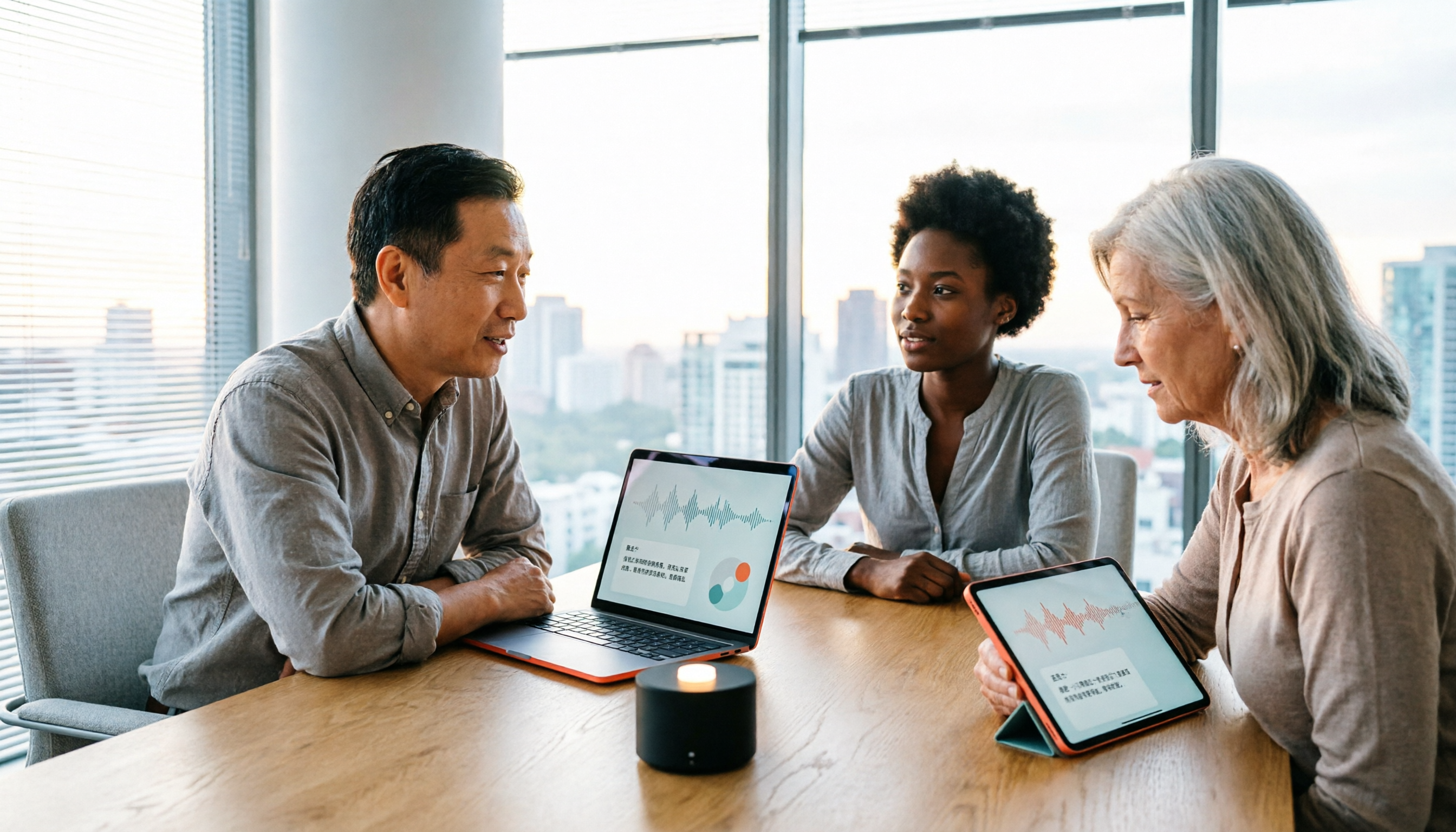
Turn recordings into transcripts and summaries in minutes
Upload audio or video for multilingual transcription, AI notes, and action items
At 3 PM on Monday, you just finished a one-hour cross-departmental meeting where three projects' progress and task assignments were discussed. When you open the recording to prepare meeting minutes, you realize no one remembers who is responsible for which follow-up action, and you can't find the key segments in the recording.
If you often encounter this situation, you need more than just recording—you need a smart meeting collaboration platform that turns meeting content into usable data. This article compares Tinrec and Meeting.ai across five dimensions to help you decide which one suits you better.
Why Are People Looking for Meeting.ai Alternatives?
Meeting.ai is an all-in-one AI assistant that focuses on meeting recording, transcription, and visual notes. It can record Zoom, Google Meet, Microsoft Teams, Webex, or in-person meetings, and provides real-time transcription with speaker labels, AI summaries, key points, action items, and visual notes that can be downloaded and shared. For those who need to quickly organize meeting highlights, these features are indeed practical.
However, many users start to think after actual use: If meeting content heavily uses Chinese or a mix of Chinese and English, is transcription and summarization stable? If you need to centralize meeting materials for team sharing and track follow-up actions, is there a more complete collaboration space? If you want to continue asking questions or generate reports after the meeting, does the tool support more post-processing? If you have similar needs, Tinrec is worth checking out.
Tinrec vs Meeting.ai: What's Different in Core Experience?
1. Meeting Recording Method: Bot-Free vs Multi-Platform Recording
In online meetings, having an extra bot join can sometimes distract participants. Tinrec's desktop version directly captures computer system audio, so you don't need to invite a bot. Just open Tinrec to record meetings on Zoom, Meet, Teams, Webex, and more. Meeting.ai also supports recording on these platforms, but the specific recording method should be confirmed with official documentation. If you care about meeting cleanliness and privacy, Tinrec's bot-free design is more suitable.
2. Chinese and Multilingual Support
Chinese meetings often include English technical terms, and it's crucial that the transcription tool can correctly recognize them. Tinrec supports Chinese, Traditional Chinese, mixed Chinese-English, and multilingual transcription, with real-time translation and team-specific terminology for more stable recognition of professional terms. Meeting.ai's source materials do not emphasize Chinese capabilities. If your meetings are primarily in Chinese, Tinrec offers a more complete localized experience.
3. Depth of Post-Meeting Organization
Transcription is just the first step; post-meeting organization is where the real time is spent. Tinrec not only generates verbatim transcripts but also automatically produces summaries, chapters, key points, to-dos, and mind maps. You can even use AI Q&A to ask follow-up questions about meeting details and use Agent post-processing to generate reports, tables, and documents. Meeting.ai provides AI summaries, key points, action items, and visual notes, but does not mention subsequent Q&A or document generation. If you want to get deliverable materials immediately after the meeting, Tinrec is more suitable.
4. Team Collaboration Capabilities
If meeting materials only exist on personal devices, team collaboration can break down. Tinrec's team version provides a dedicated team space where meeting materials belong to the team, with support for member, role, and seat management, usage analytics, audit logs, and an audio recycle bin. Meeting.ai's source materials do not mention team features. If you're a department or project team that needs centralized meeting record management, Tinrec is a more complete choice.
5. Free Plan and Pricing Flexibility
Budget is an important factor when choosing a tool. Tinrec offers a free version with basic quotas, and the personal plan includes weekly cards, Pro monthly, and annual cards, allowing flexible choices based on usage frequency. Meeting.ai's pricing and free plan are not disclosed in the source materials and need to be checked on the official page. If you're unsure about your needs, starting with Tinrec's free version has a lower barrier.
Stop organizing recordings by hand
Upload audio or video and automatically get a transcript, summary, and action items
Tinrec's Core Features at a Glance
Real-Time Recording to Text: Open Tinrec, and the text appears as you record, with less than 1 second latency. During the meeting, you can watch the text to ensure you don't miss key points, and the transcript is ready the moment the meeting ends.
Bot-Free Online Meeting Recording: Tinrec's desktop version directly captures computer system audio, so no meeting bot is needed. You can record Zoom, Google Meet, Microsoft Teams, and Webex without disrupting the meeting.
AI Summaries and To-Dos: After recording, Tinrec automatically generates summaries, chapters, key points, and action items. You don't need to manually organize; open the meeting materials to see conclusions and each person's responsibilities.
AI Q&A: This is my personal favorite feature. After recording a one-hour meeting, just ask Tinrec—"What was the meeting's conclusion?" "Who is responsible for what?"—and it will give you answers based on semantic understanding, without manually flipping through 30 pages of transcript.
Team Space: Meeting materials can be centrally stored in a team space, where members can view and search historical meetings anytime. Administrators can manage members, seats, usage, and audits, ensuring data isn't lost when employees leave.
Real-World Use Cases
Cross-Departmental Project Meetings: Use Tinrec to record online meetings without bot interruptions, and automatically organize to-dos and assign them to relevant people after the meeting. Data syncs to the team space, so everyone can see the latest progress.
Client Interviews: Record interviews, quickly generate transcripts and summaries, and extract client needs and commitments. Export to Notion or Google Docs for easy follow-up.
Class or Lecture Notes: Open Tinrec during class to record, and you'll have a complete transcript by the end. With AI Q&A, you can quickly review key points without re-listening to the recording.
Remote Team Collaboration: After recording online meetings, share directly to the team space. Members across time zones can access meeting records and to-dos anytime, improving communication.
Key Considerations When Choosing an AI Meeting Collaboration Tool
Recording Method Disruption: Check whether the tool requires a bot to join. Tinrec is bot-free, so recording doesn't disturb participants.
Chinese Recognition and Terminology Management: Chinese meetings often contain technical terms; it's important that the tool supports custom terminology. Tinrec offers team-specific terms to improve recognition of professional vocabulary.
Post-Meeting Organization Features: Don't just look at transcription; check for summaries, to-dos, Q&A, and other follow-up features. Tinrec covers all of these.
Team Data Management: Ensure data belongs to the team and member transitions are smooth. Tinrec's team version provides complete role, seat, and data ownership mechanisms.
Pricing and Free Plan: Try the free version first before deciding to pay. Tinrec offers a free version to experience basic features.
Conclusion: Is Tinrec Worth Trying?
If you're looking for a smart meeting collaboration tool that supports Chinese meetings, bot-free recording, and can directly organize action items after the meeting, Tinrec is one of the few options on the market that combines these features. Especially for departments or project teams that need to share meeting records and track to-dos, Tinrec's team version can turn meeting materials into a true team asset. We recommend downloading Tinrec's free version and testing transcription and summarization with your own meeting recordings before deciding to upgrade.
Frequently Asked Questions
Q: What's the difference between Tinrec and a regular recording app? A: Regular recording apps only record audio. Tinrec converts recordings to text, organizes summaries, chapters, key points, and to-dos, and supports AI Q&A, translation, export, and team collaboration.
Q: Does Tinrec require a meeting bot? A: No. Tinrec's desktop version directly captures computer system audio, so you don't need to invite a bot. Just open Tinrec and start recording.
Q: How much quota does Tinrec's free version have? A: The free version provides basic quotas to experience recording, import, summarization, and transcription features. Detailed quotas are subject to the official page.
Q: How is Tinrec's team version priced? A: The team version is USD 29.80 per paid seat per month, or USD 199 per paid seat per year (approximately USD 16.58 per month). Actual pricing is subject to the official purchase page.
Q: How are meeting materials shared within a team? A: The team version provides a dedicated team space where all active members can view team materials. Only those with a seat can record, upload, edit, and export, and administrators can assign seats and manage permissions.
Q: What should I consider regarding recording privacy and compliance? A: When using any recording and transcription tool, you should comply with local laws and obtain consent from participants when necessary. Tinrec can help organize meeting content, but for important information, it's recommended to cross-check the transcript with the original recording.
References
Turn every recording into actionable outcomes
Get 60 free transcription minutes when you sign in. No credit card required.
Related Reading
You might also like

4 AI Meeting Assistants Tested for 2026: Which Free Version Is Actually Enough?
The meeting ends, but the real work begins. This hands-on comparison of Tinrec, Otter.ai, Notta, and Granola looks at how meetings are captured, what happens after transcription, whether audio is retained, and how team licensing works. We break down each tool's free tier, limits, and best-fit scenarios so you can decide which one truly saves you post-meeting cleanup time.

2026 AI Meeting Assistant Comparison: Which Type Actually Saves Post-Meeting Time?
AI meeting assistants aren't just about turning speech into text. This article starts from real mid-level manager meeting scenarios, breaks down the differences between meeting bots, built-in platform transcription, and bot-free desktop recording, and uses Tinrec to demonstrate the complete workflow from transcripts and summaries to action items, AI Q&A, and team knowledge retention. It also includes 5 key buying criteria and FAQs.

2026 AI Meeting Assistant Comparison: 4 Tools Tested from Recording to Minutes—Which Saves the Most Time?
How can you use an AI meeting assistant without wasting time? Starting from real meeting scenarios, this article breaks down how AI meeting assistants capture audio, what they produce after the meeting, their Chinese-language performance, and differences in quotas. It also walks through the complete Tinrec workflow—from recording, transcription, and summary action items to AI Q&A and team sharing—while briefly reviewing when Otter.ai, Notta, and Granola are suitable.

2026 AI Meeting Assistant Free Plans Compared: 5 Options at a Glance
Which AI meeting assistant is best? Instead of comparing feature tables, first determine what level you actually need. This article uses Tinrec's five plans—Free, Weekly Pass, Pro Monthly, Pro Annual, and Team—to break down the capabilities to look for, real-world use cases, and purchasing considerations, helping you decide if the free version is enough and when to upgrade.

2026 AI Meeting Assistant Comparison: 5 Tools Tested for Chinese Meetings and Post-Meeting Productivity
Most people choose an AI meeting assistant by looking at free minutes—that's the biggest pitfall. This hands-on comparison of Tinrec, Otter.ai, Fireflies.ai, Notta, and Granola examines how meetings are captured, what you get after transcription, and how team data is managed. Plus 5 buying checkpoints and FAQs to help you find the tool that truly saves time.

2024 AI Meeting Assistant Comparison: Which One Actually Saves Time on Chinese Meeting Notes?
A practical comparison of six popular AI meeting assistants in 2024, covering differences in no-bot recording, Chinese transcription, post-meeting summaries, action item extraction, and team knowledge retention. We also list each tool's free tier and paid pricing to help you decide which one truly saves time on meeting notes.

6 AI Meeting Assistants Tested for 2026: Which Handles Chinese Meetings and Post-Meeting Notes Best?
Meeting just ended, but no one remembers who owns the action items? This article reviews 6 AI meeting assistants in 2026, comparing Chinese transcription, bot-free recording, post-meeting summaries, and team collaboration to help you pick the one that truly saves time.

How to Use an AI Meeting Assistant in 2026: Tinrec in 4 Steps + Automatic Post-Meeting Organization
Many people install an AI meeting assistant but only use the recording feature. The key is whether you complete the four steps: record, transcribe, organize, and reuse. This article uses Tinrec as an example to break down the actual operation steps for three meeting scenarios, and compares the differences between the personal and team versions, including seats, quotas, and pricing, to help you assess your needs before purchasing and choose the right version.

2026 Comparison of 4 Online Sales Meeting Notes Tools: Which One Turns Customer Promises into Action Items?
Starting from the customer promises and action items most often missed in sales meetings, this comparison covers four types of online creation methods. Using Tinrec as an example, it demonstrates pre-meeting preparation, bot-free recording during meetings, post-meeting summaries and action item export, plus team edition governance and a buying FAQ.