
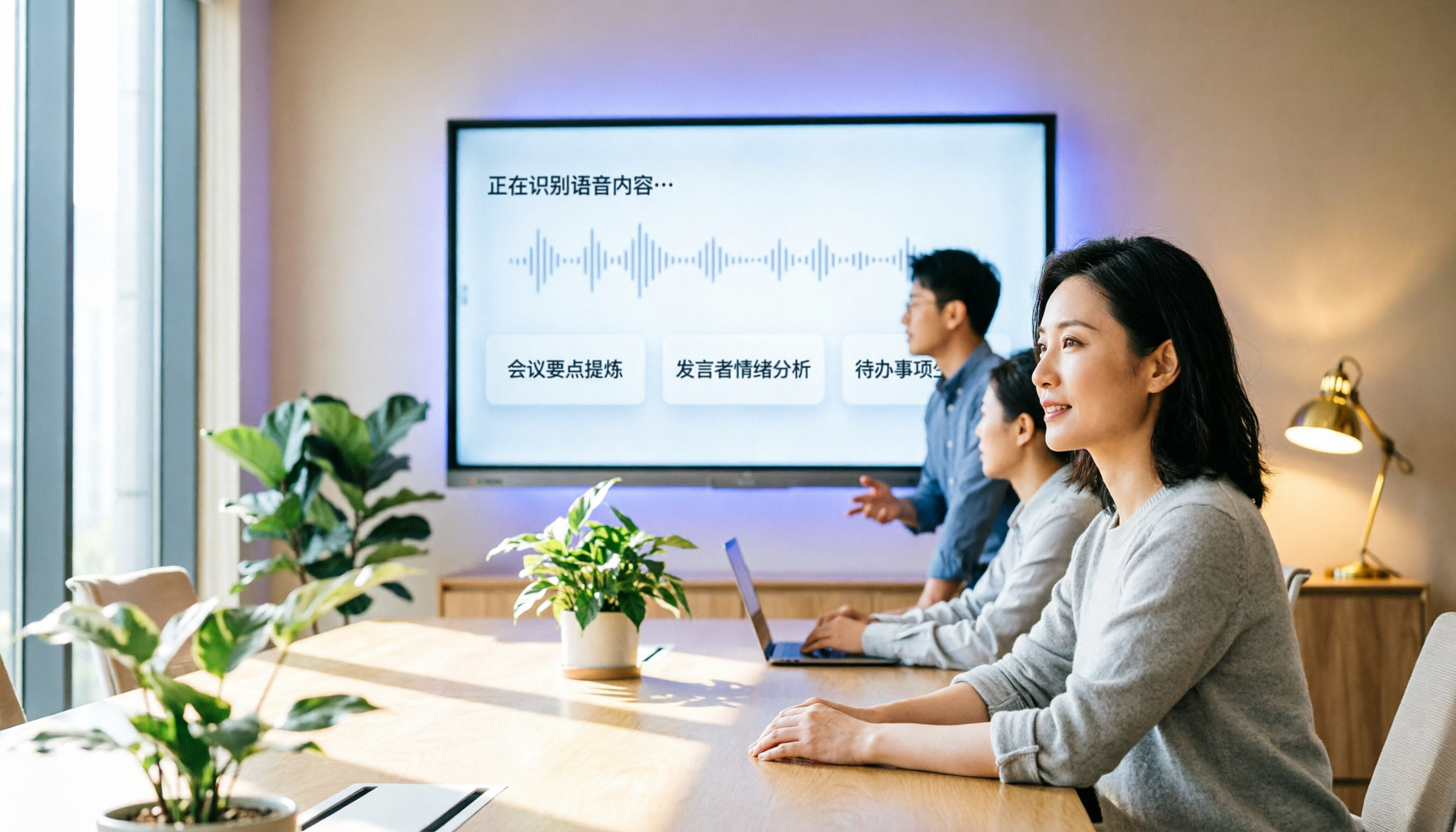
Turn recordings into transcripts and summaries in minutes
Upload audio or video for multilingual transcription, AI notes, and action items
5 Best AI Meeting Minutes Platforms in 2026: A Hands-On Comparison for Chinese Meetings and Team Collaboration
It's 2 PM, and your cross-departmental meeting just ended. You open the recording to prepare the minutes, only to find that 40 minutes of the hour-long discussion were spent on back-and-forth clarifications. You replay, you type, and it takes half an hour just to identify the decisions and action items.
This article reviews 5 AI meeting minutes platforms that are currently generating a lot of buzz. I'll compare their free plans, core features, and ideal users based on real-world usage scenarios, so you can quickly determine which one is worth trying.
Why You Need an AI Meeting Minutes Platform
Manually preparing meeting minutes is not only time-consuming but also prone to missing key decisions. Most meeting tools now have built-in transcription, but you still get just a raw transcript that you have to review and summarize yourself.
AI meeting minutes platforms combine recording, transcription, summarization, action items, and team sharing into one workflow. After a meeting, you don't have to replay the audio; you can search, ask questions, and export documents directly. For professionals who attend more than three meetings a week, these tools save a significant amount of time.
Here are five options I've tested or observed over time, each with its strengths. You can choose based on your meeting patterns.
Tinrec (秒聽錄音) — The Most Complete AI Meeting Minutes and Collaboration Assistant
Tinrec is the option I found most suitable for Chinese meetings and team use after recent testing. It's not just about speech-to-text; it turns meeting content into searchable, queryable, exportable, and collaborative data.
Key Highlights:
- No Bot Required for Online Meetings: The desktop app captures your computer's system audio directly, so you don't need to invite an extra bot to Zoom, Google Meet, Microsoft Teams, or Webex. This is a plus for those who don't like unfamiliar participants in their meetings.
- More Than Just a Transcript: Automatically generates summaries, chapters, key points, action items, and even mind maps. After the meeting, you can ask AI questions like, "What budget constraints did the client mention?"
- Multilingual and Chinese-Friendly: Supports Chinese, mixed Chinese-English, multilingual meetings, and real-time translation. Teams can also maintain custom vocabulary to improve recognition of industry-specific terms.
- Export to Common Tools: Export meeting results to Notion, Google Docs, OneNote, Dropbox, and more, so you can continue your existing workflow.
- Team Space and Governance: Meeting data belongs to the team, so it doesn't disappear when a member leaves. Admins can allocate seats, monitor usage, view audit logs, and recover accidentally deleted files from the audio recycle bin.
Pricing:
- Free: Basic quota to try recording, importing, summarization, and transcription.
- Weekly Pass: Ideal for short-term intensive meetings or interviews.
- Pro Monthly: For regular users with weekly meetings.
- Pro Annual: Lower monthly cost for long-term use.
- Team: $29.80 per paid seat per month, or $199 per paid seat per year (approx. $16.58/month). New teams get a 7-day trial, 1 free seat, and 300 minutes of team-shared import quota.
Best For: Small to medium-sized teams or individual professionals who need Chinese meeting minutes, prefer not to use meeting bots, and want to turn meeting data into a team asset.
Notta — Focused on Fast Transcription and Multilingual Support
Notta is positioned similarly to Tinrec, offering multi-device transcription, meeting notes, file imports, and team plans. It's well-known among Japanese users.
Key Highlights:
- Supports live recording, uploading audio files for post-processing, and recording online meetings.
- Meeting notes can be exported to Notion, Slack, or Email.
- Clean interface with stable multilingual transcription.
Pricing:
- Free: 120 minutes per month, with a 3-minute limit per session, which is quite restrictive.
- Pro: Approximately $8.17/month billed annually, with 1,800 minutes per month.
- Business: Approximately $16.67/seat/month billed annually, offering unlimited transcription, role permissions, and usage reports.
Best For: Users who need high-volume transcription and occasional cross-language meetings but don't require complex team governance. Compared to Tinrec, Notta is weaker in bot-free desktop recording and comprehensive Chinese meeting post-processing.
Otter.ai — The Most Mature for English Meetings
Otter is one of the pioneers in AI meeting assistants, with a large user base in the US and Europe. Its transcription and summarization capabilities for English meetings are mature.
Key Highlights:
- Supports transcription for Zoom, Teams, Meet, speaker identification, and AI Chat.
- Business plans offer unlimited meetings and more administrative features.
- English summaries are high quality, but performance with mixed Chinese or Taiwanese accents may not be as good as native Chinese tools.
Stop organizing recordings by hand
Upload audio or video and automatically get a transcript, summary, and action items
Pricing:
- Basic: Free, 300 minutes per month.
- Pro: $8.49/user/month billed annually, with 1,200 minutes of in-app recording and 10 file imports per month.
- Business: More import and management capabilities; pricing available on the official website.
Best For: International teams that primarily hold meetings in English. If most of your meetings are in Chinese, I'd recommend trying Tinrec first, as its Chinese processing is usually more tailored to Taiwanese users.
Fireflies.ai — Strong in Meeting Automation and Sales Analytics
Fireflies excels in meeting automation, AskFred Q&A, extensive third-party integrations, and team analytics. It's commonly used in sales teams.
Key Highlights:
- Meeting bot automatically joins, AI summaries, action item tracking.
- Integrates with Salesforce, Slack, Notion, and more, suitable for sales workflows.
- Business plans include team analytics and more automation, but the interface feels more engineering-oriented.
Pricing:
- Free: $0.
- Pro: $10/seat/month.
- Business: $19/seat/month.
- Enterprise: $39/seat/month.
Best For: Sales or customer success teams that need extensive meeting automation and CRM integration. Note that Fireflies' "unlimited transcription" still has storage and upload rate limits, so it's not truly unlimited.
Granola — Bot-Free AI Meeting Notes
Granola also records without a bot, emphasizing "user notes + AI enhancement," ideal for those who like to take notes manually.
Key Highlights:
- Desktop app captures system audio directly, no bot needed.
- Real-time transcript can be viewed, copied, and searched.
- Combines handwritten notes, and AI generates more personalized meeting content.
Pricing:
- Basic: Free.
- Business: $14/user/month.
- Enterprise: $35/user/month.
Best For: Mac users who prefer a minimalist interface and like to take handwritten notes during meetings. Note that Granola does not support uploading pre-recorded audio files and does not save meeting audio, so long-term retention and file import needs are not well addressed.
How to Choose Among These Options?
- If you need Chinese meeting minutes + team data accumulation + bot-free recording → Tinrec is currently the most complete choice, especially for small to medium-sized teams.
- If you need high-volume transcription and multilingual support without team governance → Notta's Pro plan is cost-effective.
- If your meetings are primarily in English and you need mature summaries and ecosystem → Otter.ai is a safe bet.
- If you're a sales team needing automated meetings and CRM integration → Fireflies.ai is strong in this area.
- If you don't like bots and prefer lightweight notes with AI assistance → Granola is worth trying, but don't expect comprehensive file import and audio retention.
Most Taiwanese users care about Chinese transcription quality, post-meeting efficiency, and team data retention. Based on my testing, Tinrec is the most complete in terms of "what you can do after transcription," and it doesn't force you to add a bot to your meetings. It's definitely worth trying the free version.
4 Things to Know Before Using an AI Meeting Minutes Platform
- Confirm compliance before recording: Different regions have different regulations regarding recording and transcription. It's advisable to obtain consent from participants before the meeting to avoid legal issues.
- Accuracy is not 100%: Even with powerful tools, noise, accents, and overlapping speech can affect results. For important decisions, cross-reference the transcript timestamps or the original recording.
- Free plans have limits: For example, per-session minute limits, monthly totals, and file import quotas. Check your monthly meeting volume before committing to avoid interruptions.
- Understand team permissions: If you're using it with a team, make sure you understand the difference between "members can view" and "members can edit." In Tinrec's team plan, members without a seat can read data but cannot upload or edit, which is important for management.
Conclusion
AI meeting minutes platforms have evolved from "speech-to-text" to "post-meeting action management." Choosing the right tool can save you a lot of time.
If you have Chinese meetings every week and want to turn meeting minutes into searchable, trackable team assets, I'd recommend Tinrec (秒聽錄音). It's not just a transcription tool; it helps you turn meeting content into actionable data.
FAQ
Q: Is the free version sufficient?
A: It depends on your meeting volume. Tinrec's free version offers a basic quota to experience core features, suitable for occasional recording or evaluation. If you have more than 5 hours of meetings per month, consider a paid plan to avoid constantly switching tools.
Q: Will AI meeting minutes platforms replace human note-takers?
A: They can significantly reduce manual work, but they shouldn't completely replace human review. Important decisions, legal, or compliance content still require human verification, as AI summaries may contain errors.
Q: How is Tinrec different from meeting bots?
A: Tinrec's desktop app captures your computer's system audio directly, so you don't need to invite an extra bot to online meetings. You need to actively open Tinrec to start recording; it doesn't automatically join all calendar meetings.
Q: Will meeting data disappear when a team member leaves?
A: With Tinrec, team data belongs to the team. When a member exits or is removed, the system requires them to transfer their resources to other active members, so data doesn't disappear.
Q: Should I choose monthly or annual billing?
A: If you're sure you'll use it long-term, annual billing usually offers a lower monthly cost. If you just want to try it for a month or two, start with monthly or weekly plans, then switch to annual once you're comfortable.
References
- Meeting Ink - AI Meeting Minutes Assistant: Automatic Transcription and Summarization
- Meeting Ink - 2026 AI Meeting Minutes Tools Test: 7 Speech-to-Text and Summarization Speed Comparison
- 2026's Top AI Meeting Recording Tools: Essential for Saving Time in Meetings
- AI Meeting Minutes - Smart Meeting Recording and Summarization | MaiAgent
- AI Meeting Minutes - Google Play App
Turn every recording into actionable outcomes
Get 60 free transcription minutes when you sign in. No credit card required.
Related Reading
You might also like

2026 Review of 4 Smart Meeting Collaboration Platforms: Which Saves More Time for Chinese Meetings and Team Knowledge Retention?
Evaluating Tinrec, Otter.ai, Notta, and Granola from the perspective of whether meeting data can be reused by the team after the meeting ends. We break down input sources, post-meeting outputs, Chinese-language experience, and team governance to help you determine which platform fits your meeting workflow.

2026 Comparison of 4 Online AI Meeting Collaboration Platforms: No Meeting Bots Required, Yet Searchable Meeting Records
Meeting notes are never finished—the problem often isn't the meeting itself, but that the content isn't captured as usable data. This article breaks down 4 online AI meeting collaboration platforms from meeting capture methods, post-meeting outputs, Chinese language support, team governance, to pricing logic, and explains which teams Tinrec, Otter.ai, Notta, and Google Meet's built-in features are best suited for.

2026 Comparison of 3 AI Meeting Collaboration Platforms: No Meeting Bots—Which One Actually Gets Post-Meeting Work Done?
A mid-level manager leading a 10-person team with over a dozen meetings per week tests 3 AI meeting collaboration platforms, breaking down everything from how meetings are recorded to who owns post-meeting data, and shares hands-on experience and limitations of Tinrec's desktop bot-free recording, AI Q&A, team roles, and seat governance.

2026 Smart Meeting Collaboration Tools Comparison: Tinrec vs. Zoom — Which Turns Meetings into Action Items?
Starting from common misconceptions about 'smart meetings,' this article compares Tinrec and Zoom's built-in meeting features from a mid-level manager's practical perspective across six dimensions: meeting capture, post-meeting follow-up, action item extraction, export, Chinese language support, and team governance. It includes a real-world tutorial example from a 40-minute weekly meeting to help you decide which approach best turns meeting content into actionable data.

2026 Comparison of 4 Smart Meeting Collaboration Platforms: How to Choose for Recording, Minutes, and Team Collaboration
Most people organize meeting notes the wrong way from the very first step. This article starts with common misconceptions and compares Tinrec, Otter.ai, Notta, and Granola on meeting audio capture, post-meeting organization, AI follow-up questions, and team data management. It also outlines 4 key purchasing factors and 4 common pitfalls to help you determine which one truly saves time.

2026 AI Meeting Assistant Comparison: Tinrec vs Notta, Otter.ai, Granola & PLAUD NotePin
We compare Tinrec, Notta, Otter.ai, Granola, and PLAUD NotePin across five dimensions—bot-free recording, Chinese and real-time translation, post-meeting summaries and action items, audio retention, and team seat management—to help you decide which AI meeting assistant truly fits your workflow.

How to Choose Smart Meeting Collaboration Software in 2026: 5 Steps to a Free Tool That's Good Enough
There are plenty of free meeting tools, but is the free version actually enough? This article walks you through 5 decision steps for choosing a smart meeting collaboration tool, hands-on tests Tinrec's bot-free recording, AI summaries, and meeting Q&A, compares the free plan differences and limitations of Otter.ai, Notta, and Granola, and finally offers selection advice based on your use case.

2026 Smart Meeting Collaboration Platforms Compared: Can You Keep Your Data Without a Meeting Bot?
Meeting notes don't end with turning audio into text. This article starts with common misconceptions and compares four smart meeting collaboration platforms—Tinrec, Otter.ai, Fireflies.ai, and Notta—breaking down differences in meeting capture methods, post-meeting outputs, Chinese-language experience, and team governance. It also provides buying criteria and pitfalls to help you choose a solution that truly retains your meeting data.

2026 Smart Meeting Collaboration Platforms Compared: Bot-Free Recording vs. AI Summaries—Which Saves More Time?
Recording meetings and then forgetting about them is a common pitfall with smart meeting collaboration platforms. This article reviews six popular options among office workers—Tinrec, Zoom, Google Meet, Otter.ai, Notta, and TurboScribe—comparing recording methods, post-meeting organization, free tiers, and team collaboration features to help you choose the one that truly fits your needs.