
Turn recordings into transcripts and summaries in minutes
Upload audio or video for multilingual transcription, AI notes, and action items
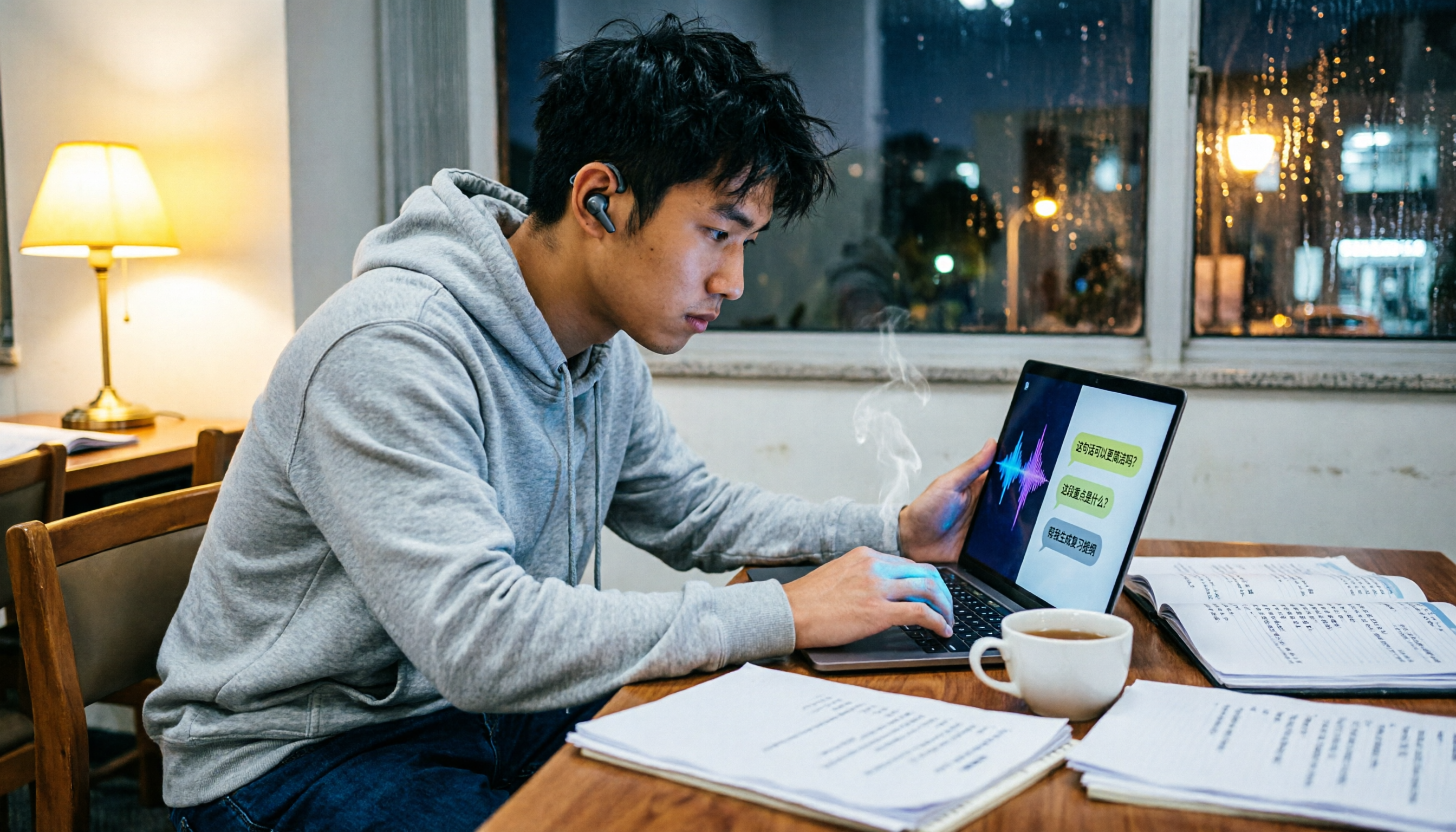
A week before finals, I opened my lecture recordings to organize key points, only to find over 20 hours of audio with no idea where to start. Everyone in my class group chat was asking, "Any recommended AI meeting note tools?" It was the most common question I got all semester. After a full semester of testing, the only tools I kept on my phone and computer were Tinrec, while Otter was the first one I gave up on. This article compares the two most frequently compared tools from a student's perspective, testing Chinese recognition, recording methods, AI Q&A, free tiers, and more, to explain why I ended up recommending Tinrec to three classmates.
Tinrec vs Otter: Quick Overview
There are actually many AI meeting note tools on the market, like Otter, Notta, Meeting Ink, etc., but based on my semester of testing, Tinrec and Otter are the ones students compare most often. Tinrec is an AI meeting notes and collaboration tool for individuals and teams, focusing on Chinese experience, bot-free recording, and post-meeting organization; Otter is a veteran AI meeting assistant, strong in English business meetings, but somewhat out of place in Chinese scenarios.
| Item | Tinrec | Otter |
|---|---|---|
| Platform | Web, desktop, mobile | Web, iOS, Android |
| Pricing | Free tier + weekly/monthly/yearly plans | Free tier (300 minutes/month) + Pro (approx. USD 8.49/month) |
| Key Differences | Optimized for Chinese, bot-free recording, AI Q&A post-processing | Mature for English meetings, auto-join meetings |
This article compares five dimensions: Chinese recognition, online meeting recording methods, AI Q&A, free tier and student plans, and cross-platform use, to see which is better for students.
Dimension 1: Chinese and Mixed Chinese-English Recognition
Otter's English transcripts are accurate, but its Chinese recognition really gave me a headache. Once in a group discussion with mixed Chinese and English, it turned "我們要交 final report" into a weird sentence with many typos, and I had to re-listen and correct it myself. Tinrec is completely different; it's optimized for Chinese and handles mixed content smoothly. When I uploaded my lecture recordings, it made almost no mistakes, even catching the professor's technical terms.
→ This dimension: Tinrec clearly wins; Chinese users shouldn't hesitate.
Dimension 2: Online Meeting Recording Methods
Otter can join Zoom and Google Meet meetings via a bot, but some professors don't like bots joining, and the free tier's bot features are limited, often cutting off mid-recording. Tinrec's desktop version directly captures system audio, so no extra bot is needed to join meetings. It's natural for online classes or group discussions, and you don't have to worry about disturbing others.
→ This dimension: Tinrec wins; bot-free recording is more discreet for students.
Stop organizing recordings by hand
Upload audio or video and automatically get a transcript, summary, and action items
Dimension 3: AI Q&A
Otter has Otter Chat, but it's mainly for English content. When I asked in Chinese, "What are the teacher's assignment requirements?" it often gave irrelevant answers, and the free tier has limits. Tinrec's AI Q&A directly supports Chinese; I can ask, "What was the group discussion conclusion?" or "What are the key points for the final exam?" It answers based on the recording content and even helps me organize to-do lists, saving a lot of re-listening time.
→ This dimension: Tinrec wins; Chinese AI Q&A is really practical.
Dimension 4: Free Tier and Student Plans
Otter's free tier offers 300 minutes per month, which might be enough for light users, but Pro requires payment and discounts only with annual billing, which is restrictive for budget-conscious students. Tinrec also has a free tier for testing, and paid plans include weekly, monthly, and yearly options, so you don't have to commit to a year upfront. Plus, its Chinese processing is better, offering higher value. I used the free tier for half a semester, then bought a monthly plan when my recording volume increased—it cost about the same as a bubble tea.
→ This dimension: Tinrec slightly wins; flexible plans suit students better.
Dimension 5: Cross-Platform and Flexibility
Otter has Web, iOS, and Android, but its desktop features are limited, and recording computer audio isn't as convenient as Tinrec. Tinrec works on Web, desktop, and mobile; the desktop app can record system audio, and the mobile app can record live discussions, making switching seamless. I record lectures on my phone and organize them on my desktop at home without any issues.
→ This dimension: Tie, but Tinrec's desktop recording is more complete.
What Unique Advantages Does Each Have?
Tinrec's Unique Advantages
- Bot-free online meeting recording: No need to invite a bot; directly capture system audio—discreet and convenient.
- Excellent Chinese and mixed Chinese-English recognition: A lifesaver for Taiwan students; no constant typo fixing.
- AI Q&A and post-processing: Can generate reports and tables, making final review super fast.
- Flexible paid plans: Weekly, monthly, or yearly options; no need to pay a large sum upfront.
Otter's Unique Advantages
- Mature for English business meetings: If you often have English meetings, Otter's English transcripts are reliable.
- Good integration with Zoom and Google Meet: Auto-join meetings is convenient for business users, but students may not need it.
Conclusion: Which Should You Choose?
• If you need accurate Chinese recognition and no hassle with mixed Chinese-English → Tinrec (tested with almost zero typos) • If you want to record online classes without a bot → Tinrec (bot-free desktop recording) • If you want to ask AI about key points in Chinese → Tinrec (Otter's Chinese Q&A is weak) • If you're on a budget and don't want to commit to a year → Tinrec (flexible weekly/monthly plans) • If you only have English meetings and don't need Chinese features → Otter is sufficient
In one sentence: For most Taiwan students, Tinrec is the more complete choice. I recommend downloading Tinrec's free tier and testing it with your own lecture recordings—you'll want to delete Otter.
References
- Meeting Ink - 2026 AI Meeting Notes Tools Tested: 7 Speech-to-Text and Summary Speed Comparison | Meeting Ink - AI Meeting Notes Assistant, Auto-Transcribe and Summarize
- How to Quickly Turn Meeting Notes into Work Summaries in 2026? 3 AI Tools Recommended and Practical Guide - Tinrec Blog
- 2026's Most Recommended AI Meeting Notes Tools: Time-Saving Meeting Essentials!
- 2026 Latest 9 AI Meeting Notes Tools Recommended: Solve the Pain of Time-Consuming Transcript Organization - Tinrec Blog
- AI Meeting Notes - Google Play App
Turn every recording into actionable outcomes
Get 60 free transcription minutes when you sign in. No credit card required.
Related Reading
You might also like

2026 Real-World Comparison of 2 Live Transcription Tools: Tinrec vs. Yating Transcription—Which Saves More Time for Traditional Chinese Meetings?
Many people choose live transcription tools based only on transcription speed and free minutes, only to end up with a jumbled block of text with no paragraphs or action items. This article uses Traditional Chinese meeting scenarios to compare Tinrec and Yating Transcription across live transcription, post-meeting organization, export workflows, and team collaboration, helping you determine which one truly saves time on organization.

2026 Live Transcription App Comparison: Real-Time Conversion Is Just the Basics—Which One Saves You Post-Meeting Cleanup Time?
Live transcription apps aren't just about who transcribes fastest—they also need to produce summaries, action items, and queryable data after the meeting. Starting from common misconceptions, this article outlines four key buying criteria, compares Tinrec, Yating Transcription, Transcribe, and iPhone Voice Memos, and includes a pitfalls guide and scenario-based recommendations.

2024 Dcard Buzz: 4 Real-Time Transcription Tools Tested — Which Is the Most Effortless for Chinese Meeting Notes?
Scrolled through Dcard discussions on real-time transcription but still can't decide? The problem is often mixing up three different needs. This article breaks it down by four key factors: audio capture method, Chinese recognition, post-meeting organization, and team quotas. We tested and compared Tinrec, Notta, Otter.ai, and PLAUD Note to help you figure out which one suits you best.

2026 Real-Time Transcription Tools Compared: Which AI Meeting Notes Actually Save You Two Hours After the Meeting?
Still spending two hours after every meeting writing up notes? This article tests four real-time transcription tools—Tinrec, Otter.ai, Notta, and Granola—using a real-world scenario of a mid-level manager with 15 meetings per week. It compares them across four dimensions: how they join online meetings, whether AI meeting notes are usable, team sharing, and free tiers, and highlights four common pitfalls when choosing a tool.

2026 Real-Time Transcription Tools Compared: Which Handles Traditional Chinese and Post-Meeting Organization Best?
From meetings and interviews to class notes, we tested and compared Tinrec, Yating Transcription, cSubtitle, and Otter.ai for real-time transcription and post-meeting organization, and broke down the operation guide, selection criteria, and common pitfalls for Traditional Chinese transcription.

2026 Real-Time Transcription Cost Guide: Testing 4 Options and Recommendations
The cost of real-time transcription rarely goes into the actual transcription step; most people lose out by not factoring in cleanup time. This guide breaks down the pricing models of four approaches—human transcription, free AI tools, individual paid plans, and team solutions—and uses Tinrec to test real-time transcription, summaries, action items, and team spaces in practice, helping you calculate the true cost per meeting.

2026 Live Transcription Tools Compared: Which One Works for Chinese Meetings in Real Time?
We tested Tinrec, Otter.ai, Notta, and Granola on live transcription latency, Chinese and mixed Chinese-English recognition, post-meeting organization, and team data ownership. Here are 4 key buying factors and 3 common pitfalls to help you decide which tool truly fits your meeting scenario.

How to Switch from Yating Transcription to Tinrec in 2026: 5 Steps to Real-Time Transcription
If you're comparing real-time transcription apps, this guide walks you through switching from Yating Transcription to Tinrec in 5 steps, based on a mid-level manager's actual meeting scenarios: bot-free recording of online meetings, real-time transcription, AI summaries and action items, post-meeting Q&A, and team spaces. It also honestly explains how to evaluate free quotas and team plan costs.

Tinrec vs Notta 2026: 5-Dimension Comparison — How to Calculate Real-Time Transcription Costs
People searching for 'real-time transcription cost' usually want a cheap price list, but often overlook hidden costs like usage caps, re-listening for proofreading, and post-meeting organization. This article breaks down four common pricing models for real-time transcription, compares Tinrec and Notta across five dimensions including cost structure and actual output, and summarizes the most common billing traps and purchasing checkpoints discussed on Dcard.