
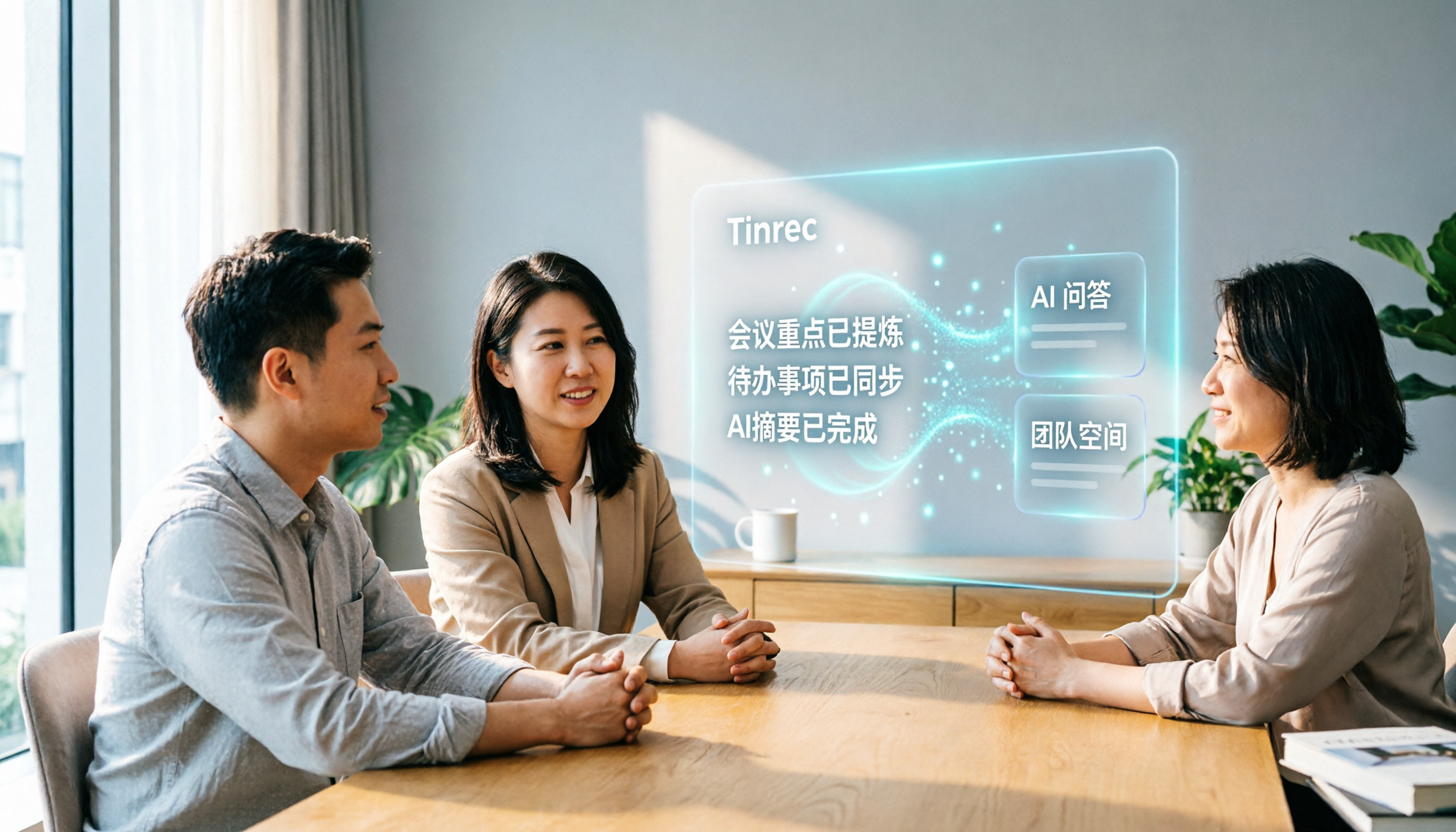
Turn recordings into transcripts and summaries in minutes
Upload audio or video for multilingual transcription, AI notes, and action items
If you're considering whether to continue with Notta, or looking for a tool that better fits your post-meeting workflow, this article will lay out the key differences. I'll use Tinrec as the main focus, comparing it with Notta's user experience, so you can decide which one is better for your meeting transcription workflow.
Why Are People Looking for Notta Alternatives?
Notta is a tool that covers multi-device transcription, meeting notes, file import, and translation. Many people use it to quickly convert recordings into text. However, after actual use, you'll notice several limitations:
The free plan only offers 120 minutes per month, and each session is capped at 3 minutes. A 30-minute meeting simply cannot be transcribed with the free version. While the paid plan increases limits, if you need deeper post-meeting organization, team collaboration, or optimization for Chinese technical terms, you'll start looking for other options.
If you have these needs, Tinrec is worth checking out. It doesn't just convert speech to text; it further turns meeting content into searchable, queryable, exportable, and team-shareable data.
Tinrec vs Notta: What's Different in Core Experience?
Bot-Free Online Meeting Recording
Many online meeting tools require inviting a bot to join for recording and transcription, which adds an extra step for the host and can disturb participants. Tinrec's desktop version directly captures system audio, so no bot is needed for Zoom, Google Meet, Microsoft Teams, or Webex. Just open Tinrec and start recording, and you'll get real-time transcription. For teams that don't like strangers in their meetings, this is a practical difference.
Chinese and Multilingual Meeting Experience
Chinese meetings often mix in English terms, proper nouns, or Taiwanese expressions, and typical transcription tools tend to make errors in these areas. Tinrec has invested in Chinese, Traditional Chinese, and multilingual meeting scenarios, and also supports real-time translation and bilingual comparison. The team hotwords feature lets you customize technical terms to improve recognition. In contrast, while Notta's multilingual capabilities are not weak, Tinrec places more emphasis on a workflow centered around Chinese users.
Post-Meeting AI Q&A and Action Item Extraction
Getting the transcript isn't enough; you need to know the meeting's key points, conclusions, and action items. Tinrec has built-in AI Q&A, so you can ask, "What was the decision in this meeting?" or "Who is responsible for what?" It answers based on the transcript's semantics, so you don't have to manually flip through dozens of pages. Action items are also automatically organized for easy tracking. Notta has a summary feature, but Tinrec puts "Q&A" and "follow-up actions" at the core.
Team Space and Governance Capabilities
Notta's Business plan offers team features, but Tinrec for Teams goes further by centralizing meeting data, members, roles, seats, and usage in one space. Admins can allocate seats, view usage analytics, check audit logs, and even when a member leaves, the meeting data remains with the team. This governance capability makes a big difference for departments or project teams.
Input Sources and Subsequent Export
Tinrec supports live recording, desktop system audio, audio/video file import, mobile recording, and some web links. After transcription, you can export to multiple formats or send directly to tools like Notion, Google Docs, OneNote, Dropbox, etc., to continue working. Notta also supports multiple inputs, but Tinrec emphasizes a complete loop of "transcribe—organize—export—collaborate."
Tinrec's Core Features at a Glance
Real-time recording to text: Open Tinrec, and text appears as you record, with less than 1 second latency. During meetings, you can watch the text in real time to ensure nothing is missed, and by the end, the transcript is ready.
Bot-free online meeting recording: The desktop version directly captures system audio, so no bot is needed. Just open Tinrec before the meeting, select record, and it will capture the entire meeting in the background.
AI summaries, chapters, and action items: Long meetings are automatically split into chapters, with summaries and key points generated, and action items listed as to-dos. No need to listen from the beginning again.
AI Q&A: This is my personal favorite. After recording a one-hour meeting, I can ask Tinrec, "What are the three main requirements the client mentioned?" It provides answers with timestamps for easy reference.
Stop organizing recordings by hand
Upload audio or video and automatically get a transcript, summary, and action items
Multi-format export and team space: Transcripts, summaries, and to-dos can be exported as Word, PDF, plain text, or sent to third-party tools. The team version also centralizes all meetings, and new members can view historical data.
Real-World Use Cases
Internal weekly meetings: Open Tinrec desktop before the meeting and record the entire discussion. Afterward, Tinrec has already generated the transcript, summary, and action items. You can paste the to-dos directly into your project management tool, saving 30 minutes of organization time.
Client interviews: For face-to-face interviews, use Tinrec on your phone for real-time recording, while also capturing your questions. When the interview ends, the transcript and key points are ready, and you can use AI Q&A to quickly find keywords and pain points mentioned by the client.
Online course learning: Import course recordings or video files into Tinrec, and it will transcribe them and generate chapters. You can search for a concept or ask Tinrec about a formula mentioned in the course, without repeatedly dragging the progress bar.
Personal idea notes: When an idea strikes while you're out, open Tinrec and record your voice; it will transcribe in real time. Later, you can use AI Q&A to review the past week's ideas and see which ones can be developed into concrete plans.
Key Points to Consider When Choosing a Transcription Tool
Is there a limit on single recording length?: Many free plans limit sessions to a few minutes, which is insufficient for meetings. Tinrec's real-time recording doesn't deduct minutes under active plans, making it suitable for long meetings.
What can you do after transcription?: If it only converts speech to text, you'll still have to do the follow-up organization yourself. Tinrec's AI summaries, action items, Q&A, and export features save you the most time.
Is team collaboration convenient?: Personal use and team sharing are different. Tinrec for Teams offers a dedicated space, member management, usage analytics, and audit logs, so meeting data doesn't get scattered across personal accounts.
Is the Chinese experience good?: Users in Taiwan often encounter issues like simplified Chinese, terminology differences, or errors in mixed Chinese-English recognition. Tinrec supports Traditional Chinese, real-time translation, and team hotwords, making it more friendly for Chinese content.
Are pricing and quotas transparent?: Tinrec's personal plan has free and paid versions. The team plan costs $29.8 per seat per month, or $199 per seat per year (approximately $16.58 per month). First-time team trials include 7 days, 1 free seat, and 300 minutes of shared import quota. Actual pricing is subject to the purchase page.
Conclusion: Is Tinrec Worth Trying?
If you're looking for a tool that supports Chinese, records online meetings without inviting a bot, and lets you use AI to find key points, list action items, and export to other tools, Tinrec is one of the few options on the market that can meet all these needs simultaneously. Especially for those who need to turn meeting data into team assets, Tinrec for Teams' role and seat management is very practical.
I recommend starting with the free version and testing the transcription quality and AI Q&A with your own meeting recordings. Don't rush to pay; first see if it can save you that 30 minutes of organization time.
Frequently Asked Questions
What is the biggest difference between Tinrec and Notta?
Notta leans toward multi-device transcription and translation, while Tinrec emphasizes bot-free meeting recording, post-meeting AI Q&A, action item extraction, and team space governance. If your need is simple transcription, both work; if you need complete meeting data management, Tinrec is more comprehensive.
What are the limitations of Tinrec's free version?
The free version provides basic quotas to experience recording, import, summary, and transcription, but the specific minute count is not disclosed. I recommend downloading and testing it to see if it's sufficient. Paid and team versions offer more generous quotas.
Can Tinrec record Zoom meetings without inviting a bot?
Yes. Tinrec's desktop version directly captures system audio, so you don't need to add a bot to the meeting. Just open Tinrec before the meeting and start recording.
How is the team version priced?
Currently, the team plan costs $29.8 per paid seat per month, or $199 per seat per year. Each paid seat includes 2,000 minutes of shared import quota per month, and real-time recording doesn't deduct minutes. Actual pricing is subject to the purchase page.
How accurate is the transcription?
Tinrec provides high-quality transcription in clear audio and common scenarios, but actual results are affected by recording quality, accents, noise, and overlapping speech. For important content, it's recommended to cross-check with the transcript timestamps.
If a team member leaves, will the meeting data disappear?
No. Team resources belong to the team. When a member leaves or is removed, their assigned team resources are transferred to other active members, and meeting data won't disappear with the personal account.
References
Turn every recording into actionable outcomes
Get 60 free transcription minutes when you sign in. No credit card required.
Related Reading
You might also like

2026 Live Transcription Tools Compared: Real-Time Captions for Live Streams and Which Handles Chinese Best
People searching for "live transcription online" are usually looking for one of two things: synchronized captions while watching a live stream, or turning ongoing audio into editable text in real time. This article evaluates Tinrec, Transcribe.com, Notta, and cSubtitle based on three criteria—real-time output while speaking, usability right after the meeting, and team handoff—and summarizes hands-on impressions, free tiers, and limitations to help you decide which tool to use.

4 Live Transcription Apps Tested for 2026: Which One Actually Saves You Time After Meetings?
The real work begins after the meeting ends. This hands-on comparison of Tinrec, Notta, Otter.ai, and Granola looks at how each live transcription tool records audio, handles Chinese, organizes post-meeting notes, and supports team collaboration. We also break down four key selection criteria and common pitfalls to help you find the one that truly saves time.

The Complete Guide to Real-Time Transcription Translation in 2026: 5 Key Criteria to Choose the Right Tool and Never Miss a Point
There are many real-time transcription translation tools, but few can record and translate on the fly and still organize everything after the meeting. This guide uses 5 key criteria to help you identify your needs, compares Tinrec, Otter.ai, Notta, and Google Translate's transcription feature in terms of differences, free quotas, and limitations, and helps you choose the right tool for your meeting scenario.

How to Get Free Real-Time Online Transcription in 2026: 5-Step Guide and Why Tinrec Beats Yating Transcription
How to get free real-time online transcription in 2026? This article starts with common pitfalls, compares Tinrec and Yating Transcription in real-time recording, post-meeting organization, cross-platform support, and team collaboration, and provides a 5-step guide to using Tinrec's free version for transcripts, summaries, and action items.

2026 Live Transcription Showdown: Which Free Version Is Enough?
How to choose a free live transcription tool? This article compares Tinrec and Yating Transcription across five dimensions—live transcription initiation, what you can test in the free version, post-meeting organization, cross-device access, and team knowledge retention—to help you decide which one suits meetings, classes, and interview notes.

4 Live Transcription Apps Tested: Which Is Best for Chinese Meetings in 2026?
Live transcription is more than converting speech to text. Starting from a real interview pain point, this article shows what a usable transcript looks like, breaks down 4 key buying criteria, and compares Tinrec, Yating Transcription, cSubtitle, and Otter.ai on real-time capability, post-meeting organization, and team collaboration. It also includes a pitfalls guide and a starter checklist.

4 Live Transcription Apps Tested for 2026: Which Handles Chinese Meetings and No-Bot Recording Best?
How to choose a live transcription app? This article examines four key aspects: audio capture method, post-meeting output, Chinese recognition, and data ownership. It compares Tinrec, Notta, Otter.ai, and Granola through hands-on testing, and outlines four common purchasing pitfalls to help you determine which tool truly saves time on meeting organization.

4 Free Real-Time Transcription AI Tools Compared in 2026: Quotas, Chinese Recognition, and Post-Meeting Organization
There are many free real-time transcription AI tools, but their quota calculations, definitions of 'real-time,' and post-meeting organization capabilities vary widely. This article starts with common misconceptions, outlines four key purchasing criteria, and compares the free plans, Chinese language support, and team collaboration features of Tinrec, inFin, cSubtitle, and Otter.ai to help you choose one that meets your needs without pitfalls.

2026 Real-Time Transcription Tools Compared: 5 Top Picks Tested — What Makes Live Text Actually Work?
Real-time transcription isn't just hitting record — it's about where your meeting happens and what you need afterward. We tested Tinrec, Yating, Vocol.ai, Transcribe, and cSubtitle against 5 key buying criteria to help you choose the right tool for personal or team use, plus 4 common pitfalls to avoid.