

Turn recordings into transcripts and summaries in minutes
Upload audio or video for multilingual transcription, AI notes, and action items
Many people think that finding a free speech-to-text app is all they need for meeting notes. But the result is often full of typos or requires you to re-listen and organize everything yourself. In 2024, PTT users discussed the S24's voice-to-text feature, noting that "the transcription isn't perfect, but the summarized key points are accurate." This highlights a crucial point: you need more than just a transcript—you need a tool that turns meeting content into summaries, action items, and something you can share with your team.
This time, I tested two AI meeting note tools that are highly discussed in Taiwan: Tinrec and Otter.ai. I compared them across five key dimensions to help you decide which one to choose.
Tinrec vs Otter.ai | Quick Overview
Tinrec is an AI meeting notes and collaboration tool designed for individuals and teams. It doesn't just convert speech to text; it also generates summaries, action items, supports AI Q&A, and offers team spaces. Otter.ai is a well-established AI meeting assistant known for online meeting transcription and English business scenarios.
Here's the basic info for both tools:
- Pricing: Tinrec offers a free version and paid plans (weekly, monthly, yearly); team plan is USD 29.80 per paid seat per month. Otter.ai's free version includes 300 minutes per month; Pro is about USD 8.49/month when billed annually; Business is priced separately.
- Platforms: Tinrec supports desktop, mobile, and web versions; Otter.ai also has web and app versions.
- Key Differences: Tinrec emphasizes bot-free meeting recording, Chinese language experience, and team knowledge management; Otter excels in English meeting automation and a mature ecosystem.
Next, I'll compare them across five dimensions.
Dimension 1 | Meeting Capture: Bot-Free vs Meeting Bot
Otter.ai's most common usage is joining online meetings on Zoom, Google Meet, Microsoft Teams, etc., as a bot that automatically records and transcribes. This is convenient, but some companies or clients don't like having third-party bots in meetings, and it can be problematic in security-sensitive situations.
Tinrec, on the other hand, uses desktop-based bot-free recording. It captures your computer's system audio directly, so you don't need to invite a bot to your meeting. Just open the Tinrec desktop app before the meeting, and it will record audio from Zoom, Meet, Teams, Webex, and transcribe it in real time.
→ This dimension: Tinrec wins. It doesn't disrupt participants and is more privacy-compliant.
Dimension 2 | Chinese Transcription and Summary Quality
Otter.ai is strong in English transcription, but in Chinese contexts—especially with mixed Chinese-English or Taiwanese accents—accuracy drops. PTT users have also shared experiences with S24's voice-to-text, noting that "Chinese is particularly bad, but English is okay," highlighting that Chinese transcription remains a pain point for many tools.
Tinrec is specifically optimized for Chinese and multilingual meetings. Its Traditional Chinese transcription and summary quality are stable, and it supports mixed Chinese-English content and real-time translation. I tested both with a 10-minute Chinese meeting recording: Tinrec's transcript had noticeably fewer errors than Otter's, and its summary correctly captured decisions and action items.
→ This dimension: Tinrec clearly wins, making it more suitable for Chinese-dominant Taiwanese teams.
Dimension 3 | AI Q&A and Post-Meeting Content Generation
Otter.ai has a built-in AI Chat that lets you ask questions about meeting content and generate summaries and action items. However, its output tends to be English-oriented, and the naturalness of Chinese output is weaker.
In addition to AI Q&A, Tinrec offers Agent post-processing features that can generate reports, tables, meeting minutes, and other documents based on meeting content. It also allows one-click export to tools like Notion, Google Docs, and OneNote. This is very useful for office workers who need to write reports or organize action items after meetings.
Stop organizing recordings by hand
Upload audio or video and automatically get a transcript, summary, and action items
→ This dimension: Tinrec wins. It goes from "getting answers" to "producing deliverable documents" more completely.
Dimension 4 | Team Collaboration and Data Management
Otter.ai's Business plan includes team management features, but it follows a collaboration logic geared toward Western companies. The Chinese interface and document management experience aren't very user-friendly for Taiwanese small and medium-sized teams.
Tinrec's team plan offers a dedicated team space where meeting data is centrally stored, searchable, and traceable. Admins can set roles and seats, view usage analytics and audit logs, and transfer data when members leave. In short, Tinrec turns meetings from a personal tool into a team asset.
→ This dimension: Tinrec wins. It better fits the governance needs of Asian teams.
Dimension 5 | Cross-Platform and Input Sources
Otter.ai mainly focuses on online meetings and app recording. While it supports file uploads, the free version has more restrictions, and the desktop functionality is relatively limited.
Tinrec supports real-time recording, online meetings, and also allows uploading audio files, video files, and even importing content from links. It works on mobile, desktop, and web, handling physical meetings, interview recordings, or historical audio files.
→ This dimension: Tinrec wins. It offers more diverse input sources and covers more use cases.
What Are Their Unique Strengths?
Tinrec's Unique Strengths:
- Bot-Free Meeting Recording: Doesn't alert participants and works in security-sensitive meetings.
- Chinese and Multilingual Experience: Traditional Chinese transcription, real-time translation, and team glossary management for better recognition of technical terms.
- Post-Meeting Content Generation: Agent can turn meetings directly into reports, tables, and to-do lists.
- Team Knowledge Management: Roles, seats, audit logs, and recycle bin make meeting records a manageable digital asset.
Otter.ai's Unique Strengths:
- Mature English Business Ecosystem: Integrates with many English collaboration tools, suitable for multinational teams.
- Automated Meeting Scheduling: Can automatically join calendar meetings, saving manual steps.
Summary: Which One Should You Choose?
- If you need non-intrusive meeting recording, high-quality Chinese transcription, automatic post-meeting document generation, or team collaboration management → Tinrec is more suitable.
- If your team primarily uses English, heavily relies on the Otter ecosystem, and doesn't need Chinese optimization → Otter.ai is worth considering.
In a nutshell: For Taiwanese office workers and small to medium-sized teams, Tinrec is the more complete choice. We recommend starting with the free version and testing Chinese transcription and summary quality with your own meeting recordings.
FAQ
Q1: What's the biggest difference between Tinrec and Otter.ai? A: Otter excels in English meeting automation, while Tinrec focuses on bot-free recording, Chinese language experience, and team knowledge management, making it more suitable for Chinese-speaking environments.
Q2: How long can I use Tinrec's free version? A: The free version provides basic credits for recording, transcription, and summaries. Actual limits are subject to what's shown on the official website.
Q3: Is accuracy guaranteed? A: Any transcription tool is affected by recording quality, accents, and background noise. Tinrec performs well with clear Chinese meetings, but for important content, we recommend cross-referencing with the recording.
Q4: Do I need to install software? A: Tinrec has desktop, mobile, and web versions. For online meeting recording, we recommend using the desktop version. Otter also has desktop and app versions.
Q5: Is the team plan worth it? A: If you need centralized management of meeting data, member collaboration, and permission control, Tinrec's team plan is a good value. For personal use, start with the free version or a Pro plan.
Q6: Can I export transcripts? A: Yes, Tinrec supports export in multiple formats and can also save to third-party tools like Notion and Google Docs.
References
- Discussion on S24's voice-to-text AI feature - MobileComm Board - PTT
- Expert-Monitored Top 10 Audio-to-Text Conversion Recommendations | mybest
- 5 Tips for Using ChatGPT to Quickly Turn Meeting Voice Transcripts into Perfect Articles and Tables
- [Audio to Text] 5 Useful AI Tools for Voice-to-Transcript Recommendations - Applealmond
- Tested 4 Best Online Speech-to-Text Tools: Free and Fast Recording-to-Transcript
Turn every recording into actionable outcomes
Get 60 free transcription minutes when you sign in. No credit card required.
Related Reading
You might also like

6 AI Meeting Transcription Tools Tested and Compared in 2026: Which Free Version Is Good Enough?
2026 comparison of 6 AI meeting transcription tools, covering Tinrec, Otter, Fireflies, Notta, TurboScribe, Granola, and PLAUD, including meeting capture methods, free quotas, paid pricing, and ideal users, to help you quickly choose a tool that fits Chinese meetings, team collaboration, and your budget.

2025 AI Meeting Notes Table Tools Compared: Tinrec vs Granola — Which One Actually Delivers a Ready-to-Share Table?
The hardest part of meeting notes isn't recording — it's turning the conversation into a table you can hand off. This comparison puts Tinrec and Granola head-to-head on five dimensions: table-ready output, Chinese recognition, audio retention and playback, team collaboration, and pricing/quotas. It also includes the columns a meeting notes table should have and answers common questions, so you can decide which tool fits your meeting workflow.

4 AI Meeting Note Apps Compared for 2026: Free Tiers to Team Collaboration
Too many meetings and too much time spent taking notes? This hands-on comparison of Tinrec, Notta, Otter.ai, and PLAUD reveals their Chinese transcription quality, bot-free recording, post-meeting organization, team collaboration, and free tier limits—so you can see which one best fits your workflow.
6 AI Meeting Transcription Tools Tested and Compared in 2026: Which Free Version Is Good Enough?
2026 comparison of 6 AI meeting transcription tools, covering Tinrec, Otter, Fireflies, Notta, TurboScribe, Granola, and PLAUD, including meeting capture methods, free quotas, paid pricing, and ideal users, to help you quickly choose a tool that fits Chinese meetings, team collaboration, and your budget.
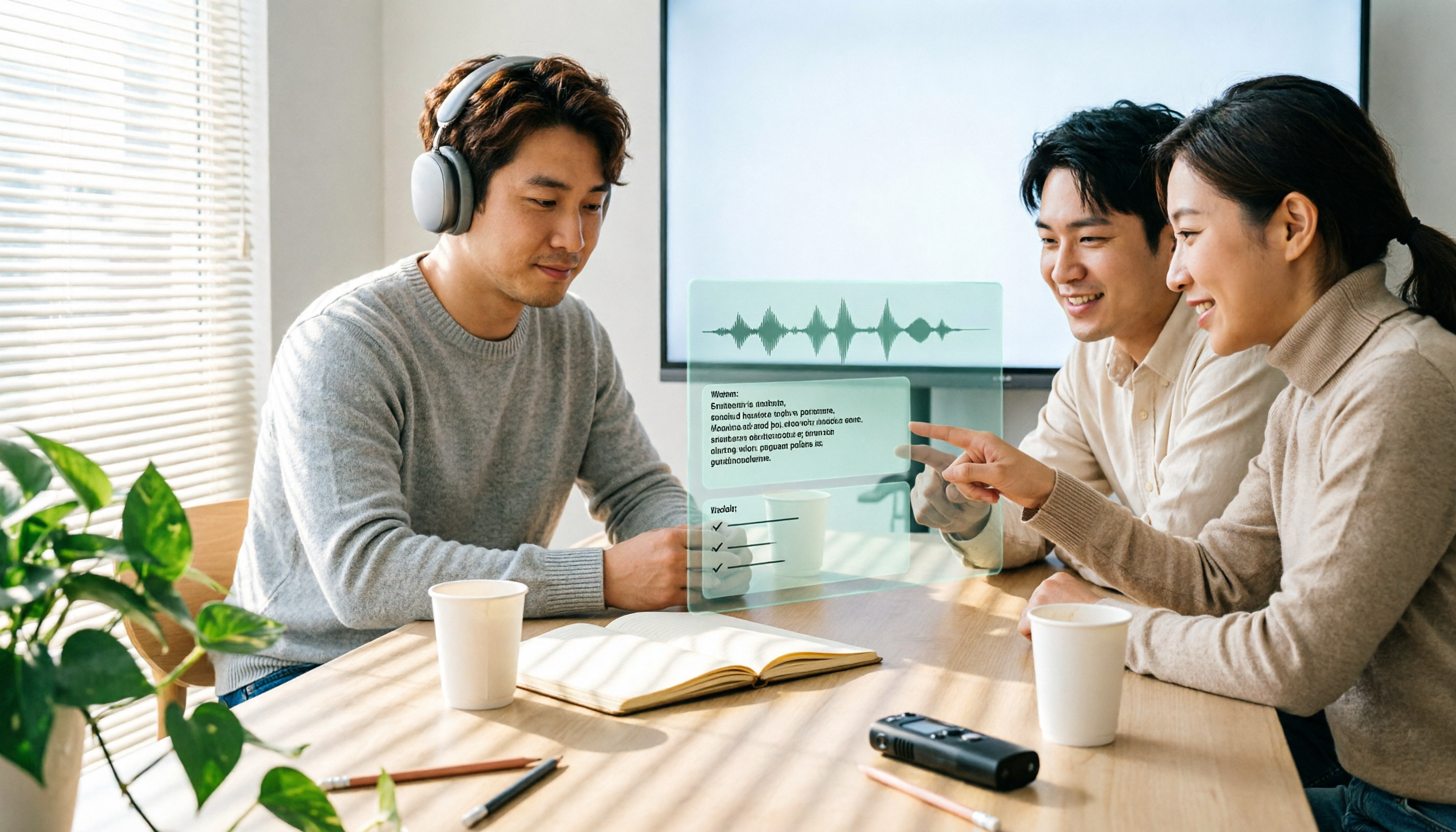
How to Take AI Meeting Notes in 2026: 5 Steps from Recording to Team-Ready Data
Does the meeting end only to start your overtime? This article tackles real pain points, breaks down 4 key factors for choosing an AI meeting notes tool in 2026, then demonstrates a 5-step process to turn a meeting into a transcript, summary, action items, and team data. It also compares Tinrec, Notta, Granola, and Otter.ai in terms of differences and use cases.

2026 AI Meeting Recorder Comparison: 5 Tools Tested — Don't Just Look at Transcription Minutes
Most people choose an AI meeting recorder based on free minutes, only to find unstable Chinese recognition or transcripts that still require manual reading. This article breaks down five key factors—capture method, Chinese-language experience, post-meeting outputs, team governance, and quota calculation—and compares Tinrec, Otter.ai, Notta, and Granola to help you choose the right tool.
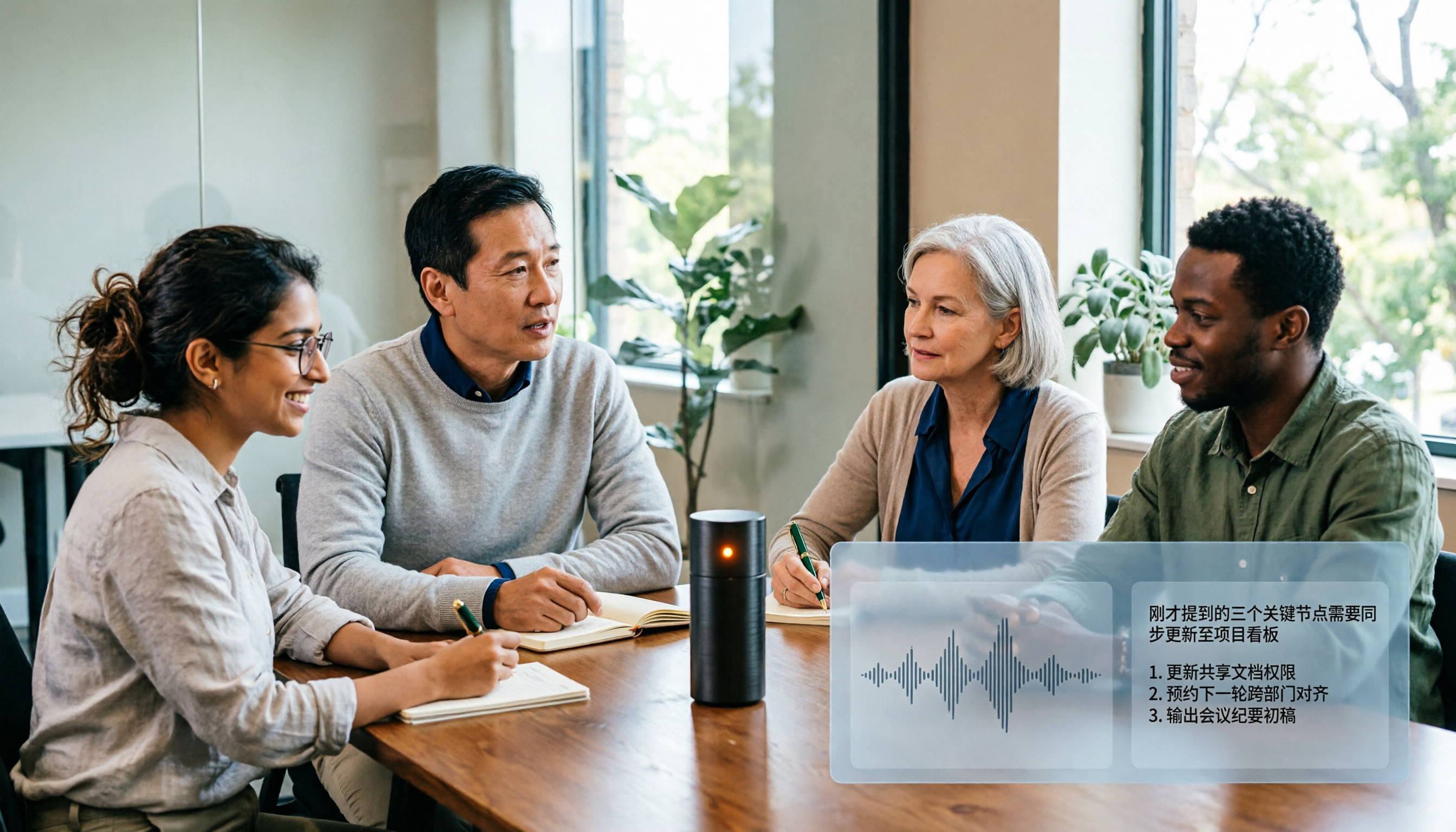
2026 AI Meeting Notes Tool Review: 3 Common Dcard Questions and How Tinrec Solves Them
On Dcard, the most common questions about AI meeting notes are free quota, Chinese accuracy, and post-meeting organization. This article uses Tinrec to test a full meeting workflow—from recording and transcription to summaries and action items—and outlines 5 buying considerations and FAQs to help you decide which tool truly fits professionals and teams.

2024 AI Meeting Notes Tools Compared: Free to Team Plans Explained
How to choose an AI meeting notes tool in 2024? This article starts from real meeting pain points and compares Tinrec, Otter.ai, Notta, and Granola on transcription, summarization, AI Q&A, and team collaboration. It also covers selection criteria and pitfalls to help you find the right solution for Chinese-language meetings and team knowledge retention.

2026 AI Meeting Notes Comparison: 5 Key Buying Factors Beyond Transcription Minutes
In 2026, AI meeting notes are shifting focus from transcription speed to bot-free recording, post-meeting outputs, and team data governance. This article breaks down the decision with 5 key buying factors and demonstrates the workflow from recording to summary, action items, AI Q&A, and team seat management using Tinrec.