
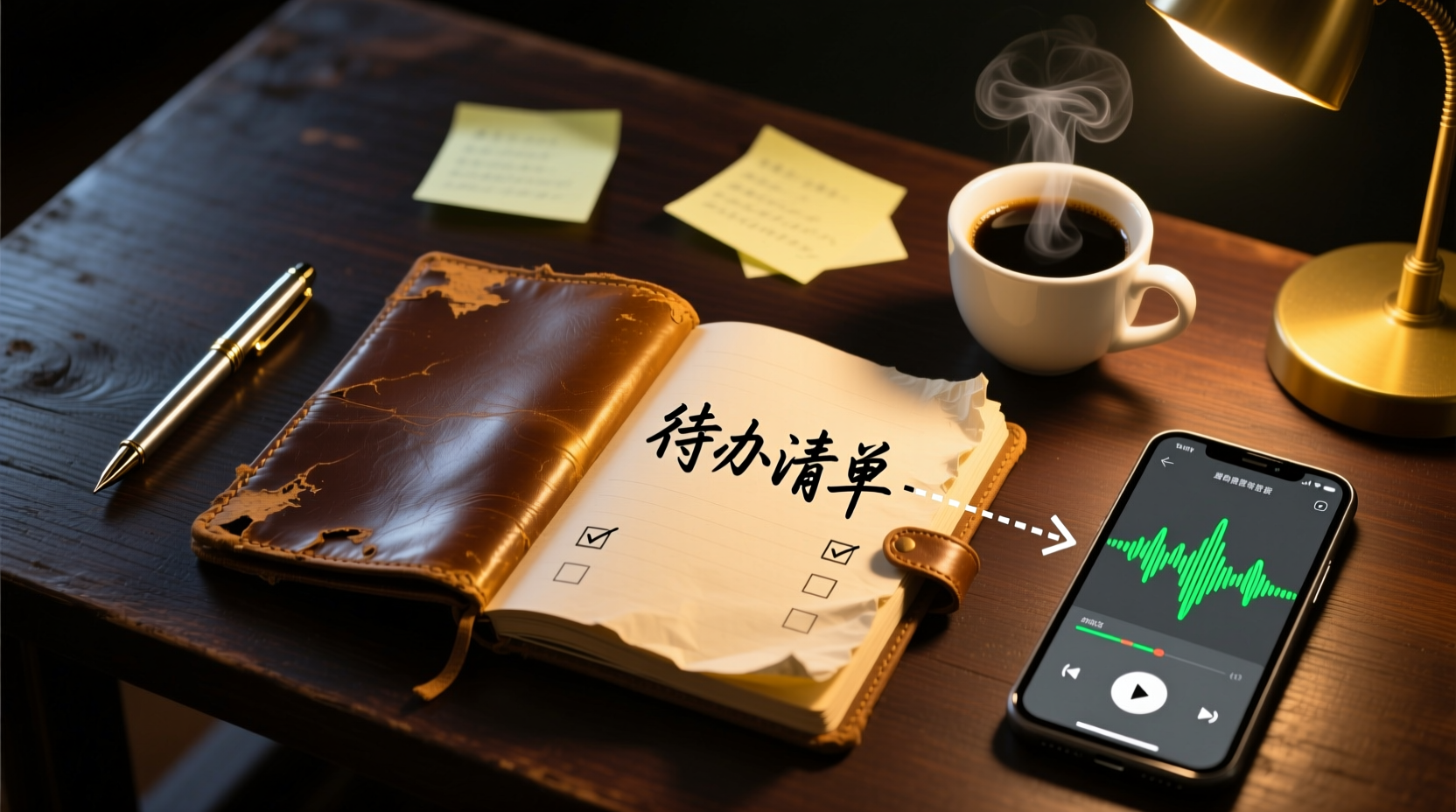
Turn recordings into transcripts and summaries in minutes
Upload audio or video for multilingual transcription, AI notes, and action items
Speech-to-Text: More Than Just Turning Voice into Words
Have you ever calculated how much time you spend after a 1-hour meeting? Listening to the recording, picking out key points, and listing action items often takes another 1 to 2 hours. If you have 5 to 15 meetings a week, just organizing meeting notes can eat up a large portion of your work time.
The traditional approach is to handwrite or type notes from memory after the meeting, then organize them in Word, Feishu Docs, or Notion. But this method has several obvious gaps: there's a lot of discussion, but decisions, action items, and responsibilities aren't structured and captured; action items are scattered across different people's notes or chat logs, making them easy to miss; and the action plans, follow-up materials, or reports that need to be produced after the meeting often have to be written from scratch, resulting in repetitive work.
The real value of speech-to-text isn't just "recording what everyone said," but transforming the discussion into "what was decided, who is responsible, when it will be done, and what hasn't been decided yet," and making this content reusable. Below, using Tinrec (Instant Recording) as an example, we'll walk through a complete workflow from recording to deliverable meeting materials.
Think Before Transcribing: Do You Need a Verbatim Transcript or Deliverable Materials?
Before you start transcribing, ask yourself: Do you just need a verbatim transcript, or meeting materials you can use directly?
If you just need a record, any transcription tool will suffice. But if you want to "know the conclusions, action items, and next steps immediately after the meeting," you need a tool that can help you organize summaries, extract action items, and even further process them into action plans.
Tinrec isn't just about "recording to text"; it turns meetings into searchable, summarizable, queryable, exportable, and further processable data. It supports multiple input sources:
- Live Recording: Ideal for in-person meetings, interviews, and on-site notes.
- Online Meeting Recording: The desktop version captures system audio to handle online meetings like Zoom, Google Meet, and Microsoft Teams, without needing a meeting bot to join.
- Audio and Video Files: Great for organizing existing meetings, interviews, and historical recordings.
- Mobile Recording: Suitable for on-the-go, in-person communication, and quick notes.
Step 1: Convert Speech to Text: Record, Import, or Record Online Meetings
Scenario A: In-Person Meetings or Interviews
Open the Tinrec app and tap the record button to start recording. Keep the phone close to the speaker; the closer it is, the clearer the audio, and the higher the transcription accuracy. For one-on-one interviews, place the phone between the two people; for multi-person meetings, place it in the center of the table.
Scenario B: Online Meetings (Zoom, Meet, Teams)
Use the Tinrec desktop version to directly capture your computer's system audio. No need to invite a bot to the meeting; just open the desktop app to record online meetings and generate a verbatim transcript in real time.
Scenario C: Existing Audio Files
Import audio or video files directly into Tinrec, and the system will automatically transcribe them. It supports common formats, making it suitable for organizing historical meetings, interviews, or client communication recordings.
Step 2: Quick Proofreading: Make the Transcript More Usable
AI transcription accuracy can be affected by recording quality, background noise, accents, overlapping speech, and technical terms. Therefore, after getting the transcript, it's recommended to quickly proofread key content:
Stop organizing recordings by hand
Upload audio or video and automatically get a transcript, summary, and action items
- Check that names, product names, numbers, and technical terms are correct.
- Cross-reference with the recording timestamps to ensure important decisions and commitments aren't missed.
- If your team has common terms, you can set "team keywords" to improve recognition of specialized vocabulary.
Step 3: Let AI Organize for You: Summaries, Chapters, and Action Items in One Go
After proofreading, Tinrec automatically generates:
- AI Summary: Quickly grasp the meeting discussion.
- Chapters and Key Points: Break long meetings into easy-to-browse sections.
- Action Items: Extract follow-up actions from the discussion.
These features let you quickly understand the meeting without listening to the entire recording.
Step 4: Turn Action Items into Deliverable Materials: How the AI Assistant Handles Post-Meeting Work
This is the biggest difference between Tinrec and typical transcription tools. The AI Assistant (Agent) doesn't just create another summary; it uses the meeting notes and context to help turn action items into usable post-meeting deliverables.
For example:
- After a project meeting: Organize action items into an action plan, including owners, deadlines, and deliverables.
- After a client meeting: Compile client commitments and objections into follow-up materials for the next communication.
- After a management meeting: Generate reports or tables based on the discussion for reporting purposes.
Specific operational steps:
1. Input: Provide the meeting notes, verbatim transcript, and action item list to the AI assistant.
2. Processing: The AI assistant generates action plans, follow-up materials, reports, or tables based on the context.
3. Human Review: Important commitments, external communications, and key decisions still require human verification before use.
Step 5: Export and Share: Bring the Data into Your Workflow
Tinrec supports multiple export formats, allowing you to bring meeting results into your common tools:
- Export to document formats like Word, PDF, etc.
- Export to third-party tools like Notion, Google Docs, OneNote, Dropbox, etc.
This way, meeting materials can directly enter your existing workflow without manual transfer between tools.
Team Collaboration: Make Meeting Materials a Team Asset
If your team needs to share meeting materials, Tinrec's team edition provides a team space to centrally store and share meeting materials.
Specific operational steps:
1. Create a team space: After creating a team, invite members and allocate seats.
2. Share meeting materials: Place meeting recordings, transcripts, summaries, and action items in the team space; all active members can view, play, and read them.
3. Continuous accumulation: New members can view historical meeting materials, and meeting content can be searched, queried, and further processed.
This way, meeting materials scattered across personal devices and chat logs can be accumulated into a searchable, collaborative, and traceable digital asset for the team.
Important Considerations: Privacy, Accuracy, and Human Review
- Privacy and Legal Compliance: Recording and transcription must comply with local laws, and consent is required when involving others' voices.
- Accuracy: AI transcription may have errors; important information should be cross-checked with the original audio and text.
- Human Review: Action plans and follow-up materials generated by the AI assistant are auxiliary outputs; important commitments, external communications, and key decisions still require human review.
Master this workflow, and you can turn speech-to-text from "a recording sitting on your phone" into truly deliverable, follow-up-ready work materials.
References
- Online AI Speech, Video, and Audio File to Text - Free Trial - cSubtitle
- SoundType AI - Ultra-Precise Transcripts, Speech-to-Text, AI Dictation
- Transcription - Transcribe Speech To Text - Download and install on Windows | Microsoft Store
- Speech to Text - Google Play Apps
- Online Speech-to-Text AI Tool, Free MP3 or Audio File to Text Transcript
Turn every recording into actionable outcomes
Get 60 free transcription minutes when you sign in. No credit card required.
Related Reading
You might also like

2025 Live Transcription Tools Compared: Which One Actually Saves You Time?
How to choose a live transcription tool in 2025? We tested Tinrec, Granola, Notta, and Otter.ai across Chinese recognition, meeting audio capture, post-meeting organization, and team quotas. We also cover common pitfalls and scenario-based recommendations to help you find the one that truly saves you time.

2026 Real-Time Transcription Tools Buying Guide: 6 Tested Picks and Recommendations
Recording the meeting is just the beginning of the pain? This guide covers 6 real-time transcription tools, comparing Chinese language support, meeting note methods, and pricing plans. It also explains the most common pitfalls before buying, helping you find the right transcription tool for your needs.

Which Auto-Generated Meeting Notes Tool for Teams Is Best? 2026 Hands-On Test of 3 Tools: This One Works Best for Chinese Meetings
Teams built-in transcription only gives you a verbatim transcript; post-meeting organization is where the real time goes. This article uses Teams meetings as the scenario to compare Tinrec, Otter.ai, and Notta, helping you decide which is best for Chinese meetings and team collaboration.

3 Meeting Recording Tools Tested in 2026: Notion AI vs. Tinrec — Which Saves More Time?
Based on three real meetings, this comparison examines how Notion AI Meeting Notes, Granola, and Tinrec differ in meeting recording, transcription, post-meeting organization, and team handoff. Includes selection criteria, pitfalls to avoid, and a ready-to-use starter checklist.

2026 Comparison of 4 Teams Meeting Transcription Tools: Which Saves More Time with Auto Transcripts and AI Summaries?
Starting from the pain points of student group meetings on Teams, this comparison covers Teams built-in transcription, Tinrec, Otter.ai, and Notta, evaluating auto transcripts, AI summaries, action items, and cost limits to help you choose the best meeting notes workflow.

4 Podcast Transcript Translation Tools Tested for 2026: Which Free Version Is Enough?
This article starts with common misconceptions about Podcast transcript translation and compares four tools—Tinrec, Otter.ai, Notta, and TurboScribe—covering transcription, translation, summarization, export, free quotas, and team collaboration differences to help you choose the right solution for Chinese or mixed Chinese-English shows.

Best Notion Meeting Notes Templates in 2026: 6 Options Compared, and the One That Makes Follow-Ups Easiest
A roundup of 6 Notion meeting notes templates and AI meeting tool combinations, from free templates to team collaboration solutions, explaining which meeting scenarios each suits, how to handle post-meeting follow-ups, and selection advice.

2026 Comparison of 3 Meeting Notes Tools: Notion AI, Tinrec, and Notta — Which One Actually Saves You Cleanup Time?
Starting from a Notion meeting notes tutorial, this comparison examines the meeting notes workflows of Notion AI, Tinrec, and Notta, covering differences in templates, transcripts, summaries, action items, AI Q&A, and team collaboration to help you choose the right tool for Chinese-language meetings.

The Complete Guide to YouTube Transcripts in 2026: How to Get Free Transcripts and Summarize Key Points
Starting from student scenarios like exam review and class notes, this guide breaks down common misconceptions about free YouTube transcripts and shows how Tinrec turns transcripts into searchable, summarizable, and queryable study materials.