
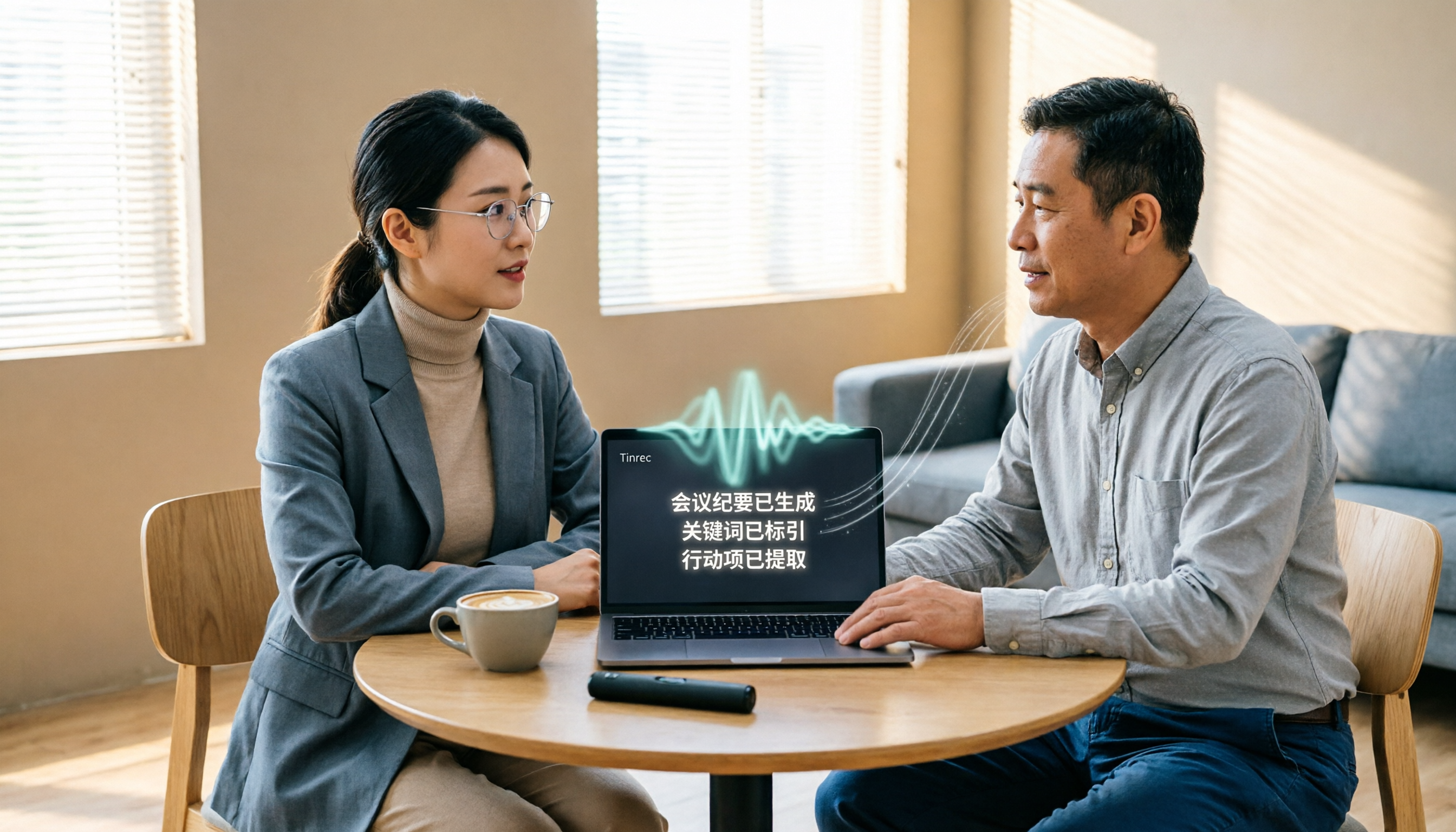
Turn recordings into transcripts and summaries in minutes
Upload audio or video for multilingual transcription, AI notes, and action items
Two hours in a meeting, two more hours writing it up—you don't need another recording; you need data you can actually use
For many people, the speech-to-text workflow looks like this: record the meeting, then replay the file afterward, type up the key points into a transcript, and then dig through that transcript for conclusions, action items, and answers to "who's responsible for this?" The biggest problem with this workflow isn't a lack of tools—it's that most tools only get you from "audio to text." The time-consuming part—organizing, tracking, and collaborating—still falls on you.
If you occasionally transcribe an interview, a lightweight tool will do. But if you have three or more meetings a week and need to capture client requirements, project decisions, and follow-up actions, you need a speech-to-text tool that can actually organize meetings—not just an app that transcribes.
This article compares options in real-world work scenarios to help you see which solution fits whom.
Before Choosing Speech-to-Text Software, Understand These 4 Key Points
1. Are you working with "recorded files" or "live meetings"?
These two needs are very different. If you're just organizing historical recordings, most transcription tools can handle it. But if you want real-time transcripts during a meeting and instant summaries and action items when it ends, you need to check whether the tool supports live recording, online meeting capture, and whether it requires an extra meeting bot.
2. How quickly can you find the key points after transcription?
The transcript is just raw material. What really saves time is the summary, chapters, action items, and search capabilities that come after. If a tool only lets you manually Ctrl+F for keywords, you'll still have to read the entire transcript yourself. A good tool should let you ask, "Who mentioned the budget in the last meeting?" and get an answer—not just a wall of text.
3. Performance with Chinese and mixed-language content matters more than the accuracy claims on the official site.
Many tools advertise high accuracy, but that's usually measured in a quiet recording studio with a single language and a single speaker. Real meetings have keyboard clicks, air conditioning noise, overlapping speech, and a mix of Chinese and English. That's where the differences show. For users in Taiwan, real-world experience with Traditional Chinese, mixed Chinese-English, and even Taiwanese Hokkien is more valuable than the numbers on a website.
4. Personal use and team use are two completely different considerations.
If you're a manager or department head, there's an extra layer: Is meeting data stored on a personal device or in a shared team space? If a member leaves, does the data disappear with them? Can you manage member permissions, view usage, and track audit logs? If the answer is "I don't know," then that tool isn't qualified for team use.
Tinrec—Turning Meetings into Searchable, Collaborative, Actionable Data
Tinrec is an AI meeting notes and collaboration tool for individuals and teams—not just a recording-to-text app. It supports live recording, online meeting transcription, and audio/video file import, and it automatically generates summaries, chapters, key points, and action items. More importantly, it handles the entire post-transcription workflow.
Get real-time transcripts as you record. Tinrec's desktop app can capture your computer's system audio directly, so you don't need to add a meeting bot to Zoom, Google Meet, Microsoft Teams, or Webex. In other words, you don't have to add an "AI assistant" as a participant to your meeting link—just open Tinrec and it records the meeting and generates a transcript in real time. This is a cleaner approach for teams that don't want extra participants in meetings or don't want to deal with bot permissions.
No more manually digging through transcripts after the meeting. Tinrec automatically organizes summaries, chapters, and action items, breaking long meetings into an easy-to-browse structure. More critically, it has an AI Q&A feature: you can ask follow-up questions about the meeting content, such as "What were the client's main concerns this time?" or "What was the conclusion about the budget in last week's meeting?" The system answers based on semantic understanding of the meeting content, not just keyword matching. This capability is rare among tools in the same price range.
Stop organizing recordings by hand
Upload audio or video and automatically get a transcript, summary, and action items
Transcripts can be further processed, exported, and integrated into team workflows. Beyond transcripts, Tinrec can generate meeting minutes, reports, tables, and documents, and it supports export to third-party tools like Notion, Google Docs, OneNote, and Dropbox. The team plan offers a dedicated team space where meeting data belongs to the team. Admins can allocate seats, view usage analytics, and check audit logs. When a member leaves, their resources can be transferred to others. This is a practical design for departments or project teams that need to build a long-term repository of meeting assets.
Who it's for: If you have regular weekly meetings, need Chinese and multilingual transcription, want to use AI to find key points after recording, or want to consolidate meeting content scattered across personal devices and chat logs into a searchable team database, Tinrec is a strong candidate worth evaluating first.
Honest note: Tinrec's accuracy can be affected by recording quality, noise, accents, overlapping speech, and technical jargon. No tool should be expected to perform perfectly under poor audio conditions. Also, the free and paid personal plans have usage limits, so heavy users should assess whether the Pro or team plan is more cost-effective.
Beyond Tinrec: What Other Options Are There?
Yating Transcript A well-established Taiwanese speech-to-text tool with a solid reputation for multi-speaker recognition, suitable for users who need localized Chinese recognition. However, it's positioned as a transcription tool, so post-transcription features like AI summaries, meeting Q&A, or team collaboration are limited. If you just need to convert recordings to text, it's worth considering; but if you want to turn transcripts into actionable items, Tinrec's AI Q&A and action item extraction are closer to what you need.
Otter.ai A mature choice for English meetings, with a generous free tier of 300 minutes per month, ideal for international meetings conducted primarily in English. However, its strength lies in English business meetings; it may not be the best for Chinese or Traditional Chinese content. If you mostly record English content, Otter.ai is worth trying. But if your meetings are in Chinese or a mix of Chinese and English, Tinrec offers a smoother experience for organizing Chinese meetings and bilingual review.
Windows Dictation Windows' built-in voice input, activated with Windows + H, is suitable for light use when you don't want to install extra software and just need to quickly turn spoken words into text. But it's designed for "dictation input," not meeting organization. It won't automatically generate summaries, action items, or support team data storage. If your need is just to avoid typing while writing a document, this feature is enough; for meeting notes, it won't help much.
Pitfall Guide: 3 Common Mistakes When Choosing Speech-to-Text Tools
Pitfall 1: Only looking at the accuracy claims on the official site. Many tools tout 98% or 99% accuracy, but that's usually measured under ideal conditions. Real meetings have air conditioning noise, keyboard clicks, overlapping speech, and accent variations, which significantly reduce accuracy. The right approach is to test with your own recordings—don't just rely on the numbers on the website.
Pitfall 2: Treating "can it transcribe" as the only criterion. Transcription is just the first step. If the tool you choose doesn't offer summaries, action items, AI Q&A, or export features, you've only solved a third of the problem. What really saves time is being able to find key points and generate action items immediately after transcription—not getting a 30-page transcript to read through yourself.
Pitfall 3: Confusing personal use with team use. Personal transcription tools store data in your personal account. For team use, member departures, device changes, or data handovers can become a nightmare. If your team needs to share meeting notes, prioritize tools with team spaces, member management, seat allocation, and usage tracking—not just the transcription minutes of a single account.
Summary: Which One Should You Choose?
If your need is simply "turn a recording into text" and your budget is zero, Windows Dictation or a free transcription tool can work in a pinch. But if your need is "weekly meetings, post-meeting key points, tracking action items, and team collaboration," Tinrec is the most complete choice among these tools.
Scenario-based recommendations:
- Need Chinese meeting transcription, real-time transcripts, and post-meeting summaries → Tinrec (bot-free desktop recording, complete Chinese and multilingual experience)
- Want to use AI to ask about meeting key points and extract action items after recording → Tinrec (AI Q&A and action item extraction are core strengths)
- Want to centralize meeting data in a team space, manage members and usage → Tinrec Team Plan (roles, seats, audit logs, and recycle bin)
- Only record in English and need a large free allowance → Otter.ai (mature for English business meetings, 300 free minutes)
- Only need dictation input and don't want to install any software → Windows Dictation (activate with Windows + H)
We recommend starting with a free trial. Test transcription quality, summary quality, and AI Q&A with your own real meeting recordings. If it consistently saves you time, then consider upgrading to a paid plan—no need to sign a long-term contract from the start.
References
- Tested: 4 Best "Speech-to-Text" Online Tools Recommended, Free to Convert Recordings to Transcripts
- [AI Voice Notes] 5 Highly Recommended AI Transcription Tools! Generate Transcripts and Meeting Notes, Free vs. Subscription, Pros and Cons | 104 Career Force
- Yating Transcript
- 10 Windows Speech-to-Text Software/Tools Recommended | Wondershare Filmora
- Speech-to-Text - Google Play App
Turn every recording into actionable outcomes
Get 60 free transcription minutes when you sign in. No credit card required.
Related Reading
You might also like

2026 AI Meeting Transcription Cost Comparison: Tinrec vs Yating – Which Is More Cost-Effective?
This article focuses on cost as the decision factor, comparing Tinrec and Yating across five dimensions: pricing model, meeting capture, post-meeting organization, Chinese and mixed Chinese-English support, and team collaboration. It includes third-party data on Yating's NT$100 per hour rate, Tinrec's personal and team plan pricing, and provides a checklist to help you choose based on your meeting frequency.

2026 AI Meeting Recorder Comparison: Which Free Version Is Good Enough?
We compare the free versions of Tinrec, Otter.ai, Notta, and PLAUD across free quotas, online meeting recording, post-meeting summaries, and team collaboration to help US office workers choose the right AI meeting recorder.

2026 AI Meeting Notes Tools Compared: 4 Picks Tested with 3-Part Summary & Action Item Examples
How do you use AI for meeting notes? This article demonstrates a 3-part summary and What/Who/When action item template using a real weekly meeting, includes a copy-paste prompt template, and compares Tinrec, Notta, Otter.ai, and Granola on Chinese meetings, bot-free recording, and post-meeting organization to help you choose the right tool for your team.

2026 AI Meeting Notes Tools Tested: Tinrec, Notta, Otter.ai, PLAUD Note Review & Free Plan Verdict
We tested Tinrec, Notta, Otter.ai, and PLAUD Note with a real Chinese weekly meeting recording, comparing transcripts, summaries, and action items. Includes an AI meeting notes example and guidance on free plan limits, Chinese recognition, and team seat management to help you choose the right tool for your meeting style.

2026 AI Meeting Recorder App Review: Bot-Free Recording + Post-Meeting AI Q&A
After testing several AI meeting recorder apps, we found that what really makes people give up isn't transcription accuracy—it's not being able to find key points after the meeting, needing to add a bot to online meetings, and team data not staying with the team. This article breaks down 4 key buying criteria, tests Tinrec's bot-free desktop recording, real-time transcription, and AI Q&A, compares Granola, PLAUD, and Otter.ai for different use cases, and includes 4 common pitfalls to avoid.

Tinrec vs PLAUD Note in 2026: 5 Criteria for AI Meeting Notes, Which Is Better for Chinese-Speaking Teams?
Most people evaluate AI meeting note tools based only on free minutes and transcription accuracy, then end up with a tool they stop using. This comparison uses 5 criteria that truly affect long-term usability—meeting capture, post-transcription organization, Chinese and cross-language support, team knowledge retention and governance, and cost structure—to compare Tinrec and PLAUD Note/NotePin, with an FAQ to help you decide which fits your meeting style.

Best AI Meeting Notes Tools in 2026: Hands-On Test of Tinrec vs. Notta for Chinese Transcripts and Post-Meeting Workflows
Meeting over at 5:30 PM, recording is 1 hour 42 minutes, and minutes are due at 9 AM tomorrow: who decided what, which three action items to track, and who owns them. This article breaks AI meeting notes and transcript organization into an actionable workflow, comparing Tinrec and Notta across five dimensions—transcription accuracy, meeting recording methods, post-meeting organization, team governance, and pricing structure—to help you choose the tool that best fits your meeting style.

2026 AI Meeting Notes Free Plan Comparison: Chinese Transcription + Post-Meeting AI Q&A
How to choose a free AI meeting notes tool in 2026? We break down 5 key points—free quota, recording method, post-meeting organization, and team collaboration—and compare the free plans, pricing, and limitations of Tinrec, Otter.ai, Notta, and PLAUD to help you find the one that truly fits your needs.

How to Use AI for Meeting Notes in 2026: A 5-Step Recording Tutorial
Juggling a dozen meetings a week is one thing—organizing the aftermath is the real nightmare. This guide starts with the critical decision of which recording entry point to use, then walks through 5 steps to turn meeting recordings into transcripts, summaries, action items, and queryable team data. It also honestly covers tool limitations and how to choose the right plan.