
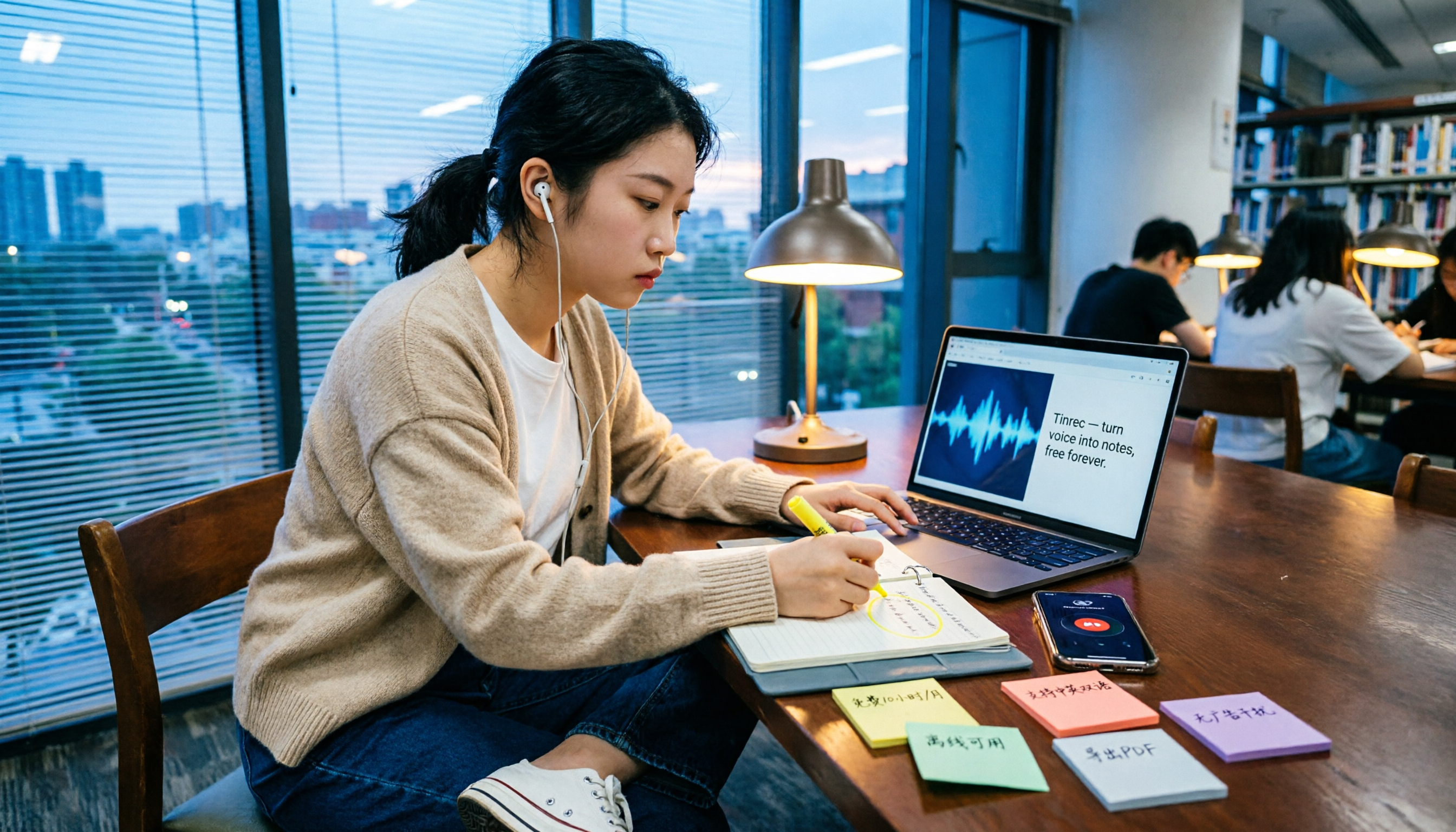
Turn recordings into transcripts and summaries in minutes
Upload audio or video for multilingual transcription, AI notes, and action items
What Can Speech-to-Text Do for You?
Let's get straight to the point: it's not just about "turning audio into text." It's about rescuing content you couldn't jot down in time or notes that are impossible to decipher later.
Last semester, I took a class where the professor talked almost as fast as the slides changed. I tried taking handwritten notes, but when I opened my notebook before the midterm, it looked like some kind of secret code. That's when I started seriously using speech-to-text tools, and I realized the real value isn't the "transcription" itself—it's how you organize the content afterward.
Take Tinrec, for example. It genuinely helped me in three key scenarios:
Scenario 1: Record lectures and get key points right after class A two-hour lecture used to mean another hour or more of re-listening to the recording. Now, with Tinrec, I can record and transcribe simultaneously, and by the time class ends, the transcript is ready. What's even more useful is that it automatically generates summaries and chapters, so I don't have to listen to the entire recording—I just review the sections it has broken down for me.
Scenario 2: Group discussions—no more asking "So what did we decide?" after meetings During our capstone project, after every meeting, everyone would ask in the group chat, "Who said we should change which part?" So I started recording our discussions. Tinrec extracts action items from the conversation, listing who's responsible for what and what's next. This feature was a lifesaver during group presentations.
Scenario 3: Final exam prep—use the Q&A feature to quickly find key points This is my favorite feature. After transcription, you can directly ask Tinrec questions like, "What are the three exam points the professor mentioned in this class?" It doesn't just search for keywords; it actually understands the content and answers. Before finals, I used this to quickly scan through the entire semester's recordings, saving a ton of time.
What Are the Core Capabilities of Speech-to-Text?
After using it for a semester, I found that these five capabilities really impact the experience, and each one only matters if it fits into your actual use case.
Real-time transcription: text appears as you record, not after This makes a huge difference in class. Tinrec's real-time transcription lets me glance at the screen while listening to ensure I don't miss key points. If the professor suddenly mentions something important, I can mark it in the text right away.
AI summaries and chapters: no need to listen to long recordings from start to finish Who has time to re-listen to a two-hour recording? Tinrec automatically splits long recordings into chapters and provides a summary for each. I usually check the summaries first, find the section I need to review, and then jump to that part of the recording.
Action item extraction: get a to-do list right after meetings This feature is super useful for group discussions and internship meetings. It automatically picks out "who should do what" from the conversation, so you don't have to spend time organizing afterward. For students, this saves a lot of back-and-forth messages when dividing up group work.
AI Q&A: find key points through conversation After transcription, you can ask Tinrec questions directly. For example, "What are the professor's formatting requirements for the final report?" It answers based on the recording content, not just by throwing keywords at you. This feature is a lifesaver before finals.
Multi-format export: take your organized notes with you Tinrec lets you export transcripts, summaries, and action items in various formats or send them to tools like Notion and Google Docs. I export the key points from each class to Notion, so everything is in one place for final review.
Practical Use Cases
Turning lecture recordings into notes I used to take handwritten notes in class, often so focused on writing that I stopped listening. Now, I keep Tinrec recording on my phone, focus on the lecture, and only jot down a few keywords when something is truly important. After class, I open Tinrec's summary and add the key points to Notion. This way, I never end up with notes I can't understand.
Organizing group discussions Our project team meets weekly, and previously, someone had to take meeting minutes—and that someone was usually me. Now, I record the discussion, Tinrec automatically generates a summary and action items, and I screenshot the to-do list and post it in the group chat. Everyone picks their tasks. The time saved is significant.
Stop organizing recordings by hand
Upload audio or video and automatically get a transcript, summary, and action items
Interviews and internship records This semester, I conducted user interviews. Each interview lasted about 40 minutes, and transcribing used to take me three hours. Now, I upload the recording to Tinrec, and it not only produces a transcript but also highlights the key points and needs mentioned by the interviewee. When writing interview reports, I use the AI Q&A feature to find relevant sections—it's a huge efficiency boost.
Online courses and lectures Some online lectures don't have subtitles, or the subtitles are poor quality. I use Tinrec's desktop version to capture computer audio, generating a transcript as I listen. By the end of the lecture, the summary and chapters are ready, and I just save the key points.
5 Things to Watch When Choosing a Speech-to-Text Tool
1. Is the free tier actually sufficient? This is what students care about most. Many tools claim to be free but only offer 60 to 100 minutes per month—that's less than one class. Tinrec's free version provides basic minutes, which is good for trying it out. If you're like me and record several classes a week, consider the Pro plan. The key is to test your actual usage with the free version first; don't buy right away.
2. Does it help you organize after transcription? Just getting a transcript isn't enough. You need something you can use directly. Tinrec's summaries, chapters, and action item extraction turn the transcription from "another document to read" into "key points already organized." This is often overlooked when choosing a tool.
3. Chinese recognition and mixed-language handling Many tools are strong in English but struggle with Chinese or mixed Chinese-English content. Tinrec's performance in Chinese meetings and multilingual scenarios is one of the main reasons I chose it, especially since professors often throw in English technical terms—it still recognizes them accurately.
4. Can it handle online meetings and computer audio? Some of my classes this semester were online, or I needed to record computer-played lectures. Tinrec's desktop version can directly capture system audio without adding a bot to the meeting. For students, this means you don't need to install extra software—just open Tinrec.
5. Is export and follow-up organization smooth? After transcription, where do you save the key points? Tinrec supports exporting to Notion, Google Docs, and other tools, which is convenient if you already have a note-taking system. When choosing a tool, consider whether it integrates with your existing workflow; otherwise, you'll end up copying and pasting manually, defeating the purpose of saving time.
Frequently Asked Questions
Is the free version enough for students? First, calculate your usage: a class is about 2 hours, and if you record 3 classes a week, that's 6 hours, or about 24 hours a month. The free version won't cover that. But if you only record key subjects or group discussions, the free version is a good start. Tinrec's free version is designed as an entry point—confirm it fits your usage before upgrading.
How accurate is speech-to-text? It depends on recording quality, accents, background noise, and how many people are talking at once. Don't trust any tool's claimed accuracy rate. In my experience, when sitting in the front row and the professor speaks clearly, Tinrec's Chinese transcription quality is quite good. But if the recording is muffled or people talk over each other, any tool will have errors. For important content, always cross-check with the transcript and the recording.
Do I need to ask the professor before recording lectures? This isn't just a tool question—it's about following school rules and local laws. Some professors explicitly allow recording, while others don't. My approach: if a class requires recording for note-taking, I ask the professor first. For group discussions or my own interviews, I also get consent from participants. After recording, keep the data secure and don't share it casually.
Do I have to pay for a speech-to-text tool? Not necessarily. If you only need to transcribe occasionally, the free version or a short-term plan is enough. But if you have a steady recording need every week, a paid plan makes the whole process much smoother. On a student budget, start with the free version, and once you confirm you'll use it consistently, consider upgrading.
What's the difference between speech-to-text and a voice recorder? A voice recorder only captures audio; you still have to organize everything yourself. Speech-to-text tools combine recording, transcription, summarization, action items, and export into one workflow. I used to use a simple recording app, but I realized the problem wasn't "not capturing audio"—it was "no time to organize after recording." Tools like Tinrec solve that time-consuming part.
Summary
For students, the real value of speech-to-text tools isn't "not having to type"—it's "not having to spend three times the length of the recording re-listening to it." I used Tinrec for a semester, from lecture recordings to group discussions to final exam prep, and the time it saved me was truly noticeable.
If you're still on the fence, I recommend downloading Tinrec's free version and trying it on one class or one group discussion. The goal isn't a perfect transcript; it's experiencing the feeling of "the key points are already organized for you after recording." For students with limited budgets and even less time, that's what matters most.
References
- Tested: 4 Best "Speech-to-Text" Online Tools Recommended, Free to Convert Recordings to Transcripts
- Meeting Ink - 2026 AI Meeting Minutes Tool Test: 7 Speech-to-Text and Summarization Speed Comparison | Meeting Ink - AI Meeting Assistant, Auto-Transcribe and Summarize
- 2026 Latest 3 Speech-to-Text AI Recommendations: Solving Taiwanese Recognition and Transcript Organization Pain Points - Tinrec Blog
- 2026 Complete Guide to Free Transcription Platforms: 15 Free Speech-to-Text Tools Reviewed and Recommended
- 2026 Latest 9 Free Speech-to-Text Tools Recommended: Solving Transcript Organization and Meeting Summary Pain Points - Tinrec Blog
Turn every recording into actionable outcomes
Get 60 free transcription minutes when you sign in. No credit card required.
Related Reading
You might also like

5 AI Meeting Note Platforms Tested in 2026: How to Calculate Costs Without Wasting Money
The cost gap between AI meeting note platforms often isn't about the monthly fee, but about billing units, free allowances, and seat rules. This article starts from the actual billing logic of five options, breaks down the difference between real-time recording and file import, the gap between annual and monthly payments, and explains why Tinrec's team plan is suitable for teams that want to retain meeting data.

2026 AI Meeting Notes App Comparison: Free Tiers and Post-Meeting Workflows Tested
Struggling with meeting notes isn't about writing skills—it's about lacking time to re-listen to recordings. This hands-on comparison of AI meeting note apps covers free tiers, summary quality, post-meeting organization, and team collaboration, using Tinrec as the primary example to show whether free versions are sufficient and when to upgrade.

4 AI Meeting Note Tools Tested for 2026: Which Free Version Is Actually Enough?
There are plenty of free AI meeting note tools, but their free tiers vary widely. This article tests Tinrec, Notta, Otter.ai, and PLAUD from the perspective of whether the free version can last a month, comparing recording methods, post-meeting outputs, and limitations to help you find the one that truly works for you.

4 AI Meeting Note Methods Compared in 2026: Which Saves More Time—Online Transcripts or Summaries?
Still re-listening to recordings and typing meeting notes after meetings? This article compares four common AI meeting note methods—transcripts, summaries, action items, and AI Q&A—and explains why viewing online saves the most time. It also demonstrates Tinrec's actual workflow, team plan permissions, seats, and pricing.

6 AI Meeting Notes Apps Tested for 2026: Which Free Version Is Good Enough?
Only a few keywords left in your notes after the meeting? This guide covers 6 AI meeting notes apps, from no-bot recording, Chinese transcripts, AI summaries and Q&A to team knowledge retention. We break down each tool's features, free and paid pricing, and tell you which one to choose based on your use case.

2026 AI Meeting Notes Online Tools: No-Bot Recording + Auto Summaries & Action Items
Recorded meetings but never open the audio files? This guide covers key factors for choosing AI meeting notes tools in 2026—how meeting audio gets in, what you can do beyond transcripts, and how to retain team knowledge. It includes hands-on testing of Tinrec's no-bot recording, AI summaries, and post-meeting Q&A, plus a quick look at who Otter.ai, Granola, and TurboScribe are best for, along with 4 common pitfalls to avoid.

Free AI Meeting Notes Online in 2026: No-Bot Recording + Auto Summaries & Action Items
How to choose a free AI meeting notes tool? This article examines four key factors: free quota, meeting capture method, post-meeting AI organization, and team data ownership. It compares the free plans and limitations of Tinrec, Otter.ai, Notta, and Granola, and provides four common pitfalls to avoid plus selection advice to help you find the tool that truly lets you finish on time.
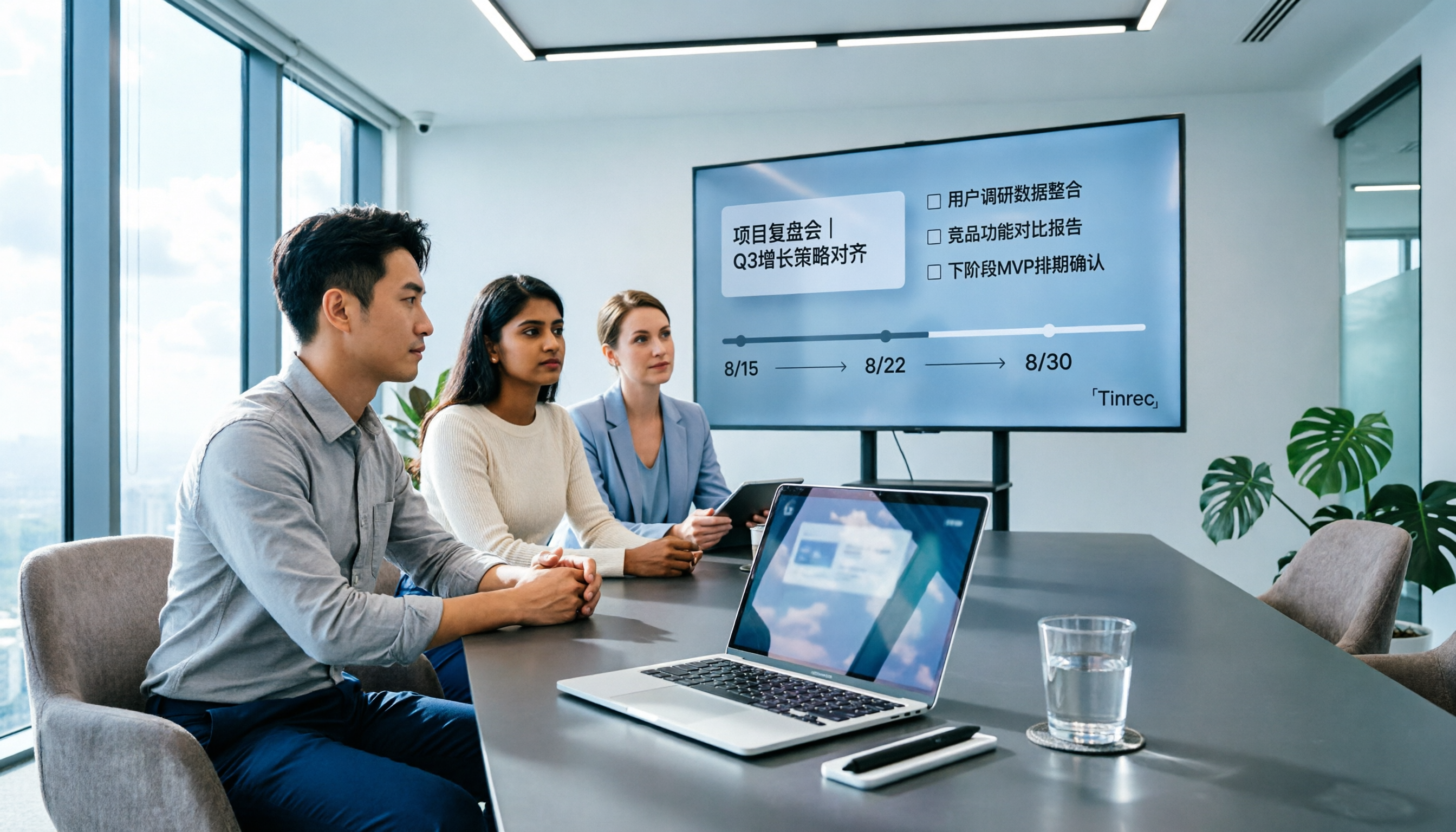
2026 Tinrec AI Meeting Notes Review: Auto Summaries + Action Items Made Easy
2026 AI meeting notes tool comparison: hands-on testing of Tinrec, Otter.ai, Notta, and PLAUD Note, comparing Chinese transcription, AI summaries, bot-free recording, and team collaboration to help you find the most time-saving meeting notes solution.

2026 AI Meeting Recorder Comparison: 4 Tools Tested for Chinese Transcription, AI Q&A, and Team Knowledge Retention
The meeting ending is just the beginning of the pain? This article compares Tinrec, Notta, Otter.ai, and PLAUD across four dimensions: meeting capture method, post-meeting outputs, Chinese recognition, and data ownership, plus key pitfalls to avoid with team seats and pricing.