
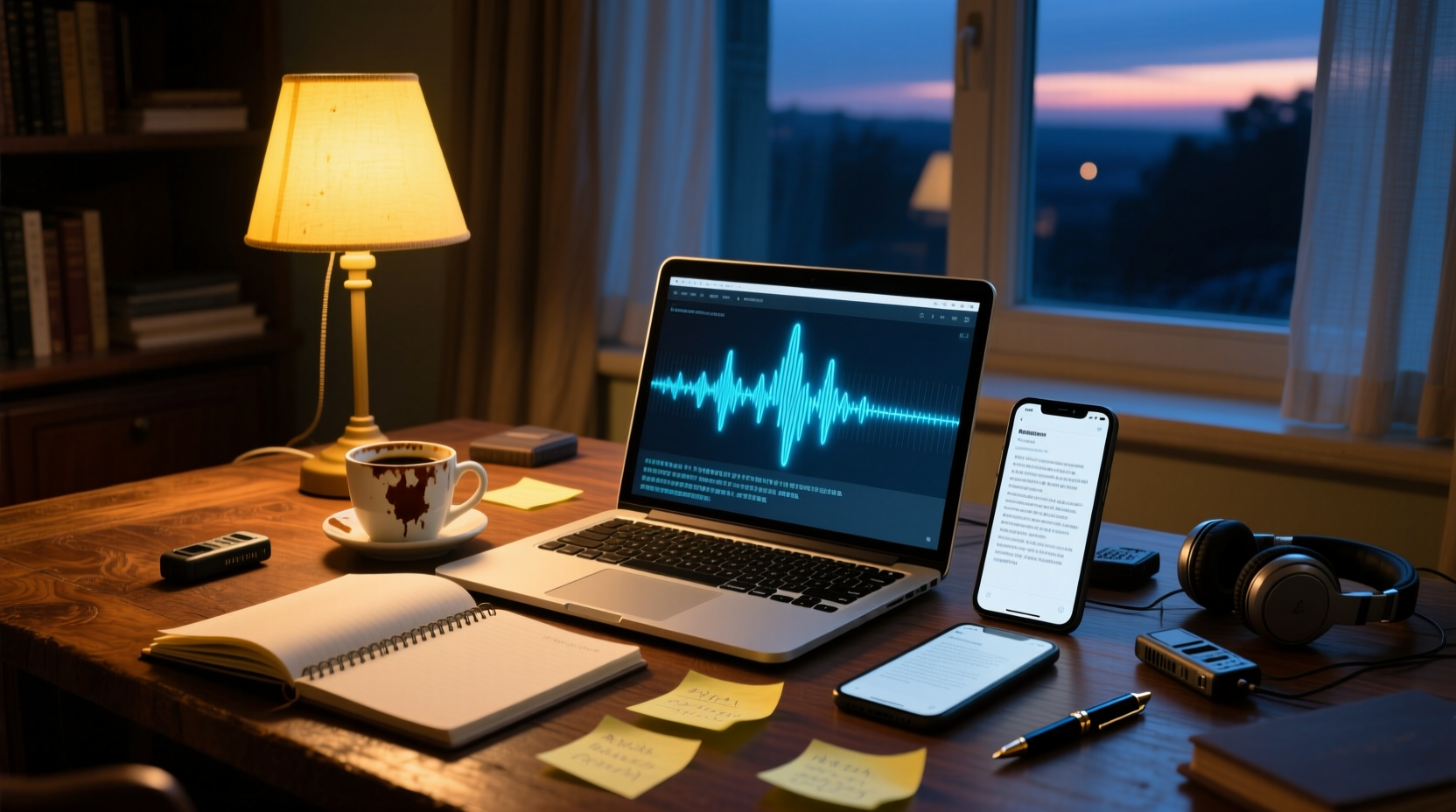
Turn recordings into transcripts and summaries in minutes
Upload audio or video for multilingual transcription, AI notes, and action items
Why Choose Online Tools: The Convenience and Costs of No Installation and Cross-Device Use
People searching for "speech to text free online" have often just finished a meeting, with an audio file or online meeting recording in hand, hoping to quickly turn speech into text without spending money or installing software. The biggest appeal of online tools is that they require no installation and work across devices: you can use them in a browser on your phone, laptop, or work computer. They suit those who need to process recordings occasionally and aren't sure whether to invest in paid software.
But the keywords "free" and "online" hide several costs. To control expenses, most free online plans impose three barriers—quotas, per-session duration limits, and feature restrictions—that limit what you can actually accomplish. This article doesn't just list tools; it takes a decision-path approach to help you determine: Can a free plan meet your meeting note needs? When should you upgrade to paid?
Real Limitations of Free Online Plans: Quotas, Per-Session Duration, and Feature Restrictions
Free plans are free for a reason, usually accompanied by three types of limitations that often become apparent only after you start using them:
- Quota limits: Most tools offer a fixed number of minutes per month, such as Otter.ai's 300 minutes per month or Notta's 120 minutes per month. Once you exceed that, you must wait until the next period or upgrade.
- Per-session duration limits: Some tools limit the length of a single transcription. For example, Notta's free plan allows up to 3 minutes per session, and TurboScribe's free plan allows up to 30 minutes per file. Long meeting recordings cannot be processed in one go.
- Feature restrictions: Free versions typically lack advanced features like AI summaries, action item extraction, translation, or team collaboration. You only get a transcript and must handle the rest yourself.
In other words, free plans suit occasional, short recordings. If you handle multiple meetings weekly, your free quota will quickly run out, forcing you to switch tools or upgrade.
Comparison of Popular Free Online Tools: Tinrec, Otter.ai, Notta, TurboScribe, Fireflies, Granola
Below is a comparison of free plans from several common tools. Information is based on official pages; actual benefits may change, so please verify before use.
| Tool | Free Quota | Per-Session Duration Limit | Main Limitations |
|---|---|---|---|
| Tinrec | Basic quota to try recording, import, summary, and transcription | Check official page | Advanced features and team collaboration require payment |
| Otter.ai | 300 minutes per month | Check official page | Advanced features require payment |
| Notta | 120 minutes per month | Up to 3 minutes per session | Long recordings must be processed in segments |
| TurboScribe | 3 files per day | Up to 30 minutes per file | Long files require payment |
| Fireflies.ai | Unlimited transcription (subject to storage and rate limits) | Check official page | AI features and storage are limited |
| Granola | Free version offers basic note-taking features | Does not support uploading pre-recorded audio files | Only for live meeting recording |
Tinrec Free Version
Tinrec (Miao Ting Lu Yin) offers a basic free quota to try recording, file import, AI summaries, and transcription. The free version is sufficient for occasional short meetings or interviews, but upgrading is needed for heavy transcription or team collaboration. Tinrec's strength lies in Chinese meeting transcription and post-meeting workflows, automatically generating summaries, chapters, action items, and supporting AI Q&A and multiple export formats.
Otter.ai Free Version
Otter.ai provides 300 minutes of free transcription per month, suitable for light users. It supports live recording, online meeting recording (requires a bot to join), and file import, but the free version only offers basic transcription and summaries. Advanced features like custom vocabulary and team collaboration require payment.
Notta Free Version
Notta offers 120 minutes of free transcription per month, but with a maximum of 3 minutes per session, which is a major limitation for long meeting recordings. The free version supports multilingual transcription and translation, but upgrading is required for long files or AI summaries.
TurboScribe Free Version
TurboScribe's free version allows transcription of 3 files per day, with a maximum of 30 minutes per file. It focuses on cost-effective file transcription, supporting multiple formats and subtitle generation, but the free version does not offer AI summaries or action item extraction—only plain transcription.
Stop organizing recordings by hand
Upload audio or video and automatically get a transcript, summary, and action items
Fireflies.ai Free Version
Fireflies.ai's free version offers unlimited transcription, but it is actually limited by storage space and upload rate. It supports meeting bots joining platforms like Zoom, Meet, and Teams, and provides AI summaries and action items, but the free version's AI features and integrations are limited.
Granola Free Version
Granola is a bot-free AI meeting notes tool. The free version provides basic note-taking features. It captures system audio via a desktop app, so no bot needs to join meetings, but it does not support uploading pre-recorded audio files and does not retain meeting audio.
From Recording to Usable Transcript: What Can Free Plans Accomplish?
Free online tools can help you complete the basic work from recording to transcript, but the extent varies by tool. Here is a typical workflow:
1. Record or obtain an audio file: Use your phone to record, record via a meeting platform, or upload an existing audio file.
2. Upload and transcribe: Upload the audio file to a free tool and wait for transcription to complete. Most tools provide verbatim transcripts with timestamps.
3. Initial organization: Manually or using the tool's built-in summary feature, identify key points and decisions from the meeting.
4. Export: Copy the transcript or summary into a document or note-taking app, or export as a text file.
Free plans typically handle "transcription" and "basic summaries," but automatic action item extraction, meeting minutes generation, translation, or team sharing often require a paid version.
The Line Between Free and Paid: When Should You Upgrade?
Free plans suit occasional, short transcription needs. Consider upgrading when you encounter the following:
- Frequent use: You handle multiple meetings weekly, and the free quota is insufficient.
- Long recordings: A single meeting exceeds the free version's duration limit.
- Need for advanced features: You need AI summaries, action item extraction, translation, team collaboration, or more export formats.
- Need for team sharing: Meeting materials need to be viewed, edited, and followed up on by multiple people.
After upgrading, you not only get more quota but also unlock features like AI summaries, action item extraction, translation, and team spaces, turning meeting materials from "transcripts" into "actionable assets."
Recommendations by Work Style: Sales, Product/Engineering, and Administrative Roles
Sales, Business Development, and Account Managers
Sales professionals often need to record client interviews, requirement discussions, and commitments. Free tools can handle occasional interviews, but if you have multiple client meetings weekly, consider tools that support AI summaries and action item extraction, such as Tinrec or Otter.ai, to quickly organize client needs and follow-up actions.
Product, Engineering, and Design Teams
Product and engineering meetings often involve requirement discussions, technical reviews, and project assignments. Free tools can provide transcripts, but to turn discussions into PRDs, action items, and acceptance documents, you need tools with AI post-processing capabilities, like Tinrec, which can automatically generate structured minutes and action items.
Administrative and Government Roles
Meetings in administrative or government settings often require formal minutes and archiving. Free tools can assist with transcription, but to ensure formatting and privacy, choose tools that support Traditional Chinese, export multiple formats, and have human review mechanisms. Free versions are usually sufficient for occasional meetings, but for long-term storage and retrieval, paid versions are more reliable.
From Transcript to Action: How AI Assistants Handle Post-Meeting Work
Free tools often stop at transcripts, but the real challenge after a meeting is turning discussions into action. Using Tinrec as an example, the AI assistant (Agent) can use meeting minutes and context to help process action items into deliverable outcomes:
- Action plans: Organize action items from the meeting into specific steps, owners, and deadlines.
- Follow-up materials: Automatically generate drafts of follow-up emails or documents for commitments made in client meetings.
- Reports and tables: Organize data and decisions from management meetings into reports or tables for easy presentation and tracking.
For example, after a project meeting, the AI assistant can automatically list a "to-do list" from the transcript and further convert each item into a table with "owner + deadline + next steps," saving hours of manual work.
When free quotas run out or meeting materials need to be shared and tracked by multiple people, Tinrec's team version can centralize meeting recordings, transcripts, action items, and post-meeting outputs in a team space where members can view, search, and continue editing, making every meeting a reusable team asset.
Conclusion: Free Plans Are a Starting Point, Not the End
Free online speech-to-text tools offer the convenience of no installation and cross-device use, suitable for temporary and light needs. However, to handle frequent meetings, long recordings, or team collaboration, the quota and feature limitations of free versions become bottlenecks. We recommend starting with a free version to see if the tool fits your workflow, then upgrading based on actual needs, so meeting materials truly become actionable assets.
Connect Meeting Minutes to Your Team's Next Steps
References
- Online AI Speech, Video, and Audio File to Text - Free Trial - cSubtitle
- Audio to Text - Free Speech-to-Text Tool
- Tested: 4 Best "Speech-to-Text" Online Tools Recommended, Free to Convert Recordings to Transcripts Instantly
- Speech to Text Converter – Free Online | TicNote Cloud
- Online AI Speech-to-Text, Free to Convert MP3 or Recordings to Text Transcripts
Turn every recording into actionable outcomes
Get 60 free transcription minutes when you sign in. No credit card required.
Related Reading
You might also like

Best Speech-to-Text Tools 2026: PTT-Approved Picks & AI Meeting Notes Guide
Tired of unopened audio files piling up after every project? Starting from the three most common questions asked on PTT, this guide breaks down how to choose a speech-to-text tool, shows how Tinrec turns recordings into usable meeting data, and honestly compares Notta, Otter.ai, and Granola to help you decide which one fits you best. It ends with a step-by-step checklist you can follow right away.

2026 Speech-to-Text Platforms Compared: Which Handles Chinese Meetings and Post-Meeting Cleanup Best?
We tested 5 speech-to-text platforms in 2026, comparing bot-free online meeting recording, Chinese transcripts, post-meeting summaries, and action item organization. We cover key buying factors, pitfalls to avoid, and practical recommendations to help you save that hour after every meeting.

How to Use WhatsApp Voice to Text in 2026: 5-Step Guide & Tinrec Comparison
A 5-step setup guide for WhatsApp voice-to-text in 2026, covering language and privacy limitations, plus a comparison of WhatsApp's built-in transcription with Tinrec for meeting notes, summaries, action items, AI Q&A, and team collaboration—helping you decide which tool to use.

Tinrec vs Yating Transcription 2026: 5-Dimension Comparison — Which Is Better for Free Recording and Post-Meeting Organization?
Compare Tinrec and Yating Transcription across free quota, online meeting recording, post-meeting organization, team collaboration, and language scenarios. Includes a 5-step free speech-to-text workflow using Tinrec as an example to help you decide which free tool to choose.
2026 Speech-to-Text Tools Compared: Buzz Free Open-Source vs. Tinrec for Chinese Meetings—Which Saves More Time?
How to use Buzz for speech-to-text? This guide walks through all 5 steps from download and installation to model selection and subtitle export, and tests three practical limitations of Buzz. It also compares Tinrec, Notta, and TurboScribe in Chinese meetings, bot-free recording, and post-meeting organization to help you decide which tool to use.

Best Speech-to-Text Platforms in 2026: Tinrec vs Yating Transcription for Meeting Notes & Team Collaboration
Most people choose a speech-to-text platform based only on transcription speed and free minutes, overlooking post-meeting organization and team collaboration. This article compares Tinrec and Yating Transcription—the two most commonly compared options among users in Taiwan—across six dimensions: meeting recording methods, post-meeting outputs, cross-platform support, team governance, export workflows, and pricing structure, helping you decide which one better fits your use case.

2026 Comparison of 5 Speech-to-Text Tools: Contrast Is the Key to Choosing the Right One
Most people compare speech-to-text tools by looking only at the accuracy rate and free minutes on official websites, but this comparison reveals very little difference. This article starts from 'how much effort is still needed to organize after transcription' and breaks down the three levels that truly reveal tool differences, core capabilities, practical scenarios, and purchasing points. It also explains how Tinrec actually works in meeting notes and team knowledge retention.

4 Speech-to-Text Apps Tested for 2026: Generate Chinese Meeting Minutes Without a Meeting Bot
Spend an hour in an online meeting and another hour organizing notes afterward? This article compares four speech-to-text tools—Tinrec, PLAUD Note, Notta, and Otter.ai—based on real-world usage, covering meeting recording methods, Chinese recognition, post-meeting summaries, and team authorization. It also outlines 4 key purchasing factors and 3 common pitfalls to help you choose the one that truly saves time.

Free Speech-to-Text Options in 2026: 4 Plans Compared
There are plenty of free speech-to-text tools, but "free" often doesn't mean "good enough." Starting from real student use cases, this article breaks down three common misconceptions, compares four plans—Free, Weekly Pass, Pro Monthly, and Pro Annual—and demonstrates a complete workflow from class recordings and group discussions to project interviews and exam review.