

Turn recordings into transcripts and summaries in minutes
Upload audio or video for multilingual transcription, AI notes, and action items
First, a Common Misconception: Thinking Google Meet Is Only for Meetings
The first time I used Meet, I thought it was just "that Google thing where you can do video calls." Later, I realized many people get stuck in one place: treating Meet as a simple "meeting link generator" without understanding its limitations, free-tier allowances, and what it actually became after merging with Google Duo and Hangouts.
This article doesn't start with an encyclopedia definition like "Google Meet is a video communication service developed by Google." Instead, I want to organize its features, limitations, and practical use cases from a student's perspective. If you're just trying to hold a small group discussion, attend an online class, or figure out whether the free version is enough, this guide can help you avoid some unnecessary detours.
What Problem Does Google Meet Actually Solve?
Google Meet is a video conferencing tool within the Google Workspace ecosystem, designed to let people in different locations have real-time video calls, share screens, and send messages. For students, its most direct value is this: you don't need to install complex software—just a Google account and a browser are enough to quickly join a discussion.
It supports Android, iOS, and the web version, and it became compatible with Android TV in 2022. The original Google Duo was merged into Meet in 2022, while Google Hangouts was shut down in November 2022, with Meet taking over video and Google Chat handling messaging. So the Meet you see on your phone now is actually the merged version of the original Duo and Meet.
Is the Free Version Enough for Students?
From my own experience: if you only need occasional group discussions or online classes, the free version is basically sufficient. You can join meetings via browser or mobile app, share your screen, and use your microphone and camera.
But note that Google places some advanced features in Google One, Google Workspace Business, and Enterprise plans. For example, AI-based noise cancellation, live captions, and some real-time sharing features may not be fully available on free personal accounts. The official wording is: "This feature is available for specific Google One, Google Workspace Business, and Google Workspace Enterprise plans."
For students on a budget, a more practical way to decide is to first check whether the Google account provided by your school includes Workspace benefits. Many school email addresses are actually Workspace accounts, meaning you already have indirect access to some advanced features without paying extra.
Privacy and Data Retention: What Students Should Know Before Using Meet
This is an area I think many people overlook. Google's privacy policy for Meet reserves the right to collect call duration, participant identity, and participant IP addresses. While Google states that consumer call data is not used for ad targeting, call data may still be collected.
Stop organizing recordings by hand
Upload audio or video and automatically get a transcript, summary, and action items
Additionally, business or enterprise calls are handled differently from regular consumer calls. Regular consumer calls are not recorded or stored, but if a call is initiated through a Workspace account, the policy may differ.
For students, if you plan to record class content or group discussions using Meet, the safer approach is to get consent from participants first and confirm the type of account you're using. Don't assume all calls are private—especially since school or internship company accounts may be subject to different policies.
Recording and Transcription: Meet Doesn't Do It, but You Can Pair It with Tools
This is a common sticking point for many classmates. Meet's focus is real-time video, not post-class transcripts or meeting summaries. If you want to turn an online class or group discussion into text notes, Meet's built-in features may not be enough.
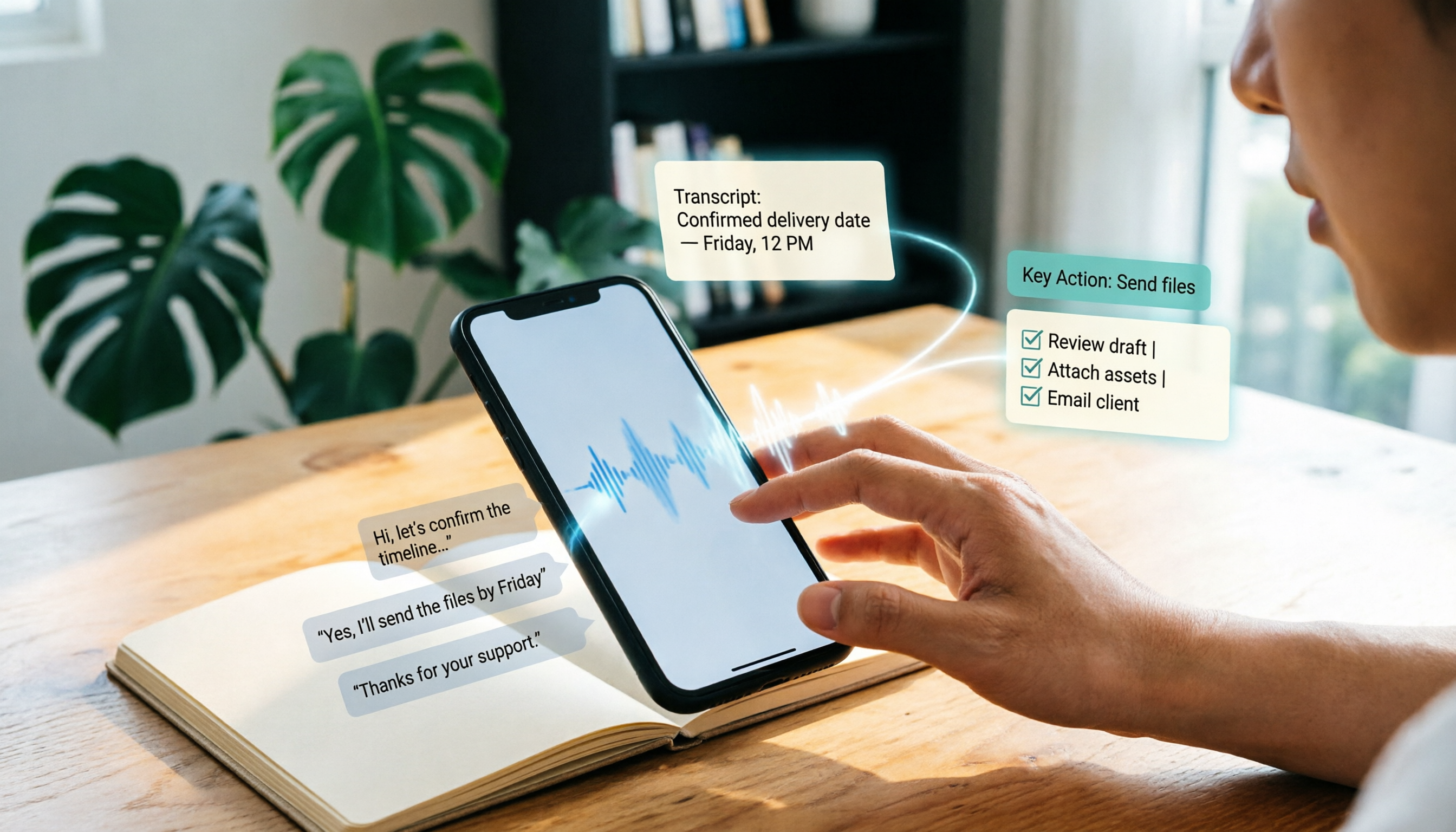
In my own workflow, I use tools like Tinrec to fill this gap. Tinrec's desktop version can directly capture your computer's system audio, so you don't need to add a meeting bot to your Meet call. In other words, you don't have to have a strange "participant" in your class—just open the desktop app, and it can record the audio from Meet, then generate real-time transcripts, summaries, and action items.
This offers two practical benefits for students: first, you don't have to hunt around in Meet for a recording feature; second, after the session, you can use AI to ask questions like "What were the key points for the final project the professor just mentioned?" without having to re-listen to the entire recording.
Common Inefficient Practice: Using Meet as a Note-Taking Tool
I made this mistake in my freshman year: I kept Meet open during class, thinking, "I'll record it and organize it later." But before finals, I realized I didn't want to re-listen to two-hour recordings, and I couldn't find the key points.
Meet solves "real-time communication," not "post-class organization." If you need to turn online course content or meeting discussions into searchable, summarizable material, you should pair it with a transcription tool rather than expecting Meet to take notes for you.
If You Just Need Simple Video Calls, Meet Is a Good Choice
For students, Google Meet's biggest advantage is its low barrier to entry. With just a Google account, you can start video calls, share your screen, and use text chat without paying extra. For general group discussions, online classes, and remote interviews, it's more than sufficient.
But it's not a one-size-fits-all tool. The free version has limitations, privacy policies need attention, and recording or transcription isn't its core strength. If you need to turn online classes or meeting content into reviewable material, I recommend pairing it with a recording-to-text tool rather than relying solely on Meet.
In short: Google Meet is a low-barrier video tool that's great for quick sessions, but don't expect it to organize your post-class notes. Use Meet for video, and use a transcription tool for post-session organization—that combination is the most practical for students.
References
Turn every recording into actionable outcomes
Get 60 free transcription minutes when you sign in. No credit card required.
Related Reading
You might also like

2026 Outlook Teams Meeting Notes Comparison: Which Method Saves the Most Time After the Meeting?
The new Outlook has built-in Teams meeting toggles, making scheduling a 30-second task—but the real cost is post-meeting organization. This guide breaks down the 5 key checks for scheduling Teams meetings in new Outlook, from version identification to account requirements and step-by-step actions, and compares three post-meeting documentation methods: Teams built-in transcription, Otter.ai, Notta, and Tinrec, to help you choose the most time-saving meeting workflow.

5 LINE Call Recording Methods Tested for 2026: Can iPhone and Android Record Both Sides?
LINE has no built-in call recording feature, and iPhone screen recording often captures only your own voice. This guide covers 5 practical LINE recording methods—from iOS 18 built-in call recording and Android screen recording to computer system audio capture—and compares how to use Tinrec to turn recordings into transcripts, summaries, and action items.

5 LINE Call Recording Methods Tested for 2026: Which One Actually Captures the Other Person's Voice?
LINE itself has no call recording button, so the real question is whether you're using a phone or computer, iPhone or Android. This guide covers 5 common LINE call recording methods, whether each captures the other party's voice, and how to use Tinrec afterward to turn audio into transcripts, summaries, and action items—solving both 'recording it' and 'making it useful.'

5 Best Microsoft Teams Meeting Transcription Tools in 2026: From Built-in Recording to AI Summaries
Creating a meeting in Teams takes three clicks, but the real time sink is post-meeting organization. This guide first breaks down the differences between the three entry points for creating Teams meetings—calendar meetings, channel meetings, and Outlook—along with a pre-send checklist. Then it compares five solutions that turn meetings into transcripts, summaries, and action items, helping you move from 'meeting ended' to 'ready to act.'
6 Ways to Save LINE Voice Messages and Calls in 2026: Tested and Compared
Can't find a download option when you long-press a LINE voice message? This article covers 6 methods to save LINE recordings—from sharing to Files on mobile, saving on desktop, Keep notes, to AI transcription tools. We tested which method is least likely to lose files and explain how to turn saved recordings into transcripts, summaries, and action items.

What Is LINE IN Recording in 2026? 2 Recording Solutions Compared: Don't Confuse It With LINE Call Recording
LINE IN recording captures a line-level input signal, which is completely different from recording a LINE call. This article first explains in 3 minutes the equipment, connections, and most common volume misunderstanding for LINE IN, then compares PLAUD NotePin and Tinrec across five dimensions: device requirements, post-meeting organization, scenario coverage, Chinese-language experience, and team collaboration, to help you decide which method to use for preserving important audio.

How to Save LINE Voice Messages to Your Phone in 2026: 5-Step Guide
How do you save LINE recordings to your phone? This guide tackles three common misconceptions and walks you through five steps to download LINE voice messages, convert them to MP3, and back them up to the cloud. It also explains why LINE call recording isn't managed by LINE and how to turn saved audio into searchable, queryable text data.

How to Save LINE Recordings in 2026: 5-Step Guide to Voice Messages, Call Recordings & Backup
LINE recordings come in two types—chat voice messages and call recordings—and they're saved completely differently. This guide walks you through 5 steps to save voice messages to your phone, computer, and cloud, explains how to handle call recordings, covers 4 common mistakes that make files disappear, and shows how to turn saved recordings into searchable, queryable text with AI tools.

3 LINE Voice Message Download Methods Tested in 2026: Which One Actually Works?
LINE doesn't offer an official download button for voice messages, and online tutorials contradict each other. This guide covers three approaches—saving via Keep Notes, sharing to Files, and third-party backup tools—comparing compatible devices, batch capability, and real limitations, plus how to transcribe recordings after downloading.