

Turn recordings into transcripts and summaries in minutes
Upload audio or video for multilingual transcription, AI notes, and action items
How to Use Google Meet on iOS in 2026: 5-Step Guide to Record and Transcribe Audio
It's 3 PM on a Wednesday, and your client's Google Meet meeting is suddenly moved up. You're out and about, so you have to join from your phone. After the meeting, your boss asks, "What were the three changes the client mentioned?" You only remember two, and the third just won't come to mind.
This is the reality for many people using Google Meet on iOS—the app solves the problem of "connecting to the meeting," but the key points, transcripts, and action items from the meeting usually don't automatically land in your hands.
This article first covers how to use Google Meet on iPhone and iPad, then compares it with Tinrec to see where post-meeting organization differs.
Tinrec vs Google Meet iOS | Quick Overview
Google Meet is Google's video calling and online meeting service. The iOS version can be downloaded from the App Store and requires iOS 18.0 or later. Recently, iPhone users can also join meetings directly through Safari without installing the app.
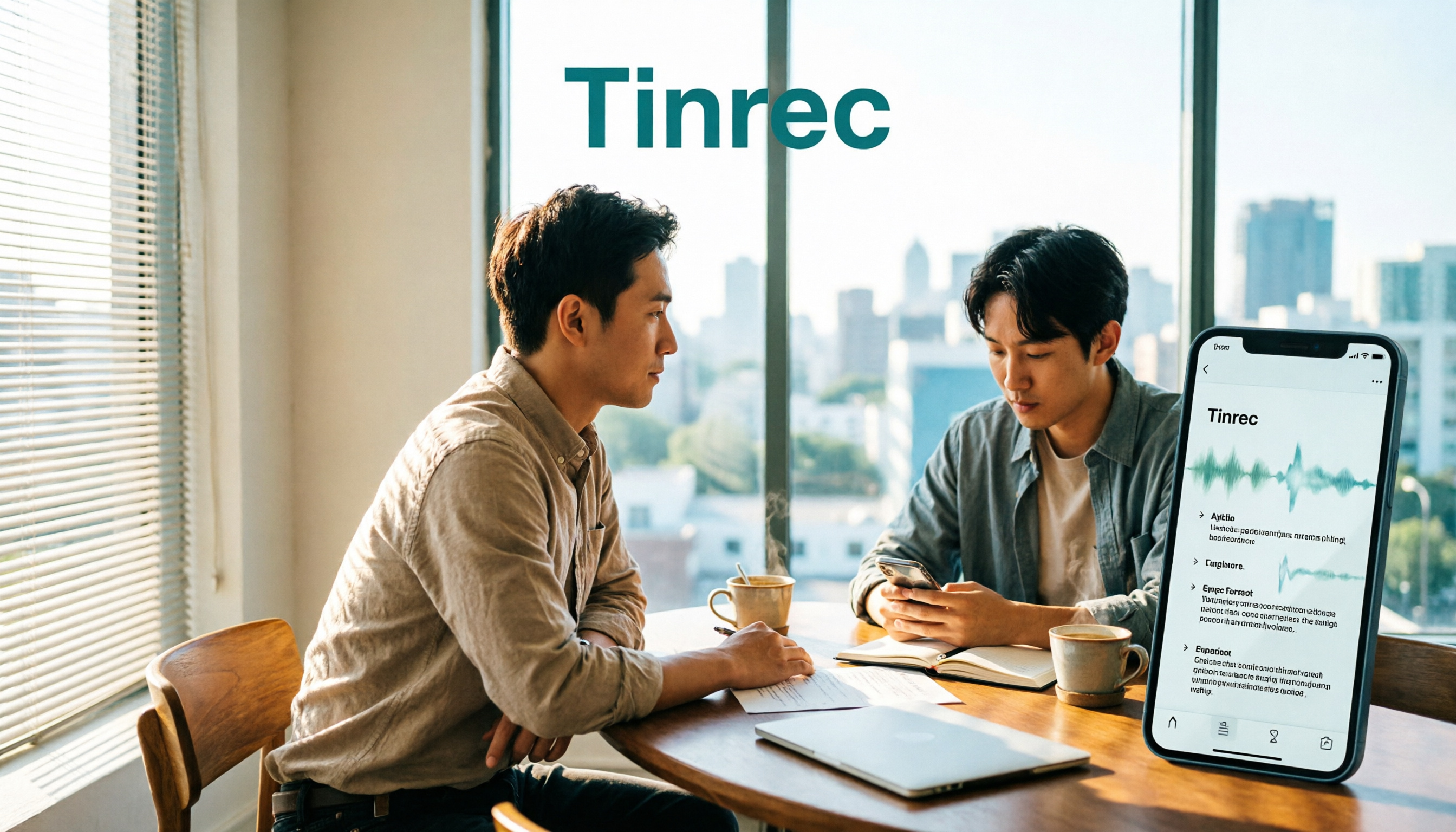
Tinrec is an AI meeting notes and collaboration tool for individuals and teams. In addition to real-time audio transcription, it offers desktop-based bot-free online meeting recording, audio/video file transcription, summaries, chapters, action items, AI Q&A, and team spaces.
| Item | Google Meet iOS | Tinrec |
|---|---|---|
| Core positioning | Video calling and online meetings | AI meeting notes and team collaboration |
| How to get it | Download from App Store or join via Safari | Available on web, desktop, and mobile |
| Post-meeting output | Focuses on the meeting itself | Transcript, summary, chapters, action items, AI Q&A |
Below, we compare iOS participation methods, Chinese transcription, post-meeting organization, AI Q&A, and team retention one by one.
Dimension 1 | How to Join Meetings on iOS
Google Meet's process on iOS is simple: open the app, select a scheduled meeting under "Meetings," or enter a meeting code and nickname to join. Note that meeting nicknames can currently only be used within the same organization. If you don't have a Google account, you can also provide your name to request joining a meeting. Additionally, iPhone users can now join directly via Safari. While functionality may be limited, it's convenient for those who only have occasional meetings.
Tinrec takes a different approach to meeting capture. The desktop version directly captures computer system audio to handle online meetings on Zoom, Google Meet, Microsoft Teams, Webex, etc., without adding an extra meeting bot to the room. The mobile version is suitable for in-person meetings and on-the-go recording.
→ In this dimension: If you just need to have meetings, Google Meet is sufficient; if you want to retain meeting content, Tinrec fills that gap.
Dimension 2 | Chinese Transcription and Multilingual Experience
Google Meet's meeting transcription capability is tied to Workspace plans and not all accounts can fully use it. It also has less focus on Chinese meeting terminology and mixed Chinese-English scenarios.
Tinrec covers Chinese, Traditional Chinese, and multilingual meeting scenarios. It supports viewing the original text, translation, or bilingual content during recording. The team version also allows maintaining team hotwords, adding company-specific product names and project codes to improve recognition of professional terminology.
→ In this dimension: For Chinese meetings and mixed Chinese-English scenarios, Tinrec offers significantly more flexibility.
Dimension 3 | Post-Meeting Organization: Summaries, Chapters, and Action Items
Google Meet's design focuses on the meeting itself, and what remains after the meeting is mostly content you need to review yourself.
Tinrec focuses on "after transcription": automatically generating summaries and chapters, breaking long meetings into easily browsable sections, extracting action items from discussions, and producing post-meeting deliverables like reports, tables, and meeting minutes.
→ In this dimension: Tinrec wins, with the difference in the post-meeting workflow.
Dimension 4 | AI Q&A and Data Reuse
Google Meet's AI capabilities are mainly around the meeting itself; cross-meeting follow-up questions and data retrieval are not its primary focus.
Tinrec supports continued questioning around single or multiple meeting data. For example, you can ask, "What was the budget cap the client mentioned last quarter?" without re-listening to the entire recording.
→ In this dimension: Tinrec wins.
Dimension 5 | Audio Retention and Team Data Retention
Google Meet is a meeting tool, and the ownership and long-term management of meeting data are not within its core scope.
Stop organizing recordings by hand
Upload audio or video and automatically get a transcript, summary, and action items
Tinrec's team version provides an independent team space where meeting data belongs to the team: you can create and switch between multiple team spaces, invite members via join links, set owners and admins, and distinguish between "roles" and "seats"—roles determine who can manage the team, seats determine whether members can record, upload, edit, and export. Valid members without seats can still view, play, and read team data.
Admins can also view usage trends, member rankings, and details, query and export audit logs, recover accidentally deleted audio from the recycle bin (retention period 30 days), and unify professional terminology through team hotwords.
In terms of cost, eligible teams can try it for 7 days for the first time, including 1 free seat and 300 minutes of team shared import quota; team monthly payment is USD 29.80 per paid seat per month, annual payment is USD 199 per paid seat per year, equivalent to about USD 16.58 per month, and each paid seat provides 2,000 minutes of team shared import quota per month. Under an active team plan and seats, real-time recording is currently not deducted by minutes, while document and web imports use the team shared quota.
→ In this dimension: When it comes to multi-person sharing and data handover, Tinrec's team architecture is something Google Meet lacks.
5 Steps: How to Record and Transcribe Google Meet Audio
- Confirm recording authorization: According to local laws and company policies, obtain participant consent when necessary.
- Start recording on your computer: Open the Tinrec desktop version, choose real-time recording to capture system audio without a bot, adding no extra participants to the meeting.
- View the transcript while in the meeting: Content is captured in real time, so you can quickly look up details if asked on the spot.
- Generate summary and action items after the meeting: Break the long meeting into chapters and key points, and organize follow-up action items.
- Ask follow-up questions and export: Use AI Q&A to confirm details, then export to Notion, Google Docs, OneNote, Dropbox, etc., for continued use.
What Are the Unique Advantages of Each?
Tinrec's advantages include: bot-free desktop recording, no need to invite a bot to the meeting; a complete post-meeting workflow from transcript to reports and tables; team spaces make meeting data searchable and traceable, and resources can be handed over to other members when personnel change; cross-platform use on web, desktop, and mobile.
Google Meet's advantages include: integration with Google Workspace tools like Gmail, Docs, Slides, Calendar, and the ability to complete calls and meetings in a single app, which is very handy for teams already in the Google ecosystem.
Conclusion: Which Should You Choose?
• If you want to get transcripts, summaries, and action items directly after Chinese meetings → Tinrec
• If you need to continue asking questions about meeting content → Tinrec (supports single and multi-meeting AI Q&A)
• If meeting data needs to be shared, handed over, and audited within a team → Tinrec (team spaces, seats, usage, and auditing)
• If you just want a tool that can hold meetings and you're already using Google Workspace → Google Meet is sufficient
In one sentence: For most people who need to "turn meetings into reusable data," Tinrec is a more complete choice. We recommend starting with the free version and trying it out with one of your own meeting recordings.
FAQ
Q1: Do I have to download the app to use Google Meet on iPhone?
Not necessarily. iPhone users can now join meetings directly through Safari without installing the app; however, the browser version may have limited functionality, so if you have meetings frequently, it's still recommended to install the app.
Q2: Does Google Meet iOS have system version requirements?
The App Store page indicates it requires iOS 18.0 or later. You can check your system version before installing.
Q3: Can Tinrec be used on iPhone?
Yes, Tinrec is available on web, desktop, and mobile. The mobile version is suitable for in-person meetings and on-the-go recording; for online meetings, the desktop version is recommended for bot-free recording via system audio capture.
Q4: Is Tinrec's free version enough?
If you only occasionally organize a recording, the free version lets you experience recording, import, summary, and transcription. For short-term intensive meetings or interviews, consider a weekly pass; for steady weekly needs, a Pro monthly or annual plan is more suitable.
Q5: What's the difference between Tinrec's team version and personal version?
Personal version data is managed by the individual account; the team version is an independent team space where data belongs to the team, and adds capabilities such as members, roles, seats, shared benefits, usage analysis, audit logs, and recycle bin.
Q6: Is Tinrec's transcription accuracy guaranteed?
We do not recommend promising a fixed accuracy rate. Actual results are affected by recording quality, noise, accents, overlapping speakers, and professional terminology. For important content, it's recommended to verify against transcript timestamps and recording playback.
Q7: Do I need to get consent before recording?
Yes, be mindful. Different regions have different laws regarding recording and transcription. Before a meeting, check company policies and obtain participant consent when necessary.
References
Turn every recording into actionable outcomes
Get 60 free transcription minutes when you sign in. No credit card required.
Related Reading
You might also like

Notta vs Tinrec 2026: 5-Dimension Comparison & What 'notta jakarta' Really Means
Half of people searching 'notta jakarta' are looking for Notta Dining House, a restaurant in South Jakarta; the other half actually want the meeting transcription tool Notta. This article first distinguishes the two Nottas, then compares Notta and Tinrec across 5 dimensions to help you decide which is better for Chinese meetings and post-meeting organization.
How to Download Notta Transcripts: 3 Export Methods Tested in 2026 (The Fastest Way)
Downloading Notta transcripts isn't hard—the challenge is picking the wrong format, lacking plan permissions, or hitting batch limits. This guide covers the complete export steps for Notta Web and mobile app, which advanced options to check, and compares Notta, Tinrec, TurboScribe, and Otter.ai for post-meeting organization, helping you choose the right tool.

Notta Jakarta Menu 2026: Hours, Address & 3 AI Transcription Tools Compared
Searching for "notta jakarta menu"? You might be looking for Notta Dining House in Jakarta, or the Notta AI transcription tool. This guide covers Notta Dining House's address, hours, and freestyle tasting menu, then compares Notta, Otter.ai, Granola, and Tinrec for meeting notes—so you can tell the two "Nottas" apart.

Notta Japanese Transcription: Which Tool Wins? 2026 Hands-On Test of 4 Options, Tinrec for Team Meetings
Is Notta good for Japanese transcription? Starting from the real workflow of Japanese meeting minutes, this article compares Tinrec, Notta, Otter.ai, and TurboScribe in terms of positioning, pricing, and post-meeting organization capabilities, helping you decide which one suits individual transcription, team meeting knowledge retention, or bulk processing of long audio files.

3 AI Voice Recorders Tested in 2026: Is Notta Memo Worth Buying? Read This First
Notta Memo is a card-sized portable AI voice recorder that records with one tap and automatically transcribes. This article covers Notta Memo's specs, pricing, free transcription quota, and where to buy, and compares it with PLAUD NotePin, Granola, Otter.ai, and other options to help you decide whether to buy hardware or use software for meeting notes.

2026 iOS Transcription Apps Compared: Tinrec vs Notta for Chinese Meetings
Many assume that installing a transcription app on an iPhone will automatically generate meeting notes, but in practice, quotas, audio quality, and post-meeting organization are the real keys. This article starts with common misconceptions and compares Notta iOS and Tinrec on online meeting recording, post-meeting organization, AI follow-up questions, and team data management to help you decide which workflow better suits your daily needs.

Best AI Recording Tools in 2026: 5 Tested, Notta Memo Price & Alternatives
Notta Memo is priced at USD 149, but hardware is only part of the cost—transcription quotas and subscription fees add up. This guide cuts through the common price-comparison mistake of looking only at the hardware sticker price, breaking down the real costs, capability limits, and best-use scenarios for 5 AI recording and meeting-notes approaches so you can calculate total cost before deciding.

How to Transcribe Indonesian Audio to Text in 2026: Notta Supports Indonesian + Tinrec Post-Meeting Organization
How to choose Indonesian meeting transcription? This article addresses three common pitfalls, explains 4 key points for selecting an Indonesian transcription tool, compares Notta, Otter.ai, TurboScribe, and Tinrec, and shares practical tips and pitfalls to avoid for teams handling mixed Chinese-Indonesian meetings.

2026 Comparison of 3 Japanese Transcription Tools: Is 'notta in japanese' a Verb or a Tool?
People searching for 'notta in japanese' fall into two camps: those looking up the Japanese word '乗った/載った' and those looking for Japanese transcription tools like Notta. This article first clarifies the meaning of 'notta' in Japanese, then compares Tinrec, Notta, Otter.ai, and TurboScribe from four perspectives: recognition quality, real-time transcription, post-meeting organization, and team collaboration, to help you choose the right tool.