

Turn recordings into transcripts and summaries in minutes
Upload audio or video for multilingual transcription, AI notes, and action items
Google Meet Review 2026: Pros, Cons, Pricing & Tinrec Alternative Comparison
"The meeting ended, and the transcript is sitting in the Google Meet calendar link."
Three months later, your boss asks: "What exactly was the client's concern about the price?" You remember it was discussed, but you can't find that sentence.
This is the most common scenario I've seen over the years. It's not that there's no record—it's that the record hasn't become usable data.
I use Google Meet for meetings every day and have long helped teams organize meeting transcripts. So this article isn't about whether Google Meet is good or not, but a more practical question: can its built-in recording capabilities support your actual workflow?
Below, I'll compare public reviews and user feedback from PCMag, TechRadar, Gartner Peer Insights, and Capterra, and put it side by side with Tinrec, which focuses on meeting notes.
Google Meet vs Tinrec | Quick Overview
Google Meet is a video conferencing platform within Google Workspace, with its greatest value being integration with Gmail, Calendar, and Drive; Tinrec is an AI meeting notes and team collaboration tool that focuses on what happens after the meeting ends.
| Comparison Item | Google Meet | Tinrec |
|---|---|---|
| Core Positioning | Video conferencing platform with built-in transcription and recording | AI meeting notes and team collaboration tool |
| Free Version | Yes, basic features, with limits on meeting duration and participants | Yes, provides basic quota to experience recording, import, and summaries |
| Paid Starting Point | Workspace Business Starter about USD 7/user/month (annual billing) | Personal weekly card, Pro monthly and annual cards; Team version USD 29.80/paid seat/month |
| Recording Method | In-meeting recording, transcripts and recordings mostly in higher-tier plans | Desktop version captures system audio, no bot needed to join meeting |
| Post-Meeting Outputs | Recording, transcript, some plans include AI summaries | Summaries, chapters, action items, Q&A, translation, reports, and multi-format export |
| Team Orientation | Relies on Google account and Drive permissions | Team space, roles, seats, usage, audit, recycle bin |
Next, I'll break it down across five dimensions: recording method, post-meeting outputs, Chinese and multilingual support, team collaboration, and pricing plans.
Dimension 1 | Recording Method: Built-in Platform or Cross-Platform Recording
Google Meet's recording and transcription are "built-in," which is convenient because you don't need to install anything extra, but the limitation is that it only serves Meet itself. TechRadar's review points out that meeting recording is mainly available from the Standard plan and above.
That means if you also need to handle meetings on Zoom, Teams, and Webex, you have to go back to each platform and process them separately.
Tinrec's desktop version takes a different approach: it directly captures the computer's system audio, handling online meetings on Zoom, Google Meet, Microsoft Teams, Webex, etc., without needing a meeting bot to join and take up a participant slot. Existing audio and video files can also be imported for transcription, and you can record on your phone when out.
→ This dimension: For cross-platform meeting recording, Tinrec wins.
Dimension 2 | Post-Meeting Outputs: Do You Get a Transcript or Workable Data?
Google Meet's free version gives you the meeting itself. PCMag's analysis mentions that Gemini AI, meeting recording, and Q&A tools are part of advanced plans.
After getting the transcript, the rest of the organization is still up to you.
Tinrec focuses on this part: after transcription, it automatically generates summaries, chapters, and action items. You can continue asking AI questions about the meeting content, and when needed, generate reports, tables, or documents, and export to existing workflows like Notion, Google Docs, OneNote, Dropbox, etc.
→ This dimension: For usable post-meeting data, Tinrec clearly wins.
Dimension 3 | Chinese and Multilingual Meetings
Most international reviews (PCMag, TechRadar) focus on English business meetings. User feedback on Gartner Peer Insights mentions connection stability and participation limits in some plans.
Stop organizing recordings by hand
Upload audio or video and automatically get a transcript, summary, and action items
If your meetings are in Chinese, mixed Chinese-English, or even require real-time translation, the actual experience will be different.
Tinrec covers Chinese, Traditional Chinese, and multilingual meetings, supports mixed Chinese-English content organization, real-time translation, and original/translated/bilingual viewing; the team version also allows maintaining hotwords to make product names and proper nouns more consistently recognized.
It's worth noting that no tool should promise a fixed accuracy rate; actual results are still affected by recording quality, noise, accents, and overlapping speakers.
→ This dimension: For Chinese meeting scenarios, Tinrec is more targeted.
Dimension 4 | Team Collaboration and Data Ownership
Google Meet's recordings and transcripts are stored in Google accounts and Drive, with permissions following the cloud files. Simply archiving is fine, but using it as a "team knowledge base" starts to hit snags.
Tinrec's team version is an independent team space: you can invite members, set owners, admins, and regular members, and manage roles and seats separately. Members without seats can still view, play, and read team data, but cannot upload, edit, or export.
There are also team usage trends, member rankings, audit log queries and exports, and a 30-day audio recycle bin. When a member leaves or loses their seat, team resources are transferred to other valid members and won't be taken away by individuals.
→ This dimension: For team governance and data accumulation, Tinrec wins.
Dimension 5 | Pricing and How to Choose a Plan
Google Meet's free version has basic features, but meeting duration and participant numbers are limited. PCMag points out that Business Starter (about USD 7/user/month, annual billing) mainly unlocks 24-hour group meetings, with limited additions to Meet features themselves; to get 1080p, breakout rooms, meeting recording, transcripts, waiting rooms, and up to 150 participants, you need Business Standard (about USD 14/user/month, annual billing).
Tinrec's personal version is divided by usage rhythm: occasional recording organization uses the free quota, short-term intensive meetings use the weekly card, and steady weekly use chooses the Pro monthly or annual card.
The team version is currently USD 29.80/paid seat/month, or USD 199/paid seat/year (about USD 16.58/month) with annual billing. Each paid seat provides 2,000 minutes of team shared import quota per month; eligible teams can try 7 days, 1 free seat, and 300 minutes of shared import for the first time.
→ This dimension: If you already use Google Workspace, Meet is a bonus; if you want post-meeting outputs, Tinrec's cost corresponds more directly to what you get.
What Unique Advantages Does Each Have?
Tinrec's advantages:
- Bot-free cross-platform recording: Desktop version captures system audio, handles Zoom, Meet, Teams, Webex, without taking up a meeting seat.
- Complete post-meeting outputs: Summaries, chapters, action items, mind maps, AI Q&A, report and table generation, plus multi-format export.
- Team governance capabilities: Roles, seats, shared quota, usage analysis, audit logs, and audio recycle bin.
- Chinese and hotwords: Chinese, Traditional Chinese, mixed Chinese-English, and real-time translation, plus maintainable team terminology.
Google Meet's advantages:
- Ecosystem integration: Integrated with Gmail, Google Calendar, and Drive; click a link in the calendar to join a meeting without extra installation.
- Low free barrier: The free version includes HD video and basic meeting features, almost zero cost for light users.
Conclusion: Which Should You Choose?
- Meetings span Zoom, Meet, Teams, Webex, and you want one workflow to handle them → Tinrec
- You want summaries, action items, and AI follow-ups after the transcript → Tinrec
- You need to keep meeting data in a team space and manage seats and usage → Tinrec
- You need to produce reports, tables, documents after meetings and export to Notion or Google Docs → Tinrec
- You're already in Google Workspace and just need in-meeting captions and post-meeting transcripts → Google Meet's built-in features are enough
In one sentence: For most people who need to "turn meetings into usable data," Tinrec will be a more complete choice.
Quick Start: 6 Steps to Turn Meetings into Reusable Data
- Before the meeting, open Tinrec on desktop and confirm both system audio and microphone are captured.
- During the meeting, let it record and transcribe simultaneously; when cross-language is needed, turn on real-time translation to see bilingual.
- After it ends, first look at the AI summary and chapters to confirm the meeting structure.
- Go into the transcript to verify key decisions and numbers, and replay the recording at important points using timestamps.
- Extract action items and add owners and deadlines.
- When deliverables are needed, use Agent to generate reports or tables, then export to your team's preferred tools.
(If recording a meeting, remember to inform participants and get consent, and comply with local recording regulations.)
Tools are just supporting actors; what really determines efficiency is "how you plan to use this content after the meeting ends."
Start trying from your next meeting and adjust gradually—you'll also master this method over time.
References
- Google Meet Review: The Ultimate Video Calling Choice for Workspace Users | PCMag
- Google Meet Reviews 2026. Verified Reviews, Pros & Cons | Capterra
- Google Meet Reviews & Ratings 2026 | Gartner Peer Insights
- I tested Google Meet and found it a user-friendly video conferencing platform good for small to medium-sized businesses | TechRadar
- Google Meet - Apps on Google Play
Turn every recording into actionable outcomes
Get 60 free transcription minutes when you sign in. No credit card required.
Related Reading
You might also like
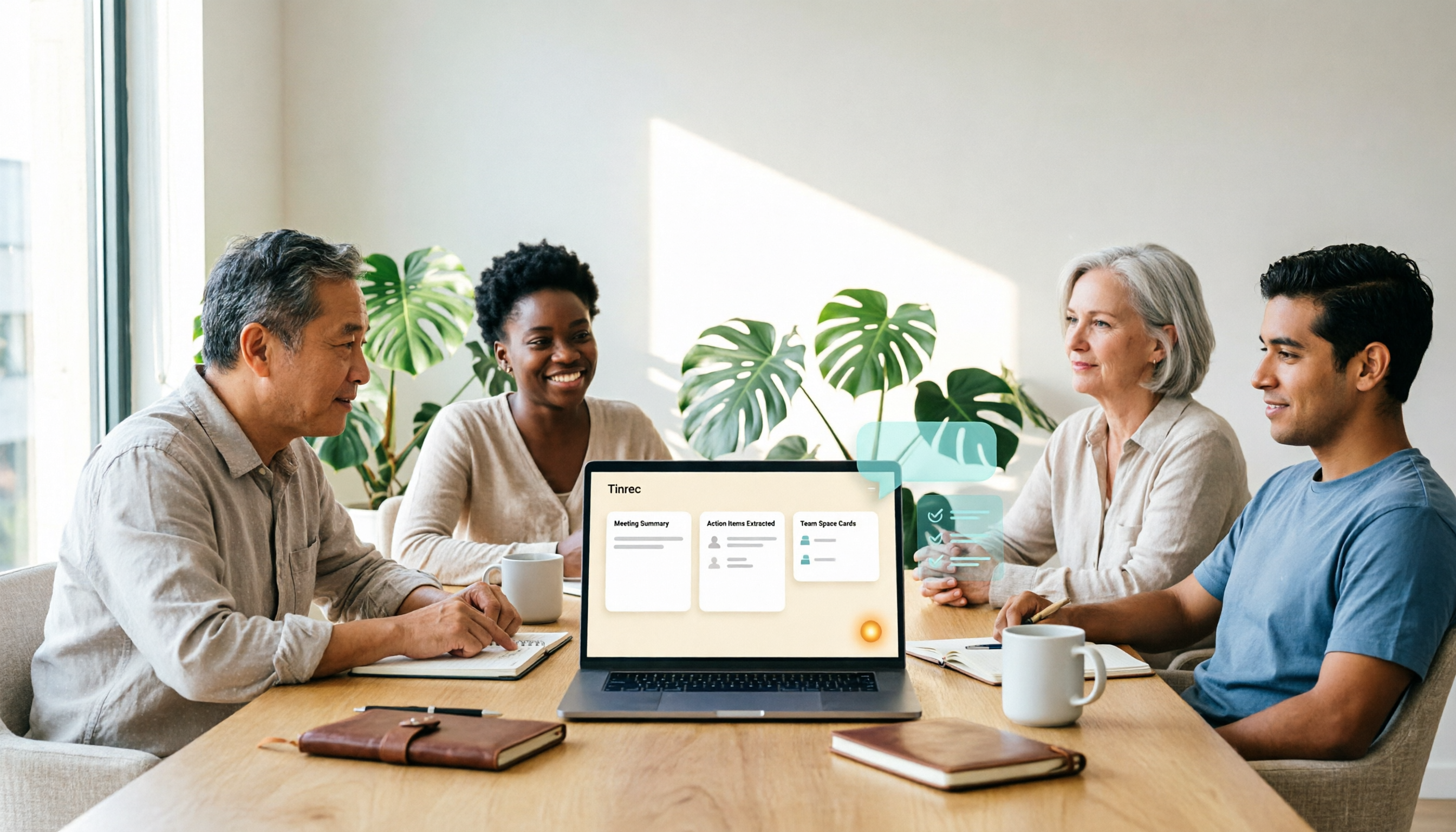
How to Choose a Google Meet Alternative in 2026: 4 Steps to a Meeting Tool That Actually Saves Time
Looking for similar websites to Google Meet? Don't switch platforms yet. This article starts with common misconceptions and uses 4 steps to clarify what matters when choosing a meeting tool. Using Tinrec as an example, it explains how bot-free online meeting recording, AI summaries and action item extraction, AI Q&A, and team spaces solve the pain point of spending time organizing after meetings.

Best Way to Schedule Future Google Meet Meetings? 2026 Tested 3 Methods, Tinrec's Bot-Free Recording Is Most Complete
Scheduling a future Google Meet meeting is just the first step; post-meeting organization is key. This article tests three methods and shows how Tinrec's desktop bot-free recording automatically generates transcripts, summaries, and action items, turning meetings into searchable team data.

2026 Comparison of 3 Google Meet Note-Taking Tools: Why Tinrec Is Better for Chinese-Speaking Teams
Google Meet makes it easy to start a meeting, but the real pain comes afterward: transcripts, summaries, and action items. This article addresses three common meeting-notes pitfalls, compares Google Meet's built-in captions, manual note-taking, and Tinrec, and reviews Tinrec's real-world performance in Chinese transcription, bot-free recording, AI Q&A, and team knowledge retention—so you can decide which approach fits your meeting scenario.

3 iPhone Audio-to-Text Solutions Compared in 2026: Built-in Transcripts, Dictation Shortcuts, or Tinrec?
iPhone's built-in Voice Memos transcripts, Notes live dictation, and the 'Dictation Memos' shortcut each have their own use cases. This article compares them across setup difficulty, Chinese transcription, file management, post-meeting organization, and team collaboration, and also looks at AI meeting notes tool Tinrec to help you decide which approach truly suits you.

2026 Best 4 Transcription Apps Tested: Free Student Plans and AI Summaries Compared
A student's real-world test of 4 transcription apps in 2026: from lecture notes and group discussions to finals review, comparing free tiers, Chinese recognition, and AI summary Q&A. Sharing why I kept Tinrec and my pitfalls.

How to Transcribe iPhone Recordings in 2026: 5-Step Tutorial and Tinrec Comparison
The built-in Voice Memos transcription on iPhone is free and easy to use, but it often falls short when meetings become a weekly routine, materials are scattered across phone and computer, and content needs to be shared with a team. This article first walks you through the 5 steps of iPhone recording-to-text, then compares how Tinrec differs in online meeting recording, AI summary Q&A, and team collaboration.

Tinrec vs 雅婷逐字稿 2026: 5-Dimension Comparison of Free Audio-to-Text Apps
When meeting, class, or interview recordings sit on your phone and you want a free audio-to-text app, most tools either have limited quotas or only provide transcripts. This article compares Tinrec and 雅婷逐字稿 across 5 dimensions, covering free plans, Chinese transcription, AI summaries, online meeting recording, and team collaboration, to help you decide which one fits your use case.

4 Free AI Audio-to-Text Tools Tested in 2026: Which Free Tier Is Most Generous?
How do you choose a free audio-to-text AI? We cross-compared 4 tools using the same mixed Chinese-English meeting recording, breaking down the real limits of free tiers, post-meeting outputs, online meeting recording methods, and team data ownership. We conclude with clear recommendations for different budgets and use cases.

5 Free Audio-to-Text Tools Compared in 2026: Which Is Right for You — Tinrec, Yating, or cSubtitle?
Searching Dcard for free audio-to-text tools but finding limited free quotas, unstable Chinese recognition, and still having to organize meeting notes manually? This article compares 5 common tools side by side and uses Tinrec as an example to show how to build a smoother meeting-notes workflow — from recording and transcription to summaries, action items, and team collaboration.