
Turn recordings into transcripts and summaries in minutes
Upload audio or video for multilingual transcription, AI notes, and action items
How to Choose a Google Meet Alternative in 2026: 4 Steps to a Meeting Tool That Actually Saves Time
Last month I was chatting with a manager from another department by the water cooler, and he asked me: "Are you still using Google Meet for your meetings? Is there a similar website we could switch to?"
I've heard this question many times. I personally have about 15 meetings a week—weekly meetings, project progress meetings, one-on-ones, cross-department coordination—leading a team of 10. I used to be eager to find similar websites to Google Meet, switching from one to another, until I realized one thing: the problem was never the video platform, but the pile of unorganized content after the meeting.
Before Switching from Google Meet, Most People Get Stuck on These 3 Misconceptions
Misconception 1: Thinking that finding a "website with the same features" equals solving the problem. Google Meet itself isn't a big problem—video is stable, and everyone knows how to use it. What's truly painful is after the meeting: the recording sits in Google Drive, and you have to figure out transcripts, conclusions, and action items on your own. If you switch to a platform with a similar interface, this pain point follows you unchanged.
Misconception 2: Thinking you need to replace the entire workflow. Actually, you don't. Most teams keep using their original video tool and only hand off the "recording and organizing" part to a more suitable tool.
Misconception 3: Only looking at free minutes, not what you can do after transcription. Of course, free quota matters, but the more important question is: can the transcript automatically become summaries, action items, and searchable data? If not, you're just replacing "listening to recordings" with "reading transcripts," and the time saved is limited.
Once you think through these three points, you'll realize the real comparison isn't "which website looks like Google Meet," but "which tool can reduce the work after the meeting."
What Can Tinrec Do for You?
In my own use case, Tinrec solves "those two hours after the meeting."
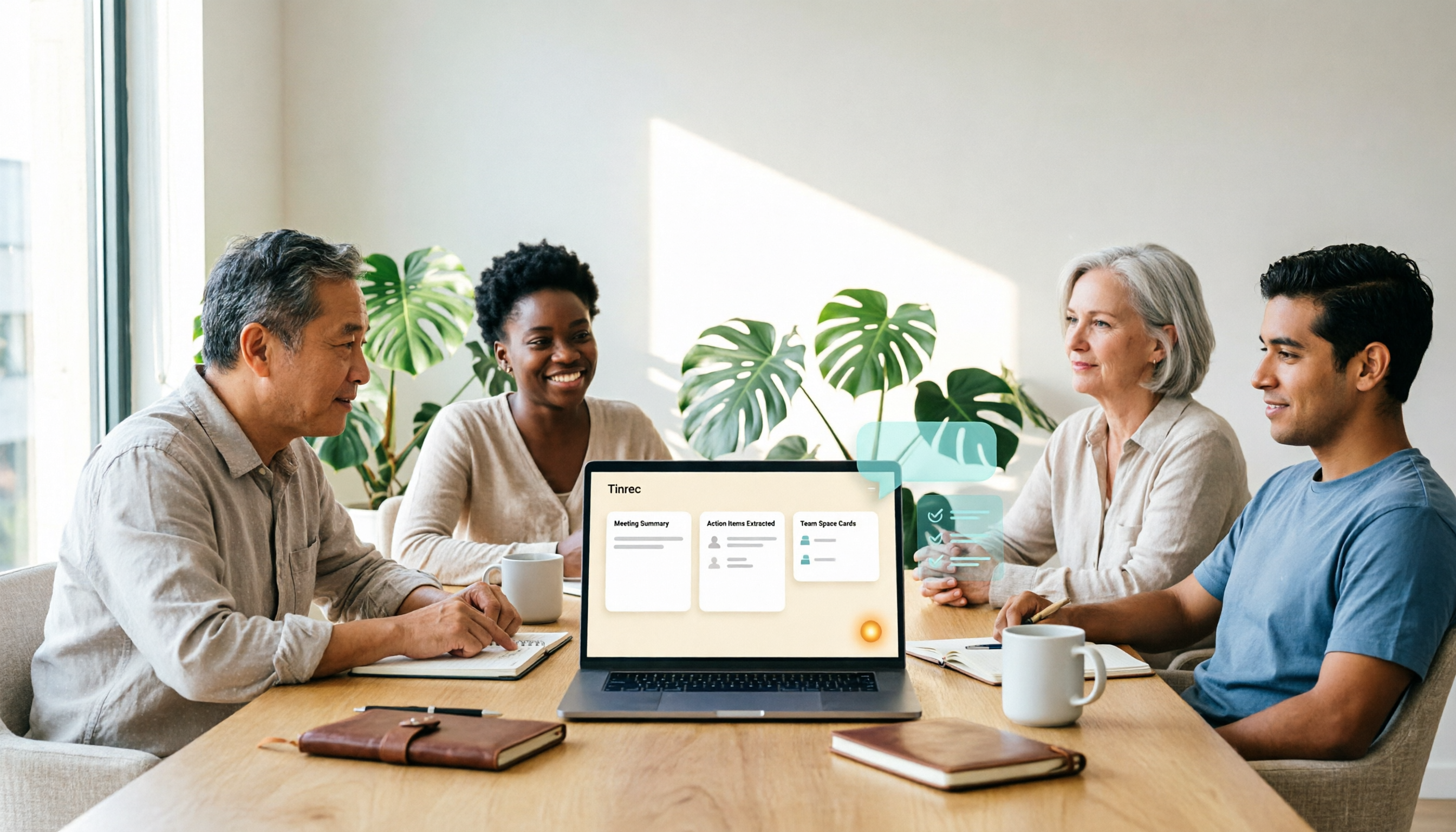
Scenario 1: After the meeting, summaries and action items are already there Previously, for a two-hour meeting, I'd spend at least another 40 minutes organizing notes. Now when the meeting ends, Tinrec's AI summary, chapters, and action items are already generated—who's responsible for what and when it's due, listed one by one. I just need to confirm, not start from scratch.
Scenario 2: No need to add a bot to online meetings Tinrec's desktop version directly captures your computer's system audio, handling online meetings on Zoom, Google Meet, Microsoft Teams, Webex, etc., without needing an extra bot account to join the meeting room. This is important for external client meetings—no need to explain "who that extra person is."
Scenario 3: When your boss asks about a decision from three months ago Previously, I'd have to dig through notes and messages. Now all meeting data stays in one place, and I can directly ask Tinrec: "How did we finally decide on that budget question last time?" It finds the answer from the meeting content.
Scenario 4: Meetings with mixed Chinese and English Our team often mixes Chinese and English in meetings. Tinrec supports Chinese, Traditional Chinese, and multilingual meeting scenarios, and also offers real-time translation and bilingual viewing, so international colleagues don't have to wait for post-meeting translation.
What Are Tinrec's Core Capabilities?
Bot-free online meeting recording The desktop version captures system audio, and recording is initiated by the user, without needing a meeting bot to join. Note that this doesn't mean "automatically joining all meetings on your calendar"—currently, the user still starts the recording manually.
Real-time transcription and translation Text appears as the meeting happens, and during recording you can switch between original text, translation, or bilingual view. Actual accuracy is affected by recording quality, background noise, accents, multiple people speaking at once, and technical terms. For important content, it's recommended to replay and verify with timestamps.
AI summary, chapters, and action item extraction It's not just condensing the transcript into a paragraph; it separates meeting topics, discussion points, conclusions, and action items, so even long meetings can be quickly navigated by chapters.
AI Q&A After transcription, you can directly ask questions about the meeting content, such as "What concerns did the client mention?" or "Who is responsible for this project?"—great for looking back at past meetings.
Export and post-processing Transcripts and organized results can be exported to common tools like Notion, Google Docs, OneNote, Dropbox; you can also generate reports, tables, and documents to fit your existing workflow.
Stop organizing recordings by hand
Upload audio or video and automatically get a transcript, summary, and action items
Team space (Team version) The Team version isn't multiple people sharing one personal account; it's an independent team space: meeting data belongs to the team, you can invite members, set owners/admins/regular members, assign or revoke seats, and view usage trends, member rankings, and operation audits. Teams also offer hotword management—add your company's common terms to improve recognition of technical vocabulary.
Practical Use Cases
Weekly meetings and project progress meetings Keep Tinrec running, and after the meeting, send the summary as meeting notes and sync action items to the responsible people. My team's current practice: within 10 minutes after the meeting, notes are sent out.
Client interviews and requirements meetings Client requirements, concerns, and commitments are fully preserved in the transcript. When writing proposals or replies later, asking questions directly about the meeting content is much faster than going through recordings.
Cross-department coordination The most time-consuming part of cross-department work isn't the meeting itself, but the follow-up after. Meeting data is centralized in one space, so next time someone asks "Where did we leave off last time?" you can just search for the answer.
Courses, interviews, and content organization Upload class or interview recordings, convert to text, and organize into articles or teaching materials. The Team version can store these materials in a team space, so they won't disappear if someone leaves.
5 Things to Note When Choosing a Google Meet Alternative
1. How meetings are recorded Some tools require a bot to join the meeting room, while others use desktop system audio capture. If you often meet with external clients, not having an extra account on the list is usually more convenient. Tinrec uses the latter.
2. Can you organize after transcription Transcripts are just the starting point. Check if the tool has summaries, chapters, action item extraction, and Q&A. Tinrec puts these in one workflow, so you can use them right after transcription.
3. Performance with Chinese and mixed Chinese-English Not every tool is friendly to Chinese. It's best to test with your team's actual meeting recordings. Tinrec covers Chinese, Traditional Chinese, and multilingual scenarios, and supports team hotwords.
4. Export and integration with existing workflows Where do meeting notes ultimately go—Notion, Google Docs, or your company's report format? Tinrec supports multiple export formats and can generate reports, tables, and documents.
5. Team permissions and data ownership Many people overlook this when purchasing. Tinrec's Team version separates "roles" and "seats": roles determine who can manage members, audits, and team settings; seats determine whether you can record, upload, edit, import/export. Active members without a seat can still view, play, and read team data. Team resources belong to the team; when a member leaves, they need to hand over their responsible resources to other members, so nothing leaves with the person.
About pricing The personal version has a free version to experience basic recording, import, summary, and transcription, plus weekly cards and Pro monthly/yearly cards for different usage frequencies. The Team version currently offers a first eligible trial of 7 days, 1 free seat, and 300 minutes of shared team import quota; paid seats are USD 29.80/seat/month, or USD 199/seat/year (about USD 16.58/month), with each paid seat providing 2,000 minutes of shared team import quota per month; under an active team plan and seat, real-time recording is currently not deducted by minutes. Actual prices and benefits are subject to the official purchase page.
FAQ
Q: What types of Google Meet alternatives are there? Roughly three categories: video conferencing platforms, bot-based AI meeting assistants, and tools focused on recording transcription and post-meeting organization. Tinrec belongs to the third category and can coexist with your existing video platform without replacing everything.
Q: Does Tinrec need a meeting bot to join? No. Tinrec's desktop version directly captures computer system audio, initiated by the user, and can handle online meetings on Zoom, Google Meet, Microsoft Teams, Webex, etc.
Q: Is the free version enough? If you only have two or three meetings a week and occasionally want to organize a recording, the free version is a good start. But if you have meetings every day like me, the free quota runs out quickly, and Pro is more suitable.
Q: What's the difference between Team and Personal versions? Personal version data belongs to the individual account; the Team version is an independent space with member invitations, role and seat management, shared benefits, usage analytics, audit logs, and an audio recycle bin. After team audio enters the recycle bin, it can be restored before permanent cleanup begins; the current retention period is 30 days.
Q: What should I note about meeting recording? Recording and transcription involve personal data and local regulations. Before the meeting, it's recommended to inform participants and get consent, and your company should have corresponding usage policies.
Conclusion
If your only issue is "wanting to switch to a website similar to Google Meet," then switching or not doesn't make much difference. What really needs solving is that hour after the meeting—transcripts, summaries, action items, and questions like "What did we actually discuss last time?"
My advice is to first clarify your workflow: keep using your original video tool, and hand off recording and organizing to Tinrec. The free version lets you try a few meetings and feel what it's like to have summaries and action items right after the meeting; if you're using it with a team, consider the Team version to let meeting data become a searchable, trackable team asset.
References
Turn every recording into actionable outcomes
Get 60 free transcription minutes when you sign in. No credit card required.
Related Reading
You might also like

Google Meet Review 2026: Pros, Cons, Pricing & Tinrec Alternative Comparison
Is Google Meet's built-in transcription enough? This article compiles public reviews and official plan information, breaking down Google Meet's pros and cons across five dimensions: recording methods, post-meeting outputs, Chinese language support, team collaboration, and pricing. It also compares Tinrec's bot-free recording and meeting organization workflow to help you decide which is better suited for your work situation.

Best Way to Schedule Future Google Meet Meetings? 2026 Tested 3 Methods, Tinrec's Bot-Free Recording Is Most Complete
Scheduling a future Google Meet meeting is just the first step; post-meeting organization is key. This article tests three methods and shows how Tinrec's desktop bot-free recording automatically generates transcripts, summaries, and action items, turning meetings into searchable team data.

2026 Comparison of 3 Google Meet Note-Taking Tools: Why Tinrec Is Better for Chinese-Speaking Teams
Google Meet makes it easy to start a meeting, but the real pain comes afterward: transcripts, summaries, and action items. This article addresses three common meeting-notes pitfalls, compares Google Meet's built-in captions, manual note-taking, and Tinrec, and reviews Tinrec's real-world performance in Chinese transcription, bot-free recording, AI Q&A, and team knowledge retention—so you can decide which approach fits your meeting scenario.

3 iPhone Audio-to-Text Solutions Compared in 2026: Built-in Transcripts, Dictation Shortcuts, or Tinrec?
iPhone's built-in Voice Memos transcripts, Notes live dictation, and the 'Dictation Memos' shortcut each have their own use cases. This article compares them across setup difficulty, Chinese transcription, file management, post-meeting organization, and team collaboration, and also looks at AI meeting notes tool Tinrec to help you decide which approach truly suits you.

2026 Best 4 Transcription Apps Tested: Free Student Plans and AI Summaries Compared
A student's real-world test of 4 transcription apps in 2026: from lecture notes and group discussions to finals review, comparing free tiers, Chinese recognition, and AI summary Q&A. Sharing why I kept Tinrec and my pitfalls.

How to Transcribe iPhone Recordings in 2026: 5-Step Tutorial and Tinrec Comparison
The built-in Voice Memos transcription on iPhone is free and easy to use, but it often falls short when meetings become a weekly routine, materials are scattered across phone and computer, and content needs to be shared with a team. This article first walks you through the 5 steps of iPhone recording-to-text, then compares how Tinrec differs in online meeting recording, AI summary Q&A, and team collaboration.

Tinrec vs 雅婷逐字稿 2026: 5-Dimension Comparison of Free Audio-to-Text Apps
When meeting, class, or interview recordings sit on your phone and you want a free audio-to-text app, most tools either have limited quotas or only provide transcripts. This article compares Tinrec and 雅婷逐字稿 across 5 dimensions, covering free plans, Chinese transcription, AI summaries, online meeting recording, and team collaboration, to help you decide which one fits your use case.

4 Free AI Audio-to-Text Tools Tested in 2026: Which Free Tier Is Most Generous?
How do you choose a free audio-to-text AI? We cross-compared 4 tools using the same mixed Chinese-English meeting recording, breaking down the real limits of free tiers, post-meeting outputs, online meeting recording methods, and team data ownership. We conclude with clear recommendations for different budgets and use cases.

5 Free Audio-to-Text Tools Compared in 2026: Which Is Right for You — Tinrec, Yating, or cSubtitle?
Searching Dcard for free audio-to-text tools but finding limited free quotas, unstable Chinese recognition, and still having to organize meeting notes manually? This article compares 5 common tools side by side and uses Tinrec as an example to show how to build a smoother meeting-notes workflow — from recording and transcription to summaries, action items, and team collaboration.