

Turn recordings into transcripts and summaries in minutes
Upload audio or video for multilingual transcription, AI notes, and action items
2026 Voice-to-Text App Guide: Bot-Free Meeting Recording + AI Summaries and Q&A
The real work starts after the meeting ends
It's 2 PM on a Wednesday, and a two-hour project meeting just wrapped up. You have a recording, some scribbled notes, and a dozen action items scattered throughout the conversation. You spend the next couple of hours replaying the audio and filling in your notes. By the time you're done, it's dark outside.
It gets even messier when the meeting is bilingual. The client switches between English and Chinese mid-sentence, and the transcript comes out looking like gibberish. You end up editing it word by word.
Then there are online meetings. To record, you have to invite a meeting bot into the room, and your colleagues keep asking, "Who is that account?"
If you've been in these situations, this article is for you. The problem usually isn't the recording itself—it's what happens after. You don't have a tool that turns the content into something you can actually use.
4 key factors to understand before choosing a voice-to-text app
1. Transcription is just the starting point—what you can do next is what matters
Most apps can turn audio into text, but the real time sink in meeting notes is the post-meeting cleanup. I usually check first whether it offers summaries, chapters, action item extraction, or even the ability to ask questions directly about the content.
2. How to record online meetings: bot or bot-free
A meeting bot joins as a participant. For internal meetings, that's fine. For external meetings, it's awkward. Another approach is to have a desktop app capture your computer's system audio directly, without adding any meeting participant. The recording process is completely transparent to everyone else.
3. Handling Chinese and multilingual environments
Meetings in Taiwan are rarely pure Chinese or pure English. Code-switching and technical jargon both affect transcription quality. Beyond checking the number of supported languages, look for features like real-time translation, bilingual display, and team glossaries.
4. Do meeting records belong to individuals or the team?
If personal meeting notes live in individual accounts, they scatter the moment someone leaves. A team plan puts content in a shared team space, where data belongs to the team. Roles and seats determine who can view and who can edit.
Tinrec — our top pick after hands-on testing
Tinrec is an AI meeting notes and collaboration tool for individuals and teams, available on iOS, Android, desktop, and web.
Live transcription while you record—no bot needed in the meeting room
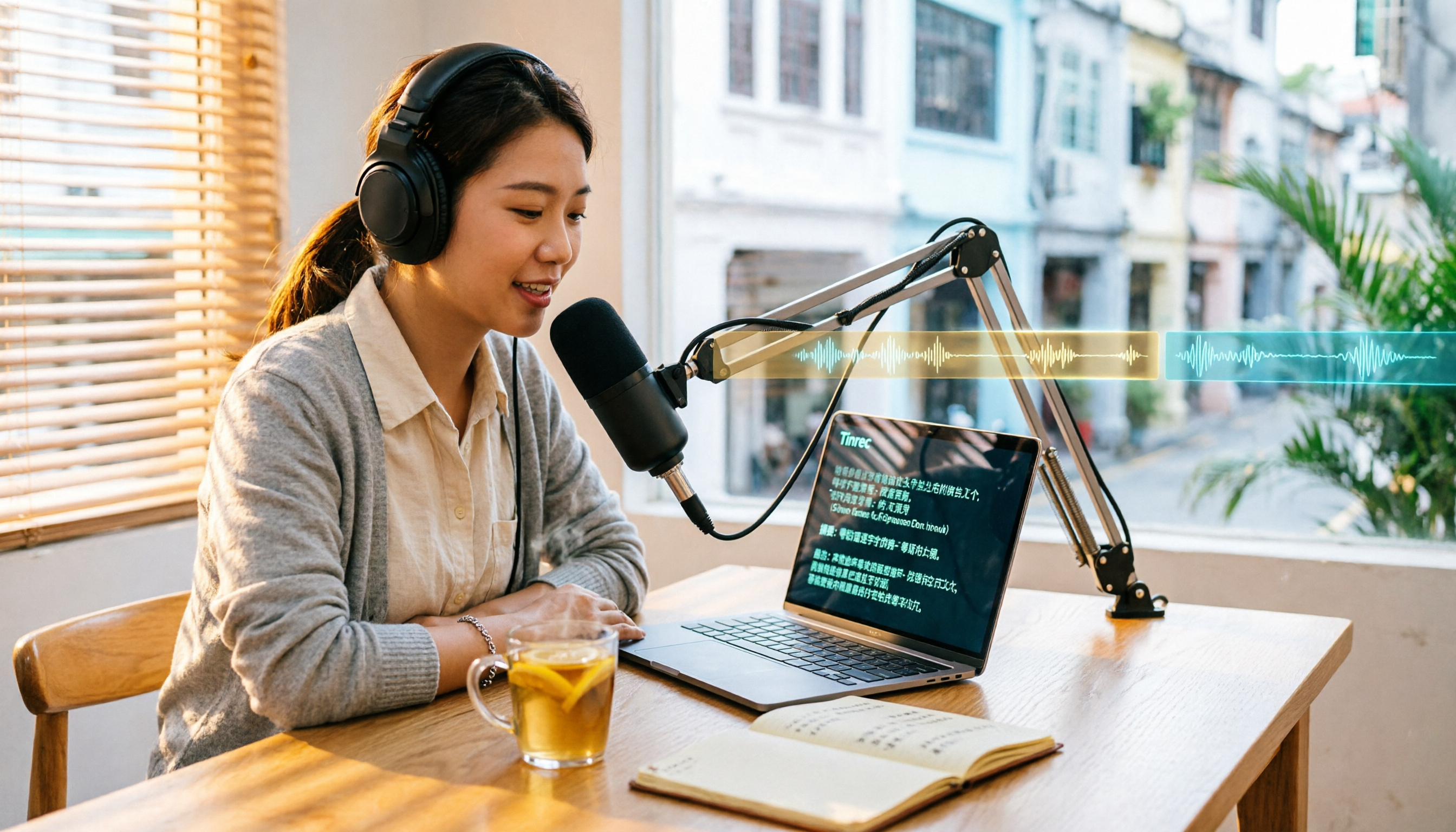
Open the Tinrec desktop app, and it captures your computer's system audio directly. It works with Zoom, Google Meet, Microsoft Teams, and Webex meetings, and you don't need to invite an extra bot account. The transcript is generated in real time as you record, so there's no waiting for processing after the meeting ends.
Automatic summaries, chapters, and action items after the meeting
As soon as the meeting ends, the AI summary and chapters are ready. Long meetings are broken into easy-to-scan sections. The system also picks out action items from the discussion, making it relatively clear who's responsible for what.
Ask questions directly about the transcript after recording
This is where I see the biggest gap compared to ordinary transcription tools. In the past, to find "who mentioned the budget in the last meeting," I'd have to Ctrl+F for keywords. With Tinrec, I can just ask, and it answers based on semantic understanding rather than dumping a list of keywords. You can also generate reports, tables, and documents from the same data, or export to Notion, Google Docs, OneNote, or Dropbox to keep working.
I tested the workflow with a bilingual meeting recording (indoor environment, with keyboard and air conditioning noise). The code-switched sections were transcribed correctly, and the summary and action items captured the key points. However, it's important to note that Tinrec does not promise a fixed accuracy rate. Actual performance depends on recording quality, noise, accents, overlapping speakers, and technical terminology. If your team frequently uses industry-specific terms, you can maintain them through the team glossary. I think this attitude of not overpromising is more practical than claiming "99% accuracy."
Stop organizing recordings by hand
Upload audio or video and automatically get a transcript, summary, and action items
Three main advantages
Bot-free recording, so external meetings aren't awkward; a good experience for Chinese meetings with code-switching, with support for real-time translation and bilingual viewing; and a complete post-meeting workflow that runs from summary, chapters, action items, and AI Q&A to report and table generation in one go.
Limitations to note
First, you need to start the recording yourself. It's not a service that automatically joins all meetings on your calendar. Second, the free plan offers basic quota to try recording, importing, summaries, and transcription, but heavy users should consider paying. The team plan is billed per seat: $29.80 USD per paid seat per month, or $199 USD per paid seat per year (about $16.58 USD per month). Eligible teams get a 7-day trial, 1 free seat, and 300 minutes of shared team import quota on first use. Paid seats include 2,000 minutes of shared import quota per month. Real-time recording does not deduct minutes under an active seat.
Who it's for
If you have Chinese meetings every week, often with code-switching, and you need a ready-to-use summary afterward—or if your team wants a unified meeting database—Tinrec will save you a lot of time.
What other options are there besides Tinrec?
Otter.ai is a veteran AI assistant for English meetings. The free plan offers 300 minutes per month, and the Pro annual plan works out to about $8.49 USD per user per month. Its strength is English business meetings; Chinese and code-switched organization is not its home turf. If 80% of your meetings are in English, Otter is worth a try. If they're mostly in Chinese, Tinrec is smoother.
Notta overlaps most with Tinrec. Both support multi-platform transcription, meeting notes, and file import. The free plan offers 120 minutes per month, with a maximum of 3 minutes per session. The Pro annual plan works out to about $8.17 USD per month, so the entry barrier is low. The difference is in the later stages: bot-free desktop recording, team spaces, and Agent post-processing are Tinrec's focus, while Notta leans more toward fast transcription and translation.
Granola also takes a bot-free approach. Basic is free, and Business is $14 USD per user per month. Its strength is combining your own notes to generate more targeted meeting content. Note that it doesn't support uploading pre-recorded audio files and doesn't save meeting audio. If you need to keep recordings, import historical audio, or hold meetings in Chinese, Tinrec is more complete.
Pitfall guide: 3 most common mistakes when choosing a voice-to-text app
Pitfall 1: Only looking at the official accuracy claims
Performance in a quiet studio versus a real meeting room is very different. Air conditioning noise, keyboard sounds, and people talking over each other all affect results. I recommend testing directly with a recording of your own meeting. Also, no tool should promise 100% accuracy. For important content, you should still verify against the transcript timestamps and the recording.
Pitfall 2: Only using the app for audio-to-text
If you only use transcription, you're only using part of its capabilities. When choosing a tool, ask one more question: Can it automatically generate summaries? Can it extract action items? Can you ask it directly, "What was the conclusion of this meeting?"
Pitfall 3: Leaving meeting data in personal accounts
If meeting notes are valuable to the team, look for a solution with team spaces. Data belongs to the team, and when members change, it can be handed over to other active members. It won't all disappear just because one person leaves.
Summary: Which one should you choose?
For the three needs of "Chinese meetings + post-meeting organization + team knowledge retention," Tinrec is my current top recommendation.
- Chinese or code-switched meetings, and you want summaries and action items afterward → Tinrec
- Online meetings where you don't want a bot in the room → Tinrec (desktop app captures system audio)
- Want to ask AI directly about meeting content instead of digging through transcripts → Tinrec
- Need to keep meeting data with the team and manage members, seats, and usage → Tinrec team plan
- Zero budget, and 90% of meetings are in English → Otter.ai (the only exception in this article)
I recommend starting with Tinrec's free plan and testing it with a recording of one of your own meetings. Experience the flow from recording, transcript, and summary to AI Q&A. If it works for you, then consider upgrading. You don't have to pay from the start.
References
Turn every recording into actionable outcomes
Get 60 free transcription minutes when you sign in. No credit card required.
Related Reading
You might also like

6 Best Live Transcription and Translation Apps in 2026: Free Tiers and AI Summaries Compared
How to choose a live transcription and translation app in 2026? This article reviews six tools—Tinrec, Vurbo.ai, Instant Voice Translate, Notta, TurboScribe, and Apple Notes Live Dictation—comparing free tiers, translation methods, post-meeting organization, and pricing to help you find the best real-time voice translation solution for meetings, travel, or interviews.
How to Add Cantonese Subtitles in Filmora 2026: 5-Step Guide from Recording to Subtitles
Many people think built-in AI subtitles in editing software can handle Cantonese, but the real bottleneck is speech-to-text. This article breaks down the Cantonese subtitle workflow into 5 steps, explaining how to use Tinrec to produce accurate transcripts, summaries, and bilingual content, then return to editing software for layout, and covers tool selection tips and FAQs.

2026 Comparison of 2 Taiwanese Hokkien Translation Tools: Free Instant Translation vs AI Meeting Notes
When Taiwanese Hokkien comes up in a meeting, do you need to understand it in the moment, or do you need a usable record afterward? This article focuses on Taiwanese Hokkien translation needs and compares the free instant translation service Lohankha with the AI meeting notes tool Tinrec, covering word and phrase translation, transcript generation, post-meeting organization, and team collaboration to help you decide which tool fits your work situation.

4 iPhone Live Transcription Translation Apps Tested in 2026: Which Bilingual Transcript Saves the Most Time?
iPhone's built-in Voice Memos can transcribe audio, but live translation and post-meeting AI organization are still limited. This article tests 4 solutions, comparing Tinrec, Apple's built-in tools, Notta, and PLAUD on live translation, bilingual transcripts, AI Q&A, and team collaboration to help you find the most time-saving option.

6 Taiwanese-to-Chinese Translation Tools Tested and Compared in 2026: Which Is Most Practical for Transcripts, Summaries, and Team Organization?
How do you choose a Taiwanese-to-Chinese translation tool? This article starts with the most common misconceptions and compares Tinrec, Lohankha, iTaigi, the Ministry of Education's Taiwanese Common Word Dictionary, the Taiwanese AI Translation App, and Tâi-Gí 做伙耍. It explains each tool's suitable scenarios, transcript and summary capabilities, differences in team collaboration, and the limitations of free and paid plans, helping you find the one that truly saves you organization time.

Tinrec vs cantonese.ai in 2026: 5-Dimension Comparison — Which Cantonese Speech-to-Text Shortcut Is More Practical?
The most time-consuming part of a Cantonese meeting is never the meeting itself, but the post-meeting transcription. This article compares Tinrec and cantonese.ai across 5 dimensions — real-time transcription, meeting capture methods, post-meeting organization, team collaboration, and pricing — to outline a Cantonese speech-to-text workflow and key purchasing considerations that can truly save overtime hours.

2026 Comparison of 4 Real-Time Recording Translation Tools: Which Bilingual Transcript Is Most Practical for Mixed Chinese-English Meetings?
When meetings switch languages mid-conversation, transcripts get messy. This article starts from three decision-making focuses—meeting language, meeting format, and post-meeting needs—to outline four key purchasing factors for real-time recording translation tools. It also compares Tinrec, Granola, Otter.ai, and Notta in real-world tests, covering bot-free online meeting recording, bilingual transcripts, AI Q&A, and team spaces, helping you find the best fit for your meeting style.

2026 Mac Taiwanese Input Methods: Ministry of Education Version + Lohankha Tested
How to choose a Taiwanese input method for Mac in 2026? This article compares the Ministry of Education Taiwanese Input Method, Lohankha, Taigi AI Labs, and FHL, covering macOS installation steps, system version requirements, and pitfalls to avoid, plus a post-meeting recording tool, Tinrec.

5 Taiwanese Hokkien Translators Tested in 2026: Which Free Tool Is Good Enough?
How to choose a Taiwanese Hokkien translator? This article compares 5 tools—iTaigi, Lohankha, Taiwanese AI Translation, Taiwanese AI Voice Translation, and the Ministry of Education Translator—covering translation directions, romanization, voice input, and free limitations. It also explains how Tinrec fits in for post-meeting transcripts, summaries, and team organization. Whether you need word lookup, short phrase translation, or voice interpretation, you can find a suitable free option.