

Turn recordings into transcripts and summaries in minutes
Upload audio or video for multilingual transcription, AI notes, and action items
4 Taiwanese Speech-to-Text Tools Tested in 2026: Speaking Is Easy, Organizing Is Hard
Most people searching for "Taiwanese speech input" are thinking, "Finally, I don't have to type Tâi-lô character by character." But once you actually test it, you realize the bottleneck usually isn't typing—it's that after you finish, no one helps you organize it. Below, we break it down step by step: pain points, selection criteria, and hands-on testing.
The Biggest Misconception About Taiwanese Speech Input: Thinking "Typing It Out" Equals "Remembering It"
Let's look at three common scenarios.
First, after a two-hour client meeting mixed with Taiwanese and Mandarin, you want to dictate sentence by sentence into your phone to type out the content. But by the third sentence, you give up—you have to repeat the same sentence two or three times before the system picks the right characters, and typing one paragraph takes longer than the meeting itself.
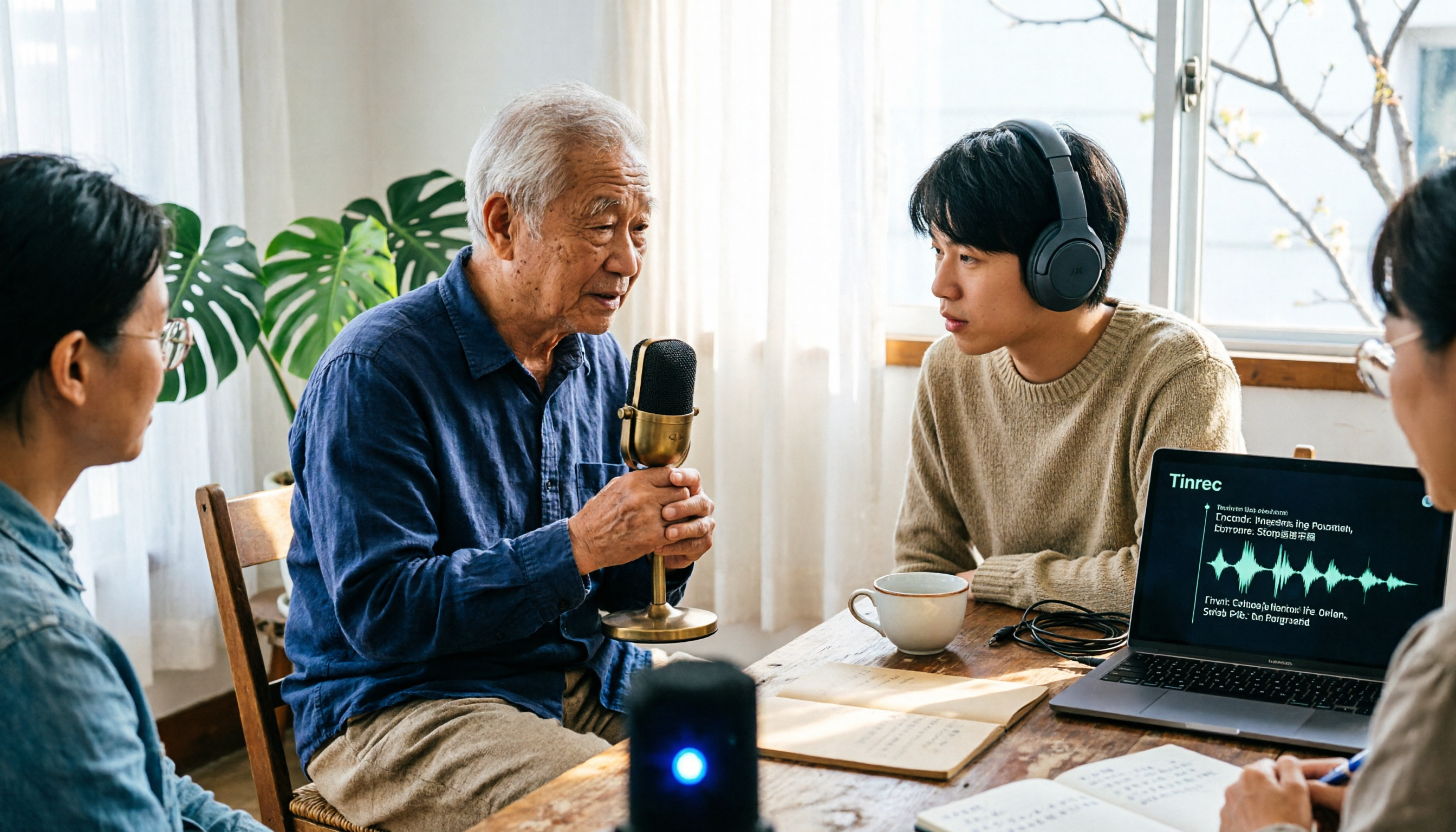
Second, you've saved a month of interviews or voice messages from elders, but not a single word of transcript. You understand them, but to turn them into text for a colleague, you have to listen and type yourself.
Third, you finally type out Taiwanese characters, paste them into a group chat, and the other person's phone shows tofu blocks (missing characters). In the end, you still have to send a screenshot.
The common thread in these three situations: what you need isn't an "input method"—it's a way to turn spoken words into searchable, actionable data. If that second layer of need isn't met, faster input just pushes the work further down the line.
Before Choosing a Taiwanese Speech Input Tool, Understand These 4 Key Points
1. Do you need "typing" or "organizing"? An input method solves "how to type a sentence"; a meeting tool solves "how to turn two hours of content into a transcript, summary, and to-dos." These two tasks are rarely handled by the same product, so clarify which part you're missing to avoid buying the wrong thing.
2. Tolerance for mixed languages and accents. Real meetings are rarely pure Taiwanese—they're mostly Taiwanese mixed with Mandarin, plus a few English technical terms. Add in significant accent differences across Taiwan, and any tool needs to be tested with your own voice and recordings. Official demo videos won't help you.
3. Can you use it right after recording? A transcript is only a half-finished product. Whether it can automatically generate summaries, chapters, and to-dos determines whether you'll stay late. This is exactly the dividing line between tools like Tinrec and pure input methods.
4. Cross-platform and data ownership. Recording on mobile and organizing on desktop is the norm; for teams, you also need to clarify how members, seats, and permissions work—not just share one personal account among multiple people.
Tinrec: Turning Taiwanese-Mandarin Meetings into Searchable, Actionable Data
Tinrec is an AI meeting notes and collaboration tool for individuals and teams, supporting mobile apps, desktop, and web versions, primarily handling Chinese, Traditional Chinese, and multilingual meeting scenarios.
Let's be clear about its positioning: Tinrec is not a Taiwanese input method, nor does it promise to accurately convert any accent of Taiwanese into Tâi-lô. It fills a different, more common gap—when a meeting has some Mandarin and some Taiwanese, what you ultimately need is a record you can hand over. Actual recognition accuracy is affected by accent, mixed-language ratio, recording quality, and background noise. For important content, we recommend cross-checking against the recording.
Record online meetings without a bot: When using Zoom, Google Meet, Microsoft Teams, or Webex, the desktop version directly captures computer system audio, so you don't need to invite a meeting bot as a participant. For client meetings, this is very practical—no one wants to see an unfamiliar account on the attendee list.
Transcribe while recording, auto-generate notes after: During recording, you can switch between original text, translation, or bilingual view; after the meeting, the system automatically generates summaries, chapters, key points, and to-dos, and can even produce mind maps to help you quickly identify who's responsible for what and when it's due.
AI Q&A is the differentiator: After recording, you can ask it questions directly, such as "What was the budget cap the client mentioned last week?" It understands semantics and gives answers directly, not a list of keyword search results. Currently, this capability is not common among tools at the same price point. Organized content can also be exported to Notion, Google Docs, OneNote, Dropbox, or post-processed with Agent to generate reports, tables, and documents.
Stop organizing recordings by hand
Upload audio or video and automatically get a transcript, summary, and action items
We ran through the entire process with a roughly 5-minute Chinese meeting recording (two-person conversation, indoor environment, keyboard sounds in the background): import, transcription, summary and to-dos, Q&A, export. The process was smooth, the summary captured the main discussion points, and the to-dos indicated responsible parties.
Three practical advantages: No extra hardware or meeting bots needed; complete post-meeting workflow—transcript, summary, to-dos, Q&A, and export all in one place; team version keeps data in the team space, so it won't disappear when someone leaves.
Two limitations: The free quota is for trial purposes; long-term use requires payment, and document import also consumes quota. If you need Tâi-lô output or pure Taiwanese transcripts, this isn't its positioning—we recommend using it alongside an input method.
Team version details: The team version is a separate team space where meeting data belongs to the team, with management capabilities including members, roles, seats, usage analytics, audit logs, and an audio recycle bin (retained for 30 days). Roles determine who can manage the team; seats determine who can record, upload, edit, and export. Active members without a seat can still view, play, and read team data. Currently, the team monthly plan is USD 29.80 per paid seat per month, and the annual plan is USD 199 per paid seat per year (about USD 16.58 per month). Paid seats provide 2,000 minutes of shared team import quota per month. The first eligible team trial is 7 days, 1 free seat, and 300 minutes of shared import quota. Prices and promotions are subject to the official purchase page.
Who it's for: People who have several meetings every week, with Taiwanese and Mandarin mixed in meetings, and who must deliver records or to-dos afterward.
Besides Tinrec, What Other Taiwanese Speech Input Options Are There?
Lohankha Taiwanese Input Method: Supports Tâi-lô (TL) and Pe̍h-ōe-jī (POJ), can type over 7,000 Taiwanese and Mandarin traditional Chinese characters, and after selecting a word, it also shows the pronunciation of the same Chinese character in Japanese, Korean, and Vietnamese—very useful for learners studying Taiwanese. App Store user feedback mentions crashes when typing two or three characters, and some hope for microphone support. It's essentially an input method—fine for typing sentence by sentence, but a two-hour meeting won't automatically become a summary and to-dos—that's what Tinrec does.
Taiwanese Input Method App (Ministry of Education): Built-in standard character forms from the Ministry of Education; when characters are missing, they can be converted to images for sending, so the other person can see them even without the font installed. Supports speech recognition input—if you can't type Tâi-lô, just press the microphone and speak. Long words can be searched with fuzzy first-letter search, e.g., typing tks finds "鎮公所" (township office). Note that speech recognition and text-to-image require higher system permissions; without them, only basic typing remains. It solves single-sentence input; cross-platform post-meeting organization still needs tools like Tinrec.
Taiwanese AI Translation App: Focuses on real-time translation between Taiwanese and multiple languages, supports speech input, voice reading, and some offline functions—handy as a translator when talking with elders or traveling. However, its core is translation, not meeting notes; translated content doesn't automatically become to-dos, and there's no team space to accumulate historical meetings—if you need those two things, Tinrec is a better fit.
Pitfall Guide: The 3 Most Common Mistakes When Choosing Taiwanese Speech Input
Pitfall 1: Only looking for tools that "can type Taiwanese," ignoring post-meeting organization. The right approach is to split your needs into "input" and "organization": use an input method for short sentences, and a meeting notes tool for entire meetings—the two don't conflict.
Pitfall 2: Assuming that if it claims Taiwanese support, it will understand your accent. Accents vary greatly across regions, plus mixed languages and technical terms—don't just rely on official demos. Test with your own recordings, and always cross-check important content against the recording.
Pitfall 3: Ignoring cross-platform and data ownership. Recording on mobile and organizing on desktop is the most common workflow; if the tool doesn't support it, you'll be manually moving files. For teams, clarify the difference between roles and seats, and don't treat a shared personal account as a "team version."
Conclusion: Which One Should You Choose?
In one sentence: input methods help you type the words, meeting tools help you finish the work—first confirm which part you're missing.
- Occasionally typing a sentence or two of Taiwanese characters, wanting to learn Tâi-lô → Ministry of Education Taiwanese Input Method App, Lohankha
- Meetings, interviews, client communications mixed with Taiwanese and Mandarin, needing transcript + summary + to-dos → Tinrec
- Want to use AI to ask key points directly after recording → Tinrec (AI Q&A)
- Record on mobile, organize on desktop, and save historical recordings → Tinrec (cross-device)
- Team needs to share meeting data, manage seats and usage → Tinrec Team Version
We recommend starting with the free quota, throwing in the toughest meeting recording you have, and seeing if the summary and to-dos are what you need before deciding whether to upgrade. Final reminder: inform participants and get consent before recording, and comply with local regulations.
References
Turn every recording into actionable outcomes
Get 60 free transcription minutes when you sign in. No credit card required.
Related Reading
You might also like

5 Taiwanese Translation Apps Tested in 2026: Which Is Best for Speech Recognition, Real-Time Translation, and Meeting Notes?
A hands-on comparison of 5 Taiwanese translation and speech tools, starting with common pitfalls, analyzing differences in literary vs. colloquial reading, speech recognition, transcripts, and post-meeting organization, and explaining how Tinrec turns Taiwanese and multilingual meetings into searchable, collaborative team data.

How to Use Taiwanese Voice Input on iPhone in 2026: 5-Step Guide and Tinrec Recording Organization
How do you use Taiwanese voice input on iPhone? This article starts with setting up the Ministry of Education's Taiwanese Hokkien input method app, outlines 5 practical steps, and compares Taiwanese input methods with Tinrec's recording-to-text tool, explaining how to choose for meeting notes, interview organization, and team collaboration.
4 Free Taiwanese Speech-to-Text Tools Tested in 2026: Which Transcripts Are Actually Usable?
Want to turn Taiwanese recordings into text? Are free tools good enough? This article reviews currently available free methods for Taiwanese speech-to-text, covering Taiwanese recognition, output formats, free quotas, and post-processing of transcripts. It also explains where Tinrec fits for Mandarin and mixed Chinese-English meetings, meeting summaries, and team collaboration, and its limitations, helping you choose the right combination.

4 Taiwanese Translation Tools Tested in 2026: Free Web, App, and AI Translator Compared
Taiwanese translation tools come in many forms: free web-based instant translators, Android apps, community dictionaries, and official beta AI translators, each suited to different scenarios. This article compares four Taiwanese translation tools in terms of supported languages, Romanization systems, and limitations, and explains which type of tool to use for real-time Chinese-English translation in work meetings, helping you choose the right direction before you start.

How to Choose a Live Transcription App in 2026: 5-Step Guide
Searching for a live transcription app on the App Store often only gets you a transcript, and you still have to retype meeting notes. This article compares Tinrec and Yating Transcription across 5 dimensions—online meeting recording, language and live translation, post-meeting output, import and cross-device workflows, and team seat management—to help you decide which one truly fits your workflow.

4 Taiwanese-to-Indonesian Translation Tools Compared (2026): Live Interpreting, Bilingual Transcripts, and Post-Meeting Summaries
Which Taiwanese-to-Indonesian translation tool should you choose? This article compares 4 types of solutions: live voice translation apps, online translation websites, AI meeting note tools, and human interpreters. Using Tinrec as an example, it shows how to turn cross-language conversations into searchable, summarizable, and transferable bilingual transcripts, and covers free vs. team plan quotas, pricing, and purchasing considerations.

How to Do Real-Time Audio Transcription in 2026: Free Transcript in 5 Steps
What can free real-time audio transcription achieve? Using Tinrec as an example, this article breaks down core capabilities like real-time transcription, bot-free online meeting recording, AI summaries and action items, and AI Q&A. It also covers 5 practical steps, 4 use cases, and 5 details to check when choosing a tool, helping you decide if a free plan is enough.

WeChat Voice-to-Text Not Enough for Cantonese in 2026? 5 Steps to Switch to Tinrec for Meeting Notes
WeChat's built-in voice-to-text supports Cantonese, but it only handles voice messages in chats and can't organize a whole meeting. This article, from a real workplace perspective, compares Tinrec with WeChat voice-to-text and provides 5 steps to turn Cantonese meeting recordings into searchable, queryable, and shareable meeting notes.

5 Taiwanese Translation Apps Tested in 2026: How to Choose for Word Lookup, Pronunciation, and Long Interview Transcription
How to choose a Taiwanese translation app? This article reviews common tools like Lohankha, iTaigi, and Taro Taiwanese Dictionary, and tests Tinrec's performance in long interviews, cross-language meetings, and post-meeting organization. Four key buying factors help you decide: do you need a word lookup tool or a recording tool that preserves content?