
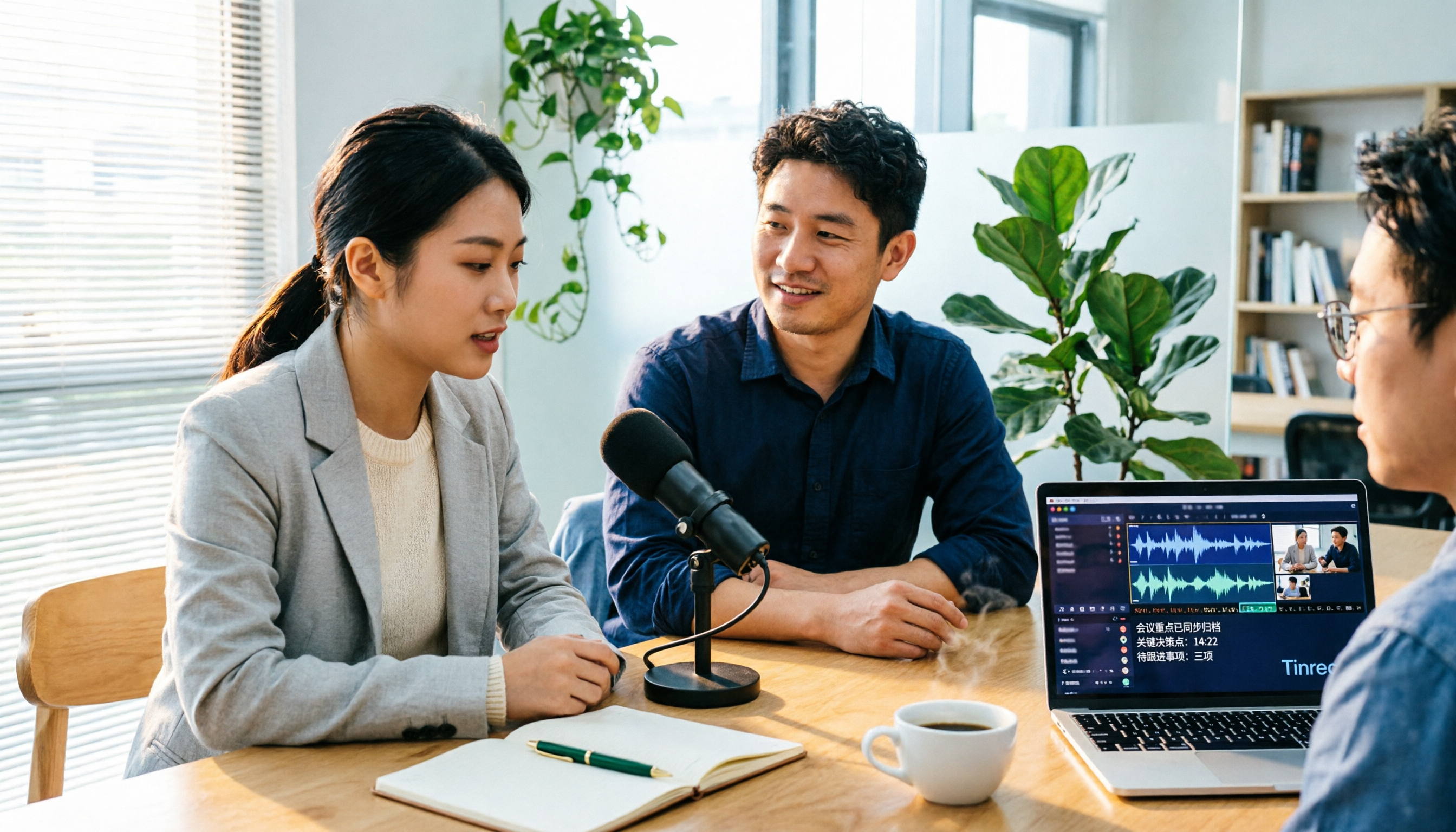
Turn recordings into transcripts and summaries in minutes
Upload audio or video for multilingual transcription, AI notes, and action items
Tinrec vs Notta 2026: 5-Dimension Comparison for Video-to-Text in Chinese Scenarios
There are countless video-to-text tools, but the first question isn't "which one is the best"—it's: are you dealing with pre-recorded video files, or online meetings that happen regularly every week?
These two needs may both be called video-to-text, but they actually test completely different things. The former compares file processing efficiency and transcription quality; the latter compares "how meetings are recorded" and "whether the post-meeting output can be used directly."
Take Tinrec as an example. It is an AI meeting notes and collaboration tool for individuals and teams, supporting real-time audio-to-text, desktop bot-free online meeting recording, audio/video file transcription, and real-time translation. After transcription, it automatically generates summaries, chapters, action items, and mind maps, and can export results to Notion, Google Docs, OneNote, Dropbox, and other tools for further processing. The personal version has a free tier with basic quota, while the team version is an independent team collaboration space.
Notta, often compared, is positioned more toward multi-platform transcription, file processing, and translation. The main differences between the two lie in three areas: meeting recording methods, depth of post-meeting organization, and team data management.
The following breaks it down across 5 dimensions to help you decide which one suits you.
What can video-to-text do for you?
Scenario 1: No need to re-listen to recordings after meetings
A 90-minute project meeting used to take another hour to re-listen, extract key points, and transcribe into notes. With Tinrec, for example, the desktop version directly captures computer system audio to record online meetings on Zoom, Google Meet, Microsoft Teams, Webex, etc., without inviting an extra meeting bot. A transcript is generated during the meeting, and summaries, chapters, and action items are ready afterward.
Scenario 2: Turn existing videos into searchable text
Interviews, lectures, and product demo videos sitting on a hard drive are essentially unsearchable and unusable. After uploading audio/video files to Tinrec for transcription, you can search keywords directly, jump to corresponding sections, and when you need to quote, there's a timestamped transcript for reference.
Scenario 3: Cross-language content no longer gets stuck
In international meetings or foreign language courses, the biggest hurdle is "only understanding half." Tinrec supports real-time translation, allowing you to switch between original text, translation, or bilingual view during recording, so you don't have to re-listen to the whole thing afterward.
Scenario 4: One video generates multiple materials
For content creators, the most time-consuming part is often not filming, but breaking down video content into blog posts, show notes, and social media posts. Tinrec's Agent post-processing can generate reports, tables, and documents based on the same transcript, so you don't have to start from scratch.
What are the core capabilities of video-to-text?
1. Audio/video file transcription: Upload and convert, no need to type while listening
Tinrec supports uploading audio and video files for transcription, suitable for organizing existing meetings, interviews, and historical recordings. Note that file import consumes import quota, and available minutes vary by plan.
2. Bot-free online meeting recording: No extra participants
This is a relatively distinctive point for Tinrec. The desktop version captures device system audio to handle online meetings without adding a bot to the meeting list. However, this does not mean "automatically join all calendar meetings"—you still need to actively start recording.
3. Real-time audio-to-text: Also works for offline occasions
For in-person meetings, on-site interviews, or quick notes without a meeting link, real-time recording can transcribe as you record, and the mobile app is suitable for on-the-go use.
4. AI summaries, chapters, and action items: Turn transcripts into usable records
Transcription is just the first step. Tinrec breaks long meetings into chapters, extracts discussion highlights, and organizes action items, making it clear who is responsible for what. For those who have weekly meetings, what's saved is actually "that one hour after the meeting."
5. AI Q&A and multi-format export: Make data reusable
After transcription, you can directly ask questions about the meeting content, such as "What concerns did the client mention?" or "What is the budget cap?" When you need to bring it into other workflows, Tinrec supports export to Notion, Google Docs, OneNote, Dropbox, etc., and can also use Agent to generate reports, tables, and documents.
Practical use cases
Team weekly and project meetings
Stop organizing recordings by hand
Upload audio or video and automatically get a transcript, summary, and action items
Regular weekly meetings easily become "forgotten after they end." Tinrec's team version centralizes meeting recordings, transcripts, summaries, and action items in one team space. New members can review past meetings, and decision rationale doesn't disappear when people leave.
Customer interviews and sales communications
Needs, objections, and commitments from customer interviews are often scattered across different people's notes. With Tinrec, transcripts are searchable and can be queried, and when organizing proposals or follow-up lists, there's original material for reference.
Classes, lectures, and online courses
Course content is usually long and dense. Tinrec's chapters and summaries can break a two-hour class into several sections, making review easy to jump through; learners who need bilingual comparison can also switch to original plus translation.
Content creation and self-media
After transcribing interview videos, writing articles, editing short video scripts, or organizing show notes is much faster than retyping while watching. Tinrec's Agent post-processing can turn transcripts directly into drafts.
5 things to note when choosing a video-to-text tool
1. Don't just look at advertised accuracy numbers
Audio quality, background noise, accents, and multiple people speaking simultaneously all affect results, just like any tool. Tinrec does not promise a fixed accuracy rate. A more practical approach is to test a segment with your own recording and verify important content with timestamps and the recording.
2. Can it be used directly after transcription?
Some tools give you a large block of unpunctuated text that you still have to organize yourself. Tinrec's difference is after transcription: summaries, chapters, action items, AI Q&A, and post-processing are all designed to save you an extra step.
3. How should meetings be recorded?
Some tools rely on a meeting bot joining as a participant, while others like Tinrec use the desktop version to capture system audio. The former requires participants' consent for the bot to join; the latter depends on whether you start recording at the moment—think clearly about which suits your meeting scenario.
4. Performance with Chinese and mixed Chinese-English
Chinese meetings often mix Chinese and English, with technical terms everywhere. Tinrec covers Chinese, Traditional Chinese, and multilingual scenarios, and supports real-time translation and team hotwords, allowing you to maintain commonly used professional terms to improve recognition.
5. How to manage team data
If meeting data is shared by the team, note whether the tool binds files only to individual accounts. Tinrec's team version distinguishes "roles" and "seats": roles determine who can manage the team and members, seats determine who can record, upload, edit, and export. Members without seats can still view, play, and read team data but cannot perform resource usage operations; currently it's team-level sharing, not file-level granular permissions.
FAQs
Q1: Can video-to-text accuracy reach 99%?
It's not recommended to judge by a single number. Actual performance is affected by recording quality, noise, accents, overlapping speech, and technical terms. Tinrec provides high-quality transcription under clear audio and common scenarios, but important content should still be verified with timestamps and the recording.
Q2: Does Tinrec require a meeting bot to join meetings?
No. Tinrec's desktop version directly captures computer system audio to handle online meetings, without an extra participant. The current mode is that you actively start recording, not automatically joining all calendar meetings.
Q3: What can the free version do?
Tinrec's free version provides basic quota to experience recording, import, summaries, and transcription, suitable for first checking if transcription quality and workflow fit. If you only occasionally organize a recording, the free version is enough to test the waters; for short-term intensive meetings or interviews, consider a weekly pass; for steady weekly needs, Pro is suitable. Actual quota and pricing are subject to the official purchase page.
Q4: What's the difference between team and personal versions?
Personal version data is managed under an individual account; the team version is an independent team space where meeting data belongs to the team, with additional capabilities like member invitations, role and seat management, shared import quota, usage analytics, audit logs, and audio recycle bin. Currently, the team version's first eligible trial is 7 days, 1 free seat, and 300 minutes of team shared import quota; monthly payment is USD 29.80 per paid seat per month, annual payment is USD 199 per paid seat per year (about USD 16.58 per month), each paid seat provides 2,000 minutes of team shared import quota per month. Prices and promotions are subject to the official purchase page.
Q5: If a team member leaves, will meeting data disappear with them?
No, it won't be taken away by the individual. Team resources belong to the team. When a member exits, is removed, or loses their seat, their responsible team resources can be transferred to other valid members, and the current team audio recycle bin also provides a recovery mechanism.
Q6: Are there legal issues with recording and transcription?
Recording and transcription involve local regulations and personal data protection. It's recommended to inform participants and obtain consent before recording, especially in customer meetings and interviews. Tools are just aids; compliance responsibility remains with the user.
Conclusion
Video-to-text may seem like just a feature, but it actually affects the entire workflow: how meetings are recorded, how content is organized, and who ultimately holds the data.
If your need is mainly "transcribing existing video files," the focus will be on transcription quality and subsequent editing; if you have meetings every week, a tool like Tinrec that handles recording, transcription, summarization, querying, and team sharing all in one space will be more convenient than a simple transcription service.
We recommend trying the free version with a familiar recording to see if the output is "directly usable" before deciding whether to proceed.
References
Turn every recording into actionable outcomes
Get 60 free transcription minutes when you sign in. No credit card required.
Related Reading
You might also like

Instant Messaging Benefits in 2026: 5 Key Advantages and How to Fill the Meeting Notes Gap
Instant messaging is fast, free, and versatile, but messages get lost after meetings. This article breaks down 5 key benefits of instant messaging and explains how Tinrec uses live transcription, AI summaries, action item extraction, and team spaces to bring those benefits into meetings.

5 Best Meeting Transcription and AI Notes Tools in 2026: Which One Actually Saves Time?
How to choose a meeting transcription tool? We tested Tinrec, Otter.ai, Granola, PLAUD, and more, comparing bot-free recording, Chinese recognition, AI summaries and action items, team data ownership, and pricing to give you practical buying criteria and pitfalls to avoid.

Tinrec vs Notta 2026: 5-Dimension Comparison for Chinese Meeting Notes
How to choose a meeting notes generator in 2026? This article compares Tinrec and Notta across five dimensions: Chinese recognition, meeting entry methods, post-meeting value, pricing, and team collaboration. It explains how Tinrec uses bot-free online meeting recording, AI summaries and Q&A, and team spaces to turn meeting recordings into searchable, trackable, and useful data.

iPhone Recording Not Showing in 2026: 5 Troubleshooting Steps + Tinrec Comparison
When iPhone recordings don't show up, it could be due to iCloud sync, iOS version, or permission settings. This article outlines 5 troubleshooting steps and compares iPhone's built-in Voice Memos with Tinrec in terms of recording visibility, transcription organization, cross-platform access, and team collaboration to help you choose the right recording workflow.

2026 Comparison of 5 Meeting Summary Generators: How to Choose for Chinese Meetings, Bot-Free Recording, and Team Plans
How do you choose a meeting summary generator? This article compares 5 common approaches, breaking down meeting capture methods, Chinese transcription, post-meeting organization, and team knowledge retention. Using Tinrec as a practical example, it helps you decide where to invest your budget and time before purchasing.

4 Traditional Chinese Transcription Tools Compared: Which One Lets You Query Key Points with AI Right After Recording?
How do you choose a Traditional Chinese transcription tool? This article compares Tinrec, Yating Transcription, MyEdit, and Google Recorder App from real-world usage scenarios, covering 5 key selection criteria, 4 common pitfalls to avoid, and selection advice. It also explains features like AI Q&A, bot-free meeting recording, export workflows, and team collaboration to help you find the transcription tool that best fits your workflow.
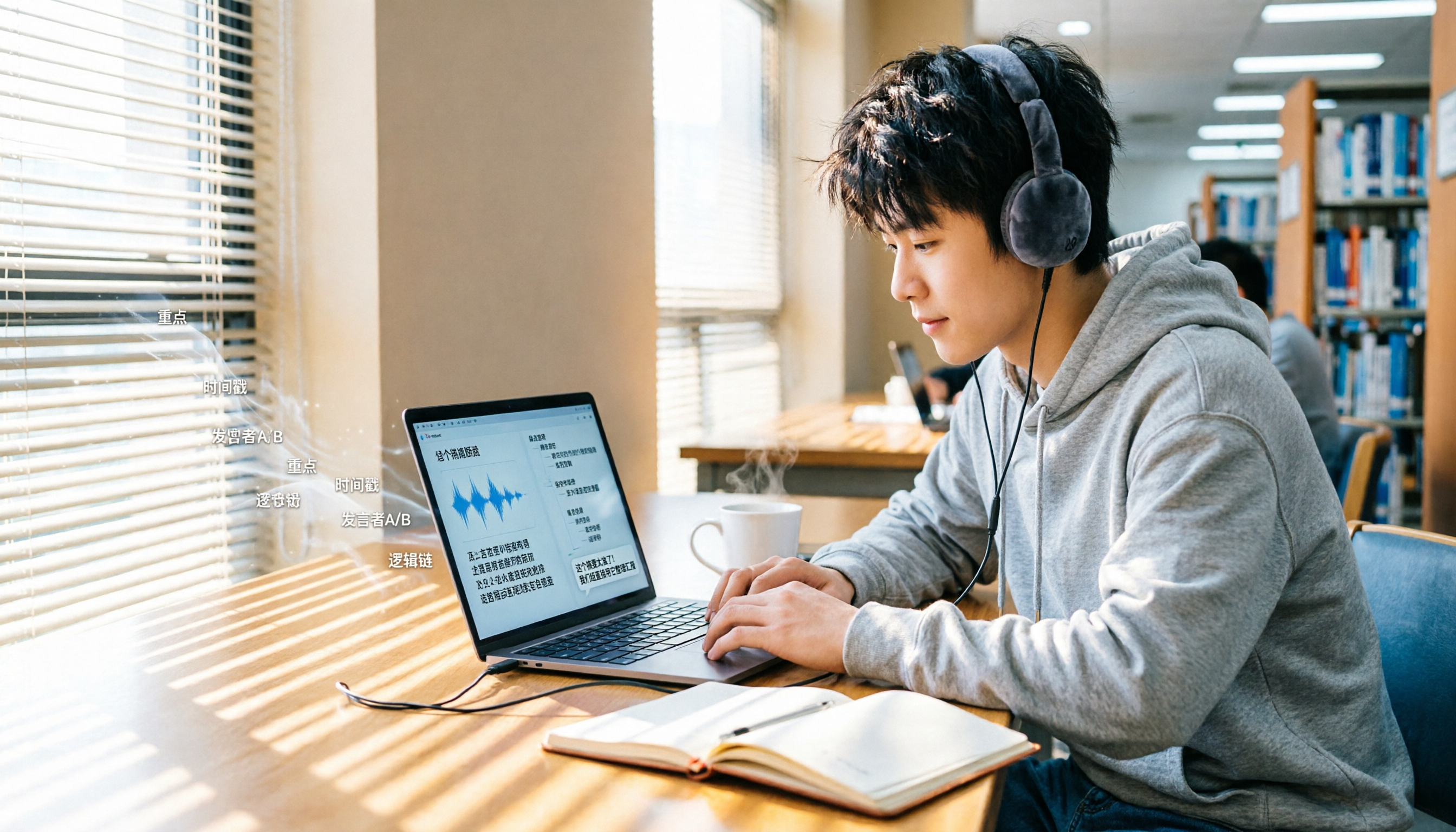
4 Course Lecture Transcription Tools Tested: Which AI Summary Actually Saves You Time?
Recorded lectures all semester but never opened them? This article tackles common mistakes and tests four course recording transcription tools—Tinrec, Notta, Otter.ai, and TurboScribe. It covers four key buying factors: Chinese recognition, post-transcription AI summaries and Q&A, online class recording methods, and free tiers. Includes a pitfalls guide and scenario-based recommendations.

5 Best AI Meeting Minutes Generators in 2026: Real-World Comparison to Save You Time
Tired of spending hours organizing meeting minutes after the meeting ends? This article compares Tinrec, Otter.ai, Notta, Granola, and other tools across five key aspects: Chinese language recognition, bot-free recording, post-meeting summaries and action items, AI Q&A, and team data ownership. We break down who each tool is best for, where its limitations lie, and provide buying advice for different scenarios.

2026 Smartphone Recording Features Compared: Built-in, Call Recording, and AI Transcription—Which Is Enough?
How do you enable recording on your phone? This guide covers the steps for call and in-person recording on ASUS, Samsung, iPhone, Motorola, and Huawei, plus key legal reminders for recording consent in the U.S. Then it compares Tinrec, Otter.ai, Notta, and PLAUD for post-recording organization to help you decide which approach saves the most time.