
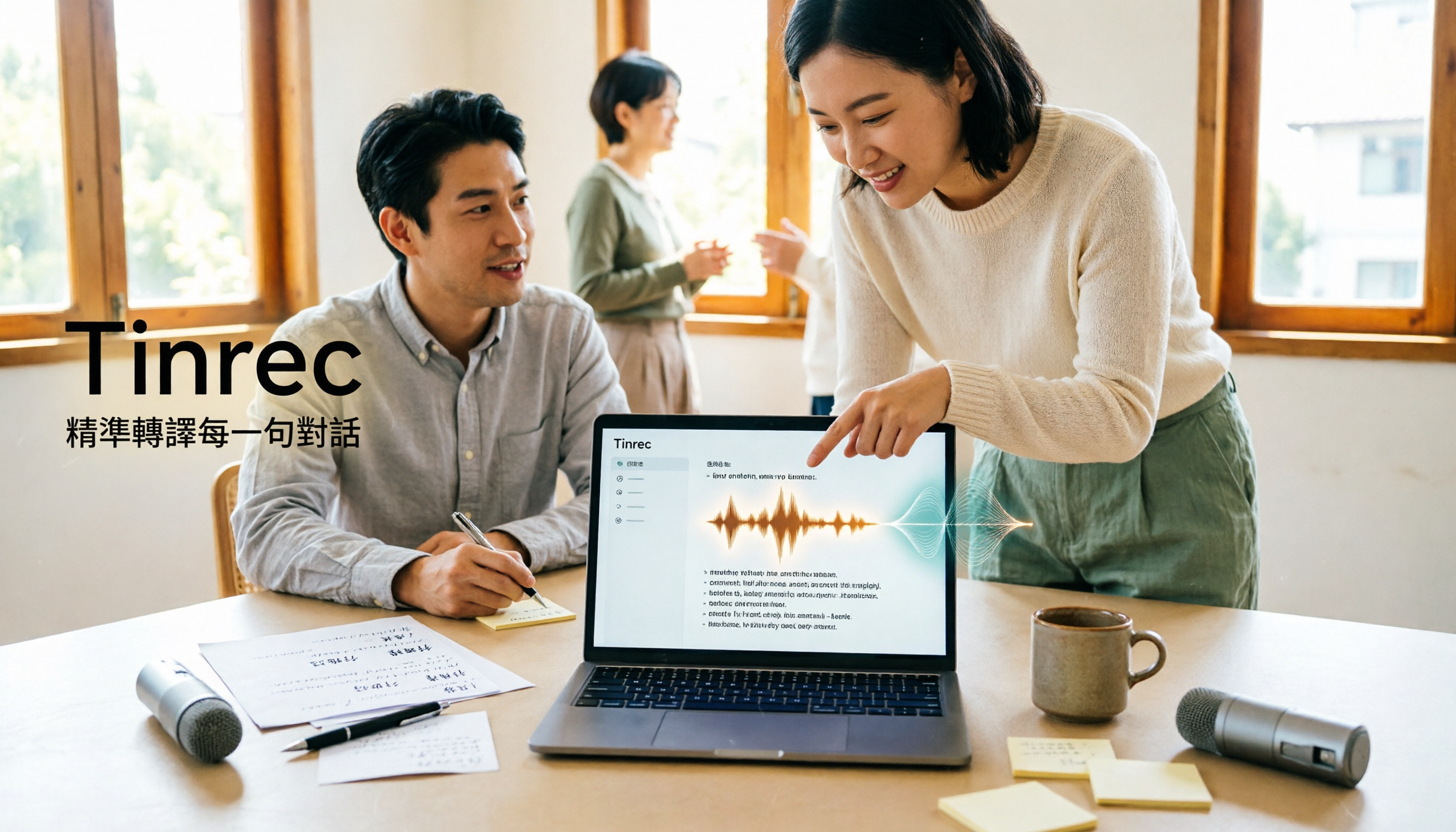
Turn recordings into transcripts and summaries in minutes
Upload audio or video for multilingual transcription, AI notes, and action items
2026 Audio-to-Transcript Tools Compared: Gemini Is Free and Fast, But Which One Should You Choose for Meeting Notes?
Still Typing for Two Hours After a Meeting? Let's Answer the Question You Most Want to Ask
It's 4 PM on a Friday, and you've just wrapped up a 90-minute client interview. The recording sits quietly on your phone, and a message from your boss pops up: "What were the three takeaways from the meeting?" All you can do is put on your headphones and start listening from minute one.
In recent years, when this happens, people's instinct is no longer to hire a transcription service—it's to "just throw the audio file at AI." And lately, the question readers ask me most is: Can Gemini turn audio files into transcripts?
The answer is: yes, and it's free. But whether it can actually solve your problem depends on whether you need a "text file" or a "meeting record you can directly use for work."
The gap between these two is bigger than you think.
Gemini's Actual Transcription Performance: Fast, Free, But 3 Things You Should Know First
Let's start with the bottom line. Based on various hands-on tests and tutorials, after Gemini added audio file analysis capabilities, it can indeed directly convert recording files into transcripts without needing to install any additional app.
The advantages are clear:
- Free to use—just attach the audio file in the chat box and it converts.
- Fast—some tests show that roughly 20 minutes of audio can be transcribed in about 1 minute.
- After transcription, you can continue asking follow-up questions in the same conversation, such as "What are the key points?" or "Who said what?"—essentially combining transcription and organization in one screen.
Here are the things to watch out for:
First, timestamps. Some tests found that although Gemini can produce subtitle format, only the first few seconds of time codes are correct—they drift off afterward. If you just need a transcript, the impact is minimal; but if you want to use it for subtitles or script syncing, it becomes a real hassle.
Second, speaker labels. Gemini can output labels like "Speaker 1/2," but accuracy depends on recording quality—if the audio is too poor, it may not be able to identify them.
Third, and the point most people overlook: Gemini is essentially a general-purpose AI chat tool. It can help you transcribe text and follow up on key points, but the transcript stays in "this one conversation"—it doesn't automatically become a searchable, accumulable database you can hand off to colleagues.
In other words, if you only occasionally need a transcript, Gemini is good enough right now. But if you have meetings every week, need to sync scripts, and track action items, what you actually need is more than just "text conversion."
Before Choosing an Audio-to-Transcript Tool, Understand These 4 Key Points
1. Do you want a transcript, or a usable meeting record? A transcript is just raw material. The real question is: after transcription, can you find "who promised what" in three seconds? If you still have to read through 8,000 words from the beginning, the time saved is actually limited.
2. Chinese and mixed Chinese-English recognition performance. Many tools perform well in English but struggle with Chinese meetings and mixed Chinese-English technical terminology. Actual results are affected by recording quality, noise, accents, and overlapping speakers—testing with your own recording files is the most accurate approach.
3. How do you record online meetings? Some tools require a "meeting bot" to join the meeting as a participant—some people find this awkward or worry about an extra name appearing in meeting notifications. Another approach is to capture system audio directly from your computer without adding an extra participant.
4. What can you do after transcription? Summaries, chapters, action items, translation, export to Notion or Google Docs—these "post-transcription" features are where the real differences emerge.
Tinrec — The Top Choice for Turning Transcripts into Meeting Assets
Tinrec is an AI meeting notes and collaboration tool for individuals and teams, supporting desktop, web, and mobile. Its positioning isn't just about converting sound to text—it's about turning meetings into searchable, collaborative, actionable data.
During meetings: transcribe while recording, no bot invitation needed. The desktop version directly captures computer system audio and can handle online meetings on Zoom, Google Meet, Microsoft Teams, Webex, and more without an additional meeting bot joining. For in-person meetings or interviews, use your phone for real-time recording and transcription. Note that this isn't "automatically joining all calendar meetings"—you actively start the recording.
Stop organizing recordings by hand
Upload audio or video and automatically get a transcript, summary, and action items
After meetings: summaries, chapters, and action items all in one place. After the meeting ends, Tinrec generates a transcript, AI summary, chapter highlights, and action items. Who's responsible for what and what the deadlines are—all listed directly, no need to dig through the transcript line by line yourself.
After recording: ask questions directly about meeting content. This is its biggest difference from ordinary transcription tools. You can directly ask: "Who mentioned the budget in the last meeting?" It answers based on meeting content rather than dumping a bunch of keyword search results on you. It also supports real-time translation, original and bilingual viewing, and export to Notion, Google Docs, OneNote, Dropbox, and other tools for further processing.
For team use: Tinrec for Teams is a standalone team space, not "multiple people sharing one account." Meeting data belongs to the team, and members can view historical meetings; admins can manage roles and seats—roles determine who can manage the team, seats determine who can record, upload, edit, and export. There are also team usage analytics, audit logs, audio recycle bin, and team hotwords. When a member leaves or loses their seat, data is transferred to other members rather than disappearing with the person.
On pricing, the team plan offers a first-time 7-day trial (1 free seat, 300 minutes of team shared import quota), monthly at USD 29.80/paid seat/month, annual at USD 199/paid seat/year (about USD 16.58/month), with each paid seat getting 2,000 minutes of team shared import quota per month—real-time recording within the team is currently not deducted by minutes. The personal plan has a free version, weekly pass, Pro monthly, and Pro annual, so you can choose based on usage frequency. Actual prices and benefits are subject to the official purchase page.
Limitations should also be made clear: Tinrec is not suitable as a batch transcription tool for large volumes of files. If you have 50 long audio files to process at once, a dedicated transcription service would be more appropriate. Also, AI summaries may still miss details—for important content, it's recommended to cross-check with transcript timestamps and recording playback.
Note: Recording and transcription involve personal data. Please comply with local regulations and obtain participant consent when necessary.
Besides Tinrec, What Other Options Are There?
Gemini Free, quick to get started—just drop the audio file into the chat box to get a transcript, and you can directly ask follow-up questions about key points. Suitable for people who occasionally need a text file. But its timestamp stability is limited, and transcripts stay in a single conversation. If you need to turn meeting content into searchable team data, Tinrec's team space and action item extraction will better meet your needs.
Notta A multi-platform transcription tool with significant overlap with Tinrec: free version offers 120 minutes per month, max 3 minutes per session; Pro annual works out to about USD 8.17/month; Business offers role permissions and usage reports. If your needs are mainly file transcription and subtitles, it's worth considering. But for handling online meetings, Tinrec's desktop version with bot-free recording and AI Q&A are its relative advantages.
Otter.ai A veteran choice for English meetings—the free version offers a generous 300 minutes per month, and Pro annual works out to about USD 8.49/user/month. However, its strength is in English business scenarios; if you're recording Chinese meetings and need mixed Chinese-English recognition, Tinrec's performance will better meet expectations.
Pitfall Guide: The 3 Most Common Mistakes When Choosing an Audio-to-Transcript Tool
Pitfall 1: Only looking at "can it transcribe" and ignoring "can you use it after transcription." A transcript is just the starting point. What really takes time is reading through it, extracting key points, and following up. When choosing a tool, factor in the "post-transcription features" as well.
Pitfall 2: Assuming the free version means no limits. Free quotas usually have single-file length, monthly minute, or feature restrictions. It's best to test with your own meeting recordings first before deciding whether to pay.
Pitfall 3: Letting meeting data stay in personal accounts. If meeting records all sit in one person's account, when that person leaves, the data goes with them. For team use, choosing a tool with a standalone team space, seats, and handover mechanisms will save much more hassle than fixing it later.
Summary: Which One Should You Actually Choose?
- Occasionally need a transcript, budget is $0 → Gemini—free and fast, no problem starting with it.
- Chinese meetings, mixed Chinese-English, need accurate transcripts and summaries → Tinrec.
- Don't want a bot joining your online meetings → Tinrec desktop version.
- Want to directly ask AI "What were the meeting conclusions?" after recording → Tinrec's AI Q&A.
- Need to turn meeting data into team assets, manage seats and usage → Tinrec for Teams.
If you're still on the fence, I'd suggest starting with Tinrec's free version—drop your next meeting recording in and give it a try. If the workflow feels smooth and actually saves you time, then consider upgrading. No need to pay from the start.
References
- Gemini Can Also Convert Recording Files to Transcripts for Free—20 Minutes of Content Transcribed in 1 Minute - Kocpc
- Using Gemini to Organize Transcripts Is Super Convenient | Hami Book City. Fast Read
- Google Gemini Supports Uploading Recording Files, AI Transcribes Over 10,000 Words of Speech in One Minute
- Can Gemini Turn Audio Files into Transcripts? 2026 Recording-to-Text Tool Comparison and Practical Guide - Tinrec Blog
- From Recording to Text: Gemini Helps You Get Transcripts Done - Attorney Chang Ching-Hao's Blog
Turn every recording into actionable outcomes
Get 60 free transcription minutes when you sign in. No credit card required.
Related Reading
You might also like

2026 Real-Time Transcription AI Buying Guide: 4 Tools Tested and How to Choose
How do you pick a real-time transcription AI without getting burned? This guide covers three common pitfalls, outlines 4 key buying factors, compares Tinrec, Granola, Notta, and Otter.ai in hands-on testing, and includes a pitfalls-avoidance guide plus recommendations by use case.

4 Real-Time Transcription Translation Tools Compared: Which Bilingual Transcript Is Most Practical for Cross-Language Meetings?
Can't keep up with cross-border meetings even if you understand them? This article compares 4 real-time transcription translation approaches, outlines 4 key points to consider before choosing, and tests Tinrec's real-time bilingual translation, bot-free online meeting recording, post-meeting AI Q&A, and team data retention. It also includes a pitfalls guide and selection advice.

2026 Real-Time Transcription Tools Compared: Which Offers the Best Free Tier and Pricing?
How much should real-time transcription cost? This article compares human live typing, AI transcription tools, and Tinrec's instant recording, covering free quotas, AI Q&A, team collaboration, and real-world use cases to help you find the most cost-effective real-time transcription solution.

2026 Real-Time Transcription Comparison: Costs, Reviews, and Free Tiers
How much does real-time transcription cost? This article compiles 2026 pricing for human transcription and AI transcription, comparing Tinrec and Yating Transcription across five dimensions: billing, post-meeting organization, team collaboration, meeting recording, and free tiers, to help you decide which real-time transcription solution fits your needs.

2026 Real-Time Transcription Platforms Compared: Which Saves the Most Time for Chinese Meetings?
How to choose a real-time transcription platform? This article starts with common misconceptions, outlines 4 key points to consider before buying, and compares Tinrec, Yating Transcription, Otter.ai, and Notta in terms of positioning, free quotas, and pricing. It also includes a guide to avoid pitfalls and scenario-based recommendations to help you find a solution that truly saves organizing time.

4 Audio-to-Text Tools Compared in 2026: What Is Yating Transcriber? How to Choose for Team Collaboration?
What is Yating Transcriber? This article first answers that question, explaining Yating Transcriber's positioning, features, and pricing, then compares it with Tinrec, Otter.ai, and Notta. It also covers key purchasing factors, common pitfalls, and scenario-based recommendations to help you decide whether you only need a transcription tool or a complete AI meeting notes and team collaboration solution.

5 Phone Recording Tools Tested and Compared in 2026: Is iPhone's Built-in Feature or an AI Recorder Enough?
Recording audio on your phone is easy; the hard part is what to do with it afterward. This guide covers five common phone recording methods, from iPhone's built-in Voice Memos and iOS 18.1 call recording with quick-launch settings to the AI meeting notes tool Tinrec. We compare their ideal use cases and limitations, plus key buying factors and pitfalls to avoid.

4 Meeting Transcription Tools Compared in 2026: Word Can't Record Video—What Should You Use Instead?
Can Word record video? This article first clarifies Word's video and audio recording limitations, then compares four meeting transcription tools—Tinrec, Otter.ai, Granola, and Word's built-in speech transcription—through hands-on testing. It outlines key criteria for choosing a tool and common pitfalls to help you find the best meeting organization solution.

4 Audio-to-Text Tools Tested in 2026: Can Google Docs Do It?
Google Docs has voice typing, but it only works with live microphone input—it can't transcribe pre-recorded audio files, and the mobile app doesn't support it. This article compares four ways to turn recordings into transcripts: Tinrec, Google Docs with a virtual audio cable, Google Cloud Speech-to-Text, and Notta. We cover free limits, use cases, and limitations, plus key buying tips and common pitfalls.