
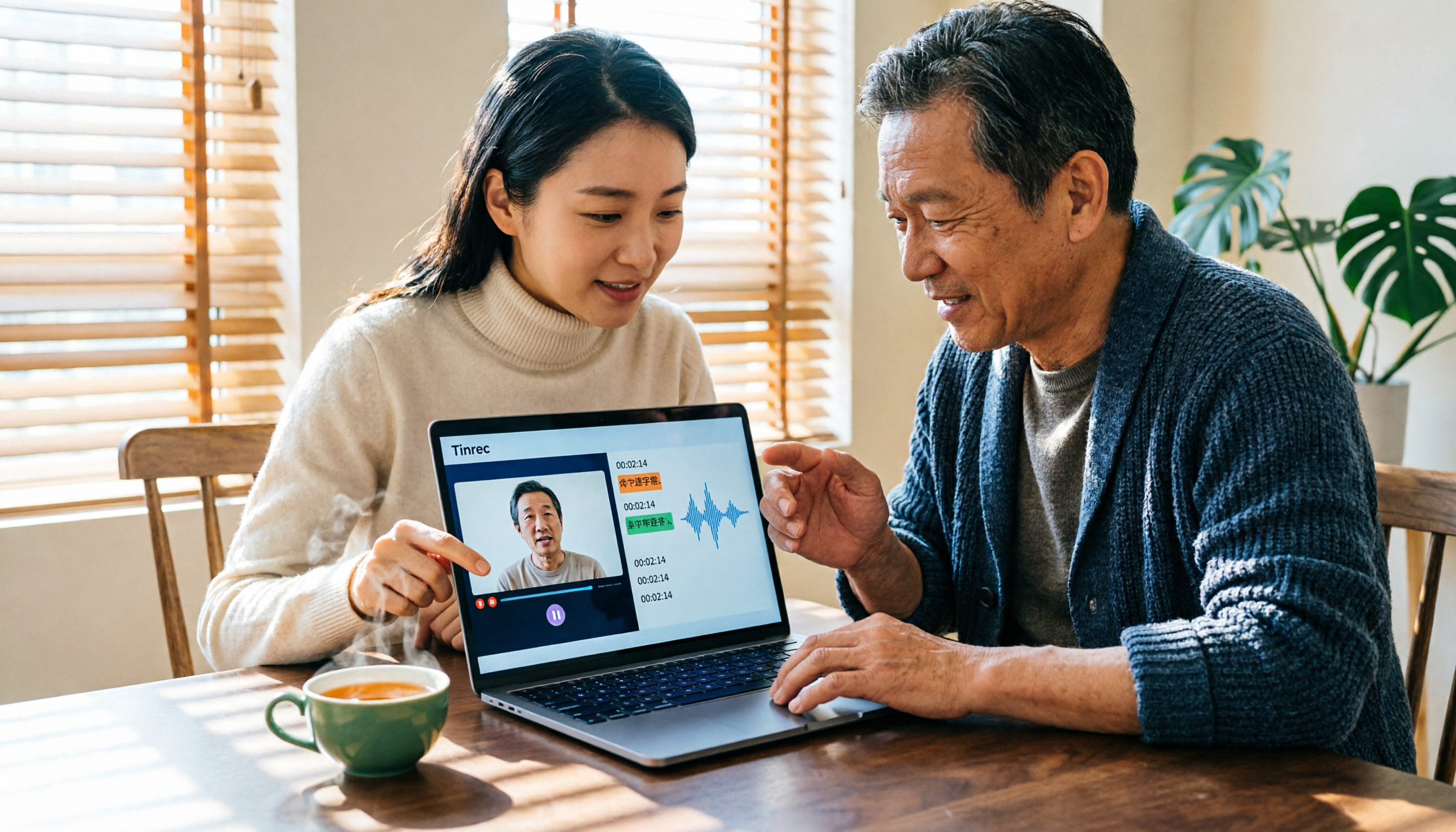
Turn recordings into transcripts and summaries in minutes
Upload audio or video for multilingual transcription, AI notes, and action items
Tinrec vs Notta 2026: 5-Dimension Comparison — Which Is Better for Chinese Video-to-Text?
When many people first hear "video to text," they think of typing out the speech from a video into a transcript.
I used to think that way too.
Later I realized this is the easiest place to fall into a trap. You spend two or three hours finishing the transcript, but when you actually need to use it, you still have to read through it from the beginning, because that text has no structure, is hard to search, and you can't ask questions about it.
What's truly inefficient is never the act of "typing," but that after the video is converted to text, it isn't turned into usable data along the way.
A more reasonable approach is: let the tool handle transcription, you handle judgment, and at the moment transcription is complete, keep the summary, chapters, to-dos, and key Q&A together.
This article reviews 6 solutions I would use to turn videos into text, from complete workflows to simple transcription. You can pick one to start with based on your situation.
Why do you need to turn videos into text?
Wanting to keep a record after an online meeting, needing to extract quotable passages from interview videos, reviewing key points from course or lecture recordings — the common thread in these scenarios is: the content is in the video, but what you really need is text.
Video and audio material will only increase. Relying on repeated playback to find a single sentence costs more time than you'd expect.
So below, from the angle of "can it still be used after transcription," I've organized 6 solutions.
Solution 1 | Tinrec — The most complete AI video-to-text and post-meeting organization workflow
Tinrec is an AI meeting notes and collaboration tool for individuals and teams. My understanding of it is: turning videos and meetings into data you can continue working with, not just converting sound to text.
The first highlight is bot-free recording of online meetings. The desktop version directly captures your computer's system audio. To record Zoom, Google Meet, Microsoft Teams, or Webex meetings, you don't need to invite a meeting bot. After the meeting ends, the same transcript can go directly into the organization workflow.
The second is audio/video file transcription plus post-meeting organization. After uploading existing videos or interview recordings, it automatically generates a transcript, AI summary, chapters, and key points, and can extract to-dos from the discussion. When I use it to process long interview material, what saves the most time isn't actually the transcription, but that it directly picks out the key points.
The third is AI conversational query, which is also the biggest difference from ordinary transcription tools. You can directly ask, "In this interview, what concerns did the client mention about pricing?" and let the AI go back into the content to find the answer, instead of pulling the timeline and re-listening yourself.
Finally, export and team accumulation. Results can be exported to common tools like Notion, Google Docs, OneNote, and Dropbox; the team version keeps transcripts, summaries, and to-dos centrally in the team space, so even when members change, the data still belongs to the team.
For plans, the free version lets you try basic quota first. For short-term intensive use there's a weekly card, for steady use there's the Pro monthly card, and if you need long-term data accumulation you can choose the Pro annual card. The team version is USD 29.80 per paid seat per month, or USD 199 per paid seat per year (about USD 16.58 per month). Each paid seat provides 2,000 minutes of team shared import quota per month; eligible teams get a 7-day trial, 1 free seat, and 300 minutes of team shared import quota for the first time. Actual prices and promotions are subject to the official purchase page.
Who it's for: people who need Chinese and mixed Chinese-English video-to-text, want to handle both online meeting recordings and existing video files, and hope to accumulate results into team data.
Solution 2 | Notta — Multilingual transcription and subtitle-oriented
Notta and Tinrec overlap quite a bit, both covering multi-platform transcription, meeting notes, document import, and translation. The difference is that Notta's focus leans toward transcription, subtitles, and translation itself, while Tinrec focuses on post-transcription Q&A, to-dos, and team accumulation.
Highlights include support for multilingual transcription and translation, plus team plans, role permissions, and usage reports.
Stop organizing recordings by hand
Upload audio or video and automatically get a transcript, summary, and action items
On pricing, Free gives 120 minutes per month, with a maximum of 3 minutes per item; Pro annual billing works out to about USD 8.17 per month, with 1,800 minutes per month; Business annual billing works out to about USD 16.67 per seat per month. Actual prices are subject to the official page.
Who it's for: people who mainly need transcription and subtitle output, and require multilingual support.
Solution 3 | Otter.ai — A mature choice for English business meetings
Otter is an early-developed AI meeting assistant, covering Zoom, Microsoft Teams, and Google Meet, offering real-time transcription, speaker identification, AI Chat, and team management. Besides meeting bots, it also has desktop capabilities, which is worth noting when choosing a tool.
On pricing, Basic is free with 300 minutes per month; Pro annual billing works out to about USD 8.49 per user per month, including 1,200 minutes of in-app recording per month and 10 file imports; Business offers more recording and management capabilities.
Who it's for: users who mainly have English business meetings and are already used to English interfaces and workflows.
Solution 4 | TurboScribe — Affordable transcription for large volumes of long videos
TurboScribe is closer to a cost-effective file transcription tool, focusing on long files, batch uploads, subtitles, and translation. It's very suitable for situations where you need to process many long videos at once.
On pricing, Free allows 3 files per day, up to 30 minutes per file; Unlimited annual billing is USD 120, which works out to about USD 10 per month. The paid version supports files up to 10 hours or 5 GB, and you can upload 50 files at once.
Who it's for: people with limited budget whose needs are focused on "turning files into text," and who don't need post-meeting collaboration.
Solution 5 | VEED.IO — Complete video transcription and subtitles in your browser
VEED focuses on online operation. It can automatically transcribe speech from videos into text, generate subtitles and translate them. After completion, you can download as TXT and then bring it to Google Docs or Word for further editing.
Highlights include detecting multiple languages and translating subtitles, and adding custom words to help recognize proper nouns like names or brand names; transcription content can be directly adjusted in font, size, and color.
Plans and quotas are subject to the official page announcements. It's recommended to confirm before purchasing.
Who it's for: people who want to quickly complete transcription and subtitles in a browser without installing software.
Solution 6 | PLAUD NotePin — Start recording from the hardware side
PLAUD is a representative of AI recording hardware. What users buy is the experience of a standalone device, portable recording, and phone call recording. If your recording sources are often face-to-face situations, hardware is indeed more convenient than software, and you can then hand the file to a transcription workflow.
On pricing, PLAUD NotePin is USD 159, PLAUD Note Pro is USD 189; membership Starter gives 300 minutes per month, Pro is USD 99.99 per year with 1,200 minutes per month, and Unlimited is USD 239.99 per year.
Who it's for: people who are used to recording casually with hardware and then organizing it into text separately.
With so many solutions, how should you choose?
My own order of judgment is like this:
- Want to directly summarize, ask questions, and extract to-dos after video-to-text → Tinrec (transcription, AI conversational query, and post-meeting organization in one workflow)
- Need to organize Chinese, mixed Chinese-English, or Traditional Chinese content → Tinrec
- Want to handle both online meeting recordings and existing video files → Tinrec (desktop bot-free recording plus file import)
- Team needs to share transcripts, manage seats, and view usage → Tinrec team version
- Only care about multilingual subtitles and translation output → Notta
- Mainly English business meetings → Otter.ai
- Zero budget, only occasional short video transcription → TurboScribe free version or Otter Basic
- Want to use hardware for portable recording → PLAUD NotePin
Before using a video-to-text tool, here are 4 things to know
First, recording quality determines text quality. Background noise, overlapping speakers, accents, and technical terms all affect results. Tinrec is no exception. The difference is that it provides team hotwords, which can make recognition of commonly used terms more stable.
Second, a transcript is not the same as usable data. My approach is to read the summary and chapters first after transcription, then ask questions about doubts, and finally extract to-dos and assign them to projects. That way the text is actually used.
Third, for the team version, distinguish roles and seats. Roles determine who can manage the team and view audits; seats determine whether members can record, upload, edit, and export; valid members without seats can still view and read team data.
Fourth, pay attention to regulations and consent for recording and transcription. When other people's conversations are involved, please follow local laws and obtain consent when needed.
Conclusion
Turning videos into text truly saves not typing time, but the time spent later repeatedly re-listening, finding key points, and chasing to-dos.
My suggestion is to first run through the smallest workflow once: import a video → generate a transcript → read the summary and chapters → ask a question about one doubt → export to the document you normally use.
After running through this round, you'll know whether you need simple transcription or a workflow like Tinrec that puts transcription, Q&A, to-dos, and team data together.
Test step by step, and you'll gradually find the approach that suits you best.
References
Turn every recording into actionable outcomes
Get 60 free transcription minutes when you sign in. No credit card required.
Related Reading
You might also like

4 Best English Audio-to-Text Tools in 2026: Free Tiers, AI Summaries, and Team Collaboration Compared
The most time-consuming part of English meetings, classes, and interviews isn't recording—it's turning recordings into usable text. This article tests four English audio-to-text tools: Tinrec, Otter.ai, Notta, and TurboScribe. We break down accuracy, post-meeting organization, input sources, free tiers, and team licensing, with a guide to avoiding pitfalls and selection advice to help you find the most time-saving option.

4 Real-Time Meeting Transcription Apps Tested for 2026: Only One Turns Meetings into Searchable Team Knowledge
Starting from the real pain point of 'no one ever reads the transcript after the meeting,' we break down the four key factors for choosing a real-time meeting transcription app and put Tinrec, Notta, Otter.ai, and PLAUD Note to the test, comparing their differences and ideal use cases. Includes a copy-paste follow-up question template and a quick-start checklist.
4 Free Transcription Tools Tested in 2026: Which Free Tier Gives You the Most?
How do you choose a free transcription tool without getting burned? This hands-on comparison of Tinrec, cSubtitle, Yating Transcription, and TurboScribe covers free quotas, Chinese recognition, post-meeting organization, and cross-platform export, plus 4 common pitfalls and selection advice.

2026 Comparison of 2 Audio-to-Text Tools: Which Saves More Time for Meeting Transcripts and AI Summaries?
How to choose an audio-to-text tool in 2026? This article compares Tinrec and PLAUD Note across input sources, Chinese transcription, post-meeting organization, cross-platform collaboration, and cost structure using the same set of Chinese meeting recordings, so you can pick the right tool for your meeting style.

How to Transcribe Phone Calls in 2026: No-Bot Recording + AI Q&A Summaries
How do you choose a phone call transcription tool? This article addresses three common misconceptions, outlines four key selection criteria, and tests Tinrec's no-bot online meeting recording, AI Q&A, and to-do organization. It also compares PLAUD Note, Notta, and iPhone's built-in call recording for different use cases, with a final guide to avoid pitfalls and choose the right tool.

2026 Comparison of 4 Meeting Transcription Tools: Tinrec's Bot-Free Recording and AI Q&A Stand Out
Meeting transcription isn't just about typing every word—it's about turning chaotic conversations into trackable action items. This article tests 4 popular meeting transcription tools, comparing bot-free recording, Chinese recognition, AI summaries, and team collaboration, plus buying tips and pitfalls to help you find the best meeting notes solution for your team.

2026 M4A to Text Free Options: 3 Tools Compared
A 2026 guide to free M4A-to-text options, covering common pitfalls, core features, and what to look for when choosing a tool. Using Tinrec as an example, it shows how to turn M4A audio into transcripts, summaries, and to-dos, and compares personal and team plans.

4 Best PDF Image to Text Tools in 2026: How to Make Scanned PDFs Searchable
This article compares four online PDF image-to-text tools in 2026: iLovePDF, Adobe Acrobat, PDFCandy, and Smallpdf. Learn about OCR language settings, output formats, free limitations, and privacy pitfalls, plus the difference between meeting transcription and PDF OCR.
2026 OPPO Recording & Note-Taking: 5 Solutions Tested – Is the Built-in Recorder Enough?
Is OPPO's built-in recorder and notes app really enough? Starting from the three most common mistakes OPPO users make, this article outlines 4 key factors for choosing a recording and note-taking tool, then hands-on compares Tinrec, OPPO's built-in tools, Notta, and Otter.ai. It also includes compliance reminders and pitfalls to avoid for call recording, helping you find the best OPPO recording and note-taking workflow.