

Turn recordings into transcripts and summaries in minutes
Upload audio or video for multilingual transcription, AI notes, and action items
2026 Comparison of 4 Meeting Transcription Tools: Tinrec's Bot-Free Recording and AI Q&A Stand Out
Two-Hour Meeting, Two More Hours of Organizing? You Need a Meeting Transcription Solution That Ends the Nightmare
During the meeting, your boss speaks rapidly while you frantically take notes, only to miss the most important decisions. After the meeting, you open the recording and listen from start to finish just to find who is responsible for what. Your team meets weekly, but meeting notes are scattered across different people's computers, and new members can't find the last decision.
Do these scenarios sound familiar? The core of meeting transcription isn't verbatim typing—it's turning chaotic conversations into searchable, trackable, actionable data. This article will guide you through buying criteria, test 4 tools, and help you find the best meeting transcription solution for your team.
Before Buying a Meeting Transcription Tool, Understand These 4 Key Points
1. Recognition Accuracy: Don't Just Look at Official Numbers, Look at Real Scenarios
Many tools claim 98% accuracy, but that's measured in a quiet recording studio. Real meetings have air conditioning noise, keyboard sounds, multiple people talking over each other, and even mixed Chinese and English. We recommend testing with your own recordings, paying special attention to Chinese and technical terminology recognition.
2. Meeting Capture Method: Bot vs. Bot-Free
Traditional AI meeting tools require sending a "meeting bot" to join the meeting, which some companies find intrusive. Now there are tools that use a desktop version to directly capture system audio without an extra bot, making it more friendly for external client meetings.
3. Post-Meeting Output: Transcripts Are Only Half the Story
Transcripts are just raw material. What really saves time is automatically generated summaries, chapters, action items, and the ability to ask AI directly, "What was the conclusion of the last meeting?" If you only get a transcript, you still have to read it from the beginning.
4. Team Collaboration and Data Retention
Meeting notes shouldn't be stored on personal computers. A good tool can create a team space where members share meeting data, manage seats, usage, and audit logs, and transfer data when members leave.
Tinrec – Our Top Pick After Testing
Tinrec is an AI meeting notes and collaboration tool for individuals and teams, available on iOS, Android, and web. It doesn't just convert audio to text; it organizes meeting recordings into searchable, summarizable, queryable, exportable, and further processable data, and retains them in a team space as collaborative, traceable meeting assets.
Scenario 1: Online Meetings Without Bot Intrusion
When hosting a Zoom or Google Meet, Tinrec's desktop version directly captures computer system audio without inviting a meeting bot. Open Tinrec before the meeting starts, and it will transcribe in real-time as it records, with participants never seeing an extra bot. This is especially important for salespeople who need to record client meetings—you don't want clients to feel a "spy bot" has invaded the meeting.
Scenario 2: Ask AI Directly After the Meeting, No Need to Re-listen to a Two-Hour Recording
After the meeting, Tinrec automatically generates summaries, chapters, and action items. Who is responsible for what and what the deadlines are—all clear at a glance. More importantly, the AI Q&A feature: you can directly ask, "Who mentioned the budget issue in the last meeting?" or "What objections did the client have about the specifications?" It provides answers based on semantic understanding, not just keyword search results. Currently, few competitors at the same price offer this feature.
Scenario 3: Mixed Chinese-English and Multilingual Meetings
Tinrec supports transcription in Chinese, Traditional Chinese, and multiple languages, and offers real-time translation, allowing you to view the original text, translation, or bilingual content. For teams that often mix Chinese and English, you can also manage technical terms through team hotwords to improve recognition accuracy. However, note that actual performance is affected by recording quality, accents, noise, and overlapping speech. It's recommended to verify important content against the transcript timestamps.
Stop organizing recordings by hand
Upload audio or video and automatically get a transcript, summary, and action items
Test Data and Limitations
We tested a 5-minute Chinese meeting recording (iPhone 15, indoor environment, March 2026). Tinrec correctly recognized most segments, and mixed Chinese-English technical terms could be corrected via hotwords. The free version offers basic quota, suitable for light use; heavy users can choose Pro monthly or annual plans. The team version provides an independent team space, member and seat management, usage analytics, and audit logs. Eligible teams get a 7-day trial, 1 free seat, and 300 minutes of shared team import quota for the first time. Paid seats provide 2,000 minutes of shared team import quota per month; real-time recording is currently not deducted by minutes.
Pros
- Bot-free desktop recording, more friendly for external meetings.
- AI Q&A, summaries, and action item extraction—find actionable signals directly after the meeting.
- Team space and seat management—meeting data belongs to the team, and transitions are possible when members change.
Cons
Free version has limited quota; heavy meeting users need to pay; AI recognition may still miss details, so important decisions should be verified with recording playback.
Who Is It For
If you frequently need to record online meetings, don't want to be disturbed by meeting bots, want to quickly find key points with AI after meetings, or need a shared meeting database for your team, Tinrec is currently the most suitable choice.
Besides Tinrec, What Other Options Are There?
Otter.ai
Otter.ai is a mature English AI meeting assistant. Free version offers 300 minutes per month; Pro annual plan is about USD 8.49/user/month, including 1,200 minutes of in-app recording. It excels in English business meetings, but Chinese meeting recognition and post-processing are not as refined as Tinrec, and it lacks Tinrec's AI conversational query and team hotwords. If you mainly record English meetings, Otter.ai is still worth considering.
Notta
Notta overlaps significantly with Tinrec. Free version offers 120 minutes per month (max 3 minutes per session); Pro annual plan is about USD 8.17/month. It supports multilingual transcription and team plans, but lacks Tinrec's bot-free desktop recording and Agent post-processing capabilities, and AI Q&A is not its strength. Suitable for users who only need basic transcripts and translation.
Granola
Granola is a bot-free AI meeting notes tool. Business plan is about USD 14/user/month. It supports real-time transcript viewing, copying, and searching, but does not save meeting audio or support uploading pre-recorded audio files. If you prefer handwritten notes enhanced by AI, Granola is worth considering; but if you need to retain recordings, import historical files, or retain team data, Tinrec is more comprehensive.
Pitfall Guide: 3 Most Common Mistakes When Choosing a Meeting Transcription Tool
Mistake 1: Only Looking at Free Minutes, Ignoring Post-Meeting Organization
Many tools offer large free quotas but only give you transcripts. As a result, you still have to spend time reading and organizing yourself. What really saves time is summaries, action items, and AI Q&A. When testing, instead of recording a long meeting, test whether you can find decisions with one click after the meeting.
Mistake 2: Ignoring Team Data Ownership
Personal tools are easy to use, but meeting data is stored in personal accounts. Once the responsible person leaves, the data goes with them. If meeting content is important to the team, choose a tool with team space, seat management, and data transfer mechanisms.
Mistake 3: Thinking AI Can Completely Replace Human Note-Taking
AI can greatly reduce organization time, but it may still miss key details or misinterpret semantics. Important meeting decisions and commitments should still be verified against transcripts and recordings. Treat AI as a powerful assistant, not the sole basis.
Conclusion: Which One Should You Choose?
In a nutshell: If you need Chinese meeting transcription, don't want to be disturbed by meeting bots, and want to ask AI directly after the meeting, Tinrec is the top choice.
- Need bot-free recording of Zoom/Meet/Teams meetings → Tinrec
- Want to use AI Q&A to find decisions and action items after meetings → Tinrec (rare at this price)
- Team needs a shared meeting database and seat management → Tinrec Team version
- Mainly record English meetings and have a limited budget → Otter.ai (free version 300 minutes)
- Only need basic transcripts and translation, no AI Q&A → Notta
- Prefer handwritten notes, no need to save audio → Granola
We recommend starting with Tinrec's free version to experience bot-free recording and AI summaries, then evaluate upgrading to Pro or Team. The point of meeting transcription isn't to remember more, but to remember what's useful.
References
- Meeting Minutes = Transcript? Professional Meeting Minutes Only Record 3 Key Points | Writing Tips, Templates at a Glance | 104 Workplace
- Organizing Meeting Minutes Is So Painful? 5 NotebookLM 'AI Note Transformation' Tricks, Mixed Chinese-English and Technical Terms Can Be Accurately Translated | BusinessNext
- Meeting Ink - 2026 AI Meeting Notes Tool Test | 7 Voice-to-Text and Summary Speed Comparison | Meeting Ink - AI Meeting Notes Assistant Automatic Transcription and Summary
- AI Meeting Notes Generator
- How to Take Meeting Minutes? 2026 Complete Guide for Beginners - Meta Note
Turn every recording into actionable outcomes
Get 60 free transcription minutes when you sign in. No credit card required.
Related Reading
You might also like

4 Best English Audio-to-Text Tools in 2026: Free Tiers, AI Summaries, and Team Collaboration Compared
The most time-consuming part of English meetings, classes, and interviews isn't recording—it's turning recordings into usable text. This article tests four English audio-to-text tools: Tinrec, Otter.ai, Notta, and TurboScribe. We break down accuracy, post-meeting organization, input sources, free tiers, and team licensing, with a guide to avoiding pitfalls and selection advice to help you find the most time-saving option.

4 Real-Time Meeting Transcription Apps Tested for 2026: Only One Turns Meetings into Searchable Team Knowledge
Starting from the real pain point of 'no one ever reads the transcript after the meeting,' we break down the four key factors for choosing a real-time meeting transcription app and put Tinrec, Notta, Otter.ai, and PLAUD Note to the test, comparing their differences and ideal use cases. Includes a copy-paste follow-up question template and a quick-start checklist.
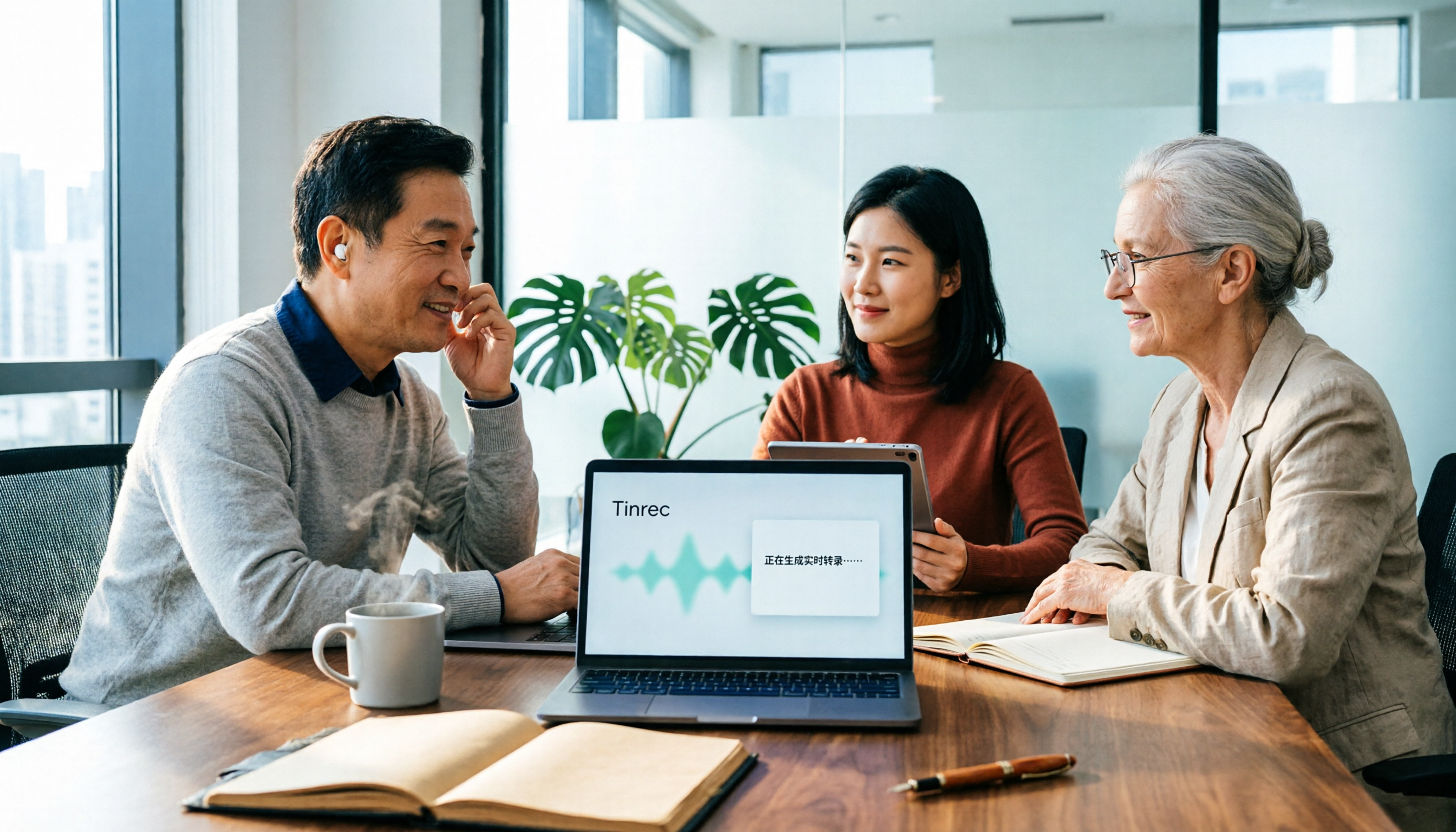
4 Free Transcription Tools Tested in 2026: Which Free Tier Gives You the Most?
How do you choose a free transcription tool without getting burned? This hands-on comparison of Tinrec, cSubtitle, Yating Transcription, and TurboScribe covers free quotas, Chinese recognition, post-meeting organization, and cross-platform export, plus 4 common pitfalls and selection advice.

2026 Comparison of 2 Audio-to-Text Tools: Which Saves More Time for Meeting Transcripts and AI Summaries?
How to choose an audio-to-text tool in 2026? This article compares Tinrec and PLAUD Note across input sources, Chinese transcription, post-meeting organization, cross-platform collaboration, and cost structure using the same set of Chinese meeting recordings, so you can pick the right tool for your meeting style.

How to Transcribe Phone Calls in 2026: No-Bot Recording + AI Q&A Summaries
How do you choose a phone call transcription tool? This article addresses three common misconceptions, outlines four key selection criteria, and tests Tinrec's no-bot online meeting recording, AI Q&A, and to-do organization. It also compares PLAUD Note, Notta, and iPhone's built-in call recording for different use cases, with a final guide to avoid pitfalls and choose the right tool.
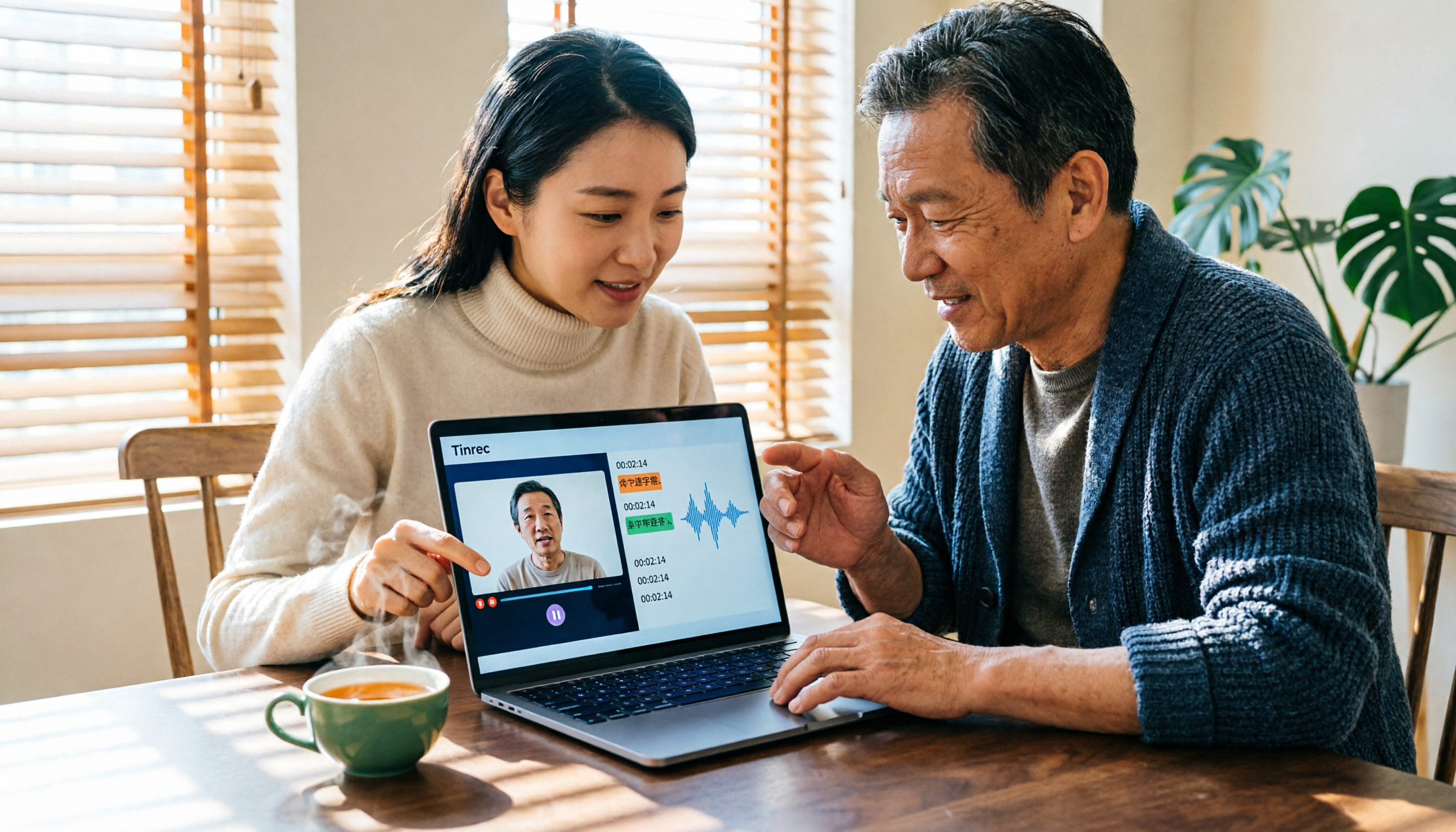
Tinrec vs Notta 2026: 5-Dimension Comparison — Which Is Better for Chinese Video-to-Text?
Video-to-text isn't just about finishing a transcript. This article starts with common pitfalls and reviews 6 tools for converting video to text, comparing Tinrec, Notta, Otter.ai, TurboScribe, VEED, and PLAUD in terms of positioning, pricing, and best-fit scenarios, helping you find a way to turn video content into truly usable data.

2026 M4A to Text Free Options: 3 Tools Compared
A 2026 guide to free M4A-to-text options, covering common pitfalls, core features, and what to look for when choosing a tool. Using Tinrec as an example, it shows how to turn M4A audio into transcripts, summaries, and to-dos, and compares personal and team plans.

4 Best PDF Image to Text Tools in 2026: How to Make Scanned PDFs Searchable
This article compares four online PDF image-to-text tools in 2026: iLovePDF, Adobe Acrobat, PDFCandy, and Smallpdf. Learn about OCR language settings, output formats, free limitations, and privacy pitfalls, plus the difference between meeting transcription and PDF OCR.
2026 OPPO Recording & Note-Taking: 5 Solutions Tested – Is the Built-in Recorder Enough?
Is OPPO's built-in recorder and notes app really enough? Starting from the three most common mistakes OPPO users make, this article outlines 4 key factors for choosing a recording and note-taking tool, then hands-on compares Tinrec, OPPO's built-in tools, Notta, and Otter.ai. It also includes compliance reminders and pitfalls to avoid for call recording, helping you find the best OPPO recording and note-taking workflow.