
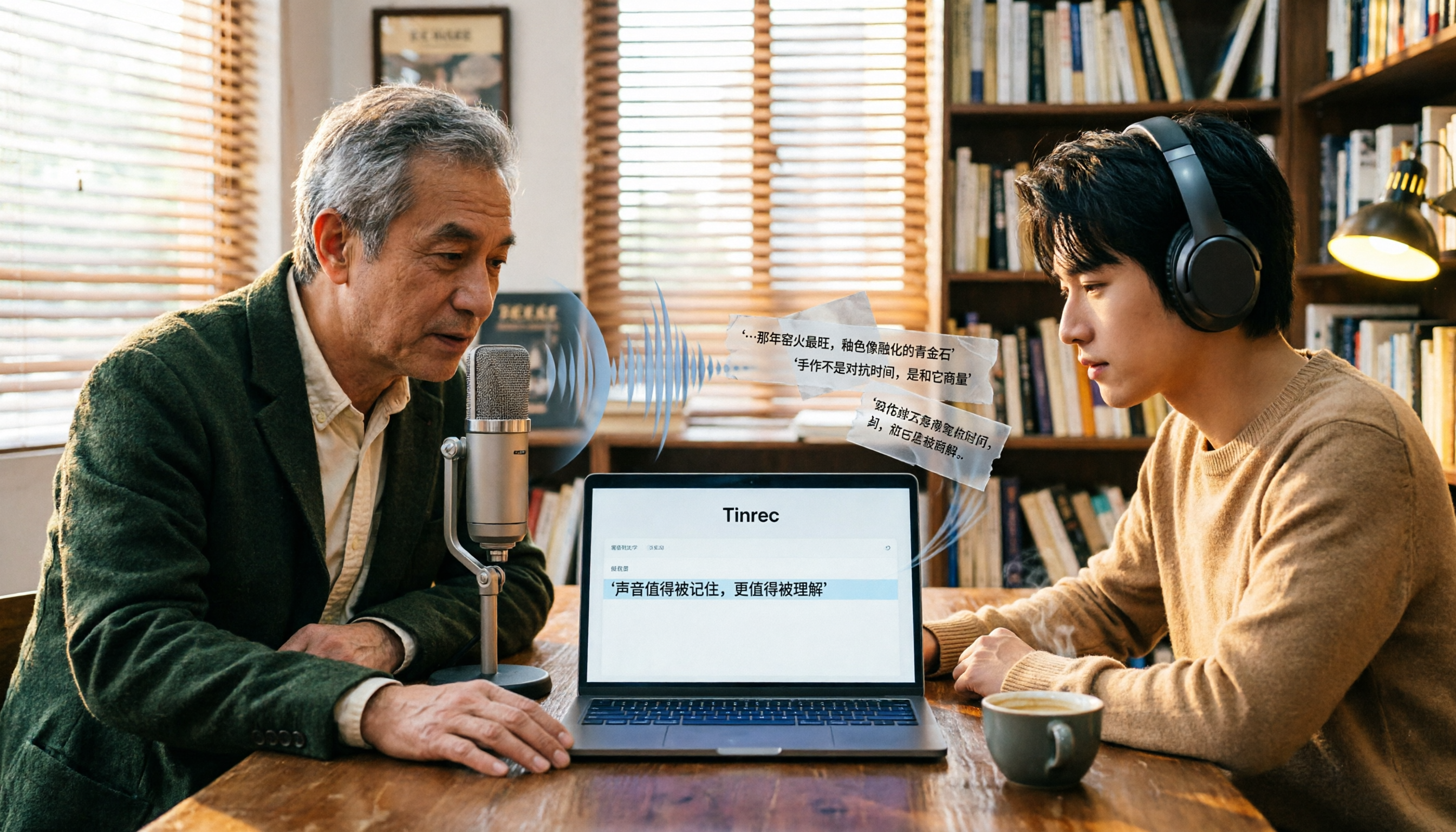
Turn recordings into transcripts and summaries in minutes
Upload audio or video for multilingual transcription, AI notes, and action items
Free Audio-to-Text Tools in 2026: 6 Tested Picks and Buying Guide
Why You Need an Audio-to-Text Tool
Many people start by typing “free” into the search bar, then sign up for the first tool that says “free.” A month later, they realize the free tier only gives 30 minutes, or files longer than 3 minutes won’t transcribe.
This is the most common pitfall: mistaking a “free trial” for a “free plan.”
Whether you’re organizing meeting notes, turning lecture recordings into study notes, or adding subtitles to videos, understand one thing first—most free tiers are for trying the tool, not for long-term use. I’ve rounded up 6 audio-to-text tools that are actually useful, with their free limits, paid pricing, and best-fit users laid out so you can match them to your usage frequency.
Tinrec — The Most Complete AI Recording Assistant
In one sentence: Tinrec is an AI meeting notes and collaboration tool for individuals and teams, turning audio into searchable, queryable, actionable data.
Record online meetings without a bot. The desktop app captures your computer’s system audio directly, handling Zoom, Google Meet, Microsoft Teams, Webex, and more—no need to invite a bot account into the meeting. For anyone in weekly online meetings, this difference is practical.
The real value is after transcription. It automatically generates summaries, chapters, key points, and action items, and lets you ask AI questions about the meeting content. Traditional tools give you a transcript you have to read through yourself; Tinrec lets you directly ask “What did this meeting actually decide?”
Output you can take with you. Beyond transcripts, you can export to Notion, Google Docs, OneNote, Dropbox, and other tools, and use Agent post-processing to generate reports, tables, and documents.
Chinese and multilingual scenarios. Supports real-time translation, with options to switch between original, translated, or bilingual view. Recording sources include desktop, web, and mobile app. The team plan also has a hotwords feature for maintaining common terminology. Actual recognition quality depends on recording quality, accents, noise, and multiple people speaking at once.
Free and paid plans: The personal plan has a free version to try basic recording, import, summary, and transcription limits. There are also weekly, Pro monthly, and Pro annual plans to match your usage frequency. The team plan offers a 7-day trial for first-time eligible users, including 1 free seat and 300 minutes of shared team import quota; paid seats provide 2,000 minutes of shared team import quota per month, at USD 29.80 per paid seat per month, or USD 199 per paid seat per year (about USD 16.58/month). Real-time recording under an active plan is currently not deducted by the minute.
Best for: People who have weekly meetings, need meeting minutes and action items, or want to turn meeting data into a team asset.
MyEdit — The Online Audio Editing Tool Most Familiar to Taiwanese Users
MyEdit is a full-featured online audio editing website, and speech-to-text is just one of its features. The difference from Tinrec is that it leans more toward “conversion and editing” and doesn’t handle post-meeting Q&A or collaboration.
Highlights: Supports 9 languages including Chinese, English, and Japanese. Output can be exported as plain text (.txt) or subtitle files (.srt). Before exporting, you can edit the content and choose whether to add timestamps.
Free and paid plans: Log in daily to earn credits for free transcription; upgrading to Audio Pro gives you 360 credits per month and unlocks other AI audio editing tools.
Best for: People who occasionally add subtitles to videos or need .srt subtitle files.
Monica — AI Audio-to-Text with Clearly Stated Free Limits
Monica’s AI audio-to-text tool is positioned to quickly turn meeting recordings, study notes, or voice memos into text. Compared to Tinrec, it’s simpler: go in, upload, transcribe—no team space or meeting collaboration concept.
Highlights: You can upload audio files or record directly online for transcription. It uses speech recognition to produce transcripts, and the interface is simple enough that first-time users don’t need a tutorial.
Free and paid plans: New users get 30 minutes of free audio-to-text transcription, after which a paid plan is required.
Best for: People who just want to test transcription quality or only have one or two short recordings.
inFin (Easemate AI) — Focused on Free Real-Time Transcription and AI Organization
inFin is one of the tools on the Easemate AI website, specializing in free online real-time transcription. Its approach is somewhat similar to Tinrec—both emphasize “organizing after transcription”—but the entry point differs: inFin leans more toward personal notes.
Highlights: Basic features include timestamps, speaker recognition, and key point summaries. What’s special is the AI chat feature that can one-click organize content into summaries, meeting notes, lecture highlights, and action items.
Free and paid plans: Focused on free, unlimited-time transcription.
Stop organizing recordings by hand
Upload audio or video and automatically get a transcript, summary, and action items
Best for: People who have daily classes or meetings and need someone to pull out the key points first.
NotebookLM — Google’s Free AI Note Assistant
NotebookLM is Google’s free AI note assistant. Strictly speaking, it’s not a dedicated transcription tool but rather turns imported files into queryable data. The biggest difference from Tinrec is that it doesn’t handle real-time meeting recording.
Highlights: After importing files, you can generate audio summaries and turn audio content into mind maps, presentations, and other formats to quickly grasp key points visually.
Free and paid plans: Free to use.
Best for: Students and researchers who already have transcripts or audio files and want to further organize and query them.
TurboScribe — A Free Option for Long Files and Batch Transcription
TurboScribe is more of a cost-effective file transcription tool, specializing in long files, batch uploads, subtitles, and translation. The difference from Tinrec is that it barely touches real-time meetings; its strength is “processing many files at once.”
Highlights: The paid version supports files up to 10 hours or 5 GB each, and you can upload 50 files at once—great for recordings accumulated over time.
Free and paid plans: Free version allows 3 files per day, up to 30 minutes each; Unlimited annual plan is USD 120 (about USD 10/month).
Best for: People with a pile of interview or lecture recordings who need to process them all at once.
With So Many Options, How Should You Choose?
- Want AI Q&A after transcription, automatic action item extraction, and post-meeting reports → Tinrec (summaries, chapters, Q&A, action items, and Agent post-processing all in one)
- Need Chinese meeting notes but don’t want a bot joining the meeting room → Tinrec (desktop app captures system audio without a bot)
- Meetings include foreign language content and you need real-time translation and bilingual view → Tinrec (supports original, translated, and bilingual views)
- Want to build a long-term searchable database from every meeting → Tinrec (transcripts, summaries, and action items all stay in one place)
- Team needs to share meeting data and manage members, seats, and usage → Tinrec team plan (team space, roles and seats, usage analytics, audit logs)
- Zero budget and want to check transcription quality first → Monica’s 30-minute free tier or inFin’s free real-time transcription
- Only need subtitle files (.srt) or video assets → MyEdit
- Already have many long recordings to batch process → TurboScribe
4 Things to Know Before Using an Audio-to-Text Tool
First, check the “unit” of the free tier. Some count minutes, some count files, some count credits, and some have a single-session length limit. The simple way to judge: estimate how long you’ll record in a month, then compare it to the plan.
Second, the more generous the free tier, the more you usually need to double-check it yourself. It’s a trade-off. If the content will be published or used as an official record, choose a tool that lets you listen along with a timeline, such as Tinrec’s transcript that can be checked against playback.
Third, transcription is just the first step. A two-hour transcript’s real time cost is reading it, pulling out key points, and identifying action items. When choosing a tool, think one step ahead: can it directly give you summaries and action items?
Fourth, confirm legality before recording. For recordings and transcriptions involving others’ conversations, follow local regulations and obtain consent from participants when necessary.
Summary
There are many free audio-to-text tools, but the conditions behind the word “free” vary widely. First figure out how many minutes you’ll use per month, whether you need Chinese meeting notes, and whether the data needs to be shared with a team—the answer will emerge.
If you want more than a transcript—if you want summaries, follow-up questions, action items, and even a team-usable data asset—Tinrec is one of the few options that connects the entire workflow. The free version lets you try basic transcription and summaries; upgrade if you need more.
FAQ
Q1: Is a free audio-to-text tool enough? It depends on how long you record per month. For occasional short recordings, Monica’s 30-minute free tier or TurboScribe’s 3 files per day is plenty. If you have weekly meetings, free tiers usually run out after one or two uses, and you’ll need a paid plan.
Q2: Does Tinrec have a free version? Yes. The personal plan offers a free version to try basic recording, import, summary, and transcription limits. There are also weekly, Pro monthly, and Pro annual plans to choose from based on usage frequency.
Q3: Does Tinrec require adding a bot to meetings? No. Tinrec’s desktop app captures your computer’s system audio to record online meetings, so no bot account appears in the meeting room. Users need to open Tinrec themselves to start recording.
Q4: Do these tools support Chinese? Tinrec covers Chinese, Traditional Chinese, and multilingual meeting scenarios, and supports real-time translation and bilingual view. MyEdit supports 9 languages including Chinese, English, and Japanese. Actual recognition quality depends on recording quality, accents, noise, and multiple people speaking at once. It’s not recommended to assume any tool has a fixed accuracy rate.
Q5: What should teams consider when using it together? Tinrec’s team plan is a separate team space where meeting data belongs to the team, with role-based permissions and seat-based access. Members without a seat can still view, play, and read team data but cannot upload, edit, or export.
Q6: Can the transcript be used directly as an official record? It’s best not to treat it as a final draft. AI transcription is good when audio is clear, but it can still miss words or mishear. For important content, check against the recording and timeline, or ask participants to review.
References
- Audio to Text - Free Speech-to-Text Tool
- Online Speech-to-Text AI, Free MP3 or Recording to Transcript - MyEdit
- No Time Limit! 3 Free AI Transcript Tools, Highly Recommended! AI Voice Notes Generate Meeting Minutes, Presentations, Mind Maps | 104 Career Power
- Tested 4 Best Online Speech-to-Text Tools, Free Instant Recording to Transcript
- [AI Voice Notes] 5 Highly Recommended AI Transcription Tools! Generate Transcripts and Meeting Notes, Free vs Subscription, Pros and Cons | 104 Career Power
Turn every recording into actionable outcomes
Get 60 free transcription minutes when you sign in. No credit card required.
Related Reading
You might also like

3 iPhone Audio-to-Text Tools Compared in 2026: Notes, Voice Memos, or Tinrec?
iPhone's built-in Notes and Voice Memos apps both offer audio-to-text transcription, but many users don't know about device requirements, internet needs, or how to use transcripts afterward. This article addresses common misconceptions and walks you through using Tinrec to transcribe recordings, generate meeting minutes, extract action items, and export files, while comparing built-in features with Tinrec.
Best iPhone Transcription Apps in 2026: 6 Options Tested, Free Built-in vs. Tinrec
iPhone's built-in Voice Memos and Notes apps now support audio transcription, but if you need meeting summaries, action items, AI Q&A, or team collaboration, the built-in features may not be enough. This article reviews 6 iPhone transcription solutions in 2026, from Apple's completely free built-in options to AI meeting assistants like Tinrec, Notta, Otter, and PLAUD. We compare features, pricing, and ideal users to help you choose the best tool for your needs.
Free Audio-to-Text Solutions in 2026: Tinrec vs Yating Transcribe Compared
Compare Tinrec and Yating Transcribe across six dimensions: online meeting notes, post-transcription organization, Chinese and multilingual support, cross-platform access, free tiers, and team collaboration. Find out which free plan fits your needs.
Tinrec vs Notta 2026: 5-Dimension Comparison for Chinese Meeting Notes
In 2026, how to choose an AI audio-to-text app? This article compares Tinrec and Notta across 5 dimensions: meeting capture, post-transcription output, audio retention, Chinese and multilingual experience, and team governance. It includes a pitfalls guide and scenario-based recommendations to help you pick a truly usable meeting notes tool.

How to Choose a Transcription Platform in 2026: A Complete 5-Step Guide
How do you choose a transcription platform in 2026? This article looks at two scenarios—live meetings and file transcription—and compares the positioning, plans, and ideal users of six platforms: Tinrec, Yating, cSubtitle, Notta, Vocol.ai, and inFin. It walks you through a 5-step process to find the best tool for you, and also explains free tier limits and things to know before you start.

4 Best Audio-to-Text Apps in 2026: Which One Turns Transcripts into Real Meeting Notes?
How to choose an audio-to-text app in 2026? This article first explains 4 key factors to consider, then compares Tinrec, Otter.ai, Notta, and PLAUD NotePin in real tests, and lists 4 common pitfalls to help you decide which one can turn transcripts into truly usable meeting materials.

4 Meeting Transcription Apps Tested: Which Saves the Most Time with Bot-Free Recording and AI Q&A?
A mid-level manager who attends 15 meetings a week tested 4 meeting transcription apps. This article starts with the most common pitfalls when choosing a tool, compares bot-free online meeting recording, AI Q&A, post-meeting output, and team data retention, with Tinrec as the primary test subject, and includes the applicable scenarios and limitations of Notta, TurboScribe, and Otter.ai.

5 Free Audio-to-Text Tools in 2026: AI Meeting Notes & Transcription
Discover 5 free audio-to-text tools including Tinrec, MyEdit, Yating, Vocol.ai, and NotebookLM. Compare free quotas, language support, and post-meeting organization to choose the right one for your needs.

4 iOS Transcription Apps Tested in 2026: Built-in Free vs. AI Meeting Assistants—Which Saves More Time?
Is the built-in Voice Memos transcription on iPhone good enough, or do you need a separate app? This article starts with buying criteria, compares four iOS transcription solutions—Apple Voice Memos, Tinrec, Notta, and Otter.ai—and analyzes differences in Chinese recognition, AI Q&A, action item extraction, cross-platform support, and team collaboration. It concludes with clear recommendations for different budgets and scenarios.