
Turn recordings into transcripts and summaries in minutes
Upload audio or video for multilingual transcription, AI notes, and action items
Tinrec vs Notta 2026: 5-Dimension Comparison for Chinese Meeting Notes
Meeting notes are something most people only realize their tools are inadequate for when the meeting ends and they need to submit records. This article doesn't talk about fancy AI jargon; instead, it breaks down the two most commonly compared solutions—Tinrec and Notta—across 5 dimensions, so you can justify your choice in budget meetings.
You only find out the data is unusable after the meeting—what you need isn't recording, but actionable meeting data
The first scenario is online meetings. To keep a record, you add a meeting bot to the room, but then a stranger's account appears in the top right corner. A client casually asks, "Who is this?"—before the meeting even starts, trust takes a hit.
The second scenario is post-meeting organization. A one-hour meeting produces over 5,000 words of transcript. You want to know "how much was the budget increased, who is responsible, and when is the deadline," but you have to scroll from the beginning or guess keywords with Ctrl+F. If you're lucky, you find it in ten minutes; if not, you have to listen to the recording again.
The third scenario happens within teams. When a colleague leaves, their meeting recordings and transcripts go with them. New team members taking over the project have to start from scratch and ask around.
The common thread in these three scenarios is: the problem is never "whether it was recorded," but "whether it can be used after recording." Choosing the right tool can solve all three at once.
Before choosing an AI audio-to-text app, understand these 5 key points
1. How the meeting is recorded. A common approach is to send a meeting bot to join online meetings as a participant; another is to capture system audio directly from the computer, so no extra person appears in the meeting room. The latter is friendlier for external client meetings, interviews, and sensitive discussions. But note: this type of solution requires you to initiate recording yourself and won't automatically join every meeting on your calendar.
2. What you get after transcription. Tools that only provide transcripts leave you with all the organizing work. More valuable are features that automatically generate summaries, chapters, and action items, or even let you ask questions directly about the meeting content.
3. Whether audio files are retained. Some tools only keep text and delete meeting audio after use. Later, if you need to verify who said what and in what tone, there's no original file to replay.
4. Performance with Chinese, mixed Chinese-English, and technical terms. Meetings in Taiwan are rarely pure Chinese or pure English; they often mix, like "let's review this feature next week." Also, every industry has its own jargon, and the ability to customize a vocabulary list directly affects usability.
5. Personal use vs. team use. For personal use, as long as you understand it, it's fine; but if you want an entire department to share meeting data, you need to check if the tool can manage members, allocate usage rights, view usage, and keep audit logs.
Tinrec—our top pick after hands-on testing
Tinrec is an AI meeting notes and collaboration tool for individuals and teams, covering iOS, Android, and web, with online meetings handled by the desktop version.
Record online meetings without a meeting bot. The desktop version captures system audio directly, handling Zoom, Google Meet, Microsoft Teams, Webex, etc., without an unfamiliar account appearing in the meeting room. For those who frequently meet with external clients, this difference isn't just convenience—it avoids awkwardness. Note that recording is initiated by the user; it's not a bot that automatically joins calendar meetings.
Transcript is just the starting point, not the end. After the meeting, Tinrec produces a transcript and automatically generates summaries, chapters, and action items—who committed to what and by when, listed directly. Long meetings are broken into structured sections, so you don't have to fish for key points from thousands of words. For content to submit to supervisors, you can use Agent post-processing to generate reports, tables, and documents, or export to existing workflows like Notion, Google Docs, OneNote, Dropbox, etc.
You can ask it questions directly after recording. This is where Tinrec stands out most from tools in the same price range. You can ask questions about the meeting data, such as "Who mentioned the budget in the last meeting?" It answers based on semantic understanding, not just a list of keyword search results. For cross-language meetings, you can enable real-time translation during recording and view in original, translated, or bilingual mode.
Team version turns personal notes into team assets. The team version is a separate team space, not multiple people sharing one account. Meeting data belongs to the team; members can be invited via a join link; admins can set owners, admins, and regular members, and allocate or revoke seats. With usage analytics, audit logs, team hotwords, and audio recycle bin (currently retained for 30 days, recoverable before permanent deletion), managers can see who is using it, how much, and what changes were made. When a member leaves or is removed, their team resources need to be handed over to other active members, so data doesn't disappear with the person.
To be clear: the team version distinguishes between "roles" and "seats." Roles determine who can manage the team; seats determine whether a member can record, upload, edit, import/export. Active members without a seat can still view, play, and read team data. Currently, the team version focuses on team-level sharing, not a granular file-level permission system.
Stop organizing recordings by hand
Upload audio or video and automatically get a transcript, summary, and action items
Pricing: Team version is USD 29.80 per paid seat per month; annual payment is USD 199 per paid seat per year, equivalent to about USD 16.58 per month. Each paid seat provides 2,000 minutes of team shared import quota per month; real-time recording under an active team plan is currently not deducted by minutes. Eligible teams can try 7 days, 1 free seat, and 300 minutes of shared import quota. The personal version offers a free version, weekly card, Pro monthly, and Pro annual; actual prices and benefits are subject to the official purchase page.
Here's a table summarizing the five dimensions:
| Dimension | Tinrec | Notta |
|---|---|---|
| Meeting capture | Desktop captures system audio, no bot needed; manual initiation | Meeting bot, desktop, or file upload |
| Post-transcription output | Summary, chapters, action items, mind map, AI Q&A, Agent-generated reports and tables | Transcription, subtitles, translation, summary |
| Audio retention | Audio retained for replay and verification; team audio has 30-day recycle bin | Usually supported, depending on plan |
| Chinese and multilingual | Chinese, Traditional Chinese, mixed Chinese-English, real-time translation, team hotwords | Multilingual capability is a main strength |
| Team governance | Team space, roles, seats, usage analytics, audit logs, team hotwords | Business provides role permissions and usage reports |
Pros: 1. Handle online meetings without a meeting bot, so external meetings don't have an extra unfamiliar account; 2. Directly produce summaries, action items, and further processable reports after transcription; 3. AI Q&A makes historical meetings actually useful, not just stored and forgotten.
Limitations: The free version provides basic quota to experience recording, import, and transcription; long-term or high-frequency use requires payment. Transcription accuracy is affected by recording quality, background noise, accents, and overlapping speech; for important content, it's recommended to verify with transcript timestamps and audio replay.
Who it's for: Those who frequently handle Chinese or mixed Chinese-English meetings, don't want a bot in the meeting room, want to use AI to find answers directly after recording, and even need to accumulate meeting data for an entire department.
Besides Tinrec, what other options are there?
Notta: The closest competitor to Tinrec, with multi-platform transcription, file import, translation, and team plans. Official free version: 120 minutes per month, max 3 minutes per session; Pro annual equivalent to about USD 8.17 per month, 1,800 minutes per month; Business annual equivalent to about USD 16.67 per seat per month, offering unlimited transcription, role permissions, and usage reports. If your main need is bulk file transcription and subtitle translation, Notta is worth considering. But it lacks Tinrec's AI Q&A and Agent post-processing workflow around meeting content, and meeting data is more like "personal files" than "team assets."
Otter.ai: A mature choice for English business meetings. Basic free version: 300 minutes per month; Pro annual equivalent to about USD 8.49 per user per month, including 1,200 minutes of in-app recording and 10 file imports per month. If your meetings are almost entirely in English, Otter's English experience is quite smooth, and this is one of the few scenarios in this article where we suggest "you may not need Tinrec." However, Chinese and mixed Chinese-English are not its strong suit, and Tinrec's bot-free desktop recording, real-time translation, and post-meeting AI Q&A are weaker areas for it.
PLAUD Note / NotePin: A hardware approach. NotePin official price USD 159, Note Pro USD 189, with Starter, Pro, and Unlimited membership plans. The advantage is portability, suitable for phone calls and on-site recording. But you need to carry an extra device and charge it, and handling online meetings and existing historical files is less direct than software solutions. Tinrec requires no hardware, works on desktop, mobile, and web, and can retain audio, import existing files, and put them into team spaces.
Pitfalls guide: 4 most common mistakes when choosing an AI audio-to-text app
Pitfall 1: Only looking at free minutes. A large free quota doesn't mean it's good. Some tools have impressive free minutes but cut single sessions into fragments, or charge extra for export. First confirm whether your actual usage can be covered by the free plan, then look at the numbers.
Pitfall 2: Only trusting official accuracy claims. Accuracy depends on the conditions tested, background noise, overlapping speech, etc. The most practical approach is to test with a real meeting recording of your own, not just read ad copy.
Pitfall 3: Underestimating the difficulty of mixed Chinese-English and technical terms. Common in Taiwan meetings, phrases like "hold this case for now, sync next week" are challenging for tools trained only on English data. The ability to maintain your own technical term list directly affects how much you need to edit afterward.
Pitfall 4: Mistaking "can view" for "can collaborate." Many teams think buying a tool gives them team capabilities, but if data stays in personal accounts, it leaves when members do. Before purchasing, ask clearly: Who owns the data? Is there a distinction between roles and seats? How is data handed over when a member leaves?
Conclusion: Which one should you choose?
Back to the most practical question: what do your meetings look like?
- Meetings are in Chinese or mixed Chinese-English, and you meet with external clients → Tinrec. Desktop captures system audio, no bot needed in the meeting room.
- After recording, you want to ask "Who mentioned the budget last time?" → Tinrec. AI Q&A around meeting content is a rare capability at this price point.
- You want to retain meeting data for the whole department, manage people, usage, and logs → Tinrec Team. Roles, seats, usage analytics, audit logs, and audio recycle bin all in one.
- You need to process large batches of files, do subtitles and translation → Notta. This is its strength in long files and batch processing.
- Zero budget, meetings almost entirely in English → Otter.ai free version with 300 minutes per month is the only exception recommended in this article.
We suggest recording a representative meeting first to confirm the quality of transcript, summary, and action items meets expectations, then decide whether to upgrade to a paid plan. Buying an expensive tool isn't painful; buying the wrong one is.
References
- SoundType AI Ultra-Precise Transcript, Speech to Text, AI Dictation App - App Store
- Online AI Speech, Video, Audio File Auto Transcription - Free Trial - cSubtitle
- No Time Limit! 3 Free AI Transcript Tools, Highly Recommended! AI Voice Notes Generate Meeting Records, Presentations, Mind Maps | 104 Career Force
- SoundType AI Ultra-Precise Transcript, Speech to Text, AI Dictation - Google Play App
- Asking the experts, any recommended AI tools to transcribe audio files into text?
Turn every recording into actionable outcomes
Get 60 free transcription minutes when you sign in. No credit card required.
Related Reading
You might also like

Tinrec vs Granola 2026: 4-Way Comparison — Which English Speech-to-Text Tool Keeps Recordings and Enables Collaboration?
How to choose an English speech-to-text tool in 2026? This article uses Tinrec as an example to explore real-time transcription, AI summaries, action item extraction, AI Q&A, and team collaboration features, and compares it with Granola across 4 dimensions to help you find the right English speech-to-text solution for individuals and teams.
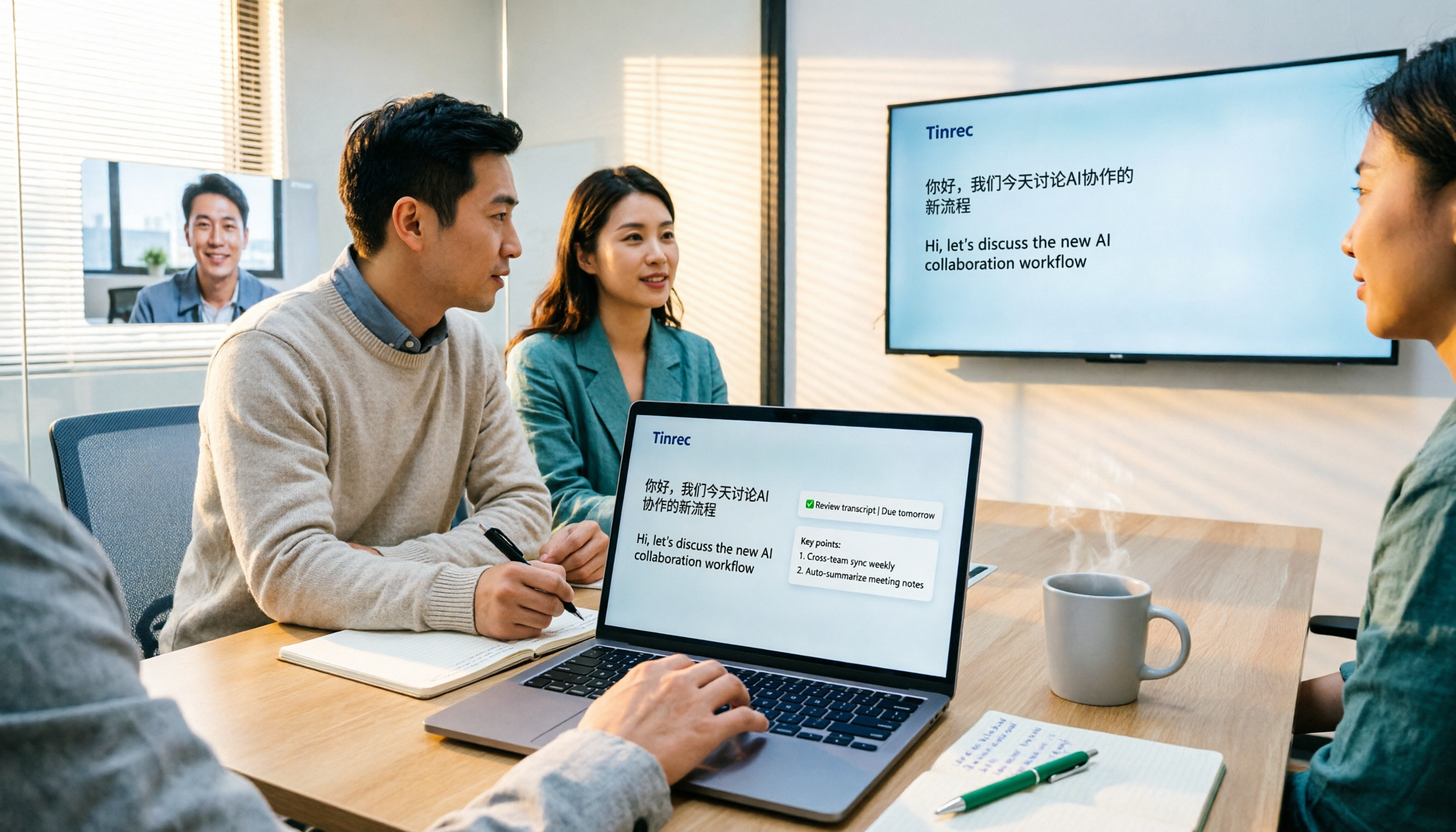
4 Real-Time Meeting Transcription Tools Compared: How to Choose Between Tinrec, Notta, and Otter in 2026
How to choose a real-time meeting transcription tool? This article compares Tinrec and Notta in terms of recording methods, post-transcription organization capabilities, Chinese and mixed Chinese-English performance, team data ownership, and quota calculations. It also explains the practical use of bot-free online meeting recording, AI Q&A, action item extraction, and team spaces to help you determine which workflow suits you best.
4 Voice Input Tools Compared in 2026: From Real-Time Dictation to Meeting Notes
Voice input isn't just about turning speech into text. Starting from the real meeting scenarios of mid-level managers, this article breaks down 4 key points for choosing a voice input tool and compares the positioning, use cases, and limitations of Tinrec, Windows built-in voice input, Typeless, and Granola, helping you find the one that truly saves you organization time.
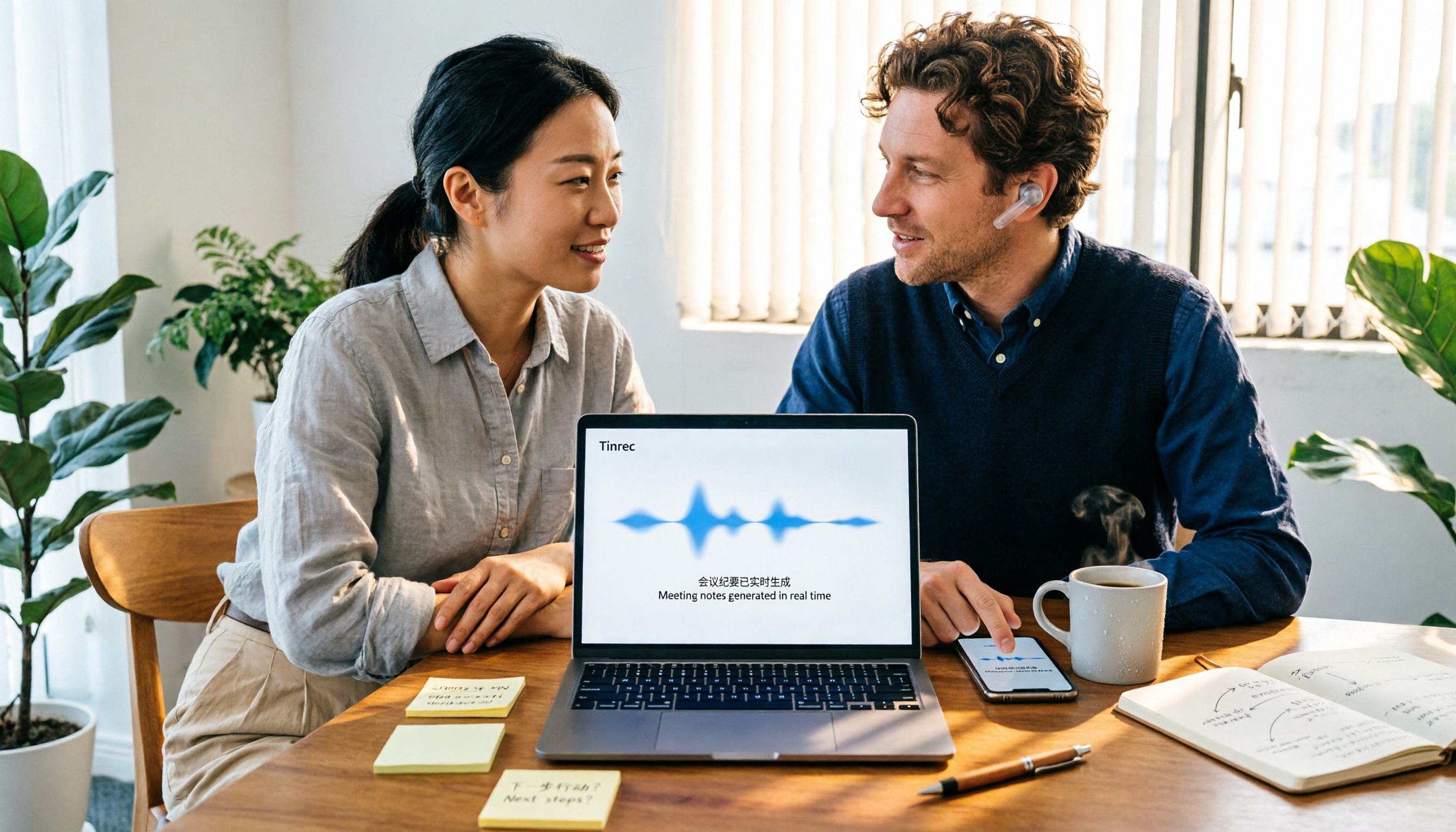
How to Do Chinese-English Translation in 2026: 5 Steps from Meeting Recording to Bilingual Transcript
How to choose Chinese-English translation in 2026? Starting from the real pain points of cross-language meetings, we outline 4 key purchasing factors, Tinrec's 5-step implementation process, and the differences between Notta, DeepL, and Google Translate to help you decide whether to use a translation website or a meeting transcription tool.

5 Best AI Meeting Notes Apps in 2026: Which One Actually Saves You Time?
Tired of scrambling to write meeting notes after the call ends? We tested five top AI meeting note apps—Tinrec, Otter.ai, Notta, and PLAUD—on Chinese recognition, audio capture methods, post-meeting organization, and team governance. Plus, a buyer's guide to avoid common pitfalls and pick the right app for your scenario.
3 iPhone Audio-to-Text Tools Compared in 2026: Notes, Voice Memos, or Tinrec?
iPhone's built-in Notes and Voice Memos apps both offer audio-to-text transcription, but many users don't know about device requirements, internet needs, or how to use transcripts afterward. This article addresses common misconceptions and walks you through using Tinrec to transcribe recordings, generate meeting minutes, extract action items, and export files, while comparing built-in features with Tinrec.
Best iPhone Transcription Apps in 2026: 6 Options Tested, Free Built-in vs. Tinrec
iPhone's built-in Voice Memos and Notes apps now support audio transcription, but if you need meeting summaries, action items, AI Q&A, or team collaboration, the built-in features may not be enough. This article reviews 6 iPhone transcription solutions in 2026, from Apple's completely free built-in options to AI meeting assistants like Tinrec, Notta, Otter, and PLAUD. We compare features, pricing, and ideal users to help you choose the best tool for your needs.
Free Audio-to-Text Solutions in 2026: Tinrec vs Yating Transcribe Compared
Compare Tinrec and Yating Transcribe across six dimensions: online meeting notes, post-transcription organization, Chinese and multilingual support, cross-platform access, free tiers, and team collaboration. Find out which free plan fits your needs.

How to Choose a Transcription Platform in 2026: A Complete 5-Step Guide
How do you choose a transcription platform in 2026? This article looks at two scenarios—live meetings and file transcription—and compares the positioning, plans, and ideal users of six platforms: Tinrec, Yating, cSubtitle, Notta, Vocol.ai, and inFin. It walks you through a 5-step process to find the best tool for you, and also explains free tier limits and things to know before you start.