

Turn recordings into transcripts and summaries in minutes
Upload audio or video for multilingual transcription, AI notes, and action items
Falling asleep watching exam videos? Most people get stuck in these three inefficient habits
When preparing for exams, many people have a "must-watch video list": prep course lessons, online lectures, review videos recorded by teachers. The real problem usually isn't that you can't finish watching—it's that you can't remember what you watched.
The first inefficient habit is watching from start to finish while taking notes. A two-hour video turns into another two hours of note-taking, and most of what you write down is a verbatim transcript, not the key points.
The second is turning on subtitles and fast-forwarding, grabbing clips by keywords. As a result, key points are scattered across the timeline, and before the exam, when you want to go back and find "that formula the teacher mentioned," you still have to rewatch it.
The third is stopping once you get a summary. Summaries are convenient for quick review, but without a transcript and timestamps to cross-reference, you're left relying on impressions when you hit detailed questions.
What these three situations have in common is that the video content never becomes searchable, queryable, reusable material. With the right tool, this step can actually be solved all at once.
Before choosing an exam video summary tool, understand these 4 key points
First, can it handle videos without subtitles? Many summary tools are essentially "subtitle readers"—if the video has no subtitles, they simply stop working. Classroom recordings and self-made prep course materials often lack subtitles, so this needs to be confirmed first.
Second, can the summary be traced back to the original timestamp? A good summary should correspond to the transcript and timeline, so you can jump directly back to that sentence during exam review. If it only gives you a summary without sources, you're completely handing over judgment to AI.
Third, does it have AI Q&A? The most common action before an exam is "going back to check a detail." If the tool lets you directly ask "What are the three experiments mentioned in this class?" it will be much faster than manually flipping through the transcript.
Fourth, can the original file be kept? Keeping the video or recording allows you to replay and verify when necessary. Pure online summary tools usually only keep text, and the original file isn't in your hands.
Once you list these four points, you can actually see the positioning of most video summary tools: they solve "quickly finishing a video," not "turning course content into reviewable material."
Tinrec — our top pick after hands-on testing
Tinrec is an AI meeting notes and collaboration tool for individuals and teams, covering mobile, desktop, and web versions. It doesn't just convert audio to text—it organizes recordings, videos, and meeting content into searchable, summarizable, queryable, exportable material. Applied to exam videos, it turns "watching videos" into a complete review workflow.
Record and transcribe while attending class or watching videos. For in-person classes or online livestreams, you can directly start Tinrec recording, and the content is instantly turned into a transcript. The desktop version captures system audio to handle online courses and meetings without needing an extra bot to join the meeting room. For already-recorded course videos or lecture audio files, you can directly import the files for transcription.
After transcription, look at structure first, then details. Tinrec automatically generates summaries, chapters, and key points, breaking a two-hour course into scannable sections. You can see at a glance which topics were discussed at length and which were only briefly mentioned. When you need more detailed content, go back to the transcript for cross-reference.
During exam review, use AI Q&A directly. This is where it differs most from pure summary tools. You can ask follow-up questions about a single video or multiple documents: "What are the three key points of this class?" "Is the teacher's evaluation of this theory positive or reserved?" It gives answers based on content, not keyword search results.
Export notes you can take with you. Summaries, transcripts, mind maps, and to-dos can be exported to Notion, Google Docs, OneNote, Dropbox, and other tools, and can further generate reports, tables, and documents. For people who are used to reviewing with their own note-taking system, this step is crucial.
Stop organizing recordings by hand
Upload audio or video and automatically get a transcript, summary, and action items
Tinrec supports Chinese, Traditional Chinese, and multilingual content, and provides real-time translation during recording, with original text, translation, or bilingual view switchable. Actual recognition performance is affected by audio quality, environmental noise, accents, and overlapping speakers, and the official team does not recommend promising accuracy with a single fixed number—this is actually more honest than claiming 99%.
Its limitations should also be clearly stated. The free version provides a basic quota, suitable for trying out the workflow first; if you have a large number of course videos to organize every week, you'll need to upgrade to a paid plan. Also, it should not currently be understood as a tool that "automatically joins all meetings"—recording requires the user to actively initiate it.
For prep courses, study groups, or research teams that need to share materials, Tinrec also has a team version: providing independent team spaces, member and seat management, shared import quota, usage analytics, and audit logs. The team's first eligible trial is 7 days, 1 free seat, and 300 minutes of team shared import quota; paid seats are USD 29.80 per month, USD 199 annually (about USD 16.58 per month), with each seat providing 2,000 minutes of team shared import quota per month. Actual prices and benefits are subject to the official purchase page.
Who it's for: Exam takers who need to organize course videos and lecture recordings into reviewable notes; people who want to directly ask AI for details after class; and study teams that need to share materials with a group.
Besides Tinrec, what other options are there?
NoteGPT: A Chrome extension focused on YouTube video summaries, supporting videos without subtitles, up to 2 hours, with export to PDF, mind maps, presentations, and podcast audio, and a free version with 15 uses per month. Limitations are that it's tied to the browser and online videos, cannot record in-person classes, and the original video file isn't in your hands; Tinrec can import local audio/video files, keep original content, and ask follow-up questions around the material.
Monica (YouTube Summary with GPT): A web app powered by GPT that generates concise summaries for videos, can handle videos even without subtitles, and supports multilingual records. Suitable for quickly grabbing the key points of a YouTube video on the fly. But it also uses online videos as input, with no local file transcription, to-do extraction, or team material organization; if the course is in-person or the teacher provides a video file, it can't help.
WayinVideo: Supports links from YouTube, TikTok, Vimeo, and other platforms, and can also upload videos from your device or Google Drive, producing timestamped summaries, topic tags, and cited key points, with mind maps and AI Chat, supporting 100+ languages, and exporting TXT and Markdown. Features partially overlap with Tinrec, but it is essentially a video summary tool, with no real-time recording, to-do extraction, or team space; if you want to include the classroom scene in the same workflow, Tinrec's coverage is more complete.
Pitfall guide: The 3 most common mistakes when choosing an exam video summary tool
Pitfall 1: Thinking subtitles are required to summarize. The summary quality of many tools actually depends on the subtitle file; without subtitles, they can only produce very rough content. The correct approach is to first confirm it supports transcription of audio/video without subtitles, and test it with a recording of your own course.
Pitfall 2: Keeping only the summary, not the transcript and timestamps. Summaries compress information and may misinterpret meaning. When you encounter detailed questions before an exam, what you need is a transcript that can jump back to the original section. When choosing a tool, prioritize one that keeps the transcript and timeline, and verify important content against the original file.
Pitfall 3: Notes scattered across various apps. Video summaries in one tool, handwritten notes in another, screenshots scattered in the photo album—just finding materials before an exam can take half a day. A more reasonable approach is to keep transcripts, summaries, mind maps, and to-dos in one place, and be able to export them to your own note-taking system.
Conclusion: Which one should you actually choose?
In one sentence: If your goal is to "turn exam videos into reusable review material," Tinrec currently has the most complete workflow.
- Need to record in class and organize into notes after class → Tinrec
- Already have course video files, want to import for transcription and ask for details → Tinrec
- Want to directly ask AI "What are the key points of this class?" before an exam → Tinrec
- Need to export materials to Notion or Google Docs for further processing → Tinrec
- Just occasionally want to quickly see the key points of a YouTube video → Monica or NoteGPT
- Need timestamped citations for a report → WayinVideo
It's recommended to first use Tinrec's free quota to run through your own course videos, confirm that the summary and transcript quality match your review habits, and then decide whether to upgrade.
References
- Summarize YouTube with GPT: Free online video summary tool
- Free AI video summary tool—accurate, fast, with timestamps
- DigiKnow | No time to watch lengthy videos? This AI tool helps you quickly summarize the key points!
- Save time with Felo AI: Instantly summarize YouTube videos | Felo Search Blog
- NoteGPT: YouTube video summary generator | ChatGPT, DeepSeek, Claude, Gemini AI assistant | AI sidebar | PDF summary tool - Chrome Web Store
Turn every recording into actionable outcomes
Get 60 free transcription minutes when you sign in. No credit card required.
Related Reading
You might also like

2026 Comparison of 2 Meeting Transcription Software: Tinrec vs Otter for Chinese Meetings
Recorded meetings but never listen back? This article compares Tinrec and Otter.ai across six dimensions—Chinese transcription, meeting recording methods, post-meeting outputs, historical file import, team governance, and pricing—to help you decide which tool fits your meeting workflow.

Tinrec vs TurboScribe 2026: 5-Dimension Comparison — YouTube to MP3 or Transcript?
Is converting YouTube videos to MP3 really useful? This article compares Tinrec and TurboScribe across 5 dimensions: input methods, output results, post-meeting organization, cross-device use, and team collaboration. It also covers online conversion services YT1s and YT5s, plus 4 common pitfalls, to help you choose the right approach.
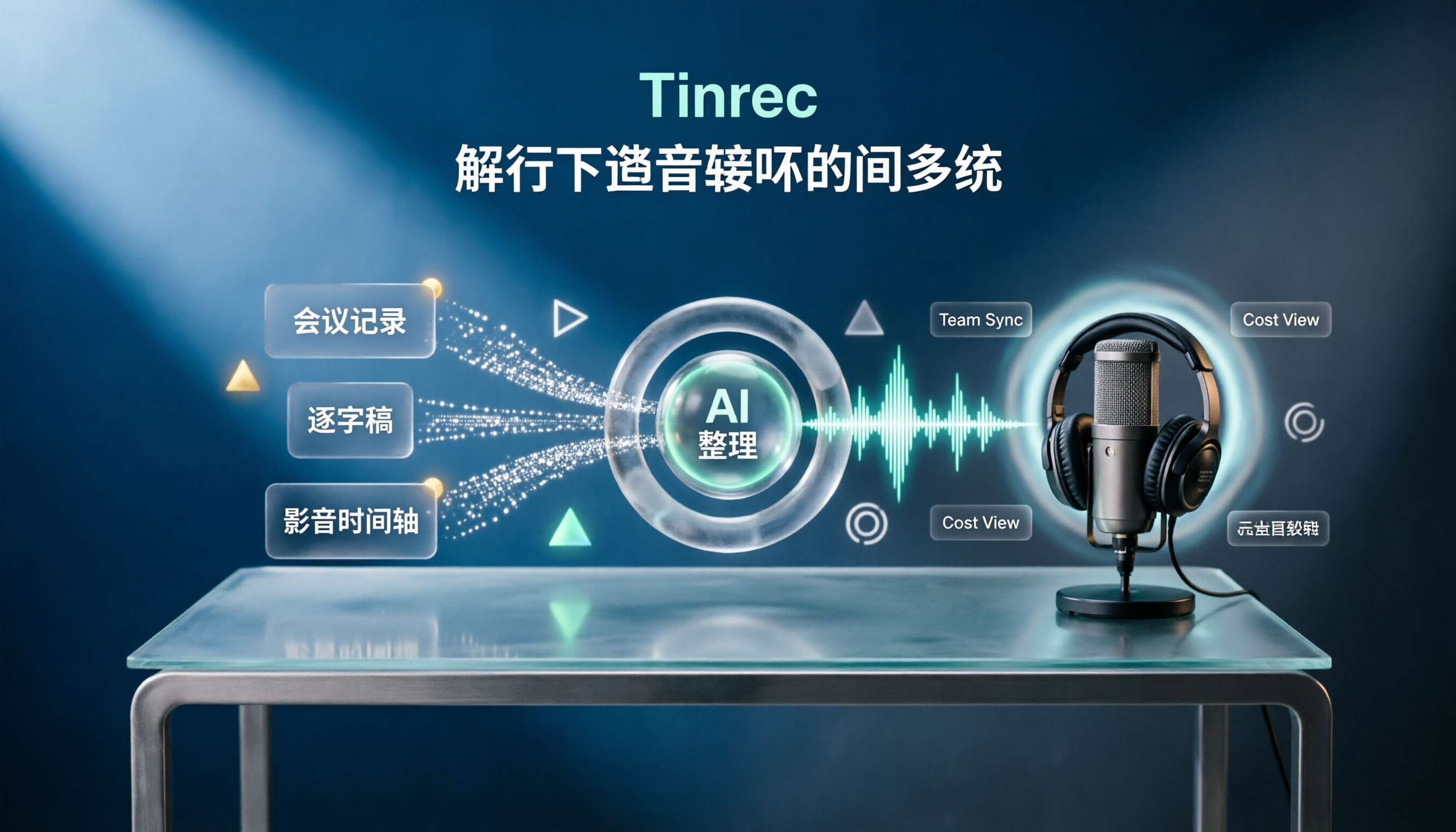
Luvvoice vs Tinrec 2026: 5-Dimension Comparison — Which Text-to-Speech Workflow Is More Complete?
How do you choose a text-to-speech tool? This article compares Luvvoice and Tinrec across five key dimensions: text source, transcription, AI organization, collaboration, and cost. It also covers the limitations and use cases of free TTS tools like Ondoku and Toolbang, helping you decide how to build a voice workflow for meetings and video narration.

4 Best Audio-to-Text Tools for 2026: Which AI Transcription App Saves the Most Time on Bilingual Meetings?
Turning audio into text shouldn't just be about typing—it should turn meetings into actionable data. We tested Tinrec, Notta, Otter.ai, and PLAUD with the same Chinese-English mixed meeting recording, and compiled 4 key buying factors, 4 common pitfalls, and scenario-based recommendations to help you find the most time-saving workflow.
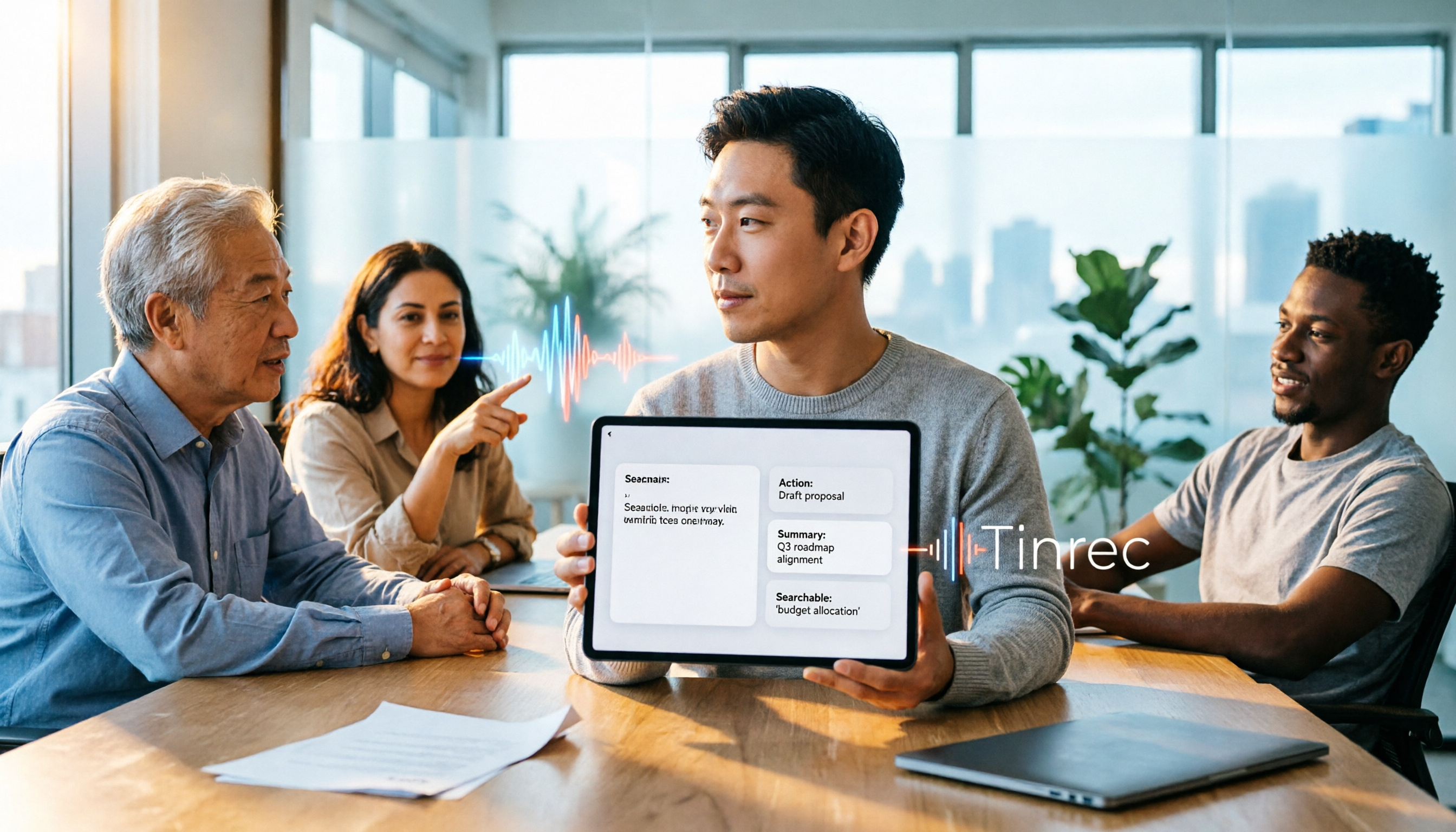
2026 Complete Guide to Online Voice Generation: How to Choose Between Text-to-Speech and Meeting Audio Organization
Online voice generation tools are not just for narration—they are often misused for meeting notes. This article starts from real-world scenarios to help you distinguish between two workflows: text-to-speech and meeting audio organization. It tests voice generation tools like CapCut, MyEdit, and Vidnoz, and explains how Tinrec uses bot-free recording, AI summaries, action item extraction, and team spaces to turn meeting audio into searchable, collaborative data.

2026 Video-to-Text Extractor Comparison: Tinrec vs VEED.IO for Chinese Meetings
How to choose a video-to-text extractor? This hands-on comparison of Tinrec and VEED.IO covers Chinese transcription, online meeting recording, AI post-processing, team collaboration, and pricing to help you find the best tool.
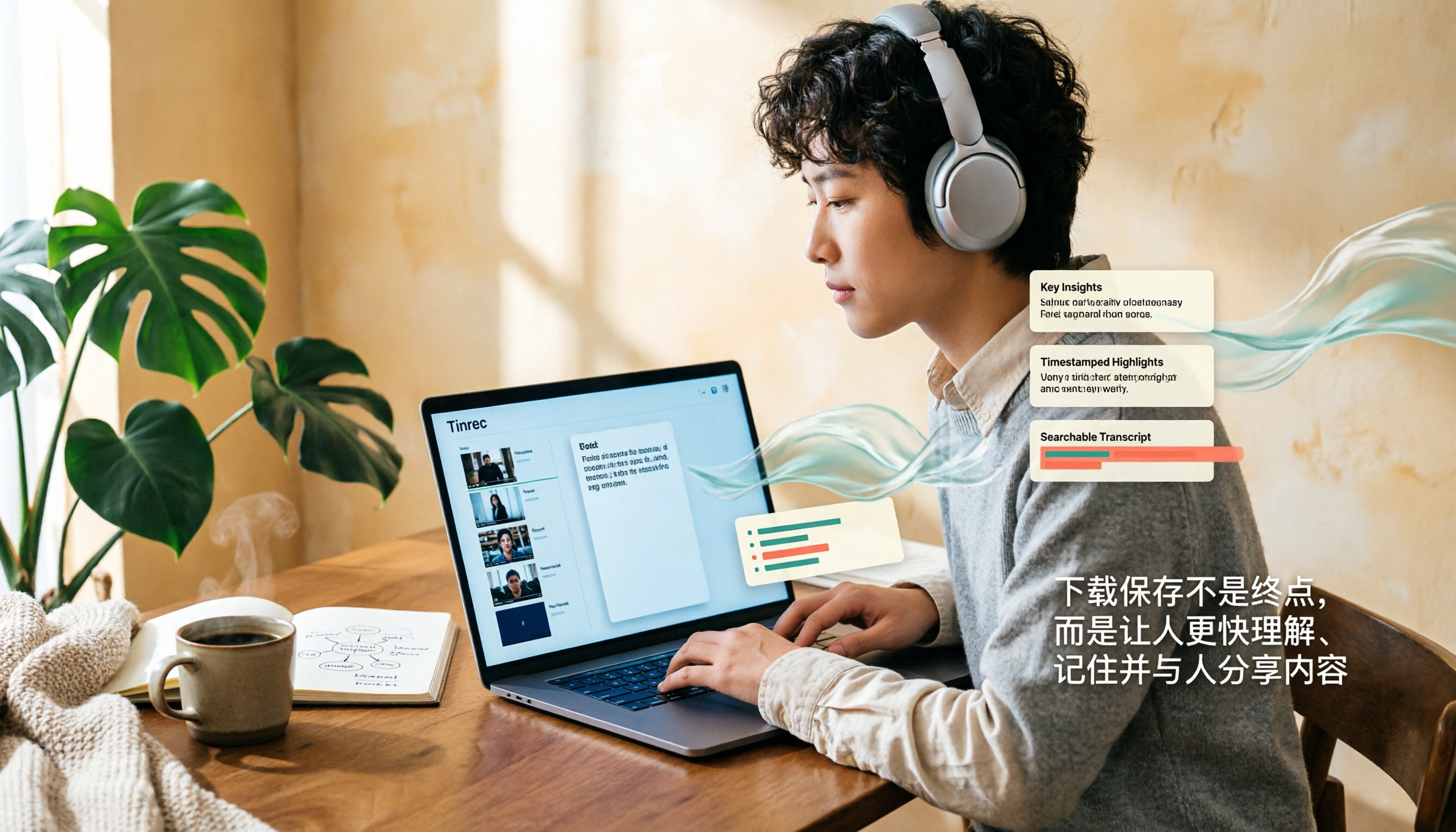
How to Download and Save YouTube Videos in 2026: A Complete 4-Step Tutorial
YouTube doesn't officially support direct video downloads. This guide covers three common methods—online tools, desktop software, and browser extensions—to save videos as MP4 or MP3 in 4 steps. It also explains how to use Tinrec to turn video content into searchable transcripts, summaries, and key points after downloading.

How to Take Better Notes from Short Videos in 2026: A 3-Step Template with AI Transcripts and To-Dos
Watching tons of how-to short videos but can't remember the key points? This guide offers a ready-to-use note-taking template for short video learning. It starts with common mistakes, then compares the transcription and organization capabilities of Tinrec, Notta, TurboScribe, and Granola, showing you how to use AI to turn videos into searchable, queryable, and actionable notes.

How to Transcribe Video to Text in Google Drive in 2026: 5-Step Tutorial and Tool Comparison
Google Drive's built-in automatic transcription can convert videos to text for free, but it currently only supports English. This guide walks you through the process in 5 steps and compares its limitations for Chinese videos, post-meeting organization, and online meeting recordings, as well as what Tinrec can fill in.