
Turn recordings into transcripts and summaries in minutes
Upload audio or video for multilingual transcription, AI notes, and action items
2026 Comparison of 2 Meeting Transcription Software: Tinrec vs Otter for Chinese Meetings
I have 11 unnamed audio files sitting on my phone.
The oldest one is from a project review meeting two weeks ago, lasting 1 hour and 47 minutes.
I remember the discussion was lively, and I remember someone asking at the end: "So who's going to deliver what next week?"
Then everyone was silent for three seconds and the meeting ended.
The answer is actually in that file. But I never opened it.
Not because I'm lazy.
It's because I know what happens when I open it: I listen, pause, type, and then give up after 40 minutes, switching to "just jotting down the main points."
Recording was never the problem—it's what happens after recording that's the problem.
So I broke down meeting notes into three things: transcription, understanding, and action.
The tool is just a supporting player; the key is whether this workflow can be completed.
This time I put two tools into the same workflow for a hands-on test: Tinrec and Otter.ai.
One is my recent go-to for Chinese meetings, the other is the most common veteran choice in English business meeting circles.
What I want to know is not "which has more features," but for the same Chinese meeting, which one lets me spend less time and get more directly usable output.
(Screenshot: The same 1-hour-47-minute meeting audio file imported into both tools.)
Tinrec vs Otter | Quick Overview
Simply put, Tinrec is an AI meeting notes and collaboration tool for individuals and teams; Otter is a mature AI meeting assistant with deep integration and automation for English business meetings.
The former focuses on "post-meeting organization and retention," while the latter focuses on "automatic recording during the meeting."
| Item | Tinrec | Otter.ai |
|---|---|---|
| Positioning | AI meeting notes and team collaboration tool | Mature AI meeting assistant |
| Platform & Input | Web, desktop, mobile; desktop captures computer system audio, also supports audio and video file import | Web, desktop, mobile; excels at meeting integration and automation |
| Free Tier | Free version offers basic quota; also weekly pass, Pro monthly and annual plans | Basic free, 300 minutes per month |
| Chinese Meetings | Chinese, Traditional Chinese, and multilingual are design priorities | Primarily designed for English business meetings |
Please refer to the official pages for pricing and benefits, as plans and promotions may change.
Below I examine 6 dimensions: Chinese transcription, how meetings are recorded, post-meeting outputs, historical file import, team data governance, and pricing & quota.
Dimension 1 | Who Understands Chinese and Mixed Chinese-English Meetings?
Otter has a good reputation for English meetings, with mature real-time transcription, speaker identification, AI Chat, workflows, and team management.
But its design focus has always been English business scenarios. When meetings include Taiwanese terms, names, product codes, or mixed sentences like "let's align on this feature next week," you'll spend more time proofreading line by line.
Tinrec, on the other hand, treats Chinese, Traditional Chinese, and multilingual meetings as its home turf, supports mixed Chinese-English content organization, and also supports real-time translation and bilingual viewing during recording.
The team version also has a practical feature: team hotwords. You can pre-load internal product names, project codes, and technical terms so recognition results better match how you actually speak.
No tool should promise a fixed accuracy rate. Recording quality, background noise, accents, and overlapping speakers all affect the final result.
→ This dimension: For Chinese meetings, Tinrec clearly wins.
Dimension 2 | Who Records the Meeting: A Bot or Your Computer's Audio?
I originally thought this would be one-sided, but it turned out not to be.
Otter is known for meeting integration and automation, but it also offers desktop capabilities, so you can't simply say it "only sends bots into meetings."
Tinrec's desktop approach is clear: it directly captures the system audio played by your computer.
That means for Zoom, Google Meet, Microsoft Teams, Webex and other online meetings, you don't need to invite an extra "participant," and no unfamiliar account appears on the meeting roster.
One thing to clarify: it's not a bot that automatically joins all your calendar meetings; you open the desktop app and press record to start.
→ This dimension: Both can do bot-free recording, so it's a tie; but "no extra account on the meeting roster" is Tinrec's default scenario.
Dimension 3 | After the Transcript: What Do You Get?
Getting only a transcript is actually only half the job.
Otter provides summaries and action items, and you can follow up with AI Chat—this is where it's very mature.
Tinrec goes a bit further here: besides summaries, chapters, key points, to-dos, and mind maps, it also supports AI Q&A around meeting content, and through Agent it can generate reports, tables, and documents based on meeting content.
Stop organizing recordings by hand
Upload audio or video and automatically get a transcript, summary, and action items
Export isn't just plain text files; you can bring them to Notion, Google Docs, OneNote, Dropbox and other places you already use.
My actual feeling: Otter turns your meeting into a meeting record; Tinrec turns your meeting into material you can act on.
(Screenshot: On the right are summary and chapters, below are to-dos, arrow pointing to the AI Q&A input box.)
→ This dimension: Tinrec wins.
Dimension 4 | Historical Recordings and File Import
Not every meeting can be recorded live. Often you only have an existing audio or video file.
Otter's Pro plan offers 10 file imports per month on the official pricing page.
Tinrec supports uploading existing audio and video files for transcription; the team version uses shared team import quota, 2,000 minutes per paid seat per month, and the personal version also has free and various plan quotas.
For someone with "a pile of last year's interview recordings on my desk," this is crucial.
→ This dimension: Tinrec wins.
Dimension 5 | Team Data Retention and Member Governance
Working well for individuals doesn't mean it works well for teams.
Otter's Business plan offers unlimited meetings and in-app recording, more import and management capabilities, and quite complete team features.
Tinrec's team version creates a separate team space and manages "roles" and "seats" separately:
- Role: determines who can manage the team, members, audit, and team settings.
- Seat: determines whether a member can record, upload, edit, import/export.
- Member relationship: determines whether this person belongs to this team.
Active members without a seat can still view, play, and read team data, but cannot upload, edit, or export.
There are also usage trends, member rankings and usage details, audit logs, and an audio recycle bin—accidentally deleted audio can be restored before permanent cleanup.
Team data belongs to the team; when a member leaves or is removed, their responsible resources are handed over to other active members.
To be precise: currently it's team-level shared visibility, with role-based governance and seat-based usage control, not a file-level granular permission system.
(Screenshot: Member list in team space, arrow pointing to role column and seat toggle.)
→ This dimension: On the governance line of members, seats, usage, and audit, Tinrec's segmentation is clearer, so it wins.
Dimension 6 | Pricing and Quota Calculation
Otter's entry is friendly: Basic free, 300 minutes per month; Pro annual billing is about USD 8.49/user/month, including 1,200 minutes of in-app recording and 10 file imports per month; Business offers unlimited meetings and in-app recording, actual price may vary by promotion.
Tinrec's personal version is divided into free, weekly pass, Pro monthly, and Pro annual, corresponding to different usage rhythms—use free for occasional recording organization, consider weekly pass for short intensive meeting periods.
The team version currently states: first eligible team can try 7 days, 1 free seat, 300 minutes shared team import quota; monthly USD 29.80/paid seat/month, annual USD 199/paid seat/year, about USD 16.58/month; each paid seat provides 2,000 minutes shared team import quota per month.
One more thing to note: under an active team plan and seat, real-time recording currently does not deduct minutes; only file and web imports use shared import minutes.
→ This dimension: No clear winner. If you mainly do long real-time meeting recordings, Tinrec's quota structure is more predictable; if you only need basic transcription for a few English meetings, Otter's free and entry plans are sufficient. This one is a tie.
What Are the Unique Advantages of Each?
Tinrec's unique advantages:
- Desktop bot-free recording: directly captures system audio, no extra account on the meeting roster.
- Chinese and bilingual experience: Chinese, Traditional Chinese, mixed Chinese-English, real-time translation, plus team hotwords.
- Complete post-meeting outputs: summaries, chapters, to-dos, mind maps, AI Q&A, and Agent-generated reports, tables, and documents.
- Team governance and retention: team space, roles and seats, usage analytics, audit logs, audio recycle bin.
Otter's unique advantages:
- Maturity in English business meetings and integration with existing workflows.
- Low entry barrier; free and Pro plans are friendly to individual users.
Conclusion: Which Should You Choose?
- Your meetings are mainly in Chinese or mixed Chinese-English → Tinrec (mixed Chinese-English and real-time translation are its home turf)
- You don't want an extra bot account on the meeting roster → Tinrec desktop
- You want summaries, to-dos, follow-up questions, and deliverable documents after the transcript → Tinrec (Agent post-processing and multi-format export)
- You want to organize historical recordings and share/handover with your team → Tinrec team version
- You care about team members, seats, usage, and audit → Tinrec team version segments these more clearly
- You mainly hold English meetings, only need basic transcription and meeting summaries, and want to continue using your existing English workflow → Otter is sufficient
In one sentence: For most individuals and teams that mainly hold Chinese meetings, Tinrec is the more complete choice.
Don't rush to pay. Use the free quota, run one of your own meeting recordings through it, and see if you can read the transcript directly and if the summary captures the key points accurately.
Quick start (6 steps):
- Find a meeting recording of 30+ minutes with mixed Chinese-English.
- Use desktop real-time recording, or upload audio/video files directly.
- Open the summary and chapters to confirm key points are captured.
- Use AI Q&A to ask a question not explicitly answered in the meeting, e.g., "Who's going to deliver what next week?"
- Extract to-dos and paste them into your existing workflow.
- To share with your team, open a team space, assign seats, and confirm that members without seats can only read.
Final reminder: Please comply with local regulations for recording and transcription, and obtain consent from participants when necessary.
Test step by step, and you'll gradually master this method.
References
- Yating Transcription
- Notta - Super Accurate Transcript, Speech to Text, Meeting Recording, AI Summary App - App Store
- Online AI Speech, Video, Audio File Auto Transcription - Free Trial - cSubtitle
- [AI Voice Notes] Top 5 AI Transcription Tools! Generate Transcripts and Meeting Notes, Free vs Subscription, Pros and Cons | 104 Career Force
- No Time Limit! 3 Free AI Transcription Tools, Highly Recommended! AI Voice Notes Generate Meeting Records, Presentations, Mind Maps | 104 Career Force
Turn every recording into actionable outcomes
Get 60 free transcription minutes when you sign in. No credit card required.
Related Reading
You might also like
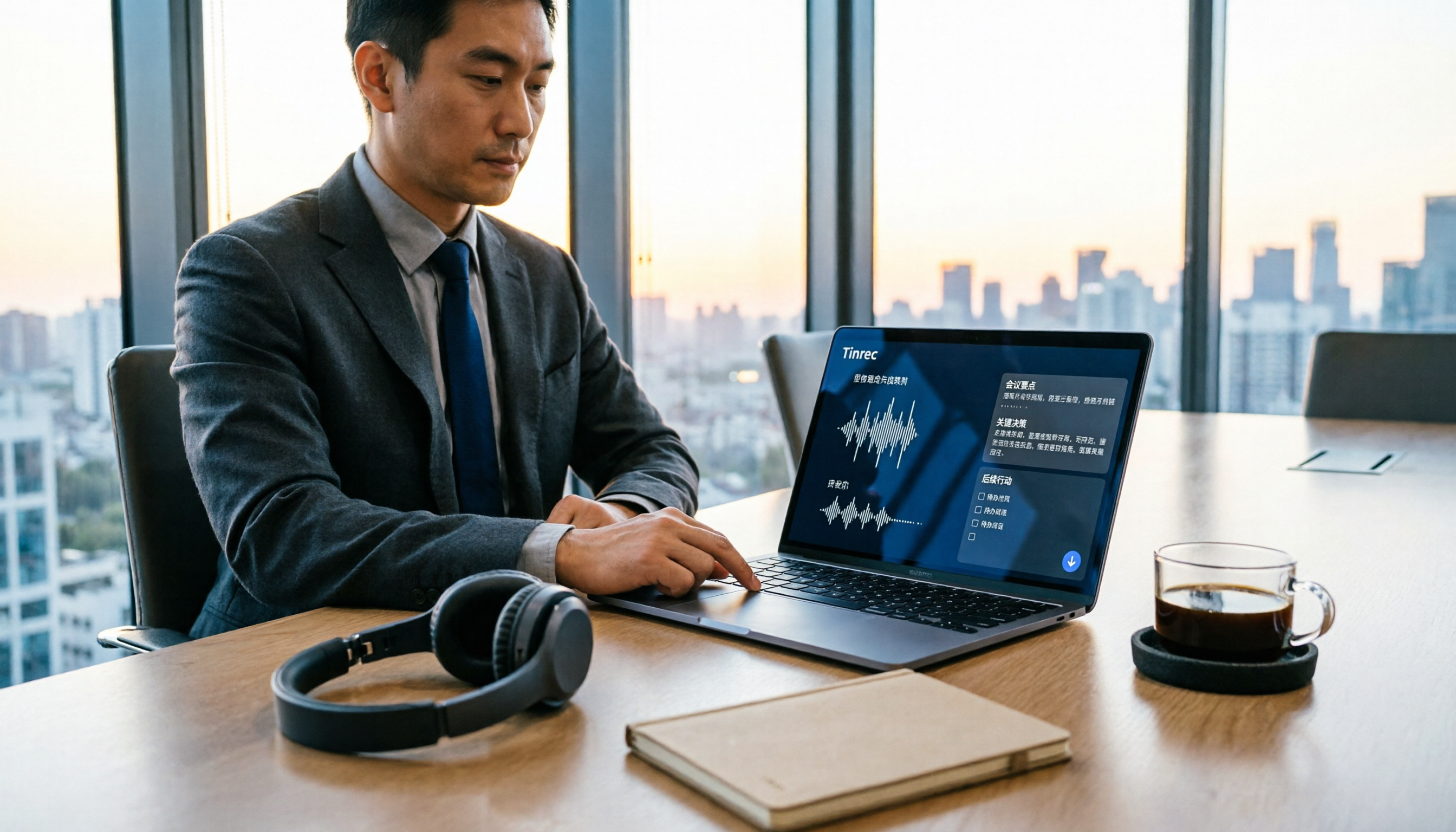
Which AI Meeting Minutes Tool Is Best? 2026 Comparison of 2 Tools — This One Has the Most Complete Export & Download
After a meeting, your boss asks for the minutes, but all you have is a transcript? This article focuses on "AI meeting minutes download" and compares Tinrec and Otter.ai across 5 dimensions: Chinese meeting recognition, online meeting recording methods, minutes output and download formats, post-meeting AI follow-up questions, and team seat governance, helping you decide which tool better fits your meeting style and workflow.

How to Choose a Transcription Assistant in 2026: 5 Steps to Compare Tinrec and Otter
Starting from common pitfalls, this guide compares Tinrec and Otter.ai across 5 dimensions to help you choose the right transcription assistant and avoid the inefficient approach of only looking at free minutes.

Tinrec vs TurboScribe 2026: 5-Dimension Comparison — YouTube to MP3 or Transcript?
Is converting YouTube videos to MP3 really useful? This article compares Tinrec and TurboScribe across 5 dimensions: input methods, output results, post-meeting organization, cross-device use, and team collaboration. It also covers online conversion services YT1s and YT5s, plus 4 common pitfalls, to help you choose the right approach.

2026 Comparison of 2 Meeting Transcription Software: Tinrec vs Otter for Chinese Meetings
Recorded meetings but never listen back? This article compares Tinrec and Otter.ai across six dimensions—Chinese transcription, meeting recording methods, post-meeting outputs, historical file import, team governance, and pricing—to help you decide which tool fits your meeting workflow.
How to Choose a Transcription Assistant in 2026: 5 Steps to Compare Tinrec and Otter
Starting from common pitfalls, this guide compares Tinrec and Otter.ai across 5 dimensions to help you choose the right transcription assistant and avoid the inefficient approach of only looking at free minutes.
Tinrec vs TurboScribe 2026: 5-Dimension Comparison — YouTube to MP3 or Transcript?
Is converting YouTube videos to MP3 really useful? This article compares Tinrec and TurboScribe across 5 dimensions: input methods, output results, post-meeting organization, cross-device use, and team collaboration. It also covers online conversion services YT1s and YT5s, plus 4 common pitfalls, to help you choose the right approach.
Luvvoice vs Tinrec 2026: 5-Dimension Comparison — Which Text-to-Speech Workflow Is More Complete?
How do you choose a text-to-speech tool? This article compares Luvvoice and Tinrec across five key dimensions: text source, transcription, AI organization, collaboration, and cost. It also covers the limitations and use cases of free TTS tools like Ondoku and Toolbang, helping you decide how to build a voice workflow for meetings and video narration.

4 Best Audio-to-Text Tools for 2026: Which AI Transcription App Saves the Most Time on Bilingual Meetings?
Turning audio into text shouldn't just be about typing—it should turn meetings into actionable data. We tested Tinrec, Notta, Otter.ai, and PLAUD with the same Chinese-English mixed meeting recording, and compiled 4 key buying factors, 4 common pitfalls, and scenario-based recommendations to help you find the most time-saving workflow.
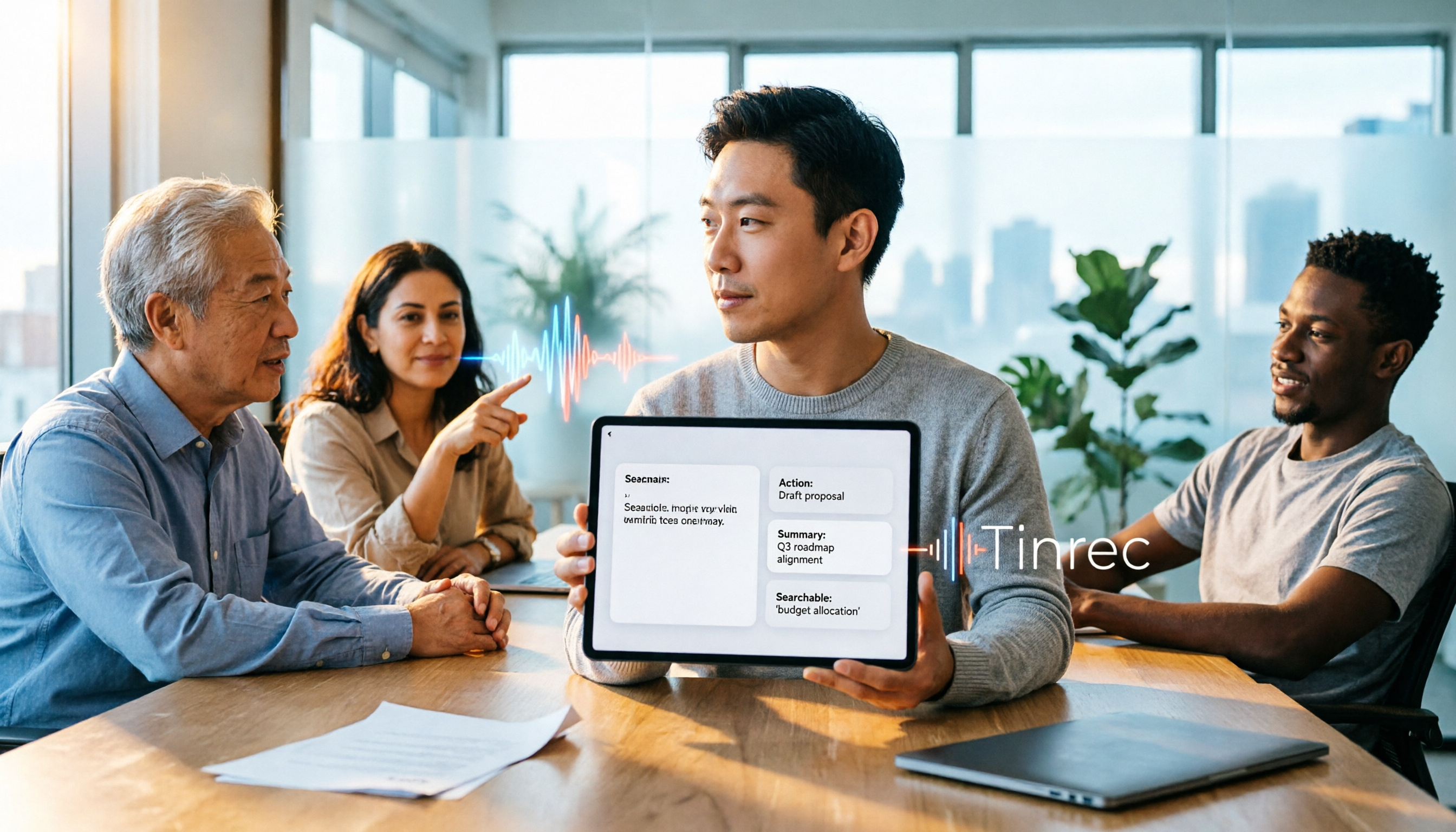
2026 Complete Guide to Online Voice Generation: How to Choose Between Text-to-Speech and Meeting Audio Organization
Online voice generation tools are not just for narration—they are often misused for meeting notes. This article starts from real-world scenarios to help you distinguish between two workflows: text-to-speech and meeting audio organization. It tests voice generation tools like CapCut, MyEdit, and Vidnoz, and explains how Tinrec uses bot-free recording, AI summaries, action item extraction, and team spaces to turn meeting audio into searchable, collaborative data.