

Turn recordings into transcripts and summaries in minutes
Upload audio or video for multilingual transcription, AI notes, and action items
Why People Search “Does Google AI Studio Have Chinese?”—What You Really Want to Solve Isn't Language, It's Workflow
Halfway through an online meeting, your manager suddenly says: “Turn this part into Chinese meeting minutes later.” You open your browser, search, find Google AI Studio, paste in a Chinese prompt, and it replies beautifully.
But what you're really thinking about is something else: can I use this to take meeting notes every day?
Let's answer the question directly. Google AI Studio's interface is currently in English, with no native Traditional Chinese version, and there's no separate Chinese version to download. However, the underlying Gemini model has strong Chinese capabilities—you can give instructions entirely in Chinese and ask it to reply in Chinese. If you can't understand the menus, use browser translation.
So “no Chinese interface” and “can't use Chinese” are two different things. The real question is: how smoothly does this tool fit into your daily workflow?
This is where most people get stuck. Interface language is only the first layer; after that come transcription, organization, and handing things off to others.
Before Choosing a Chinese AI Meeting Tool, Understand These 4 Key Points
First, interface language is not the same as model language. Google AI Studio is a typical example: the interface is all English, but the model is strong in Chinese. If you're okay with English menus, no problem; but if you need to hand it to colleagues who aren't comfortable with English, that's a barrier.
Second, can it directly process meeting audio? Some tools are “you upload an audio file, it gives you a transcript,” while others are “you start a meeting, it records and transcribes in real time.” The former suits organizing past recordings; the latter is what daily meeting-goers need. These two usage rhythms are very different.
Third, what do you get after transcription? Just a transcript versus having summaries, chapters, action items, and the ability to ask follow-up questions are completely different workloads. With the former, you still have to read a 40-minute transcript yourself; with the latter, you can report back in three minutes.
Fourth, where is the data stored and who can see it? Personal use and team use are two different things. Teams need a unified space, member permissions, and usage records; if everyone throws their meetings into their own tools, six months later that data effectively doesn't exist.
Tinrec—After Testing, the Chinese Choice Best Suited for Daily Meetings
Tinrec is an AI meeting notes and collaboration tool for individuals and teams, available on web, desktop, and mobile. Its positioning isn't just converting speech to text, but turning meetings into searchable, queryable, and exportable data.
First, the most noticeable point: no meeting bot needed. The desktop version directly captures your computer's system audio, so when handling online meetings like Zoom, Google Meet, Microsoft Teams, or Webex, you don't need to pull an extra bot into the meeting room. Anyone who meets with external clients knows that an extra participant appearing out of nowhere will raise questions.
Next is post-meeting. Tinrec automatically generates summaries, chapters, and action items. Last week I tested it with a recording of a project meeting that mixed Chinese and English; after the transcript came out, I could grasp three decisions just by reading the summary, and the action item list also spelled out “who is responsible and when it's due.”
Even better is the AI Q&A. You can directly ask it “What was the budget cap the client mentioned?” or “Who said last time that the specs needed to change?” and it will go back through the meeting content to give you answers, rather than dumping a bunch of keywords for you to search yourself. When you have many meetings, this feature saves more time than transcription itself.
Cross-language meetings are also covered. Tinrec supports real-time translation, allowing you to switch between original text, translation, or bilingual view, so in mixed Chinese-English settings you don't have to wait until after the meeting to guess what the other party was saying.
The output side is also complete. Besides transcripts, summaries, action items, and mind maps, you can export to Notion, Google Docs, OneNote, or Dropbox for further editing, or use Agent post-processing to produce reports, tables, and meeting minutes.
The team version is another level. It provides an independent team space where meeting data belongs to the team, not tied to an individual's account. Administrators can assign seats, view usage trends, and query and export audit logs; deleted audio files can be recovered from a 30-day recycle bin. A more nuanced feature is the distinction between roles and seats: members without a seat can still view and play team data, but cannot upload or edit; when a member leaves, their team resources can be handed over to others and won't disappear with them.
Stop organizing recordings by hand
Upload audio or video and automatically get a transcript, summary, and action items
Current team pricing is USD 29.80 per paid seat per month for monthly billing, or USD 199 per paid seat per year for annual billing (equivalent to about USD 16.58 per month). Each paid seat provides 2,000 minutes of shared team import quota per month; eligible teams get a 7-day trial, 1 free seat, and 300 shared minutes for the first time. Actual amounts are subject to the official purchase page.
To be honest, there are two limitations. First, the free version has a basic quota, and heavy users will need to upgrade; second, transcription quality is affected by the recording environment—noise, accents, multiple people talking over each other, and technical terminology can all cause discrepancies. For important content, it's recommended to cross-check with playback.
Overall, if you have meetings every week, need meeting content to be handed off to others, and want to operate entirely in Chinese, Tinrec is currently the choice that comes closest to this workflow.
Besides Tinrec, What Other Options Are There?
Google AI Studio
Google's official AI experimentation platform. You can log in with a Google account and use it for free before connecting a paid API key; you must be at least 18 years old. Its strengths are trying out models, tuning prompts, and getting API keys; it can also upload audio or video to organize transcripts and summaries. Limitations: the interface is all English, and it's a lab, not a meeting workflow—no team space or member management. Suitable for people who want to play with new Gemini models and write their own prompts; if what you want is daily meeting notes, Tinrec's workflow is much more complete.
Otter.ai
A veteran choice for English business meetings. The Basic free version offers 300 minutes per month; Pro annual billing is about USD 8.49 per user per month. Its English meeting mindset is mature, but Chinese meetings are not its home turf. If 90% of your meetings are in English, Otter.ai is a good deal; if you need Chinese transcripts, bilingual comparison, and team data retention, Tinrec is more suitable.
Notta
Good multilingual transcription capabilities. Free plan: 120 minutes per month (max 3 minutes per single item); Pro annual billing is about USD 8.17 per month with 1,800 minutes per month; Business adds role permissions and usage reports. Its strengths are file transcription and translation, but it doesn't have Tinrec's desktop bot-free recording of online meetings, nor post-meeting AI follow-up questions and Agent post-processing. Suitable for those who mainly do file transcription.
Pitfall Guide: The 3 Most Common Mistakes When Choosing a Chinese AI Tool
Pitfall 1: Mistaking “the model understands Chinese” for “the tool has a Chinese version.” This is the most common misunderstanding when searching for Google AI Studio. The model supports Chinese, but that doesn't mean the interface, instructions, and error messages are in Chinese. If you need to hand it to a whole team, interface language directly affects onboarding speed.
Pitfall 2: Only looking at free quota, not the limitations of the free tier. Some tools' free minutes look generous, but there's a cap on single file length, or certain models aren't available in the free tier. For example, Google AI Studio's advanced models require a subscription, and Google Search grounding isn't available in the free API tier. Before using, confirm whether your use case will hit these limits.
Pitfall 3: Throwing meeting content into tools without governance mechanisms. Meetings contain client lists, quotes, and internal decisions. If these are scattered across everyone's personal accounts, data breaks when people leave. For team use, prioritize confirming whether there's a unified space, role permissions, usage records, and data handover mechanisms. Also a reminder: before recording, comply with local regulations and obtain participant consent when necessary.
Conclusion: Which One Should You Choose?
To sum up in one sentence: Google AI Studio has no Chinese interface, but Chinese works; the problem is it's not designed for “daily meeting notes.”
Here are the recommendations:
- Daily meetings, need Chinese transcripts and minutes → Tinrec. Desktop bot-free recording, automatically produces summaries and action items after the meeting.
- Mixed Chinese-English international meetings → Tinrec. Real-time translation with bilingual view, no need to guess after the meeting.
- Meeting data needs to be kept for the team, with staff turnover → Tinrec team version. Seats, roles, usage, and audit are managed separately.
- Want to try new Gemini models and get API keys → Google AI Studio. Free, flexible, but English interface and no meeting workflow.
- 90% of meetings are in English → Otter.ai. Mature for English scenarios; Chinese is not its strength.
- Mainly organizing existing audio files, need lots of translation → Notta. File transcription-focused usage is a better fit.
We recommend first running a free version with your own meeting recordings to see if the transcript and summary can directly fit into your workflow. If it works smoothly, then consider upgrading—no need to pay from the start.
References
- Google AI Studio Tutorial 2026: Does It Have Chinese? Is It Still Free? New Models, Quotas, and Interface Explained - Z's AI Observation Room
- Google AI Studio | Gemini API | Google AI for Developers
- Comprehensive Analysis: Does Google AI Studio Have a Chinese Version? - UpToGo
- 2026 Google AI Studio Chinese Tutorial: Gemini Tool Applications, API Key, and AI SEO Testing - OrcaBiz SEO | AI SEO Company
- What Is Google AI Studio? 2026 Practical Tutorial, Free Quota, and AI Figure Creation Guide at a Glance | Homeplus Broadband
Turn every recording into actionable outcomes
Get 60 free transcription minutes when you sign in. No credit card required.
Related Reading
You might also like

2026 Word Voice Input Free Options: 4 Tools Compared
The microphone in Word is actually the Dictate button on the Home ribbon, but it has clear limits. This article starts from the real-world needs of mid-level managers, first explains where the button is and what prerequisites are required, then reviews four free speech-to-text options and explains which one fits scenarios like meeting notes.

2026 Comparison of 3 Speech-to-Text Tools: How to Choose Between Yating Transcript and Tinrec
Many people search for 'Is Yating Transcript good?' but overlook that the real time sink is organizing after transcription. This article starts from common misconceptions and compares Yating Transcript and Tinrec across five dimensions: meeting capture methods, post-meeting processing, bilingual translation, team collaboration, and pricing flexibility. It also summarizes key criteria and common questions to consider when choosing a speech-to-text tool.

2026 iPhone Camera to Text Free Options: 3 Methods Compared
Using your iPhone camera to convert text seems simple, but three common pitfalls often trip people up: assuming the yellow frame means the text is saved, missing the device and iOS version requirements, and ending up with jumbled formatting after copying. This article covers three free methods in 2026—Live Text, Notes scan text, and Tinrec—and explains why camera-based text capture alone isn't enough, plus when you should switch to an AI meeting notes tool.

4 Phone Transcription Tools Tested: Is iPhone Built-in Enough?
How do you turn a phone recording into a transcript? This article starts with the built-in transcription features in iPhone's Voice Memos and Notes apps, then compares Tinrec, Notta, and Granola in Chinese transcription, post-meeting organization, and team collaboration. It includes a four-step tutorial, common mistakes, and selection advice to help you decide which combination saves the most time.

iPhone Voice Memos vs Tinrec (2026): 5-Dimension Comparison, Where to Find Transcripts & Post-Meeting Organization
Many people think iPhone recording transcripts are hidden in Settings, but they're actually in the Voice Memos app. This article first shows you where to find transcripts, copy them, and add them to Notes, then compares iPhone Voice Memos and Tinrec across 5 dimensions to help you decide if built-in is enough or if you need post-meeting organization and team collaboration.

2026 iPhone Recording Solutions Compared: Tinrec vs. Voice Memos vs. PLAUD
Recording on an iPhone is never as simple as just pressing the red button. This article tackles three common misconceptions and compares Voice Memos, Tinrec, and PLAUD in real classroom, online meeting, and group project scenarios. It also covers free tiers, Chinese recognition, export workflows, and team permissions to help you find the recording setup you'll actually use after hitting stop.

2026 Speech-to-Text Comparison: Tinrec vs PLAUD Note — Which Is Better for Turning Audio Files into Text?
Many people think of uploading audio files to free tools for transcription, but overlook Chinese punctuation, multi-speaker conversations, and post-meeting organization. This article compares Tinrec and PLAUD Note across 5 dimensions—hardware requirements, meeting recording, file import, team collaboration, and post-meeting workflow—to help you decide which solution better turns audio files into usable text data.

ChatGPT Meeting Notes Free Plans in 2026: 5 Options Compared
How does ChatGPT handle meeting notes? This article covers ChatGPT Record's actual workflow, Chinese-language limitations, and paid requirements, and compares free tiers from Tinrec, Otter.ai, Notta, and Granola. It evaluates recording sources, post-meeting outputs, team collaboration, and privacy consent to help US professionals choose the right meeting notes workflow.
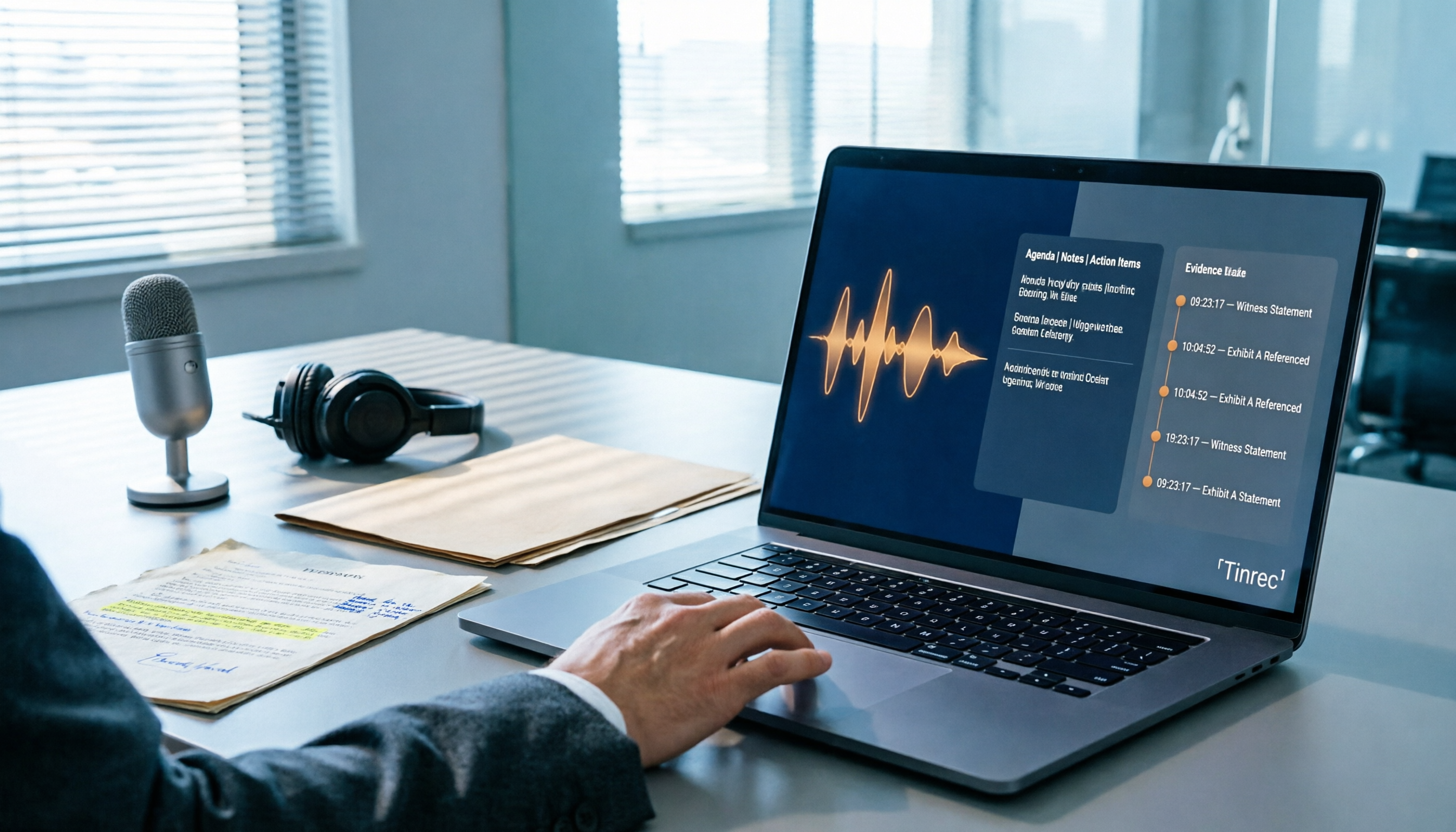
4 Best Audio-to-Text Tools in 2026: Is Recording Legal, Evidence Gathering, and Meeting Notes Explained
Is recording a conversation illegal? It depends on more than whether you're a party to the conversation. This article covers Taiwan's Criminal Code Article 315-1, the Communication Security and Surveillance Act Article 29, and how courts judge evidence admissibility, then compares Tinrec, Otter.ai, Granola, and TurboScribe for transcription and team workflows.