

Turn recordings into transcripts and summaries in minutes
Upload audio or video for multilingual transcription, AI notes, and action items
4 Phone Transcription Tools Tested: Is iPhone Built-in Enough?
After a 90-minute meeting, you have a recording sitting on your phone. You know the real hassle isn't the meeting itself—it's having to listen to that recording all over again when you get home, typing as you go.
Another scenario: in class. The teacher speaks fast, you take notes but miss details, and to fill in the gaps you have to scrub back to that section of the recording. Back and forth, half an hour gone.
The problem isn't recording audio on your phone—it's what happens after: how to turn that recording into text. This article starts with the need for phone recording transcripts, compares iPhone's built-in features with tools I've actually used, and helps you figure out which combination saves the most time.
Before Choosing a Phone Transcription Tool, Understand These 4 Key Points
1. Chinese recognition, and the ability to handle mixed Chinese-English
Meetings in Taiwan rarely use pure Chinese; when project names or system architectures come up, English gets mixed in. If a transcription tool can only recognize one language, that part turns into gibberish, and fixing it afterward is more work than typing it yourself.
2. What comes after the transcript
The transcript is just raw material. What really takes time is finding conclusions, action items, and deadlines from an hour of text. Whether a tool can automatically generate summaries, chapters, and to-dos makes all the difference.
3. How recordings get in
Do you record while meeting in the same tool, or record on another device and upload? Can it handle online meetings (Zoom, Google Meet, Teams) directly? This determines how smooth your workflow is.
4. Free quota and pricing
Some tools are free but limit recording length; others give minutes per month. Check your usage frequency first, then decide whether to pay—no need to commit to an annual plan right away.
Tinrec (秒聽錄音) — The One I'd Open First
Tinrec (秒聽錄音) is an AI meeting notes and collaboration tool for individuals and teams, available on iOS, Android, desktop, and web. It doesn't just turn audio into text; it organizes recordings into searchable, summarizable, queryable, and exportable data.
During meetings: record and transcribe in real time, no meeting bot needed
For in-person meetings, start real-time recording on your phone or computer, and the transcript appears as you speak. For online meetings, use the desktop version to capture system audio directly from Zoom, Google Meet, Microsoft Teams, or Webex—no need to invite a bot into the meeting as a participant. This is especially noticeable during external presentations.
After meetings: summaries, chapters, and action items at once
When the meeting ends, AI automatically generates summaries and chapters, breaking long meetings into readable sections and extracting action items from the discussion. For cross-language meetings, you can enable real-time translation and view the original, translation, or bilingual side-by-side. Honestly, this step is the key to saving time—no matter how accurate the transcript, without structure you still have to read it from the top.
After recording: ask it questions directly
This is my most-used feature. After recording, no need to Ctrl+F for keywords—just ask "Who mentioned the budget in the last meeting?" or "What was the conclusion of this decision?" It answers based on semantics. When you need to submit a report, you can also generate documents, tables, or meeting minutes from the meeting content and export to Notion, Google Docs, OneNote, or Dropbox for further editing.
For teams: data belongs to the team, not individuals
Stop organizing recordings by hand
Upload audio or video and automatically get a transcript, summary, and action items
If an entire department needs to use it, Tinrec's team plan provides a separate team space where meeting data belongs to the team, and you can manage members, roles, and seats. Note that "roles" govern permissions, while "seats" determine whether a member can record, upload, and edit—members without a seat can still view, play, and read team data. Currently, the team monthly plan is USD 29.80 per paid seat per month, or USD 199 annually (about USD 16.58 per month). Each paid seat provides 2,000 minutes of shared team import quota per month. Eligible teams can try 7 days free with 1 free seat and 300 shared minutes. Actual prices and benefits are subject to the official purchase page.
Limitations to be clear about
The free version provides a basic quota for you to try; heavy users need to pay. The official documentation also does not recommend promising a fixed accuracy rate—audio quality, background noise, accents, and overlapping speakers all affect results. For important numbers and commitments, it's still advisable to verify against the transcript timestamps and recording playback.
Besides Tinrec, What Other Options Are There?
iPhone built-in "Voice Memos" and "Notes"
A no-install entry-level option. Requires iPhone 12 or later, with iOS 18 or above. Open "Voice Memos" (in the Utilities folder) to record; during recording, the waveform temporarily switches to a transcript and highlights the current word. After recording, you can "View Transcript" and "Copy Transcript" in the options, or select and copy just a portion. The "Notes" app also supports audio-to-text, great for taking notes while recording. Two things to note: Apple's support page lists Traditional Chinese, but the App Store footnotes and actual support vary by version and region—it's best to test with your own device first. Also, recordings made on older iOS versions may not be directly supported and might need to be re-recorded. It lacks AI summaries, action items, and cross-device team spaces—this is the biggest gap compared to Tinrec.
Notta
A veteran tool for multilingual transcription and meeting notes. Free plan: 120 minutes per month, 3 minutes per recording; Pro annual billing is about USD 8.17 per month with 1,800 minutes per month; Business annual billing is about USD 16.67 per seat per month. Suitable for users already comfortable with its interface. However, its desktop bot-free meeting recording and depth of AI querying follow a different path from Tinrec, and its post-meeting team data retention is weaker.
Granola
Also bot-free, it transcribes in real time via desktop system audio and microphone, with a strength in combining user handwritten notes with AI. Basic is free; Business is USD 14 per user per month. Note that it does not support uploading pre-recorded audio files and does not save meeting audio files—if you need to keep recordings, import existing files, or manage Chinese teams, Tinrec is more suitable.
Pitfall Guide: The 3 Most Common Mistakes When Choosing a Phone Transcription Tool
Pitfall 1: Thinking a transcript means the work is done
A transcript is an hour of raw text; a summary is a page of key points—the workload is very different. When choosing a tool, ask yourself: do I want "text" or "something I can submit"?
Pitfall 2: Recording on one phone but wanting to edit on a computer later
Recording on phone and organizing on computer is a real workflow for many. If the tool doesn't support cross-device sync, you'll be stuck in file-transfer and format-conversion hell.
Pitfall 3: Ignoring team data ownership
Meetings recorded under a personal account lose data when the person leaves. If the meeting content is valuable to the team, it should go into a team space from the start, not stay on someone's phone.
Conclusion: Which One Should You Choose?
- Just occasionally turning a recording into text, no app installs → Try iPhone's built-in "Voice Memos" first; four steps to see the transcript.
- Want summaries, chapters, and action items after meetings → Tinrec; this is where it stands out.
- Want to find key points via Q&A after recording, without manually scanning the transcript → Tinrec's AI Q&A is rare among similar tools.
- Mix of phone, computer, and online meetings → Tinrec; the desktop version handles Zoom, Meet, Teams audio directly, no bot needed.
- Need multiple people to share meeting data, manage members and usage → Tinrec team plan; seat and permission separation is clearer than personal accounts.
- Lots of long audio files, batch subtitle generation → File-based tools like TurboScribe are more suitable, but they don't handle live meetings.
Simply put, iPhone's built-in features can already solve "turning recordings into text," but they can't solve "what to do after it's text." If you're still manually organizing after every recording, start with Tinrec's free version, run it for two or three meetings, and then decide whether to go further.
References
Turn every recording into actionable outcomes
Get 60 free transcription minutes when you sign in. No credit card required.
Related Reading
You might also like

2026 Word Voice Input Free Options: 4 Tools Compared
The microphone in Word is actually the Dictate button on the Home ribbon, but it has clear limits. This article starts from the real-world needs of mid-level managers, first explains where the button is and what prerequisites are required, then reviews four free speech-to-text options and explains which one fits scenarios like meeting notes.

2026 AI Meeting Notes Tools Compared: Google AI Studio Has No Chinese UI—Which One Handles Chinese Best?
Google AI Studio's interface is English-only, but the Gemini model can respond directly in Chinese. Starting from real meeting-notes needs, this article compares Tinrec, Google AI Studio, Otter.ai, and Notta on Chinese-language experience, post-meeting output, and team collaboration to help you decide which one you can actually use every day.

2026 Comparison of 3 Speech-to-Text Tools: How to Choose Between Yating Transcript and Tinrec
Many people search for 'Is Yating Transcript good?' but overlook that the real time sink is organizing after transcription. This article starts from common misconceptions and compares Yating Transcript and Tinrec across five dimensions: meeting capture methods, post-meeting processing, bilingual translation, team collaboration, and pricing flexibility. It also summarizes key criteria and common questions to consider when choosing a speech-to-text tool.

2026 iPhone Camera to Text Free Options: 3 Methods Compared
Using your iPhone camera to convert text seems simple, but three common pitfalls often trip people up: assuming the yellow frame means the text is saved, missing the device and iOS version requirements, and ending up with jumbled formatting after copying. This article covers three free methods in 2026—Live Text, Notes scan text, and Tinrec—and explains why camera-based text capture alone isn't enough, plus when you should switch to an AI meeting notes tool.

iPhone Voice Memos vs Tinrec (2026): 5-Dimension Comparison, Where to Find Transcripts & Post-Meeting Organization
Many people think iPhone recording transcripts are hidden in Settings, but they're actually in the Voice Memos app. This article first shows you where to find transcripts, copy them, and add them to Notes, then compares iPhone Voice Memos and Tinrec across 5 dimensions to help you decide if built-in is enough or if you need post-meeting organization and team collaboration.

2026 iPhone Recording Solutions Compared: Tinrec vs. Voice Memos vs. PLAUD
Recording on an iPhone is never as simple as just pressing the red button. This article tackles three common misconceptions and compares Voice Memos, Tinrec, and PLAUD in real classroom, online meeting, and group project scenarios. It also covers free tiers, Chinese recognition, export workflows, and team permissions to help you find the recording setup you'll actually use after hitting stop.

2026 Speech-to-Text Comparison: Tinrec vs PLAUD Note — Which Is Better for Turning Audio Files into Text?
Many people think of uploading audio files to free tools for transcription, but overlook Chinese punctuation, multi-speaker conversations, and post-meeting organization. This article compares Tinrec and PLAUD Note across 5 dimensions—hardware requirements, meeting recording, file import, team collaboration, and post-meeting workflow—to help you decide which solution better turns audio files into usable text data.

ChatGPT Meeting Notes Free Plans in 2026: 5 Options Compared
How does ChatGPT handle meeting notes? This article covers ChatGPT Record's actual workflow, Chinese-language limitations, and paid requirements, and compares free tiers from Tinrec, Otter.ai, Notta, and Granola. It evaluates recording sources, post-meeting outputs, team collaboration, and privacy consent to help US professionals choose the right meeting notes workflow.
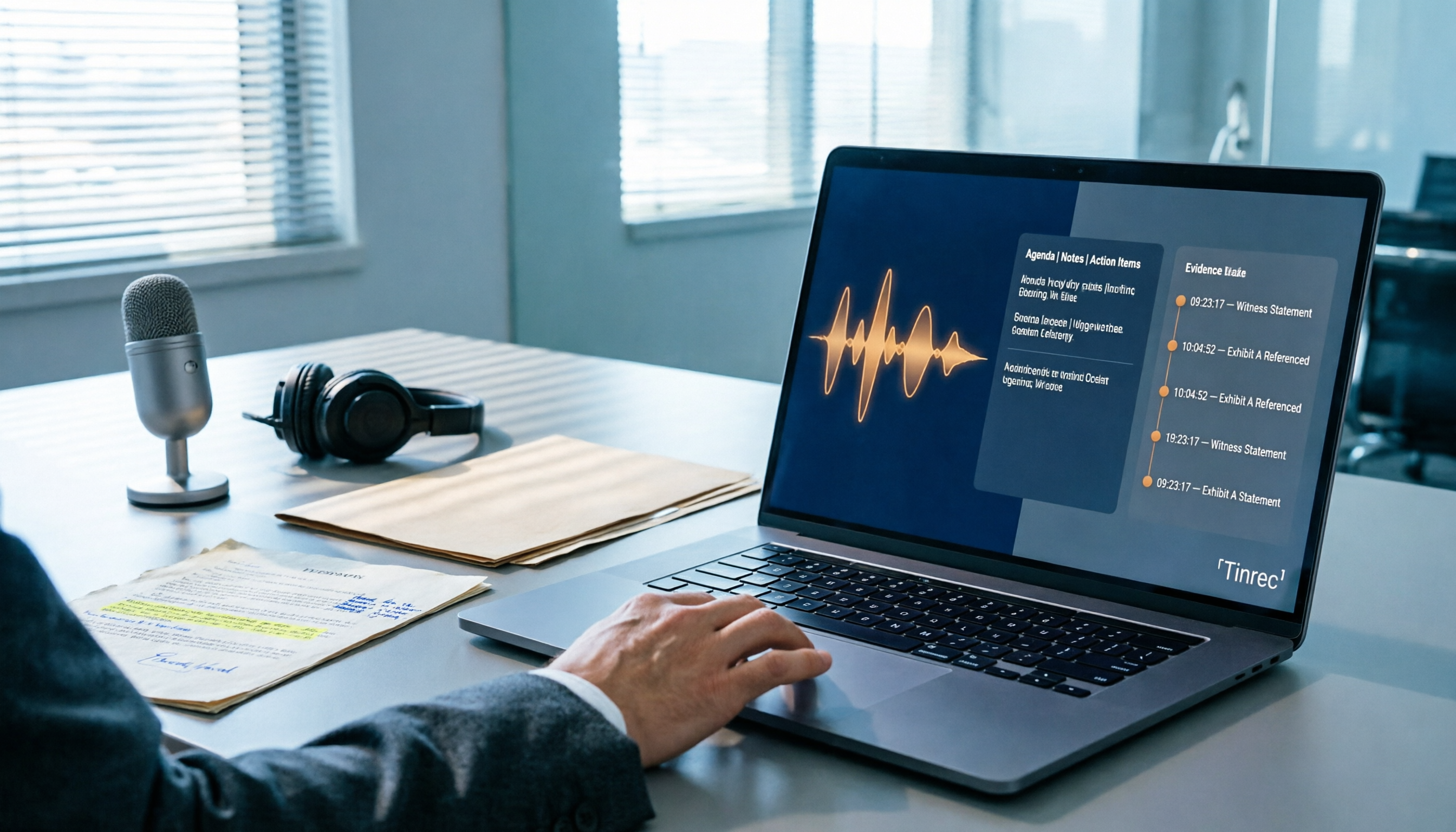
4 Best Audio-to-Text Tools in 2026: Is Recording Legal, Evidence Gathering, and Meeting Notes Explained
Is recording a conversation illegal? It depends on more than whether you're a party to the conversation. This article covers Taiwan's Criminal Code Article 315-1, the Communication Security and Surveillance Act Article 29, and how courts judge evidence admissibility, then compares Tinrec, Otter.ai, Granola, and TurboScribe for transcription and team workflows.