
Turn recordings into transcripts and summaries in minutes
Upload audio or video for multilingual transcription, AI notes, and action items
4 Best Audio-to-Text Tools in 2026: Is Recording Legal, Evidence Gathering, and Meeting Notes Explained
In a meeting room, your manager verbally promises, "Once this project wraps up, I'll get you a raise." Two months later, it's your word against theirs. A client agrees to specifications over the phone, and back at the office, all you have is your memory. You want to hit record, but you're afraid it might be illegal. This article first clarifies whether recording is legal, then uses the workflows of four audio-to-text tools to help you figure out how to keep a verifiable record.
A Promise in the Meeting Room Becomes a He-Said-She-Said Later—Recording Isn't Necessarily Illegal, but "I Was Part of the Conversation" Isn't a Free Pass
Bottom line first: recording isn't automatically illegal, and being a party to the conversation doesn't make it absolutely safe either. Under Article 315-1, Paragraph 2 of Taiwan's Criminal Code, secretly recording another person's non-public activities, speech, conversations, or private body parts without justification can result in up to three years imprisonment, detention, or a fine of up to NT$300,000. The key questions are: Was there a legitimate reason? And was the content non-public?
Article 29, Paragraph 3 of Taiwan's Communication Security and Surveillance Act states that if the surveillant is a party to the communication, or has prior consent from a party, and the purpose is not unlawful, no penalty applies. In practice, recording a conversation you're part of to preserve evidence for litigation is generally more justifiable than secretly recording someone else's private conversation without cause. However, the Supreme Court's 2020 ruling (109th Year, Tai-Shang-Zi No. 4458) reminds us that having a legitimate reason isn't just about "being present"; courts also objectively assess whether the means were appropriate and necessary, and whether the protected interest outweighs the privacy invasion.
So, consider three separate questions: First, does the act of recording itself carry criminal liability? Second, can the recording be admitted as evidence in court? Third, could publishing, sharing, editing, or otherwise using the recording afterward infringe on privacy, personal data, or reputation? Criminal, civil, and subsequent-use standards differ; just because one is fine doesn't mean the others are. This article is general information, not legal advice for a specific case. For litigation or high-risk situations, consult a lawyer.
Before Choosing an Audio-to-Text Tool, Understand These 5 Key Points
- Legality and context of notification: First, confirm you're recording a meeting or conversation you're part of, for a legitimate and necessary purpose. The law doesn't require consent for all recordings, but notifying beforehand usually reduces disputes; if others' privacy or sensitive information is involved, be extra cautious.
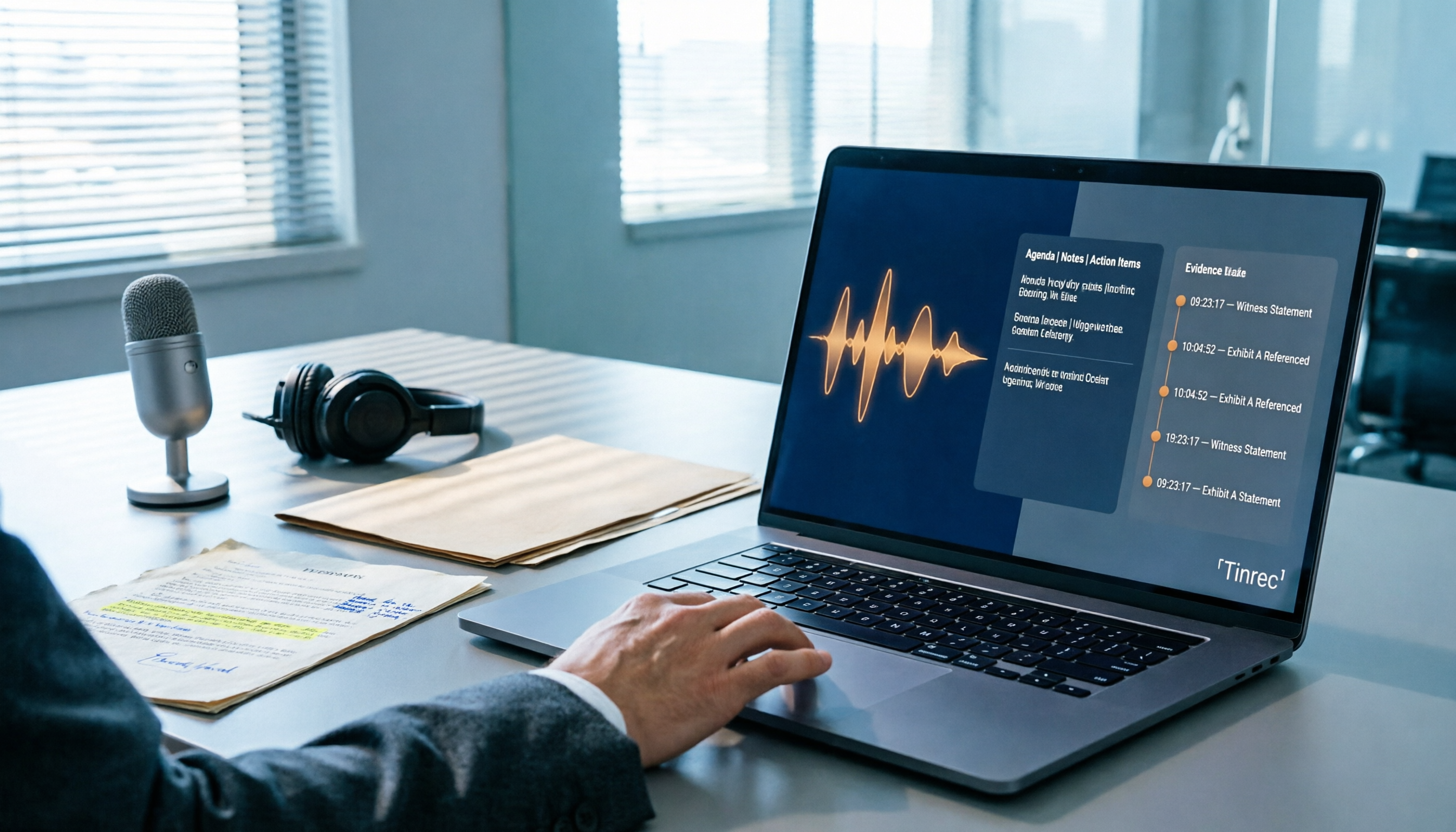
- Whether the original recording is preserved: Keeping only a transcript makes it hard to verify tone, pauses, and context during disputes. Whether a tool retains the original audio, timestamps in the transcript, and export records is more important than transcription speed.
- Performance with Chinese and mixed Chinese-English: Taiwanese workplaces often mix Chinese and English terms. When choosing a tool, test it with your own real meeting recordings, not just the official accuracy claims.
- Can it produce output directly after the meeting: Summaries, chapters, action items, AI Q&A, translation, and export determine whether you save minutes or hours.
- Team permissions and traceability: If shared across departments, distinguish members, roles, seats, usage, and audit logs. Team data should belong to the team, so it can be handed over when members leave, rather than disappearing entirely.
Tinrec—The Top Choice After Comparing Features and Workflows
Tinrec is an AI meeting notes and collaboration tool for individuals and teams, available on iOS, Android, desktop, and web. It's not just about converting speech to text; it organizes meeting recordings into searchable, summarizable, queryable, and exportable data that ultimately resides in a team space.
In practice, you can use real-time recording for in-person meetings and interviews, transcribing as you record; the desktop version directly captures computer system audio to handle online meetings on Zoom, Google Meet, Microsoft Teams, Webex, etc., without needing to invite an extra meeting bot. This is practical for situations where you "don't want participants to see a bot account." After the meeting, Tinrec generates summaries, chapters, and action items. You can directly ask it, "Who mentioned the budget in the last meeting?" or "What did the client finally agree to?" It answers based on the meeting content, not just keyword search results. It also supports real-time translation, audio and video file import, multi-format export, and post-processing with an Agent to generate reports, tables, and documents from meetings.
Stop organizing recordings by hand
Upload audio or video and automatically get a transcript, summary, and action items
If you need team collaboration, Tinrec's team version offers independent team spaces, member invitations, owner/admin/member roles, seat allocation, shared team import quotas, usage analytics, audit logs, team hotwords, and an audio recycle bin. Team resources belong to the team; active members without a seat can still view, play, and read data, but need a seat to record, upload, edit, and import/export. This design suits teams that want to turn meeting notes into departmental assets rather than leaving them on individual phones.
Limitations should be clear: Tinrec doesn't recommend promising a fixed 98% or 99% accuracy rate; actual performance depends on recording quality, noise, accents, overlapping speakers, and technical terms; document import and different plans also have quota differences. The free version is for light use, weekly cards for short-term high frequency, Pro for steady use, and teams have a first trial of 7 days, 1 free seat, and 300 minutes shared import quota; team monthly is USD 29.80 per paid seat per month, annual is USD 199 per paid seat per year, equivalent to about USD 16.58 per month, subject to the official purchase page. If you frequently record Chinese meetings, want bot-free online meeting notes, use AI to find key points afterward, and need team deposition, Tinrec is the closest top choice for these needs in this comparison.
Besides Tinrec, What Other Options Are There?
Otter.ai: A mature English business meeting assistant. Basic is free with 300 minutes per month; Pro annual is about USD 8.49 per user per month, including 1,200 minutes of in-app recording and 10 file imports per month. If you mainly record English meetings, Otter is a reasonable choice. But if meetings are mainly in Chinese or mixed Chinese-English, and you want bot-free desktop recording, real-time translation, Agent post-processing, and team hotword deposition, Tinrec's workflow is closer to your needs.
Granola: A bot-free AI meeting notes tool, strong at combining real-time meeting transcription with user handwritten notes. Note that Granola doesn't support uploading pre-recorded audio files and doesn't save meeting audio; Tinrec supports audio and video import and retains recordings, plus AI Q&A, action items, and team spaces. If you only do real-time notes and don't process old recordings, Granola is worth considering; if you need to retain original recordings for traceability, choose Tinrec.
TurboScribe: A cost-effective file transcription tool, focusing on long documents, batch uploads, subtitles, and translation, with paid plans allowing up to 10 hours or 5 GB per file. It doesn't focus on real-time meeting recording, AI Q&A, and team meeting deposition; Tinrec connects real-time recording, summaries, action items, and team spaces into a workflow. If you only have a large number of old files to transcribe, TurboScribe is more suitable; if you want to organize while meeting, Tinrec is more aligned.
Pitfall Guide: The 4 Most Common Mistakes When Choosing Recording Tools and Gathering Evidence
Pitfall 1: Assuming "I'm a party to the conversation" makes it absolutely legal. Article 29, Paragraph 3 of the Communication Security and Surveillance Act is not a blank authorization; courts still examine purpose, means, necessity, and the degree of privacy invasion. Before recording, ask yourself: Is this necessary to resolve the dispute? Is there a gentler way?
Pitfall 2: Assuming recording in a public place is always fine. Whether it's non-public isn't just about location; whether the parties had a subjective expectation of privacy and whether objective confidentiality measures were taken both affect the judgment. Conversations in public places aren't necessarily public content.
Pitfall 3: Keeping only the transcript, not the original recording. Transcripts can have errors; the original audio and timestamps are the basis for verification. When choosing a tool, confirm whether it can retain audio, search transcripts, and export records; Tinrec supports retaining recordings, transcripts, and a team recycle bin, which is friendlier for later verification.
Pitfall 4: Publishing, sharing, or editing after recording. Legal recording doesn't mean subsequent use is legal. Publishing meeting recordings, sending them to unrelated third parties, or editing them into short videos may involve additional privacy, personal data, or reputation risks. For team use, manage through roles, seats, and audit logs rather than casually dropping files into group chats.
Conclusion: Which One Should You Choose?
Need Chinese meetings, mixed Chinese-English, bot-free online meeting notes → Tinrec. Desktop captures system audio without inviting a bot; after meetings, you get summaries, action items, and AI Q&A.
Want to use AI to find key points, ask about budgets or commitments right after recording → Tinrec. It answers based on meeting content, faster than manually flipping through transcripts.
Need to unify recordings from phones, computers, and in-person interviews → Tinrec. Supports real-time recording, audio and video import, multi-format export, and team spaces.
Team needs to share meeting data, manage seats, and audit → Tinrec team version. Roles, seats, usage, audit, and recycle bin are managed separately; data remains with the team when members change.
Mainly record English meetings, limited budget → Otter.ai can be an exception; but Chinese and post-meeting team deposition aren't its strong suits.
Only have a large number of old files for batch transcription → TurboScribe is more suitable; for real-time meetings and AI follow-up questions, choose Tinrec.
Final reminder: Tools can help you keep records, but they can't turn illegal recordings into legal ones. Before recording, confirm the purpose is legitimate and the means necessary; notify the other party or obtain consent when needed; important content should still be verified against transcript timestamps and original recordings. If you're dealing with labor, litigation, or commercial disputes, consult a lawyer first before deciding whether to record, how to record, and how to use it.
References
- Is secretly recording audio or video illegal? Can it be used as evidence? Explanation of the offense of invading privacy | Other Life Law Column Q21
- Is recording without consent illegal? Offense of invading privacy, Communication Security and Surveillance Act, and evidence admissibility ∣ Liang Yuan Law Firm
- Your evidence gathering? Their privacy? - Life and Law - Taiwan High Prosecutors Office
- Can phone recordings be used as evidence? Is it illegal? A lawyer teaches you legal evidence gathering methods! - 85010
- Do recordings require others' consent? 3 minutes to understand the evidence and legality of recordings - Hong An Law Firm - Taipei corporate, commercial, criminal, labor, civil, intellectual property legal consultation recommendation, Taipei Zhongshan District law firm recommendation - Taipei law firm recommendation | Criminal | Civil | Family | Intellectual Property
Turn every recording into actionable outcomes
Get 60 free transcription minutes when you sign in. No credit card required.
Related Reading
You might also like

iPhone Voice Memos vs Tinrec (2026): 5-Dimension Comparison, Where to Find Transcripts & Post-Meeting Organization
Many people think iPhone recording transcripts are hidden in Settings, but they're actually in the Voice Memos app. This article first shows you where to find transcripts, copy them, and add them to Notes, then compares iPhone Voice Memos and Tinrec across 5 dimensions to help you decide if built-in is enough or if you need post-meeting organization and team collaboration.

2026 iPhone Recording Solutions Compared: Tinrec vs. Voice Memos vs. PLAUD
Recording on an iPhone is never as simple as just pressing the red button. This article tackles three common misconceptions and compares Voice Memos, Tinrec, and PLAUD in real classroom, online meeting, and group project scenarios. It also covers free tiers, Chinese recognition, export workflows, and team permissions to help you find the recording setup you'll actually use after hitting stop.

2026 Speech-to-Text Comparison: Tinrec vs PLAUD Note — Which Is Better for Turning Audio Files into Text?
Many people think of uploading audio files to free tools for transcription, but overlook Chinese punctuation, multi-speaker conversations, and post-meeting organization. This article compares Tinrec and PLAUD Note across 5 dimensions—hardware requirements, meeting recording, file import, team collaboration, and post-meeting workflow—to help you decide which solution better turns audio files into usable text data.

ChatGPT Meeting Notes Free Plans in 2026: 5 Options Compared
How does ChatGPT handle meeting notes? This article covers ChatGPT Record's actual workflow, Chinese-language limitations, and paid requirements, and compares free tiers from Tinrec, Otter.ai, Notta, and Granola. It evaluates recording sources, post-meeting outputs, team collaboration, and privacy consent to help US professionals choose the right meeting notes workflow.

5 Audio-to-Text Tools Tested for 2026: Google Docs Can't Upload Files—Which Saves the Most Time?
Google Docs cannot directly upload audio files for transcription; it only supports real-time voice input via microphone. This article compares Google Docs, Gemini, Gemini Notebook, Google Cloud Speech-to-Text, and Tinrec through actual workflows to help you decide which method suits meeting transcripts, interview organization, and team collaboration.

3 Transcription Tools Tested and Compared in 2026: What Is Yating Transcription? Which Saves the Most Time?
What is Yating Transcription? This article explains its positioning, pricing, and strengths in 30 seconds, then compares Tinrec, Otter.ai, and Notta in real meeting scenarios across Chinese transcription, AI Q&A, bot-free recording, and team management to help you decide which one to use.

2026 iPhone Transcription Showdown: 3 Methods Tested — Is Built-in Enough or Should You Let AI Handle It?
iPhone's built-in Voice Memos and Notes apps can turn recordings into transcripts, but there are device, OS, and language/region restrictions. This hands-on comparison tests three iPhone transcription options: built-in features, Tinrec, and alternative tools. From recording and reviewing transcripts to post-meeting summaries, action items, and team collaboration — get the full picture.

Google AI Studio in 2026: How to Use It in Chinese (English Interface, Chinese Prompts) + Free Tier Limits
Does Google AI Studio support Chinese? The interface is English-only with no native Traditional Chinese version, but Gemini's Chinese capabilities are more than sufficient. This hands-on guide shows how to lock Chinese output with System instructions, explains free tier limits and available models, and when you should switch to a dedicated Chinese meeting notes tool.

2026 Comparison of 4 Mobile Voice-to-Text Solutions: How to Choose Between Live Dictation and Audio Transcription
Many people asking 'how to do voice-to-text on mobile' are actually confusing live dictation with audio file transcription. This article starts by identifying the scenario, then tests and compares built-in mobile dictation, Notta, PLAUD, and Tinrec, summarizing key purchasing points, common mistakes, and selection advice to help you choose the right tool at once.