

Turn recordings into transcripts and summaries in minutes
Upload audio or video for multilingual transcription, AI notes, and action items
Many people have a misconception about transcription tools: they think that once the audio file is converted to text, the organizing work is done.
In reality, when a two-hour meeting is transcribed into tens of thousands of words, the trouble is just beginning. You have to read through it, highlight key points, extract conclusions, and organize action items. I used to do this too, often spending half an afternoon just to find out 'who is responsible for this' in the transcript.
This article starts with that misconception. If you are searching for 'Is Yating Transcript good?', besides accuracy, the more important question is: after transcription, can this text directly become usable data?
Why are some people looking for alternatives to Yating Transcript?
Yating Transcript was developed by Taiwan AI Labs, with a recognition engine designed for Taiwanese contexts. It excels at handling Taiwanese-accented Mandarin, Taiwanese Hokkien, mixed Mandarin-Hokkien, and mixed Chinese-English speech, which is indeed thoughtful for Taiwanese users.
It is accessible via web, iOS, and Android apps, offering both real-time recording and audio file upload modes. For specific details, please refer to the latest official documentation. Its positioning is clear: accurately converting speech to text, suitable for personal note-taking.
However, if your work involves several meetings every week, you may encounter a few issues. After the transcript is produced, summaries, chapters, key points, and action items mostly need to be added manually; meeting materials are scattered across individual accounts, making it difficult for teams to share and search.
According to public information, its pricing is based on duration, divided into 1-hour, 3-hour, and 10-hour packages, which can be purchased cumulatively, and one account cannot be used on multiple devices simultaneously.
If you have similar needs—not just text, but also subsequent organization and collaboration—Tinrec is worth looking into.
Tinrec vs Yating Transcript: What are the core experience differences?
Meeting capture methods The last thing you want in an online meeting is an extra 'participant.' Tinrec's desktop version directly captures computer system audio, so when handling meetings on Zoom, Google Meet, Microsoft Teams, Webex, etc., there is no need to invite a bot to join, nor does it add an extra account to the meeting list. In practice, you open Tinrec yourself to start recording; it does not automatically join all scheduled meetings. For client meetings where participant experience matters, this difference is significant.
Post-transcription processing The transcript is just raw material; the finished product is the summary. Tinrec automatically generates summaries, chapters, and key points, extracts action items from discussions, and even allows AI Q&A around meeting content—'What was the conclusion of this meeting?' 'Who is responsible for what?' Just ask directly, no need to manually flip through thirty pages of transcript.
Bilingual meetings and real-time translation Cross-language meetings are another threshold. Tinrec supports Chinese, Traditional Chinese, and multilingual meeting scenarios. During recording, you can switch between original text, translation, or bilingual view, and after the meeting, you can maintain common technical terms using team hotwords. Note that actual performance is still affected by recording quality, accents, background noise, overlapping speakers, and technical terminology; it is recommended to test with your own recordings.
Team collaboration and data retention Yating Transcript's design focus is on personal note-taking; Tinrec extends its scope to team spaces. Meeting data belongs to the team, new members can view historical data, administrators can manage roles, seats, usage, and audits, and when members leave, resources can be handed over to other active members, so data does not disappear with individual accounts.
Pricing flexibility Yating Transcript is priced by duration, pay-as-you-go, which is simple for occasional use. Tinrec's personal version offers a free version, weekly card, Pro monthly card, and annual card, allowing you to choose based on your usage rhythm; the team version is USD 29.80 per paid seat per month, or USD 199 per paid seat per year (about USD 16.58 per month), with each paid seat providing 2,000 minutes of team shared import quota per month. Eligible teams also get a 7-day trial with 1 free seat and 300 minutes of shared import quota for the first time. Prices and promotions are subject to the official purchase page.
Overview of Tinrec's core features
Real-time recording to text: Open it and transcribe while recording. During the meeting, you can simultaneously check the text to ensure no key points are missed, and the transcript is ready by the time the meeting ends. Suitable for offline interviews and on-site discussions.
Audio and video file transcription: Upload existing historical recordings, course videos, and interview files to convert them into editable text data, suitable for post-event organization.
Stop organizing recordings by hand
Upload audio or video and automatically get a transcript, summary, and action items
AI summaries, chapters, and action items: Long meetings are automatically broken down into easy-to-browse structures, and action items from discussions are organized, so you can directly track progress against action items after weekly meetings.
AI Q&A and Agent post-processing: Continue asking questions about single or cross-meeting data, and further generate reports, tables, and meeting minutes, turning transcripts into deliverable documents.
Multi-format export and team spaces: Supports export to Notion, Google Docs, OneNote, Dropbox, etc. for further processing. The team version also provides member and seat management, usage analysis, audit logs, team hotwords, and an audio recycle bin (currently retained for 30 days).
Practical use cases
Weekly department meetings: Use the desktop version to record online meetings without a bot, then directly review decisions via summaries and chapters, and sync action items to the team. Compared to just getting a transcript and manually organizing, you save the most unproductive time after the meeting.
Client interviews and requirements communication: Transcribe in real-time during interviews, then use AI Q&A to confirm requirements, concerns, and commitments mentioned by the client, and export as documents for team reference.
Course and lecture notes: After transcribing a two-hour lecture, use chapters to quickly jump to the section you want to review, without listening from the beginning.
Personal knowledge management: Put accumulated recordings into the same space, then search by keywords or ask questions directly, so old data is actually used.
Points to consider when choosing a speech-to-text tool
First clarify whether you want raw material or a finished product: If you only occasionally need a transcript, a basic transcription tool is enough; if every meeting requires minutes and action items, post-transcription processing capabilities are key.
Confirm the meeting capture method: Whether you are used to meeting bots, desktop system audio, or uploading audio files afterward directly affects usability. Tinrec uses the desktop system audio approach, requiring you to actively start recording.
Check the granularity of team permissions: The team version needs clear roles and seats. Tinrec currently focuses on team-level sharing; active members can view and play data even without a seat, but recording, uploading, editing, or exporting still require a seat; it is not a file-level fine-grained permission system.
Test languages and accents: Mixed Chinese-English, interspersed Taiwanese Hokkien, and the amount of technical terminology all affect results. Rather than looking at specifications, test with a real recording of your own.
Don't ignore data processing and authorization: Remember to obtain consent from participants before recording, and confirm the tool's data storage and privacy policies, especially when handling confidential content.
Conclusion: Is Tinrec worth a try?
If what you seek is 'accurate Taiwanese Hokkien transcription, simply converting audio files to text,' Yating Transcript remains a reasonable option; it has a good reputation for recognition in local Taiwanese contexts.
But if you need bot-free recording of online meetings, automatic summaries and action items after meetings, the ability to ask questions directly about content, and data retention in team spaces—Tinrec is one way to complete this workflow.
It is recommended to start with the free version and test with real recordings from your work to see if transcription quality and post-meeting organization match your habits. This is more direct than reading any review.
Frequently Asked Questions
Q1: Is Yating Transcript good? If you value recognition accuracy for Taiwanese accents, Taiwanese Hokkien, and mixed Chinese-English, it is indeed a good tool with a low learning curve. The key is whether your needs stop at 'getting a transcript'—if you also need summaries, action items, and team collaboration, you will need to pair it with other tools or consider alternatives.
Q2: Is Yating Transcript free? According to public information, it offers a free trial or basic plan; long-term, high-frequency use requires payment, priced by duration. For specific quotas and prices, please refer to the official website.
Q3: Is Tinrec's free version sufficient? The free version provides a basic quota, suitable for experiencing the recording, import, summary, and transcription workflow. If you have a steady volume of meetings each week, you can choose a weekly card, Pro monthly card, or annual card based on your usage rhythm; the quota rules for import and recording are subject to the official plan page.
Q4: Can Tinrec record Zoom, Meet, and Teams meetings? Yes, it captures computer system audio via the desktop version to handle meeting content played on these platforms, without a bot joining. However, this does not mean it automatically joins all scheduled meetings; you still need to actively start recording, and it does not imply official partnership with these platforms.
Q5: What is the difference between the team version and the personal version? Personal version data is managed by individual accounts; the team version is an independent collaboration space where data belongs to the team, with additional member and seat management, sharing benefits, usage analysis, audit logs, and audio recycle bin. The team version also offers a 7-day trial, 1 free seat, and 300 minutes of shared import quota.
Q6: Can transcription results be used directly as meeting minutes? It is not recommended to rely entirely on them. AI may miss or misunderstand details; for important decisions, numbers, and commitments, it is best to cross-check with transcript timestamps and recording playback to ensure reliable records.
References
- What is Yating Transcript? 2026 In-Depth Review and Selection Guide of 7 Speech-to-Text Tools - Tinrec Blog
- Is Yating Transcript good? 2026 In-Depth Comparison and Selection Guide of 5 Speech-to-Text Tools - Tinrec Blog
- Complete Guide to Yating Transcript: Free Version, Pricing, and Alternatives
- Is Yating Transcript good? Features, Pricing, and Alternatives | Meeting Notes Software Recommendation | Management King Blog
- Is Yating Transcript good? 2026 AI Speech-to-Text Review: Pricing, Features, and Differences with Tinrec - Tinrec Blog
Turn every recording into actionable outcomes
Get 60 free transcription minutes when you sign in. No credit card required.
Related Reading
You might also like

2026 Word Voice Input Free Options: 4 Tools Compared
The microphone in Word is actually the Dictate button on the Home ribbon, but it has clear limits. This article starts from the real-world needs of mid-level managers, first explains where the button is and what prerequisites are required, then reviews four free speech-to-text options and explains which one fits scenarios like meeting notes.

2026 AI Meeting Notes Tools Compared: Google AI Studio Has No Chinese UI—Which One Handles Chinese Best?
Google AI Studio's interface is English-only, but the Gemini model can respond directly in Chinese. Starting from real meeting-notes needs, this article compares Tinrec, Google AI Studio, Otter.ai, and Notta on Chinese-language experience, post-meeting output, and team collaboration to help you decide which one you can actually use every day.

2026 iPhone Camera to Text Free Options: 3 Methods Compared
Using your iPhone camera to convert text seems simple, but three common pitfalls often trip people up: assuming the yellow frame means the text is saved, missing the device and iOS version requirements, and ending up with jumbled formatting after copying. This article covers three free methods in 2026—Live Text, Notes scan text, and Tinrec—and explains why camera-based text capture alone isn't enough, plus when you should switch to an AI meeting notes tool.

4 Phone Transcription Tools Tested: Is iPhone Built-in Enough?
How do you turn a phone recording into a transcript? This article starts with the built-in transcription features in iPhone's Voice Memos and Notes apps, then compares Tinrec, Notta, and Granola in Chinese transcription, post-meeting organization, and team collaboration. It includes a four-step tutorial, common mistakes, and selection advice to help you decide which combination saves the most time.

iPhone Voice Memos vs Tinrec (2026): 5-Dimension Comparison, Where to Find Transcripts & Post-Meeting Organization
Many people think iPhone recording transcripts are hidden in Settings, but they're actually in the Voice Memos app. This article first shows you where to find transcripts, copy them, and add them to Notes, then compares iPhone Voice Memos and Tinrec across 5 dimensions to help you decide if built-in is enough or if you need post-meeting organization and team collaboration.

2026 iPhone Recording Solutions Compared: Tinrec vs. Voice Memos vs. PLAUD
Recording on an iPhone is never as simple as just pressing the red button. This article tackles three common misconceptions and compares Voice Memos, Tinrec, and PLAUD in real classroom, online meeting, and group project scenarios. It also covers free tiers, Chinese recognition, export workflows, and team permissions to help you find the recording setup you'll actually use after hitting stop.

2026 Speech-to-Text Comparison: Tinrec vs PLAUD Note — Which Is Better for Turning Audio Files into Text?
Many people think of uploading audio files to free tools for transcription, but overlook Chinese punctuation, multi-speaker conversations, and post-meeting organization. This article compares Tinrec and PLAUD Note across 5 dimensions—hardware requirements, meeting recording, file import, team collaboration, and post-meeting workflow—to help you decide which solution better turns audio files into usable text data.

ChatGPT Meeting Notes Free Plans in 2026: 5 Options Compared
How does ChatGPT handle meeting notes? This article covers ChatGPT Record's actual workflow, Chinese-language limitations, and paid requirements, and compares free tiers from Tinrec, Otter.ai, Notta, and Granola. It evaluates recording sources, post-meeting outputs, team collaboration, and privacy consent to help US professionals choose the right meeting notes workflow.
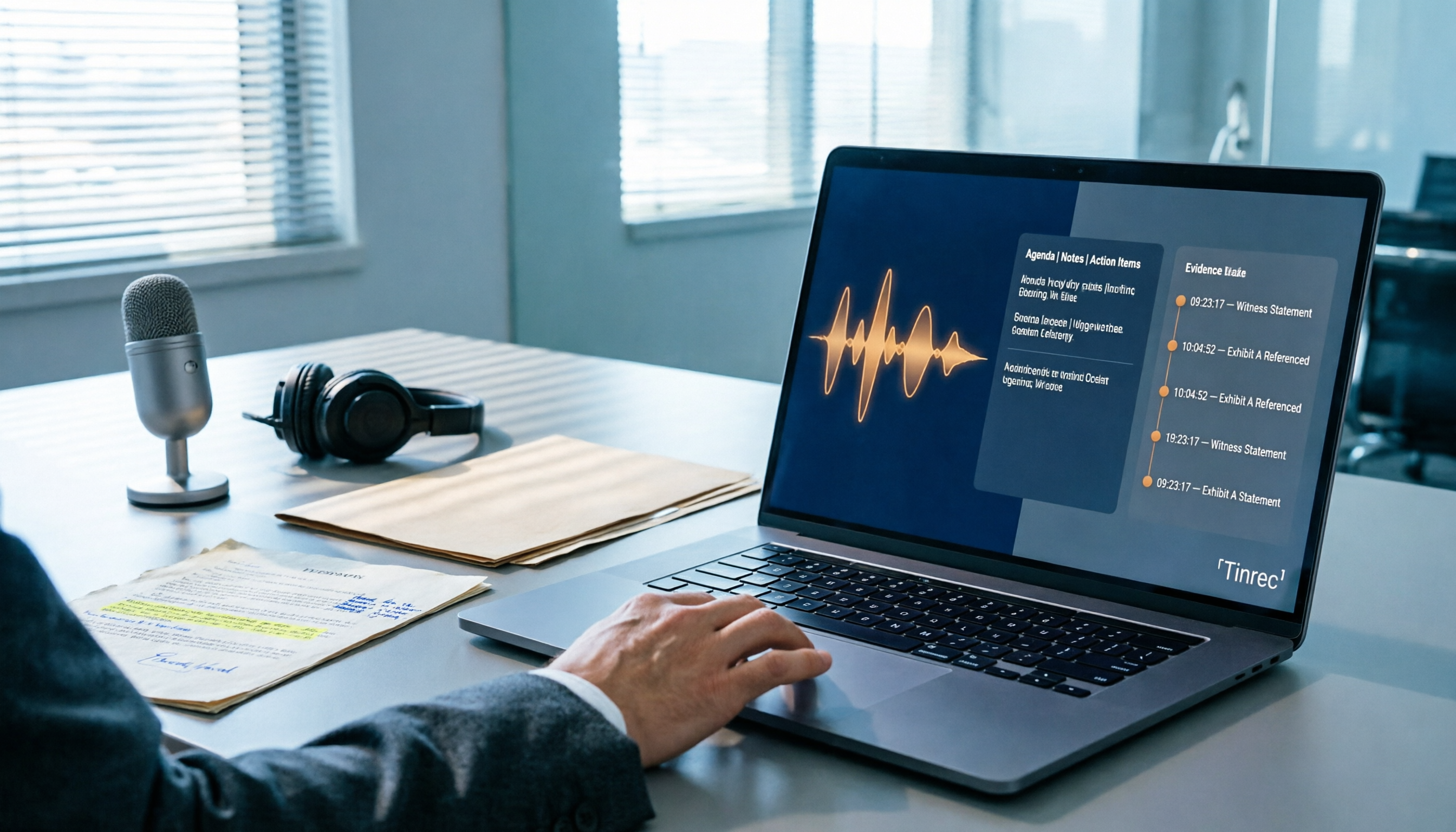
4 Best Audio-to-Text Tools in 2026: Is Recording Legal, Evidence Gathering, and Meeting Notes Explained
Is recording a conversation illegal? It depends on more than whether you're a party to the conversation. This article covers Taiwan's Criminal Code Article 315-1, the Communication Security and Surveillance Act Article 29, and how courts judge evidence admissibility, then compares Tinrec, Otter.ai, Granola, and TurboScribe for transcription and team workflows.