

Turn recordings into transcripts and summaries in minutes
Upload audio or video for multilingual transcription, AI notes, and action items
Typing after meetings: the problem is never whether you recorded it
Have you ever finished a two-hour meeting and then at 8 PM had to listen to the recording from the beginning, typing out the minutes sentence by sentence? The bigger headache is language—meetings in Hong Kong often mix Cantonese, Mandarin, and English. A single sentence like “let's follow up on this case” can switch between two languages, and many tools' transcripts start misrecognizing words in such situations.
So most people, after searching, come across the same name: Yating Transcription. The real questions are three: What exactly is it? Is it good enough? Are there options that better fit Hong Kong's work rhythm?
This article starts from these decision points and measures four tools on the same scale.
What is Yating Transcription? In one sentence
In one sentence: it is an AI speech-to-text (STT) service developed by a Taiwan team that converts live speech or pre-recorded audio files into transcripts.
Its positioning is clear—optimized for Taiwanese accents, supporting Taiwanese Mandarin, Taiwanese Hokkien, and mixed Chinese-English “Chinglish,” and even recognizing internet slang like “help QQ.” It automatically adds punctuation and line breaks during transcription and can identify different speakers, making it easy to track who said what.
There are two ways to use it: first, record live within the app and transcribe as you speak; second, upload audio files (supports wav, mp3). After completion, you can export to WORD, TXT, PDF, SRT, and other formats. It works on phones, computers, and tablets, and there is a Chrome extension to record Google video meetings.
Regarding cost, according to data compiled by Taiwanese media: live recording is free, and uploading audio files comes with 20 free minutes; after that, billing is based on audio length at NT$100 per hour, with a 10% discount for 3 hours at NT$270, and a 20% discount for 100 hours at NT$800, usable within 3 years from purchase. The official site also claims that data does not need to leave Taiwan, which is somewhat attractive for those handling confidential content.
But note one thing: it is essentially a tool that “turns sound into text.” Organizing, querying, and team sharing after transcription are another level of problems—this is exactly what we will discuss below.
Before choosing a transcription tool, understand these 4 key points
1. How to judge accuracy—don't just look at official numbers. Many tools advertise “98% accuracy,” but that is usually measured in a quiet recording studio. Real meeting rooms have air conditioning noise, keyboard sounds, multiple people talking over each other, accents, and technical terms. A more reliable approach is to test with a real meeting recording of your own, not advertising copy.
2. After transcription, how much time do you still need to spend? Getting just a transcript versus getting a summary, chapters, and action items are two completely different workloads. With the former, you still need to reread for 30 minutes; with the latter, you know the conclusion in 3 minutes.
3. Where do your meetings take place? There are roughly two ways to record online meetings: one is to send a “meeting bot” to join as a participant; the other is to use desktop software to directly capture the computer's system audio, without an extra bot appearing on the list. The latter is cleaner in terms of appearance and meeting order.
4. Personal use or team use? For personal use, storing transcripts in your own account is fine; for team use, you need to clarify who owns the data, whether data will disappear after members leave, and whether there is seat and usage management. Most people don't ask this before buying and only discover at the moment of resignation that they can't take the data with them.
Tinrec (Miao Ting Recording) — Our top recommendation after testing
Tinrec (Miao Ting Recording) is an AI meeting notes and collaboration tool for individuals and teams, covering iOS, Android, and web versions. The desktop version can record online meetings without a bot.
During the meeting: Open the desktop version to directly capture computer system audio, handling Zoom, Google Meet, Microsoft Teams, Webex, and other meetings without inviting a bot. Meanwhile, real-time recording produces transcripts as it records, and for cross-language meetings, you can view the original text, translation, or bilingual content in real time.
After the meeting: AI automatically generates summaries, chapters, and key points, and extracts action items from discussions into to-dos. What you buy is not just a transcript, but meeting material you can directly act on.
The most critical difference is here: After recording, you can directly ask questions about the meeting content—“Who mentioned the budget in the last meeting?” “What three concerns did the client raise?” It answers based on semantic understanding, rather than throwing a bunch of keyword search results for you to flip through paragraph by paragraph. The same batch of meeting data can also be used to generate reports, tables, and documents, or exported to workflows like Notion, Google Docs, OneNote, Dropbox, etc.
Stop organizing recordings by hand
Upload audio or video and automatically get a transcript, summary, and action items
How we tested: We used the same real meeting recording mixing Cantonese, Mandarin, and English, in a general office environment (with air conditioning and keyboard noise), to compare transcript readability. We deliberately do not give a single “accuracy” number because actual performance is highly affected by recording quality, accents, overlapping speech, and technical terms; any fixed percentage would be dishonest. What can be confirmed: transcription quality is stable with clear audio sources, and teams with many technical terms can use “team hotwords” to maintain common terms and improve recognition of specialized vocabulary.
Three reasons worth buying:
- Bot-free recording—no need for a Bot to appear on the client meeting list, which looks better externally.
- Complete post-meeting workflow—summary, chapters, to-dos, AI Q&A, multi-format export, Agent post-processing, all in one go.
- The team version is a real team version—independent team spaces, separate management of roles and seats, usage analysis, audit logs, audio recycle bin (retained for 30 days). When a member exits, their team resources need to be handed over to other valid members, so data does not disappear with the person.
Limitations to be honest about: The free version only provides basic quota; heavy users need to pay. Real-time recording currently does not deduct minutes under valid team plans and valid seats, but files and web imports consume the team's shared import minutes. In addition, the team version currently focuses on team-level sharing, not file-level granular permissions; you should not expect to set individual visibility per file.
Team version benefits: The first eligible team trial is 7 days, 1 free seat, 300 minutes of team shared import quota; monthly payment USD 29.80 per paid seat per month, annual payment USD 199 per paid seat per year (equivalent to about USD 16.58 per month), each paid seat provides 2,000 minutes of team shared import quota per month. Prices and settlement amounts are subject to the official purchase page.
Who it suits: People who frequently hold Chinese or mixed Chinese-English meetings, want to use AI to find key points directly after meetings, and need to turn meetings into team data rather than leaving them on personal phones.
Besides Tinrec, what other options are there?
Yating Transcription—A Taiwan local veteran; Taiwanese Hokkien and Chinglish recognition are its strengths, and transcript punctuation and line breaks are done well, offering practical value for teams with business in Taiwan. However, public information shows it focuses on transcripts, with no AI Q&A around meeting content, and no team governance designs like seats, usage, or auditing; post-recording organization still requires manual flipping.
Otter.ai—A mature choice for English business meetings; the free version's 300 minutes per month is quite generous, and its meeting assistant mindset is strong. It also has desktop capabilities, not just bot mode. But if your meetings are mainly mixed Cantonese and Chinese, Tinrec is more fitting in Chinese meeting experience, bot-free recording, and post-meeting multi-format export; for pure English scenarios, Otter.ai remains a cost-effective exception.
Notta—Offers multi-platform transcription, file import, translation, and team plans, with high overlap with Tinrec. The difference: Tinrec emphasizes bot-free recording of online meetings via desktop, and connects AI Q&A, Agent post-processing, and team spaces (roles, seats, usage, auditing) into a post-meeting workflow; if your main need is batch file transcription and subtitles, Notta is worth comparing.
Pitfall guide: 3 most common mistakes when choosing a transcription tool
Pitfall 1: Only looking at officially advertised accuracy. Numbers measured in quiet environments will drop significantly in your meeting room with people talking over each other and air conditioning noise. Correct approach: take a recording of your own that is hardest to handle (heavy accent, multiple people speaking alternately) and test with the free quota; you'll know if it works right away.
Pitfall 2: Treating the transcript as the end goal. Many people buy tools but only use one-third of the features: “audio to text.” What really saves time is the subsequent summary, to-dos, and querying—asking “What was the conclusion of this meeting?” directly after recording is exponentially different from manually flipping through a 30-minute transcript.
Pitfall 3: Ignoring data ownership. Personal version data belongs to the individual; when a colleague resigns, they take away a whole batch of client interview records—this is more common than imagined. If meeting data is company asset, prioritize solutions with team spaces, seat management, and resource handover mechanisms.
Pitfall 4: Assuming all tools retain recordings. Some meeting note tools only keep text and do not store audio files, so you can't verify a specific quote afterward. When choosing, confirm whether audio files are retained and whether there is a recycle period for recovery after deletion.
Conclusion: Which one should you choose?
Back to the original question—what is Yating Transcription? It is an AI speech-to-text service developed by a Taiwan team, friendly to Taiwanese accents and Taiwanese Hokkien, and the transcript itself is solid. But if you are asking “How can I avoid overtime doing my meeting minutes,” the answer is not just the transcription step.
- Meetings mainly in Chinese or mixed Chinese-English, want to use AI to find key points directly after → Tinrec (has AI Q&A and to-do extraction)
- Don't want a bot joining the list in online meetings → Tinrec (desktop version captures system audio)
- Need team sharing of meeting data, manage seats and usage → Tinrec team version (separate management of roles, seats, usage analysis, audit logs)
- High member turnover, worried about data being taken away → Tinrec team version (resources belong to the team, handover required upon exit)
- Mainly record English meetings, zero budget → Otter.ai (free 300 minutes/month)
- Mainly interact with Taiwan, need Taiwanese Hokkien recognition → Yating Transcription (local language advantage)
Practical advice: First use the free quota to run your hardest recording, check transcript readability and whether the summary captures key points, then decide whether to pay. Tools are meant to exchange for time, not for another to-do item. Recording and transcription involve personal data; remember to comply with local regulations before use, and obtain participant consent when necessary.
References
- Yating Transcription
- Yating Transcription: Online Speech-to-Text Service, Pricing Introduction at a Glance! | Comprehensive AI Tool Introduction - Future Commerce
- Yating Transcription
- Complete Guide to Yating Transcription: Free Version, Pricing, and Alternatives at a Glance
- What is Yating Transcription? 2026 In-Depth Review and Selection Guide of 7 Audio-to-Text Tools - Miao Ting Recording Blog
Turn every recording into actionable outcomes
Get 60 free transcription minutes when you sign in. No credit card required.
Related Reading
You might also like

3 Ways to Get iPhone Recording Transcripts in 2026: Built-in Features and How Tinrec Fills the Gaps
Since iPhone 12, the Voice Memos app has a built-in transcription feature, but the button isn't obvious and many people can't find it—or they're blocked by device model, iOS version, or language settings. This article first shows you the 3 places to find iPhone recording transcripts, then discusses the limits of the built-in feature and how Tinrec fills in the gaps with summaries, action items, AI Q&A, and team collaboration.

5 Mobile Voice-to-Text Tools Compared (2026): Built-in Dictation, AI Meeting Assistants, and Recording Hardware
Mobile voice-to-text actually covers two very different scenarios: real-time dictation and converting recordings into transcripts. Choosing the wrong tool wastes your time. This guide starts from real-world use cases and compares iPhone and Android built-in dictation, Tinrec, Notta, PLAUD recording hardware, and Otter.ai—covering their differences, limitations, and pricing. It also highlights four common pitfalls to help you choose the right tool in one go.
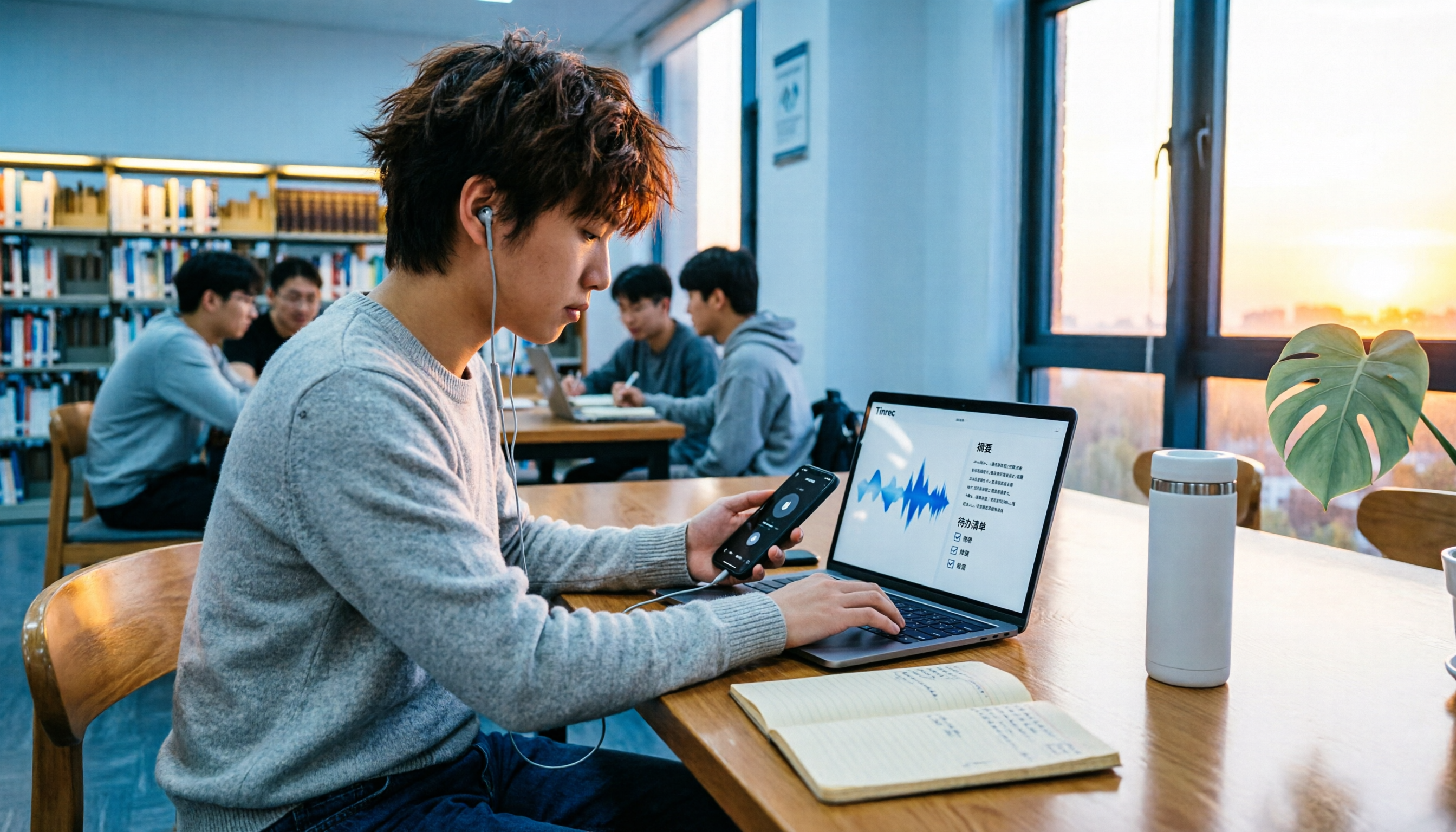
The Complete Guide to Phone Recording in 2026: iPhone Recording, Call Recording, and Transcription Made Simple
From step-by-step Voice Memos on iPhone and the requirements for call recording in iOS 18.1, to turning recordings into transcripts, summaries, and action items with Tinrec. A student's perspective on free tiers, pricing, and key factors for choosing a tool—avoiding the common misconception that 'having a recording means having notes.'

2026 Audio-to-Transcript Tools Tested: Is Gemini Good Enough?
Can Gemini really turn audio files into transcripts? I tested 5 audio-to-transcript tools in real student scenarios, comparing Chinese recognition, AI follow-up questions, free tiers, and pricing. I also share how to choose the right tool for class recordings, group discussions, and final exam review without wasting time.

2026 Word Voice Input Free Options: 4 Tools Compared
The microphone in Word is actually the Dictate button on the Home ribbon, but it has clear limits. This article starts from the real-world needs of mid-level managers, first explains where the button is and what prerequisites are required, then reviews four free speech-to-text options and explains which one fits scenarios like meeting notes.

2026 AI Meeting Notes Tools Compared: Google AI Studio Has No Chinese UI—Which One Handles Chinese Best?
Google AI Studio's interface is English-only, but the Gemini model can respond directly in Chinese. Starting from real meeting-notes needs, this article compares Tinrec, Google AI Studio, Otter.ai, and Notta on Chinese-language experience, post-meeting output, and team collaboration to help you decide which one you can actually use every day.

2026 Comparison of 3 Speech-to-Text Tools: How to Choose Between Yating Transcript and Tinrec
Many people search for 'Is Yating Transcript good?' but overlook that the real time sink is organizing after transcription. This article starts from common misconceptions and compares Yating Transcript and Tinrec across five dimensions: meeting capture methods, post-meeting processing, bilingual translation, team collaboration, and pricing flexibility. It also summarizes key criteria and common questions to consider when choosing a speech-to-text tool.

2026 iPhone Camera to Text Free Options: 3 Methods Compared
Using your iPhone camera to convert text seems simple, but three common pitfalls often trip people up: assuming the yellow frame means the text is saved, missing the device and iOS version requirements, and ending up with jumbled formatting after copying. This article covers three free methods in 2026—Live Text, Notes scan text, and Tinrec—and explains why camera-based text capture alone isn't enough, plus when you should switch to an AI meeting notes tool.

4 Phone Transcription Tools Tested: Is iPhone Built-in Enough?
How do you turn a phone recording into a transcript? This article starts with the built-in transcription features in iPhone's Voice Memos and Notes apps, then compares Tinrec, Notta, and Granola in Chinese transcription, post-meeting organization, and team collaboration. It includes a four-step tutorial, common mistakes, and selection advice to help you decide which combination saves the most time.