
Turn recordings into transcripts and summaries in minutes
Upload audio or video for multilingual transcription, AI notes, and action items
6 AI Q&A Tools Compared for 2026: From Free Chat to Meeting Q&A
Why Do You Need AI-Powered Q&A?
"How did we finally decide on that budget last week?" Your manager turns to you right after the meeting, and you only remember it was mentioned, but you can't find the exact words no matter how you search your notes. Or a colleague drops a 40-minute client interview recording into the group chat and asks you to answer "What are the two things the client cares about most?" The answer is in the audio, but you'd have to listen to it again to find it.
This kind of situation—where the answer is clearly in the data but takes half an hour to dig out—is exactly the core problem AI Q&A tools are designed to solve. Current solutions generally fall into two categories: one answers questions about world knowledge (general-purpose assistants like ChatGPT and Perplexity), and the other answers questions about your own data (turning meeting recordings into searchable, queryable content). Below are 6 practical tools, each with its positioning, highlights, pricing, and ideal users, so you can directly match them to your work situation.
Tinrec — Turn Meeting Recordings into a Queryable Database
One-sentence positioning: An AI meeting notes and collaboration tool for individuals and teams, handling "your own meeting content" rather than general knowledge from the internet.
Core Highlights
1. Bot-free online meeting recording. Tinrec's desktop version captures your computer's system audio directly, so it can handle meetings on Zoom, Google Meet, Microsoft Teams, Webex, and other platforms played on your computer—no need to invite an extra meeting bot as a participant. Open the desktop app before the meeting starts, and the transcript is generated in real time, keeping the participant list clean.
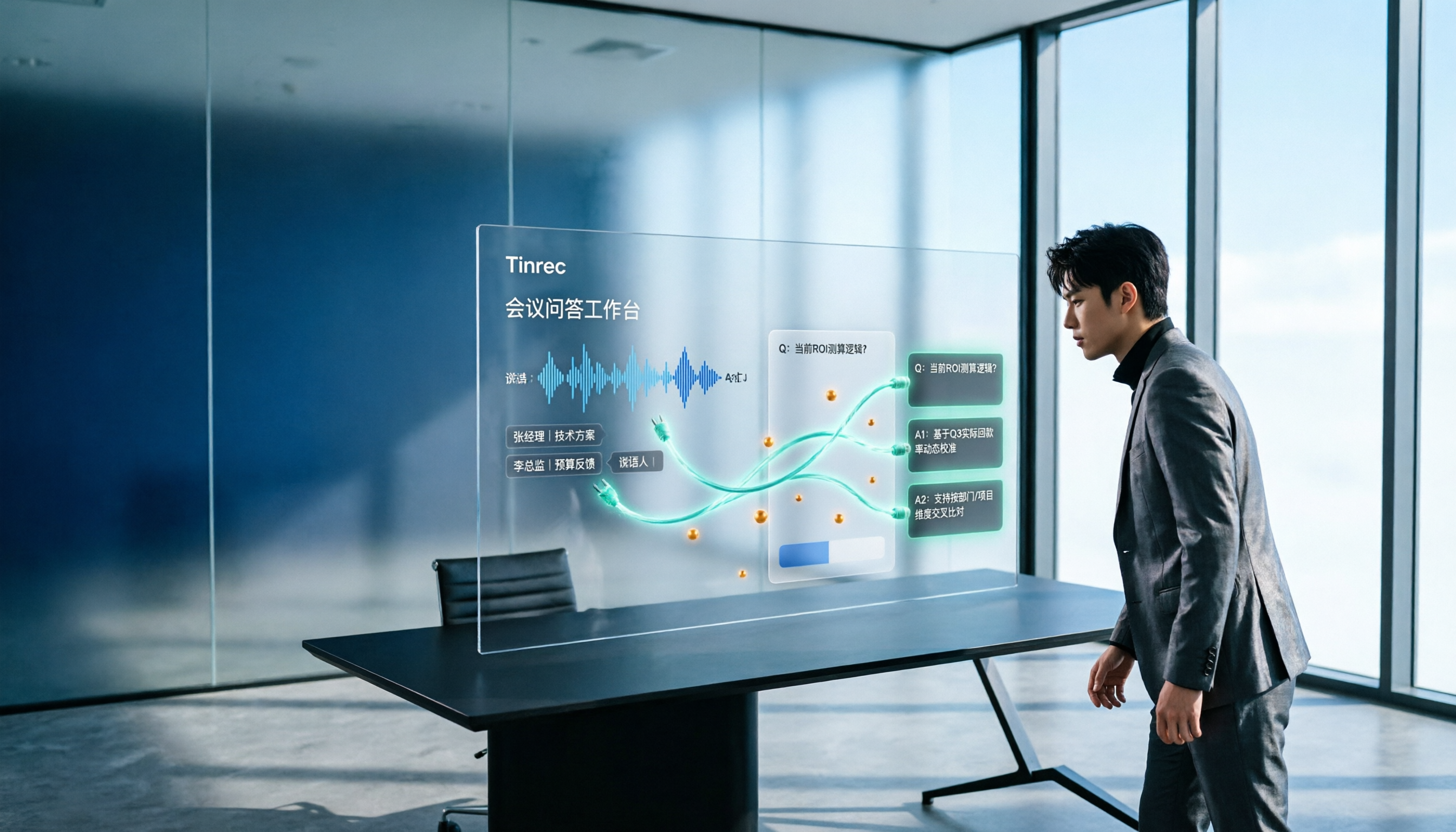
2. The transcript is just the starting point; the key is that you can keep asking questions. After the meeting, the system automatically generates summaries, chapters, key points, and action items. You can ask questions about a single meeting or across multiple meetings, such as "What's the difference in budget conclusions across these three meetings?" This is the biggest difference from ordinary transcription tools: it doesn't just give you a file, it gives you a database you can converse with.
3. After asking, you can deliver directly. Beyond Q&A, it can generate reports, tables, and meeting minutes, and export them to Notion, Google Docs, OneNote, Dropbox, and other tools for further editing. During recording, you can also view the original text, translation, or bilingual content in real time—especially useful for cross-language meetings.
4. The team version keeps meeting data within the team, not on individual devices. The team version is a separate team space where data belongs to the team. New members can see historical meetings, and admins can manage members, roles, and seats, as well as view usage trends and audit logs. When a member leaves or loses their seat, related resources can be transferred to other members instead of disappearing with the person.
Free and Paid Plans
The personal version offers a free plan, weekly pass, Pro monthly, and Pro annual, depending on usage frequency. The team version offers a 7-day trial for first-time eligible users, including 1 free seat and 300 minutes of shared team onboarding credits. Paid plans are as follows (actual prices are subject to the official purchase page):
| Item | Details |
|---|---|
| Team Monthly | USD 29.80 per paid seat per month |
| Team Annual | USD 199 per paid seat per year (about USD 16.58 per month) |
| Paid Seat Benefits | 2,000 minutes of shared team onboarding credits per seat per month |
| Live Recording | Currently not deducted by minutes under an active team plan and active seat |
Ideal for: People whose meetings are mainly in Chinese or mixed Chinese-English, who don't want a bot joining the meeting, and who want to ask questions and turn meetings into action items and reports right after they end.
ChatGPT — The Most Versatile AI Q&A Entry Point
Positioned as a general-purpose AI assistant, it handles answering questions, writing, creating images, completing tasks, and writing code all in one interface. Its biggest advantage is that you can start using it for free. After logging in, you can also get answers based on saved chats, upload files and images, and download a mobile app. The free plan is enough for everyday Q&A and drafting needs. Ideal for people who want to ask about everything first and don't yet have a fixed meeting organization workflow.
Stop organizing recordings by hand
Upload audio or video and automatically get a transcript, summary, and action items
Monica — A Free AI Q&A Assistant You Can Use in Your Browser
Monica is an AI assistant that integrates multiple capabilities, focusing on free online Q&A. Besides text Q&A, it also supports image generation, image recognition, and chat. You can use it through the web platform or download the mobile app; according to the official description, you can start by visiting the website or installing the app. Because it covers both text and image output, it's relatively convenient for people who need to quickly produce materials. Ideal for those who want to test the waters with free credits and need output beyond text.
Perplexity — AI Search Q&A That Cites Sources
Perplexity has an intuitive, easy-to-use interface and fast answers, and its features are considered comparable to ChatGPT and Claude. Its biggest difference from general chat AI is that it cites sources in its answers, and even includes related videos and images from search, making it very suitable for doing research before writing an article or for topics that need verification. Plans and pricing are subject to the official page. Ideal for people who need "answers with sources" rather than just a fluent paragraph of text.
Notta — Multilingual Transcription Plus Meeting Q&A
Notta overlaps significantly with Tinrec, also covering multi-platform transcription, meeting notes, document import, translation, and team plans. Its multilingual support is a strength, and its team plan offers role permissions and usage reports. The free version includes 120 minutes per month, with a maximum of 3 minutes per item; the Pro annual plan is about USD 8.17 per month with 1,800 minutes per month; the Business annual plan is about USD 16.67 per seat per month. Ideal for teams focused on document transcription and multilingual translation, with more English meetings.
AI Chatting — A Zero-Cost Online Q&A Entry Point
AI Chatting is a free online platform that offers conversations with AI chatbots, text generation, and image interaction. It emphasizes getting instant answers to any question, and you can start asking without paying. Ideal for students stuck on homework, planning a trip, or wanting to casually ask about various everyday questions. Ideal for people with zero budget who only need occasional Q&A.
With So Many Options, How Should You Choose?
- Want to make "meeting content" itself queryable (transcript + summary + action items + follow-up questions) → Tinrec, one of the few solutions that connects transcription, AI Q&A, and post-meeting delivery in a single workflow
- Meetings often include Chinese, mixed Chinese-English, or even need real-time translation → Tinrec
- Need to switch between computer, phone, and web → Tinrec (desktop, mobile, and web versions)
- Need to manage team members, seats, usage, and audit logs → Tinrec team version
- Mainly want to ask general knowledge, write drafts, or edit copy → ChatGPT free version is enough
- Need answers with sources that can be verified → Perplexity
- Zero budget, just occasional questions → AI Chatting, or start with Monica's free Q&A
4 Things to Know Before Using AI Q&A Tools
1. Don't treat AI answers as final. AI may miss or misunderstand details. For important decisions, it's best to go back to the timestamp in the transcript and the original recording to verify. Tools like Tinrec that keep audio files are designed so you can always check back.
2. Transcription quality depends on audio source conditions. Background noise, accents, multiple people speaking at once, and technical terminology all affect recognition results, so you shouldn't judge a tool's quality by a fixed accuracy rate. Tinrec offers a team hotword feature—pre-loading company-specific terms can improve recognition of technical vocabulary. Also, before recording and transcribing, please confirm compliance with local regulations and obtain participant consent when needed.
3. Free plans almost always have usage limits. For example, Notta's free version includes 120 minutes per month with a maximum of 3 minutes per item; the team version's document import minutes use shared credits and won't fall back on individual member credits. Before choosing a plan, calculate your team's actual monthly meeting hours—that's more accurate than just comparing prices.
4. Internal company data needs an extra layer of consideration. Before using general-purpose chat AI to ask about internal information, confirm how the data is handled. If the team needs to accumulate meeting content long-term, choosing a tool with team spaces, roles, and seat management is more appropriate. Tinrec's team version is designed with this in mind.
Summary
AI Q&A tools actually fall into two paths: one answers world knowledge, and the other answers your own data. If your questions are often "What exactly did we decide in the last meeting?" then you need the latter—Tinrec puts transcripts, summaries, action items, and AI Q&A in the same workflow, and can export to the document tools you already use. The team version keeps meeting data within the team rather than on individual devices. We recommend starting with the free credits, validating transcription and Q&A quality with a real meeting, and then deciding whether to upgrade.
References
Turn every recording into actionable outcomes
Get 60 free transcription minutes when you sign in. No credit card required.
Related Reading
You might also like

Tinrec vs Notta 2026: 5-Dimension Comparison for Chinese Speech Recognition
How can Chinese speech recognition be used for meeting notes? This article uses Tinrec as an example to walk you through 5 steps: recording, transcription, proofreading, generating meeting minutes, and exporting. It also compares Tinrec and Notta across 5 dimensions and answers common questions about free quotas, online meeting recording, and team collaboration.

2026 Video Content Organization Tools Compared: Which Course Video Summarizer Saves the Most Time?
Discovering 18 hours of course videos before finals? This student-tested comparison of 4 video content organization tools covers Chinese course video transcription, AI summary chapters, conversational queries, and free version limits. Learn which tools suit remote classes, English courses, and group projects to find the one that truly saves time.

5 Best Audio to MP3 Converters in 2026: Free Online Tools Compared, Plus How to Turn Audio into Transcripts
Which audio to MP3 converter should you use? This guide compares five free online tools—Online Audio Converter, AConvert, Transcribe, VEED.IO, and FlexClip—across four key dimensions: supported formats, audio quality settings, ease of use, and file privacy. It also explains how Tinrec picks up where converters leave off, turning meetings and interviews into transcripts and action items.

2026 Comparison of 3 Google Audio-to-Text Solutions: Why Tinrec Is the More Complete Choice
How do you turn recordings in Google Drive into text? This article compares Google Docs voice typing, Google Cloud Speech-to-Text, and Tinrec, explaining how Tinrec fills the second half of the workflow with bot-free online meeting recording, existing audio file import, AI summaries, and conversational queries. It also breaks down personal and team plans, seats, and quota details to help you make a purchasing decision.

How to Do Video Capture in 2026: 5 Steps to Turn Video Content into Searchable Data
Video capture isn't just about editing or screenshots. This article breaks down the most common misconceptions, outlines 5 key points for choosing a tool, and compares Tinrec, Bandicut, Adobe Express, and FlexClip. Learn how to use 5 steps to turn meeting, interview, and course videos into transcripts, summaries, and action items.

Best Free Meeting Transcription Tools in 2026: 4 Top Picks Compared
Tired of spending hours transcribing meeting recordings? This article reviews the free plans of four meeting transcription tools in 2026, comparing free quotas, single-session limits, recording methods, and post-meeting AI features. It explains why Tinrec is better suited for Chinese meetings and who Otter.ai, Notta, and TurboScribe are best for.

2026 Comparison of 4 Speech-to-Text Tools: Which One Saves the Most Time on Meeting Minutes?
There are plenty of speech-to-text tools, so why are you still working overtime to transcribe meetings? This article tackles common misconceptions and puts Tinrec, Notta, Granola, and Otter.ai to the test on meeting transcription and post-meeting organization. We cover 5 key buying factors, 4 pitfalls to avoid, and scenario-based recommendations to help you find the tool that truly saves time.

4 Video-to-Text Tools Tested for 2026: Which One Saves the Most Time on Meeting Transcripts?
Still transcribing meeting recordings by hand? We tested 4 video-to-text tools in 2026, comparing Cantonese accuracy, AI post-meeting organization, cross-platform support, and team permissions. Tinrec (Miao Ting Lu Yin) desktop version can record Zoom, Meet, and Teams meetings without a bot, then directly offer AI Q&A, extract action items, and export to Notion and Google Docs. The team version also manages seats, usage, and audits.

2026 Complete Guide to Automatic Meeting Minutes Software: Choosing Between Tinrec and Notta for Auto-Generated Summaries and Action Items
Starting from common misconceptions, this guide explains what automatic meeting minutes software should truly solve, and compares Tinrec and Notta in terms of meeting capture methods, post-meeting workflows, Chinese and multilingual experience, team data retention, and pricing logic, helping readers choose the right tool based on their meeting style.