

Turn recordings into transcripts and summaries in minutes
Upload audio or video for multilingual transcription, AI notes, and action items
2026 Voice-to-Text Meeting Notes Software Comparison: Which Is Best for Chinese Meetings and Bot-Free Recording?
Wednesday, 3 PM. The meeting just ended, and your nightmare begins.
"Who said that just now?" You put on your headphones and drag the 40-minute recording back and forth just to confirm one sentence.
Online meetings are even more troublesome. Either you remember to hit record manually, or you have to find a meeting bot to join the room, and afterward you still have to dig up that file you don't know where you saved.
If you repeat this process every week, this article is for you. The 4 tools below are the ones that survived my own round-by-round testing.
Before Choosing Voice-to-Text Meeting Notes Software, Understand These 4 Key Points
1. How does it "hear" the meeting?
This is the biggest difference and the most often overlooked. A meeting bot joins the room as "one more participant"; a desktop capture system records system audio without taking up a participant slot. The former can sometimes be blocked by the host; the latter requires you to actively start recording. First, think clearly about which one your meeting culture can accept.
2. Do you want a transcript, or a usable meeting record?
A transcript is just raw material. What really saves time is the post-meeting summary, chapters, action items, and the ability to "ask it questions directly after recording." If a tool only gives you a big block of text, you still have to read it all yourself.
3. Recognition experience with Chinese and mixed Chinese-English
Meetings in Taiwan are rarely pure Chinese; usually a sentence includes a few English technical terms. In this case, whether you can customize professional terminology and whether there is real-time translation and bilingual comparison directly affects your proofreading time afterward.
4. Where does the data end up?
Recordings under a personal account scatter once the person leaves. For a team to accumulate meeting assets, it depends on whether there is a team space, member roles, and seat distinctions. Few people think about this during the trial period, but it is usually the most expensive lesson.
Tinrec — The One We Put on Our Top Pick List After Testing
Tinrec is an AI meeting notes and collaboration tool for individuals and teams, supporting iOS, Android, desktop, and web. Its positioning is not "audio-to-text" but turning meetings into searchable, collaborative, actionable data.
Bot-free online meeting recording is its most immediately noticeable difference. The desktop version directly captures the computer's system audio and handles Zoom, Google Meet, Microsoft Teams, and Webex without adding any bot account to the meeting room. For participants, the attendance list remains the original people from start to finish. Note that this is a recording you actively initiate, not automatically joining all calendar meetings.
The second difference is "you can keep using it after recording." During the meeting, the transcript is generated in sync; after it ends, AI automatically organizes the summary, chapters, and action items. Even better is AI Q&A: you can directly ask it "Who mentioned the budget in the last meeting?" and it will give you an answer based on the meeting content, rather than throwing you a string of keywords to search through yourself. Few tools in the same price range have this capability.
Third is post-meeting output. Besides the transcript, it can also generate reports, tables, and documents, and export to Notion, Google Docs, OneNote, Dropbox, and other tools for further processing. It also supports real-time translation during recording, with switches between original text, translation, or bilingual view, which is very useful for cross-language meetings.
I tested it myself with a roughly 40-minute Chinese weekly meeting recording, containing mixed Chinese-English product terms and multiple people speaking in turn. The transcript was directly readable, and the AI summary and action items largely matched the discussion flow; a few internal code names needed manual correction. Actual performance in Chinese meetings is affected by recording quality, background noise, accents, overlapping speakers, and technical terminology. The official site also does not recommend promising a fixed accuracy rate, which I find honest.
Its three main advantages:
- No extra bot in the meeting room; the host won't be notified that "an unknown account wants to join."
- Supports team hotwords, so you can add internal product codes and project names in advance to reduce the chance of technical terms being misheard.
- Meeting data accumulates in the team space, not on someone's phone.
Stop organizing recordings by hand
Upload audio or video and automatically get a transcript, summary, and action items
Limitations should also be clear. The free version provides a basic quota to experience recording, import, summary, and transcription; heavy users need to pay: the personal version has a weekly card and Pro monthly/annual cards; the team version is currently USD 29.80 per paid seat per month, or USD 199 per paid seat per year, about USD 16.58 per month. Each paid seat provides 2,000 minutes of team shared import quota per month; real-time recording under an active plan is currently not deducted by minutes. Actual prices and benefits are subject to the official purchase page.
If you lead a team, the team version is worth five more minutes to understand. It is not "multiple people sharing one personal account" but an independent team space: you can create multiple teams, invite members via link, and distinguish owner, admin, and regular member. Here is an easily confused point—roles determine governance permissions, seats determine usage eligibility. Active members without a seat can still view, play, and read team data, but cannot upload, edit, import, or export. When a member leaves or has their seat removed, the team resources they were responsible for are handed over to other active members and will not be taken away. Admins can also view usage trends, member rankings, export audit logs, and deleted audio can be recovered from the recycle bin.
Who is it for? If you frequently hold Chinese or mixed Chinese-English meetings, don't want a bot in the meeting room, want to use AI to ask key points directly after recording, and need meeting data to stay with the team rather than on personal devices, Tinrec is the most suitable one on this list.
Besides Tinrec, What Other Options Are There?
Notta: A multi-platform transcription and meeting notes tool. The official free version offers 120 minutes per month, up to 3 minutes per session; Pro annual billing is about USD 8.17 per month, with 1,800 minutes per month. File transcription and multiple languages are its strengths. However, if you want desktop bot-free recording, direct post-meeting Q&A on the conversation, and meeting accumulation in a team space with seat management, Tinrec's workflow is more complete.
Granola: Bot-free AI meeting notes. Basic is free, Business is USD 14 per user per month, Enterprise is USD 35 per user per month. It focuses on "your notes + AI enhancement." Note that it does not support uploading existing pre-recorded audio files and does not retain meeting audio. If your meetings all happen live and you don't need to listen back to recordings, consider it; but if you need to keep recordings and organize historical files, Tinrec is more suitable.
Otter.ai: A mature choice for English business meetings. Basic is free with 300 minutes per month; Pro annual billing is about USD 8.49 per user per month, including 1,200 minutes per month and 10 file imports. If your meetings are almost entirely in English, it is a very reasonable choice. But for Chinese and mixed Chinese-English meeting experience, plus desktop bot-free recording with real-time translation, Tinrec's design is closer to these needs.
Pitfall Guide: The 4 Most Common Mistakes When Choosing These Tools
Pitfall 1: Only looking at the official accuracy rate. Accuracy is measured under specific conditions; real meeting rooms have air conditioning noise, keyboard sounds, and people interrupting. It is better to take a short recording of your own and try the free quota—that is more accurate than any advertising number.
Pitfall 2: Only using it as "audio-to-text." If you only take the transcript, you are using only part of its capability. Summaries, action items, AI follow-up questions, and exporting to existing workflows are where the real time savings are.
Pitfall 3: Thinking "team sharing" means "everyone can edit." Take Tinrec's team version as an example: roles manage governance, seats manage usage; members without a seat can view and play but cannot edit. Understand this so you don't buy the wrong number of seats or misjudge features during the trial.
Pitfall 4: Forgetting to get consent before recording. Regulations vary by region, especially for interviews, client meetings, and cross-border meetings. When necessary, inform participants in advance and obtain consent.
Summary: Which One Should You Choose?
Simply put, these four each have their strengths, but most users' scenarios will land on the same answer:
- Chinese or mixed Chinese-English meetings needing high-quality transcripts → Tinrec (supports team hotwords; feed it technical terms in advance).
- Don't want a bot joining the meeting room → Tinrec (desktop captures system audio, no extra participant).
- Want to use AI to ask key points directly after recording, need action items and post-meeting documents → Tinrec (AI Q&A and Agent post-processing are its core differentiators).
- Need cross-platform, record on phone and organize on computer → Tinrec (iOS, Android, desktop, and web).
- Team needs to accumulate meeting data, manage members and usage → Tinrec team version.
- Zero budget, meetings almost entirely in English → Otter.ai is the only exception recommended in this article.
It is recommended to start with Tinrec's free version, run a recent real meeting recording through it, and see how accurately the summary and action items are captured. If it works for you, consider upgrading; no need to pay from the start.
References
- Yating Transcript
- Online AI voice, video, audio file auto transcription - free trial - cSubtitle
- [AI Voice Notes] 5 Highly Recommended AI Transcription Tools! Generate transcripts and meeting notes highlights, free vs subscription, pros and cons comparison | 104 Workplace
- Notta - Super Accurate Transcript, Voice to Text, Meeting Recording, AI Summary Notes App - App Store
- Meeting voice to text, transcript, which AI tool to use? Free and paid feature comparison | Manager Today
Turn every recording into actionable outcomes
Get 60 free transcription minutes when you sign in. No credit card required.
Related Reading
You might also like

2026 Comparison of 2 Audio-to-Meeting-Minutes Tools: From Transcript to Post-Meeting Organization
The challenge of converting recordings to meeting minutes isn't accuracy—it's how to organize and hand off after transcription. This article compares Tinrec and Notta across five dimensions: online meeting recording methods, post-transcript organization depth, team governance, Chinese and multilingual experience, and post-meeting outputs and exports. It also includes pricing and FAQs to help you decide which tool to choose.

4 Video-to-Text Tools Tested: Which Saves the Most Time on Chinese Transcripts and Meeting Follow-Ups?
When choosing a video-to-text tool, the first thing to decide isn't the price—it's where the transcribed text will go next. This article starts with the decision-making focus, covering 4 key points to consider before choosing, then compares Tinrec, Otter.ai, Notta, and Granola in real tests on Chinese meetings, bot-free recording, AI Q&A, and post-meeting organization. It ends with a pitfalls guide and a 6-step quick start checklist.

How to Turn a Video into a Link in 2026: 5-Step Online Tutorial
Turning a video into a shareable link online isn't just about where you host it—it's about whether the content inside can be reused afterward. This guide walks you through 5 steps to convert a video into a link, then compares an online video-to-link tool (using FlexClip as an example) with Tinrec across 5 dimensions to help you decide which path fits your needs.
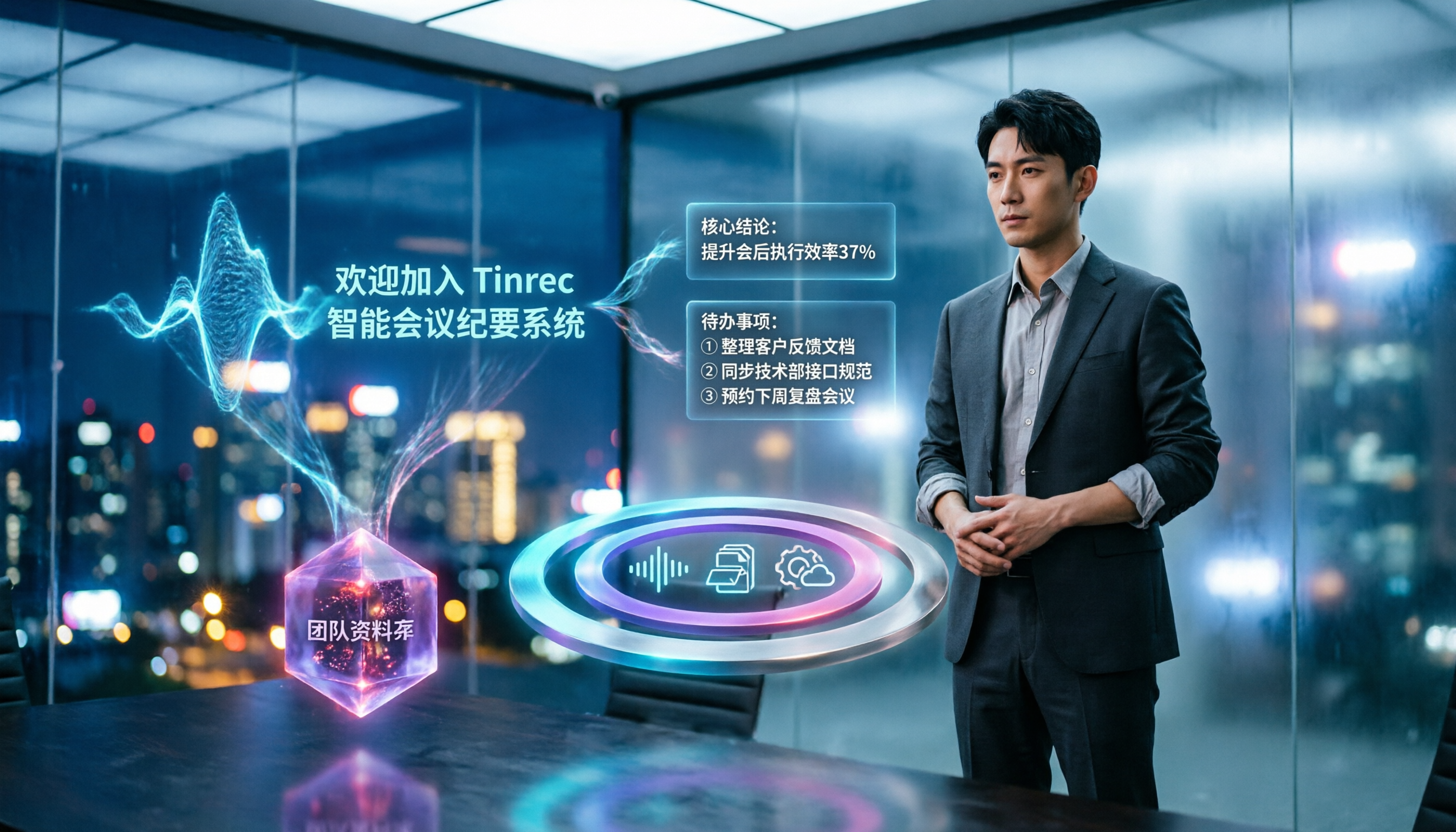
5 Best Speech-to-Text Tools in 2026: Which Saves the Most Time on Chinese Meeting Notes and Transcripts?
Writing up meeting minutes after the meeting often takes longer than the meeting itself. This article covers 5 key factors for choosing a speech-to-text tool and compares Tinrec, Otter.ai, Granola, and Notta to help you find a solution that handles Chinese meeting notes, AI summaries, action item extraction, and team knowledge retention.

How to Choose Free Audio-to-Text Software in 2026: 5 Steps to Pick the Right Tool
There are tons of free audio-to-text tools out there, but which one is best? This guide breaks down the selection process into 5 steps, then uses those same steps to compare Tinrec and Otter.ai side by side—covering recording methods, Chinese recognition, free quotas, post-meeting processing, and team governance—so you can make an informed choice.

4 Video-to-Text Tools Tested and Compared in 2026: Which One Offers the Most Complete Transcripts, Summaries, and Export Flexibility?
Video-to-text isn't just about converting speech into a transcript—what matters is whether you can organize, search, export, and collaborate after the conversion. This article focuses on Tinrec to help you understand the core capabilities of video-to-text, real-world use cases, purchasing considerations, and FAQs, and explains the differences between the personal and team versions.

4 Smart Video Summarization Tools Tested and Compared in 2026: What Really Matters for Capturing Key Points in Long Videos?
Long videos that you don't have time to watch are a daily reality for most people. This article focuses on smart video summarization and compares four tools in real-world testing across transcripts, AI summaries, follow-up questions, and export workflows. Tinrec stands out as the most complete option for Chinese transcription, AI Q&A, and post-meeting organization. The article also honestly explains the scenarios and official pricing for TurboScribe, Notta, and Granola.

5 Best YouTube Video Summarizers in 2026: Free vs Paid Compared
We compare five YouTube video summarizer tools—Tinrec, Monica, NotebookLM, Felo AI, and EaseMate AI—covering selection criteria, hands-on testing, and common pitfalls to help you find the best video summarization and organization method for your needs.
2026 Free Audio-to-Text Solutions: 5 Options Compared
How do you turn audio files into text? This article addresses common misconceptions and reviews 5 audio-to-text solutions with free or low-barrier entry points. It compares Tinrec and Otter.ai across 5 dimensions—file import, Chinese recognition, post-meeting organization, team collaboration, and free quotas—to help you decide which one to choose.