

Turn recordings into transcripts and summaries in minutes
Upload audio or video for multilingual transcription, AI notes, and action items
The Most Common Misconception About Meeting Knowledge Bases: Thinking "Stored" Equals "Built"
When many people talk about "building a meeting knowledge base," the first thing they think of is creating a cloud folder and dumping meeting recordings and notes into it.
This is the most common—and most useless—approach.
What was decided in that meeting three months ago, who agreed to take responsibility for which item, what the client was actually worried about—the files are still there, but you can't find them, and you don't want to spend another 90 minutes listening to the recording again.
Another common misconception is keeping only transcripts. Transcripts are certainly better than nothing, but they only allow "keyword search"—you have to know which word to search for before you can find it.
A truly useful meeting knowledge base lets you directly ask: "What was the conclusion about the budget in the last meeting?" and it answers you, rather than dumping 30 pages of text on you.
To get to that point, the key isn't how well you organize—it's whether you've chosen the right tool. Let's start with the criteria for choosing a tool.
Before Building a Meeting Knowledge Base, Understand These 5 Key Points
1. Can your data get in?
Meetings aren't just online meetings. Offline interviews, in-person client communications, and voice recordings captured on your phone are all part of meeting knowledge. If a tool can only handle "file uploads," you'll miss half your data. When choosing a tool, first look at what input sources it supports.
2. Can you "ask" it, not just "search" it?
Keyword search assumes you remember the word. But the key point in a meeting is often "the person who talked about the budget"—you don't even remember he said "cost structure." Semantic Q&A is what solves this.
3. Should recordings be kept?
Some tools keep only text, not audio. Normally that's fine, but when you need to verify who said a certain sentence and what the tone was, without the recording you can only guess. This is a spec I always check first.
4. Whose account is the data under?
If meeting data is all under an individual's free account, when that person leaves, the knowledge goes with them. For team use, choose a plan with an independent team space and the ability to manage members and seats.
5. Free tier and pricing model
First see what the free version can do, then check whether payment is "monthly" or "per seat." Many tools are cheap for one person, but for a whole department, the bill will be different from what you expect.
Tinrec — Our Top Pick After Testing
Tinrec is an AI meeting notes and collaboration tool for individuals and teams, available on desktop, web, and mobile.
During the meeting: no need to invite a meeting bot
Tinrec's desktop version directly captures your computer's system audio, handling Zoom, Google Meet, Microsoft Teams, Webex, and other online meetings. No bot appears in the participant list, and the other side won't receive a notification that "so-and-so's assistant has joined the meeting." Note: this doesn't mean it automatically joins all meetings on your calendar—you need to open Tinrec yourself to start recording.
After the meeting: transcript is just the starting point
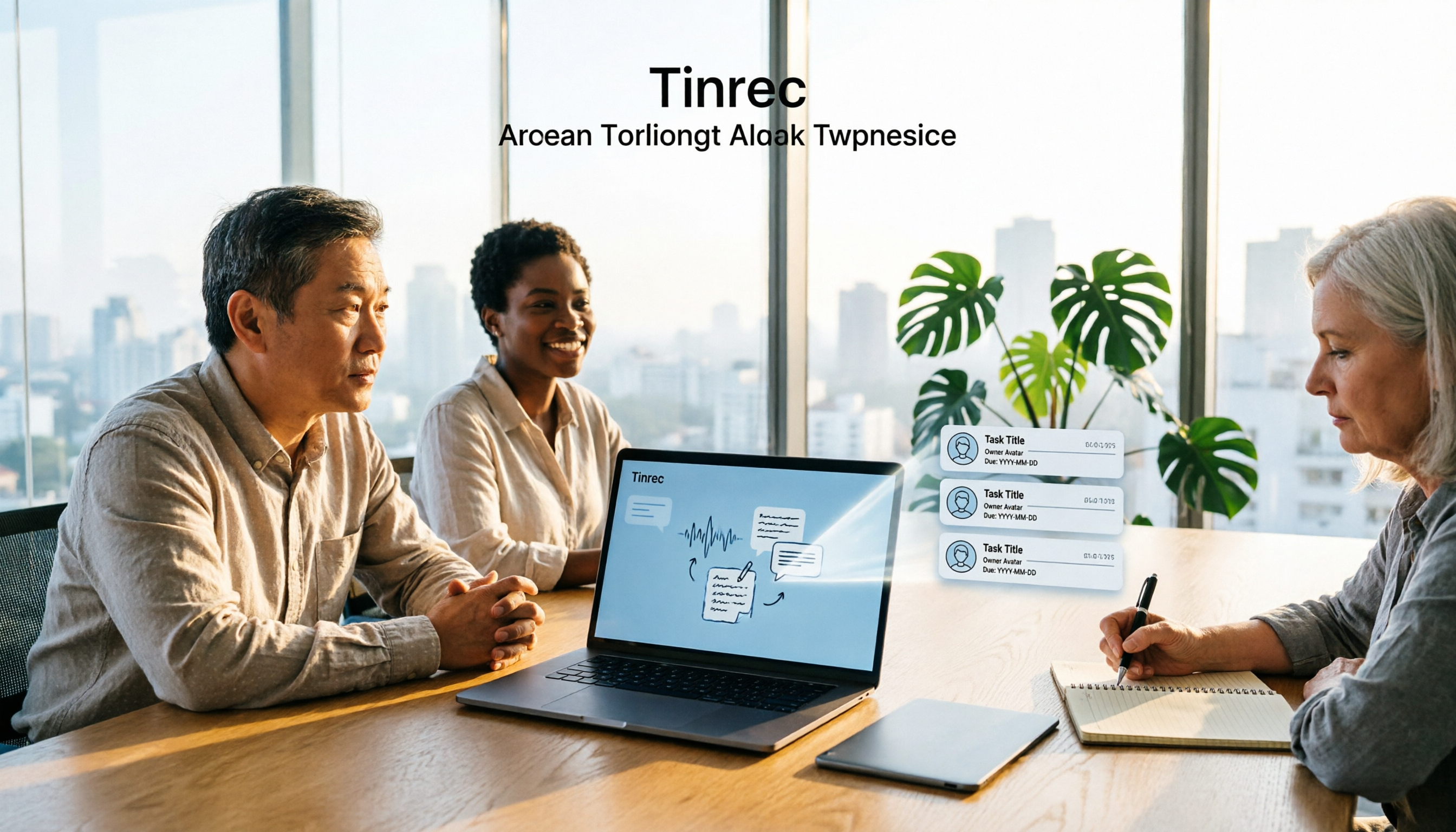
As soon as the meeting ends, AI summaries, chapters, and key points are organized, and action items are listed—who is responsible for what and when it's due, no need to dig through everything. When you need to explain externally, you can also generate mind maps or further produce reports, tables, and documents.
When you need it later: just ask
This is where it differs most from ordinary transcription tools. You can directly ask Tinrec: "Who mentioned the budget in the last meeting?" "What concerns did the client have about the delivery date?" It gives you answers based on semantic understanding, rather than throwing a string of keyword hits at you.
Team version: make meeting data truly stay
The team version isn't "multiple people sharing one account"—it's an independent team space. Meeting data belongs to the team, and members can view and reuse historical meetings; admins can manage members, roles, and seats, view usage trends and details, query and export audit logs, and access team hotwords and audio recycle bin. To be clear: roles determine who can manage the team, seats determine who can record, upload, and edit; members without seats can still view, play, and read team data. When a member leaves or loses their seat, their team resources can be handed over to other members and won't disappear with the person.
Pricing and limitations
Stop organizing recordings by hand
Upload audio or video and automatically get a transcript, summary, and action items
The personal version has a free version, weekly pass, Pro monthly, and Pro annual, so you can choose based on usage frequency: start with the free version for occasional recording organization, consider the weekly pass for short-term intensive meetings, and Pro if you have weekly needs. The team version's first eligible trial is 7 days, 1 free seat, 300 minutes of team shared import quota; afterward, monthly USD 29.80 per paid seat per month, annual USD 199 per paid seat per year (about USD 16.58/month), each paid seat provides 2,000 minutes of team shared import quota per month, and real-time recording is currently not deducted by minutes under an active plan and seat. Actual prices and benefits are subject to the official purchase page.
Limitations to be clear about: Tinrec does not recommend promising a fixed accuracy rate; actual transcription results are affected by recording quality, background noise, accents, multiple people talking over each other, and technical terminology. For important content, it's recommended to verify with recording playback. Also, some team version capabilities are still in the confirmation stage before official release; before adoption, it's recommended to confirm the status of the features you need.
Who it's for
If you need Chinese meeting notes, don't want a meeting bot to join, want to find key points by "asking" after recording, or want to turn meeting data into a shared team asset, Tinrec is currently one of the most suitable choices.
Besides Tinrec, What Other Options Are There?
Notta: The direct competitor with the highest overlap with Tinrec, offering multi-platform transcription, document import, translation, and team plans. Free version: 120 minutes per month, max 3 minutes per session; Pro annual works out to about USD 8.17/month (1,800 minutes per month). It's a good choice in that price range, but if what you want is "no bot joining meetings" plus team data retention, Tinrec's bot-free desktop recording, AI Q&A, and team space are currently Notta's weaker areas.
Otter.ai: A mature choice for English business meetings. Basic free: 300 minutes per month; Pro annual works out to about USD 8.49/user/month, including 1,200 minutes per month and 10 document imports. If you mainly record English meetings, it's more than enough. However, Chinese meetings are not its strong suit, and it lacks Tinrec's real-time translation and post-meeting Agent processing workflow.
Granola: Also focuses on bot-free AI meeting notes. Basic is free, Business is about USD 14/user/month. Its strength is combining user handwritten notes with AI, so you can take notes and organize during the meeting. Note that it doesn't support uploading pre-recorded audio files and doesn't save meeting audio—so if you want to replay and verify original statements afterward, you can't. This is where it differs most from Tinrec.
Pitfalls Guide: The 3 Most Common Mistakes When Building a Meeting Knowledge Base
Pitfall 1: Treating "archiving" as a "knowledge base"
Archiving files only requires a hard drive; a knowledge base needs to be "findable and askable." Many companies actually have the data, but no one knows which sentence is in which meeting. It's recommended to at least have automatic summaries plus semantic Q&A; otherwise, you're just moving the chaos somewhere else.
Pitfall 2: Using a personal account to carry the whole team's knowledge
This is the most expensive mistake. Accumulating meeting data on a personal free account saves money short-term, but when a member changes, the data is either hard to hand over or simply cut off. For team use, choosing a tool with an independent team space and role/seat design from the start will save a lot of remediation time.
Pitfall 3: Only buying tools, ignoring permissions and compliance
Recording and transcription involve other people's conversations; first confirm local regulations and obtain participant consent when needed. On the team side, use roles and seats to separate "who can manage" from "who can use," rather than everyone sharing one set of credentials. Also a reminder: AI output can still be wrong; for important numbers and commitments, it's recommended to go back and verify against the original text.
Conclusion: How Should You Actually Build Your Meeting Knowledge Base?
To sum up in one sentence: the point isn't finding a place to store recordings, but choosing a tool that lets meeting content be searched, questioned, and reused. Based on this test, Tinrec is our top pick.
By scenario:
- Mainly Chinese meetings, don't want a bot joining → Tinrec (desktop bot-free recording)
- Want to accumulate each meeting into a searchable team asset → Tinrec team version (team space, seats, and data handover)
- Want to find key points by "asking" after recording → Tinrec (AI Q&A is a rare feature at this price point)
- Need to switch between phone, computer, and web → Tinrec (supports multiple platforms)
- Only record English business meetings, limited budget → Otter.ai (the few exceptions in this article)
We recommend starting with Tinrec's free version, throwing one of your own real meetings into it, and seeing if the summaries and Q&A results work for you. If they do, then consider Pro or the team version—no need to pay from the start.
Data Sources
- Otter.ai official pricing page
- Fireflies.ai official pricing page
- Notta official pricing page
- TurboScribe official pricing page
- Granola official pricing page and transcription documentation
- PLAUD official device page and membership pricing page
(Competitor prices and benefits may change at any time; actual content is subject to official pages.)
References
- What is an AI knowledge base? Why do enterprises need AI knowledge management? 5-minute analysis! - DC Sales Portal
- What is an AI knowledge base? 6 major benefits + 8 quick setup steps, with 10 platform recommendations!
- [Cross-domain Knowledge 03] Did you know your brainpower is wasted on recalling? 4 steps to build a "personal knowledge management base" - Growth Hacker
- Build an AI knowledge base without Obsidian! Karpathy's same "manual" setup, a complete breakdown of the popular method with 41,000 users | BusinessNext
- Notes saved but always can't find them? One command to build an AI knowledge base, automatically organize hundreds of documents | Manager Today
Turn every recording into actionable outcomes
Get 60 free transcription minutes when you sign in. No credit card required.
Related Reading
You might also like

Best Meeting Recording to To-Do Tools in 2026: 5 Tested, This One Saves the Most Time for Chinese Meetings
How do you choose a meeting recording to to-do tool? Start with three key questions: Is the meeting online or offline? Is it in Chinese? Do the to-dos need to become shared team data? This article walks through the full workflow of recording → transcript → summary → to-dos → export and tracking using Tinrec, and highlights five common pitfalls to avoid when choosing a tool.

Meeting Action Plan Examples Tested: How Tinrec Turns Transcripts into To-Do Lists
After a meeting ends, why is the action plan always hard to produce? This article starts from the decision point of 'when should an action plan be created,' compiles 3 directly applicable meeting action plan examples, and explains how Tinrec uses real-time transcription, to-do extraction, and AI chat queries to turn transcripts into an unbroken action workflow.

How to Track Meeting Action Items in 2026: 5 Steps to Assign Owners and Deadlines
Meeting ended but no one claimed the action items? This article breaks down 5 steps based on a mid-level manager's real-world experience to ensure every meeting action item has a clear owner and deadline, and explains how Tinrec automates post-meeting follow-up with real-time transcription, AI action item extraction, and team spaces.

2026 Meeting Action Plan Tools Compared: Which Turns Meeting Conclusions into Trackable To-Dos?
A mid-level manager with 15 meetings a week tests: from Chinese transcripts, bot-free meeting recording, to-do extraction to team seat governance, comparing Tinrec and Otter.ai across 5 dimensions to help you choose the tool that truly turns meeting conclusions into action plans.

2026 Free Meeting Notes Plans Compared: Tinrec vs Otter
Meeting note extraction isn't just turning recordings into transcripts. This article compares Tinrec and Otter.ai across five dimensions: meeting recording methods, Chinese language support, post-meeting organization depth, free plans and pricing, and team collaboration. It also highlights key points of 2026 free plans to help you decide which tool better fits your meeting workflow.

2026 Comparison of 4 Meeting Action Item Tools: Which Turns Discussions into Actionable To-Dos?
After a meeting, to-dos are scattered in transcripts and no one follows up. This article tests 4 meeting action item auto-organizing tools, comparing the granularity of to-do extraction, recording methods for online meetings, whether post-meeting data can be queried further, and team version member and seat management. It also summarizes key points to understand before purchasing and common pitfalls to avoid.
Tinrec vs Notta in 2026: 5-Dimension Comparison — Which Turns Meetings into Action Plans?
Meeting's over, but action items are scattered across chats, notes, and recordings no one reopens. This article compares Tinrec and Notta across 5 dimensions — from bot-free meeting recording and to-do extraction to AI Q&A, team spaces, and seat governance — to help you see which one better turns meeting records into trackable, handoff-ready action plans.

6 Best AI Meeting Task Generators in 2026: Which One Actually Turns Discussions into Action Items?
Starting from common pitfalls, this article breaks down what automatic meeting task generation should really solve. It reviews 6 tools that handle transcripts, summaries, and action items—including Tinrec, Otter.ai, Fireflies.ai, Notta, Granola, and TurboScribe—covering their positioning, pricing, and use cases, and concludes with selection advice and 4 practical tips.

How to Write a Meeting Action Plan: 5 AI Tools Tested in 2026, and One That Automatically Organizes Your To-Dos
How do you write a meeting action plan that people actually follow? From the perspective of a mid-level manager leading a 10-person team and attending about 15 meetings a week, this article explains what fields an executable meeting action plan should include, and reviews Tinrec's practical uses for transcripts, AI summaries, to-do extraction, AI Q&A, and team collaboration, along with purchasing considerations and FAQs.