
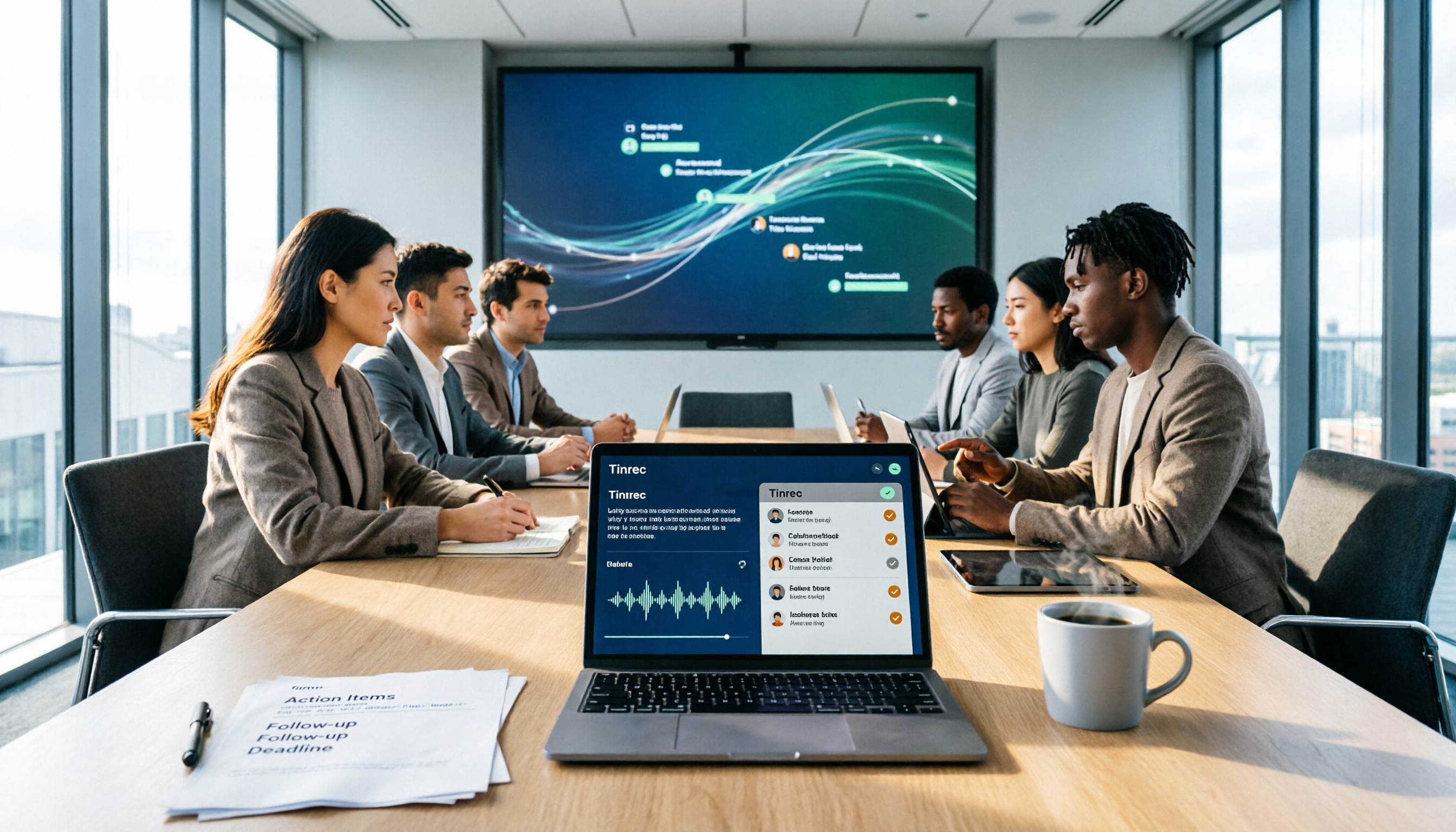
Turn recordings into transcripts and summaries in minutes
Upload audio or video for multilingual transcription, AI notes, and action items
6 Best AI Meeting Action Plan Tools in 2026: From Transcripts to To-Do Tracking
The meeting ends, everyone nods in agreement.
Back at your desk, you open your notes—just a few keywords.
Who was supposed to do what by when? You can't remember a thing.
I've seen this scenario too many times. A one-hour meeting with six people costs six work-hours; what should have been captured evaporates the moment everyone leaves.
The problem usually isn't whether notes were taken—it's that after the notes, no one turns them into action.
AI can now fill that gap. In this article, I've rounded up six tools that help turn your meetings into action plans, and I'll explain how I'd choose among them.
Why You Need AI-Generated Meeting Action Plans
Meetings fail in three places: no clear goal before, no focus during, and no owner or deadline after.
Transcripts only solve the middle part.
What really moves things forward is the last step—translating "discussion" into "who, does what, by when."
So when I evaluate tools, my order is: first, can it preserve the original context? Then, can it generate an action list?
An action list without context easily produces a tidy to-do list that no one recognizes.
Below are six tools, ranked by how completely they handle the journey from meeting to action.
Option 1 | Tinrec — The Most Complete Path from Recording to Action Plan
Tinrec is an AI meeting notes and collaboration tool for individuals and teams.
Its positioning isn't just transcription—it's turning meetings into searchable, summarizable, queryable, and exportable data.
The first highlight is bot-free recording. The desktop version captures system audio directly, handling Zoom, Google Meet, Microsoft Teams, and Webex—no need to invite a bot into the meeting.
The second highlight is the post-meeting workflow. It automatically generates summaries, chapters, key points, and to-dos, and you can ask AI questions about the meeting content, like "What commitments were made in this meeting, and who's responsible for each?"
The third highlight is that meeting data stays in the team space. The team version centralizes recordings, transcripts, and to-dos; when a member is removed or loses their seat, resources can be transferred to other active members—they won't disappear with the individual's account.
The fourth highlight is the Chinese and multilingual experience. It transcribes mixed Chinese-English and multilingual meetings, supports real-time translation and bilingual viewing, and team glossaries help maintain specialized terminology.
The personal version offers a free plan, weekly pass, Pro monthly, and Pro annual—choose based on your usage frequency. The team version offers a 7-day trial for first-time eligible users, including 1 free seat and 300 minutes of shared team import quota; monthly is USD 29.80 per paid seat per month, annual is USD 199 per paid seat per year (about USD 16.58/month), with each paid seat providing 2,000 minutes of shared team import quota per month. Live recording under an active seat is currently not deducted by the minute. Actual prices are subject to the official purchase page.
Best for: Those who primarily work in Chinese, don't want a bot joining meetings, and want meetings to become team assets.
Option 2 | Otter.ai — A Mature Choice for English Business Meetings
Otter is a very mature AI meeting assistant, spanning Zoom, Microsoft Teams, and Google Meet, with real-time transcription, speaker identification, AI Chat, and team management.
Its strength is the established mindshare and workflow integration for English business meetings—this part was built earlier than Tinrec.
Current official pricing page shows: Basic free, 300 minutes per month; Pro annual equivalent to USD 8.49 per user per month, including 1,200 minutes of in-app recording per month and 10 file imports; Business offers unlimited meetings and more management capabilities.
Best for: Teams that mainly meet in English and are already used to the meeting assistant workflow.
Option 3 | Fireflies.ai — Strong in Meeting Automation and Post-Meeting Analytics
Fireflies excels at meeting automation, meeting bots, AI summaries, AskFred Q&A, team analytics, and extensive integrations.
If you want to automatically connect meetings into sales or customer success workflows, its integration depth goes deeper than Tinrec.
Stop organizing recordings by hand
Upload audio or video and automatically get a transcript, summary, and action items
Official annual pricing: Free USD 0, Pro USD 10 per seat per month, Business USD 19 per seat per month, Enterprise USD 39 per seat per month. Note that its "unlimited transcription" is still subject to storage, upload speed, and AI Credit rules.
Best for: Teams needing meeting automation pipelines and sales analytics.
Option 4 | Notta — Multilingual Transcription and Team Plans
Notta overlaps significantly with Tinrec, covering multi-platform transcription, meeting notes, file import, translation, and team plans.
Its standout features are multilingual support and subtitle processing, plus role permissions and usage reports.
Official specs: Free 120 minutes per month, max 3 minutes per item; Pro annual equivalent to USD 8.17 per month, 1,800 minutes per month; Business annual equivalent to USD 16.67 per seat per month, offering unlimited transcription, role permissions, and usage reports.
Best for: Those handling multilingual content and needing subtitle output.
Option 5 | Granola — Bot-Free AI Meeting Notes
Granola also takes the bot-free route, transcribing in real time via system audio and microphone on desktop devices, and combining with your own handwritten notes to generate content.
Keep in mind: it supports real-time transcript viewing, copying, and searching, but does not support uploading pre-recorded audio files and does not save meeting audio.
Official pricing: Basic free, Business USD 14 per user per month, Enterprise USD 35 per user per month.
Best for: Those who like to take notes during meetings and don't need to keep recordings.
Option 6 | TurboScribe — Cost-Effective Long-File Transcription (Also a Free Option)
TurboScribe is more of a cost-effective file transcription tool, focusing on long files, batch uploads, subtitles, and translation.
If you have a pile of already-recorded meeting files, its batch processing efficiency will be smoother than real-time meeting tools.
Official specs: Free 3 files per day, max 30 minutes per file; Unlimited annual USD 120, equivalent to USD 10 per month; paid version supports files up to 10 hours or 5 GB, and can upload 50 files at once.
Best for: Those on a tight budget who just need to batch-transcribe audio files.
With So Many Options, How Should You Choose?
My decision order is based on "do you want a transcript or an action plan?"
- Want the most complete action plan workflow (transcription + summary + to-dos + AI Q&A + export) → Tinrec, this is its core design
- Meetings mainly in Chinese or mixed Chinese-English → Tinrec
- Don't want a bot joining meetings → Tinrec desktop; Granola also works, but it doesn't keep audio or allow uploading pre-recorded files
- Want meeting data to stay in team space and be transferable when members leave → Tinrec team version
- Mainly English business meetings, already using a meeting assistant → Otter.ai
- Need meeting automation and sales analytics → Fireflies.ai
- Need multilingual subtitle output → Notta
- Just want batch transcription, zero budget → TurboScribe free version
4 Things to Know Before Using AI to Generate Meeting Action Plans
First, the quality of the action plan depends on the context of the transcript.
So I always recommend choosing a tool that keeps recordings. Tinrec keeps audio, so important commitments can be verified by going back to the timestamp; Granola doesn't save meeting audio, making it harder to confirm exact wording later.
Second, prompts should explicitly specify three fields: "owner, action, deadline."
Without a specified format, AI will just give you a pretty summary.
You can copy this prompt directly:
Please read the following meeting transcript and output three sections:
1. Meeting conclusions: 3-5 points, one sentence each.
2. Action plan table: columns for "Task, Owner, Deadline, Basis (quote from transcript)".
3. Open questions: list items that need confirmation in the next meeting.
If the transcript doesn't mention an owner or deadline, mark as "To be confirmed"—do not guess.
Third, to-dos need ownership, otherwise it's just another list.
In the team version, "roles" determine who can manage the team and audit, "seats" determine who can record, upload, and edit; active members without seats can still view, play, and read materials. Understanding this prevents assuming everyone can edit the same meeting notes.
Fourth, recording and transcription must comply with local regulations—get participant consent when needed.
Summary
The value of a meeting isn't what was discussed, but what was decided and who finished it by when.
Transcripts are the starting point; action plans are the output.
If you want to complete this journey in one go, Tinrec is the most complete tool I've seen for connecting recording, summary, to-dos, Q&A, and team knowledge retention; other tools have their strengths, so you can start with the pain point that bothers you most.
Start with your next meeting—throw the transcript into the prompt template and run it once. Test gradually, and you'll master this method over time.
References
- How to use AI for meeting minutes? How to organize meeting transcripts? | AI voice-to-transcript tutorial | 104 Career Force
- Using AI to prepare for meetings and follow up: A complete method from agenda to post-meeting tracking | TheAI Academy
- AI Meeting Notes Generator
- Taking meeting minutes is a hassle? ChatGPT + Whisper does it all! Auto transcription, summary, and sending—all possible | BusinessNext
- Top AI meeting notes tools of 2026, time-saving must-haves for meetings!
Turn every recording into actionable outcomes
Get 60 free transcription minutes when you sign in. No credit card required.
Related Reading
You might also like
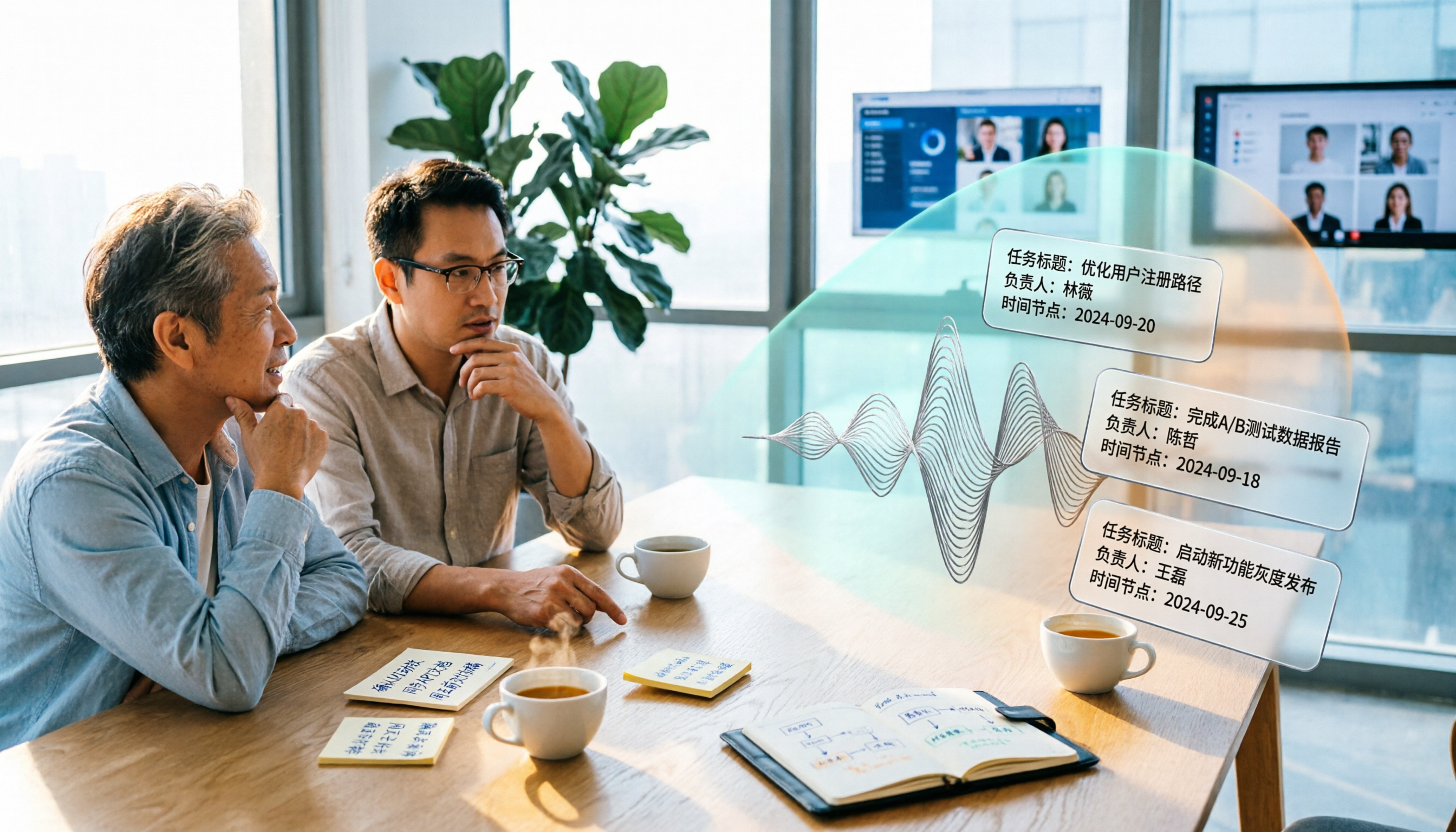
5 Meeting Action Item Extraction Tools Tested and Compared in 2026: Which One Turns Meetings into Trackable To-Dos?
How do you choose a meeting action item extraction tool? This article breaks down five aspects: Chinese recognition, post-meeting organization workflow, bot-free recording, team permission governance, and pricing. It uses Tinrec as the primary example to demonstrate how to turn meeting recordings into trackable to-do lists and reusable team data.

2026 AI Meeting Task Extraction Tools Compared: Which One Turns Transcripts into To-Do Lists?
After a meeting ends, the transcript is long, and the real time sink is pulling out 'who will do what.' This article starts from the practical pain points of task extraction, uses 4 key points to help you evaluate tools, then hands-on tests Tinrec's summaries, to-dos, AI Q&A, and team collaboration workflow, briefly compares the positioning of Otter.ai, Granola, and Notta, and ends with common pitfalls and selection advice.

2026 Comparison of 4 Meeting Action Plan Software: Which One Actually Turns Post-Meeting Actions into Results?
After the meeting ends, action plans are scattered across chat logs and transcripts? This article starts with common pitfalls, outlines key factors for choosing meeting action plan software, and provides hands-on comparisons of Tinrec, Granola, Notta, and Otter.ai to help you find a tool that truly turns post-meeting actions into results.

Tinrec vs Handwritten Meeting Notes in 2026: 5-Dimension Comparison — Which Generates Action Items Faster?
Using Tinrec as an example, this article compares AI-generated meeting minutes with action items against handwritten notes across 5 dimensions. It covers real-time transcription, AI summaries, action item extraction, AI Q&A, and team spaces — including practical usage, limitations, and pricing — plus buying tips and FAQs to help you decide which approach suits your team.

How to Turn Meeting Conclusions into Action Plans with Tinrec (2026 Guide)
Meetings end, but conclusions don't become actions? This guide explores three common pitfalls and shows how Tinrec connects live recording, bot-free online meeting capture, AI summaries, action item extraction, and team spaces into one workflow—so meeting conclusions turn directly into trackable action plans. Includes buying tips and FAQs.

Meeting Minutes vs. Action Plans: 3 Key Differences and Tool Recommendations for 2026
What's the difference between meeting minutes and action plans? This article explains the purposes of both through 3 key differences, and tests tools like Tinrec, Otter.ai, Granola, and Notta to show how AI meeting note tools can handle both minutes and action tracking, so meetings don't end up forgotten.
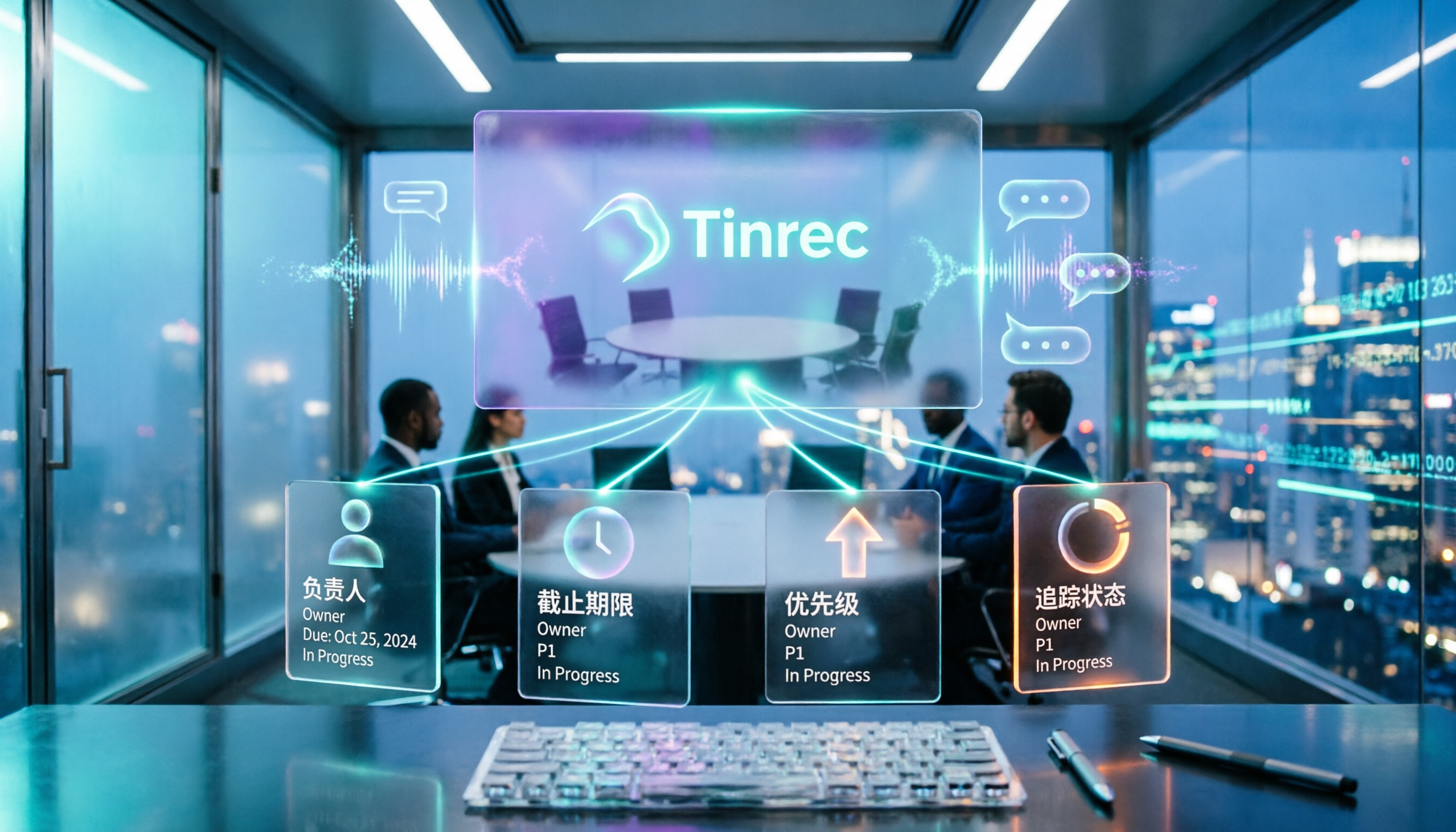
5 Meeting Action Plan Templates Tested and Compared in 2026: Which One Actually Turns Decisions into To-Dos?
When meetings end and no one takes action, the problem usually isn't the meeting itself—it's the lack of a trackable action plan afterward. This article breaks down the 4 key fields a meeting action plan template should have and compares tools like Tinrec, Otter.ai, Notta, and Granola to show which combination truly turns discussions into to-dos with owners and deadlines.

2026 AI Meeting Tools Comparison: Which Delivers the Most Complete Post-Meeting Materials?
The real work begins after the meeting ends. This article focuses on 'post-meeting deliverables' as the decision point, comparing Tinrec and Granola—two tools that don't use meeting bots—across 5 dimensions to help you determine which one truly turns meetings into shareable minutes, action items, and reports.

2026 Top 4 Sales Post-Meeting Delivery Tools Compared: Which Meeting Notes Can You Actually Hand Off?
Sales post-meeting delivery isn't just dropping a recording into a group chat. This article starts with the most common pitfalls, explains the 4 key points to consider when choosing a sales post-meeting delivery tool, and compares Tinrec, Otter.ai, Granola, and PLAUD Note in real tests on Chinese meetings, bot-free recording, post-meeting summaries, and team data retention—helping you find a tool that truly turns meetings into handoff-ready data.