

Turn recordings into transcripts and summaries in minutes
Upload audio or video for multilingual transcription, AI notes, and action items
Meeting Minutes vs. Action Plans—What You Need Isn't More Notes, It's Trackable Results
Two-hour meetings followed by two hours of organizing meeting minutes—this is a daily reality for many office workers. What's even more frustrating is that no matter how beautifully written the minutes are, if there's no clear "who will do what and by when," the meeting was essentially pointless.
This is the difference between meeting minutes and action plans: minutes record "what happened in the meeting," while action plans define "what to do after the meeting." Both are essential, but most people only do the former.
If you've ever experienced the situation where "minutes get filed away and no one looks at them again," this article is for you.
Understand the 3 Key Differences Between Meeting Minutes and Action Plans
Difference 1: Different Purposes Meeting minutes are formal records used to provide a basis for decisions, legal documentation, and organizational transparency. Action plans are execution checklists aimed at ensuring discussions translate into concrete actions. Simply put, minutes are "history," while action plans are "the future."
Difference 2: Different Content A complete set of meeting minutes should include the meeting date, time, location, attendance list, key decisions, motion results, and previous corrections. Action plans focus on tasks, responsible persons, deadlines, and expected outcomes. The overlap between the two is "decisions," but action plans break decisions down into executable steps.
Difference 3: Different Timing of Output Minutes are usually organized after the meeting and require some time for summarization. Action plans are best confirmed during the meeting to avoid forgetting afterward. This is why more and more people use AI meeting note tools—like Tinrec, which can generate transcripts, summaries, and to-dos while recording, effectively producing both minutes and action plans together.
After understanding these 3 differences, you'll realize: rather than struggling over whether to write minutes or action plans, it's better to find a tool that can do both for you simultaneously.
Tinrec—Our Top Choice After Testing
Tinrec is an AI meeting note and collaboration tool for individuals and teams, supporting iOS, Android, web, and desktop versions. It doesn't just convert audio to text; it also helps you organize meetings into searchable, summarizable, queryable, and exportable data.
Bot-free online meeting recording The Tinrec desktop version directly captures computer system audio, so when handling online meetings on Zoom, Google Meet, Microsoft Teams, Webex, etc., there's no need to invite an additional meeting bot. For participants, the meeting flow is completely undisturbed—you just open Tinrec to start recording and generate real-time transcripts.
AI summaries, chapters, and to-do extraction After the meeting ends, Tinrec automatically generates summaries, chapters, and key points, and extracts to-do items from the discussion. Who is responsible for what and what the deadlines are—all clear at a glance. This precisely fills in the "responsible person and deadline" fields that action plans most often lack.
AI Q&A and Agent post-processing After recording, you can directly ask Tinrec: "Who mentioned the budget in the last meeting?" It will answer based on semantic understanding, rather than just giving you keyword search results. Additionally, Tinrec's Agent post-processing can generate reports, tables, and documents based on meeting content, suitable for scenarios requiring post-meeting deliverables.
Team spaces and data retention For team use, Tinrec's team version provides independent team spaces where meeting data belongs to the team and won't be taken away when members leave. Administrators can manage members, roles, and seats, view usage analytics and audit logs, and restore accidentally deleted files through the audio recycle bin. The team hotwords feature improves recognition of professional terminology.
Advantages summary
Stop organizing recordings by hand
Upload audio or video and automatically get a transcript, summary, and action items
- Excellent Chinese meeting experience, supports mixed Chinese-English and multilingual transcription, plus real-time translation and bilingual viewing.
- Bot-free recording—no extra participant needed for online meetings.
- From transcripts to to-dos, reports, and tables—all can be produced, effectively completing both meeting minutes and action plans.
- The team version turns meeting data into searchable, collaborative, and traceable digital assets.
Limitations to note The free version provides basic quota, suitable for light use. If you have regular weekly meetings, consider the Pro monthly or annual plan. The team version requires paid seats: monthly USD 29.80 per paid seat per month, annual USD 199 per paid seat per year (about USD 16.58 per month). Each paid seat provides 2,000 minutes of team shared import quota per month; real-time recording is currently not deducted by minutes under valid plans. Actual prices and benefits are subject to the official purchase page.
Also note that transcription accuracy can be affected by recording quality, noise, accents, overlapping speakers, and professional terminology. For important information, it's recommended to cross-check with transcript timestamps and audio playback.
Who it's for If you frequently need Chinese meeting notes, want to use AI to find key points and to-dos directly after meetings, or need a shared meeting database for your team, Tinrec is a very suitable choice.
Besides Tinrec, What Other Options Are There?
Otter.ai Otter is a mature English meeting assistant. The free version offers 300 minutes per month, and Pro annual billing is about USD 8.49 per user per month. It has a mature experience for English business meetings, but Chinese meetings are not its strength. If you mainly record English content, consider it; but if you need bot-free Chinese recording and team data retention, Tinrec is more aligned.
Granola Granola is a bot-free AI meeting note tool. Basic is free, Business is USD 14 per user per month. It supports real-time transcript viewing, but does not support uploading pre-recorded audio files and does not save meeting audio. Tinrec, on the other hand, retains audio, supports file import, and provides more complete team management.
Notta Notta covers multi-platform transcription, meeting notes, file import, and translation. The free version offers 120 minutes per month, up to 3 minutes per session; Pro annual billing is about USD 8.17 per month. Tinrec's differences lie in bot-free online meeting recording, AI Q&A, and Agent post-processing, enabling a more complete post-meeting workflow.
(Prices and benefits of the above competitors are subject to their official pages.)
Pitfall Guide: The 4 Most Common Mistakes in Writing Minutes and Action Plans
Pitfall 1: Only writing minutes, not action plans Minutes record discussions, but if they aren't converted into tasks, everyone forgets after the meeting. The correct approach: before each meeting ends, confirm at least 3 action items and assign responsible persons and deadlines.
Pitfall 2: Action plans without responsible persons and deadlines "Let's look into it further" is not an action plan. An effective action plan must include: what to do, who will do it, and when it will be completed. If manual recording is prone to omissions, you can use Tinrec's to-do extraction feature to organize automatically.
Pitfall 3: Relying on manual transcription Typing while in a meeting not only easily distracts but also misses important details. A better approach is to use a tool to record and transcribe simultaneously, then use AI summaries for quick review afterward.
Pitfall 4: Treating AI tools as just voice recorders If you only use Tinrec as a "voice-to-text" tool, you're only using one-third of its capabilities. Its AI Q&A, summaries, to-dos, exports, and team spaces are the key to turning meetings into actionable data.
Conclusion: Meeting Minutes and Action Plans—How Should You Choose?
Meeting minutes and action plans are not an either-or choice; they are two outputs of the same meeting. Minutes leave a record, action plans drive execution. Rather than handling them separately manually, it's better to use one tool to do both.
Scenario-based recommendations:
- Need Chinese meeting notes and bot-free online meeting recording → Tinrec
- Want to use AI Q&A to find key points and automatically generate to-dos after recording → Tinrec
- Cross-platform use (phone + computer + web) → Tinrec
- Team needs shared meeting data, seat management, and auditing → Tinrec team version
- Only record English meetings and have a limited budget → Otter.ai
We suggest downloading the free version of Tinrec first and running through a recent meeting recording to see if the summaries and to-dos meet your needs. If you find it useful, then consider upgrading—no need to pay from the start.
References
Turn every recording into actionable outcomes
Get 60 free transcription minutes when you sign in. No credit card required.
Related Reading
You might also like

5 Meeting Action Item Extraction Tools Tested and Compared in 2026: Which One Turns Meetings into Trackable To-Dos?
How do you choose a meeting action item extraction tool? This article breaks down five aspects: Chinese recognition, post-meeting organization workflow, bot-free recording, team permission governance, and pricing. It uses Tinrec as the primary example to demonstrate how to turn meeting recordings into trackable to-do lists and reusable team data.

2026 AI Meeting Task Extraction Tools Compared: Which One Turns Transcripts into To-Do Lists?
After a meeting ends, the transcript is long, and the real time sink is pulling out 'who will do what.' This article starts from the practical pain points of task extraction, uses 4 key points to help you evaluate tools, then hands-on tests Tinrec's summaries, to-dos, AI Q&A, and team collaboration workflow, briefly compares the positioning of Otter.ai, Granola, and Notta, and ends with common pitfalls and selection advice.

2026 Comparison of 4 Meeting Action Plan Software: Which One Actually Turns Post-Meeting Actions into Results?
After the meeting ends, action plans are scattered across chat logs and transcripts? This article starts with common pitfalls, outlines key factors for choosing meeting action plan software, and provides hands-on comparisons of Tinrec, Granola, Notta, and Otter.ai to help you find a tool that truly turns post-meeting actions into results.

Tinrec vs Handwritten Meeting Notes in 2026: 5-Dimension Comparison — Which Generates Action Items Faster?
Using Tinrec as an example, this article compares AI-generated meeting minutes with action items against handwritten notes across 5 dimensions. It covers real-time transcription, AI summaries, action item extraction, AI Q&A, and team spaces — including practical usage, limitations, and pricing — plus buying tips and FAQs to help you decide which approach suits your team.

How to Turn Meeting Conclusions into Action Plans with Tinrec (2026 Guide)
Meetings end, but conclusions don't become actions? This guide explores three common pitfalls and shows how Tinrec connects live recording, bot-free online meeting capture, AI summaries, action item extraction, and team spaces into one workflow—so meeting conclusions turn directly into trackable action plans. Includes buying tips and FAQs.
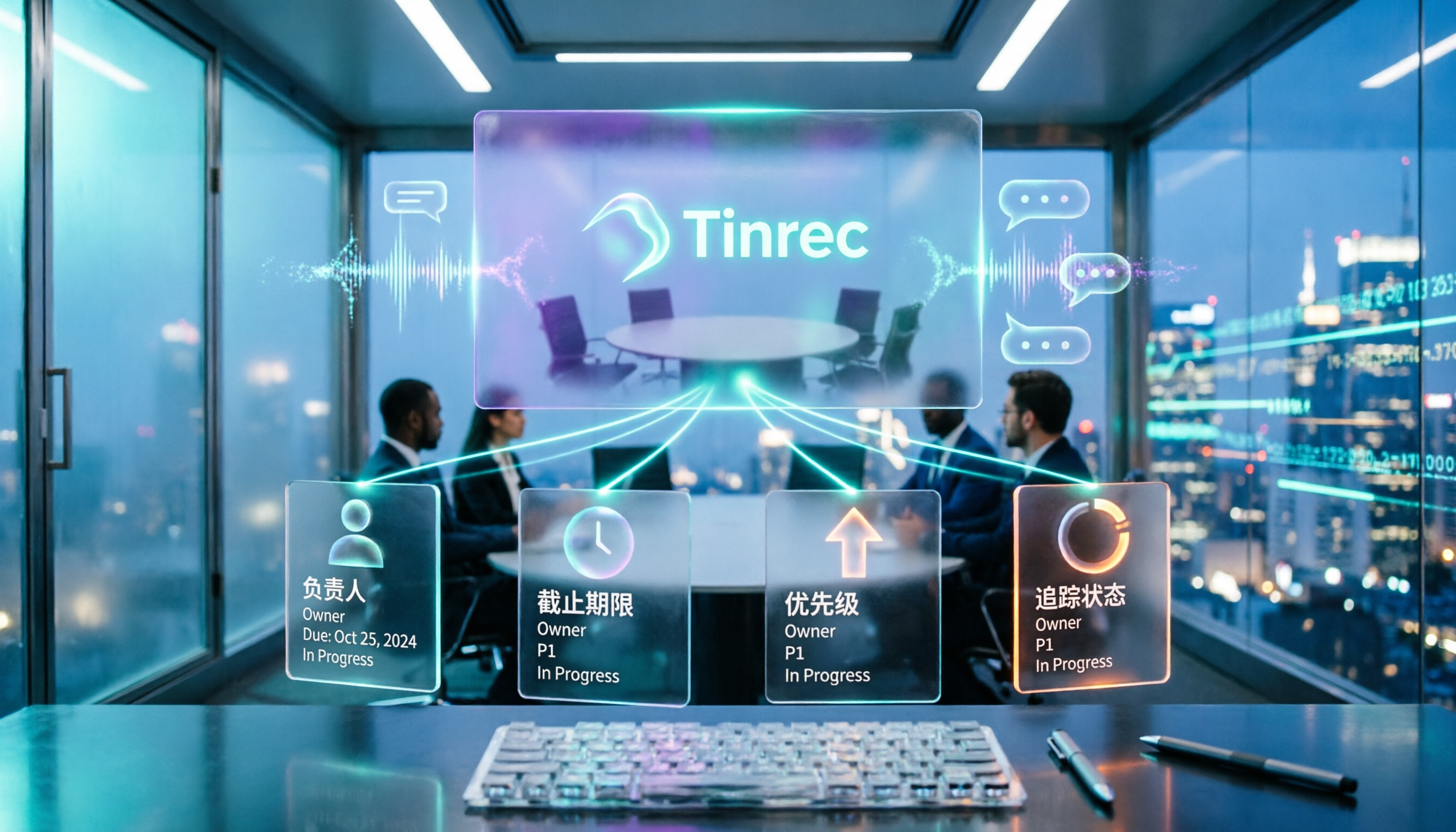
5 Meeting Action Plan Templates Tested and Compared in 2026: Which One Actually Turns Decisions into To-Dos?
When meetings end and no one takes action, the problem usually isn't the meeting itself—it's the lack of a trackable action plan afterward. This article breaks down the 4 key fields a meeting action plan template should have and compares tools like Tinrec, Otter.ai, Notta, and Granola to show which combination truly turns discussions into to-dos with owners and deadlines.

6 Best AI Meeting Action Plan Tools in 2026: From Transcripts to To-Do Tracking
Meeting over but no one remembers who's doing what? This guide compares 6 AI tools that turn meeting recordings into action plans, covering transcripts, summaries, to-dos, and team tracking—plus ready-to-use prompt templates and selection tips.

2026 AI Meeting Tools Comparison: Which Delivers the Most Complete Post-Meeting Materials?
The real work begins after the meeting ends. This article focuses on 'post-meeting deliverables' as the decision point, comparing Tinrec and Granola—two tools that don't use meeting bots—across 5 dimensions to help you determine which one truly turns meetings into shareable minutes, action items, and reports.

2026 Top 4 Sales Post-Meeting Delivery Tools Compared: Which Meeting Notes Can You Actually Hand Off?
Sales post-meeting delivery isn't just dropping a recording into a group chat. This article starts with the most common pitfalls, explains the 4 key points to consider when choosing a sales post-meeting delivery tool, and compares Tinrec, Otter.ai, Granola, and PLAUD Note in real tests on Chinese meetings, bot-free recording, post-meeting summaries, and team data retention—helping you find a tool that truly turns meetings into handoff-ready data.