

Turn recordings into transcripts and summaries in minutes
Upload audio or video for multilingual transcription, AI notes, and action items
When choosing meeting notes software, the biggest fear isn't a lack of features—it's discovering after using it for a while that it can't recognize Chinese accurately, can't record online meetings, and still requires you to spend time organizing afterward.
So before looking at any tool, I suggest asking yourself three questions. First, are your meetings online or in-person? Second, is the meeting content primarily in Chinese, or often mixed with English? Third, after recording, do you want a transcript, or meeting minutes you can send directly to colleagues?
The answers to these three questions will directly determine which tool suits you. Next, I'll break down the 5 meeting notes software I've personally used, and honestly explain the limitations of each free version.
The pain point of meeting notes isn't slow typing—you need the right tool
Most people first look for meeting notes software because they're forced by the same problem.
During online meetings, you listen while typing, and end up doing neither well. After the meeting, you're left with incomplete notes.
In-person meetings are even more troublesome. You record a 90-minute audio file on your phone, then have to listen from start to finish at home to write down key points. Halfway through, you want to give up.
There's another situation that's most frustrating: a week after the meeting, a colleague asks "Who proposed that decision last time?" Everyone looks at each other, and no one can answer.
These problems usually aren't due to lack of effort, but because the tool wasn't right. Recording is just the starting point. Whether you can turn the recording into searchable, queryable, and shareable data is the key.
Before choosing meeting notes software, understand these 5 key points
1. Chinese recognition: Look at real test conditions, not just advertised numbers. Many tools claim "98% accuracy," but that's usually measured in a quiet environment. Real meeting rooms have air conditioning noise, keyboard sounds, and multiple people talking over each other, so performance varies greatly. I suggest testing with your own real recording—it's more accurate than ads.
2. How meetings are "recorded." There are three common methods: a meeting bot joining as a participant, desktop software capturing system audio, and external recording hardware. Bots are most convenient, but having an extra account in the meeting room can sometimes be inappropriate for clients or external parties.
3. What you can do after recording. Transcripts are just the beginning. Whether it can automatically generate summaries, chapters, action items, and allow follow-up questions determines whether you save 10 minutes or 2 hours.
4. How free quotas are calculated. Don't just look at "minutes per month"—also note the "single session length" limit. Some tools' free versions can only transcribe 3 minutes at a time, so a meeting must be split into several parts.
5. Personal or team use. If meeting data is shared across departments, consider data ownership, member permissions, and seat management. Accounts tied to individuals mean data leaves when the person leaves—a pitfall many teams have fallen into.
Two more reminders: before recording, it's best to inform participants and comply with local regulations; also, any AI-generated summary should be checked against the original.
Tinrec—The most balanced option after testing
Tinrec is an AI meeting notes and collaboration tool for individuals and teams, supporting iOS, Android, desktop, and web.
What impressed me most is that it connects the entire process from "recording → transcription → organization → follow-up use," rather than just doing one part.
For online meetings, no need to invite a bot. Tinrec's desktop version directly captures system audio. When meeting via Zoom, Google Meet, Microsoft Teams, or Webex, you can record and get real-time transcripts without inviting an extra meeting bot. For those facing clients, this is practical—no unknown participant appears on screen.
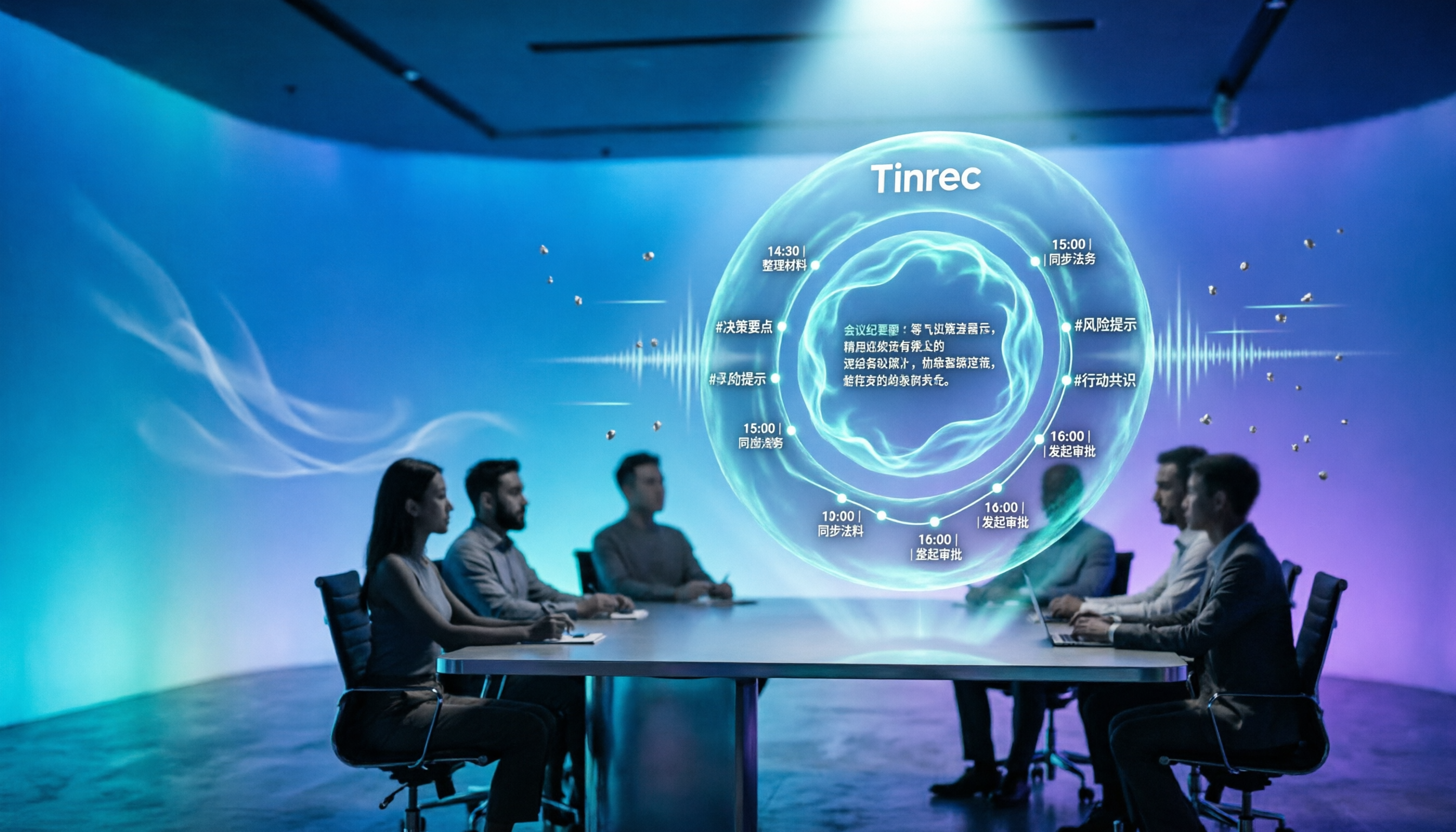
More than just a transcript after recording. After the meeting, Tinrec automatically generates summaries, chapters, and action items, so you can see at a glance who is responsible for what and when it's due. It can also output mind maps to help you review the discussion structure of the entire meeting.
Ask AI directly about meeting content. This is the most practical part for me. After recording, you can directly ask: "Who mentioned the budget in the last meeting?" It will answer based on semantic understanding, rather than giving you a list of keyword search results. When recordings are too old to remember, this feature saves a lot of time searching.
Multilingual and real-time translation. Besides Chinese and Traditional Chinese, Tinrec also supports multilingual meetings. During recording, you can switch between original text, translation, or bilingual view, handling meetings mixed with Chinese and English. Actual recognition is affected by recording quality, noise, accent, and technical terms; important content should be verified by listening back.
Stop organizing recordings by hand
Upload audio or video and automatically get a transcript, summary, and action items
Team version turns meetings into team assets. If meeting data is for the whole department, the team version provides an independent team space, rather than multiple people sharing a personal account. Members without seats can view, play, and read data; only with a seat can they record, upload, edit, and export. Administrators can manage roles and seats, view usage trends and details, query and export audit logs, and there's an audio recycle bin to recover accidentally deleted files, plus team hotwords to improve recognition of technical terms. When a member leaves or loses their seat, team resources can be transferred to other members and won't disappear with the person.
Pricing and limitations. The personal version has a free version to try, a weekly card for short-term intensive use, and Pro monthly and annual cards for long-term stable use. The team version offers a 7-day trial for first-time eligible users, including 1 free seat and 300 minutes of team shared import quota; team monthly payment is USD 29.80 per paid seat per month, annual payment is USD 199 per paid seat per year, equivalent to about USD 16.58 per month. Each paid seat provides 2,000 minutes of team shared import quota per month. Real-time recording within the team is currently not deducted by minutes. Actual prices and benefits are subject to the official purchase page.
Note that the free version has basic quota limits. If you have meetings every day, you'll need to consider a paid plan; also, file imports consume team shared quota, so it's not unlimited.
Who is it for? For those who need Chinese meeting notes, don't want a bot joining meetings, want to use AI to find key points directly after recording, or want to turn meeting data into team assets, Tinrec is currently the most balanced choice.
Besides Tinrec, what other options are there?
Otter.ai: A veteran choice for English meetings. Free version has 300 minutes per month; Pro annual is about USD 8.49 per user per month, including 1,200 minutes of in-app recording and 10 file imports per month. It also has desktop capabilities, but Chinese meeting organization isn't its strong suit, and it lacks team governance features like team hotwords and audio recycle bin. If you almost always record in English, consider it first.
Notta: Highly overlapping with Tinrec, offering multi-platform transcription, file import, translation, and team plans. Free version has 120 minutes per month, max 3 minutes per session; Pro annual is about USD 8.17 per month (1,800 minutes per month); Business annual is about USD 16.67 per seat per month. Its free limits are strict, and Tinrec's difference lies in bot-free desktop recording and seat governance in team spaces.
PLAUD Note/NotePin: AI recording hardware. NotePin costs USD 159, Note Pro USD 189. Membership plans: Starter 300 minutes per month, Pro USD 99.99 per year (1,200 minutes per month). Advantages are portable recording and phone call recording, but you need to carry an extra device, handle online meetings separately, and it lacks team space and seat management like Tinrec. Actual prices are subject to the official page.
Pitfall guide: 4 most common mistakes when choosing meeting notes software
Pitfall 1: Only looking at official claimed accuracy. Numbers measured in a quiet studio are different from your meeting room. Test with real recordings before buying, especially for Chinese and mixed Chinese-English segments.
Pitfall 2: Ignoring single session length limits. Some free versions can only transcribe 3 minutes at a time, so a 60-minute meeting needs 20 splits. When reviewing plans, be sure to confirm both "single session limit" and "monthly total."
Pitfall 3: Treating the tool only as recording-to-text. If you only use it for transcripts, you're using only one-third of its capabilities. Features like AI Q&A, action item extraction, summaries, and chapters are what truly save you post-meeting organization time.
Pitfall 4: The whole team sharing one personal account. It seems cost-saving short-term, but data ownership is chaotic, someone leaving requires password handover, and permissions can't be managed. For team use, choose a solution with independent team space, roles, and seat design.
Conclusion: Which one should you choose?
In one sentence: If meetings are primarily in Chinese, Tinrec is my top recommendation after testing.
- Chinese meetings, both online and offline recording → Tinrec (bot-free desktop recording plus Chinese experience)
- Want to use AI to find key points, generate minutes and action items after recording → Tinrec
- Want to use on phone, computer, and web without extra hardware → Tinrec
- Team needs to share meeting data, manage seats and usage → Tinrec Team version
- Almost only record English meetings, zero budget → Otter.ai
- Need portable long-time recording or phone call recording → PLAUD Note
I suggest starting with Tinrec's free version, testing with a real meeting recording you have, to see if Chinese recognition and post-meeting organization work for you. If it feels right, consider upgrading—no need to pay from the start.
References
- AI Meeting Notes Software Recommendations: 5 App Test Comparisons, Automatic Transcription Makes Meetings Easy!
- Must-See 2026! 4 AI Audio-to-Text Tool Recommendations: Meeting Notes, Podcast Transcript Comparison - Mobile01
- 5 AI Meeting Notes Tool Comparison: Otter, Notta Features and Prices
- Many people recently asked me if there are AI tools for meeting notes. They still type manually, often can't multitask, and waste time. I always answer—SeaMeet. Why recommend? Here's a summary: -Binds to Google Meet, syncs transcripts for online meetings, with real-time summaries, super convenient. -No need to refresh, after meeting ends, directly emails all participants. -Operation is super simple, even middle-aged and elderly who've never used AI tools, I taught them in 10 minutes. -In-person meetings
- No time limit! 3 free AI transcript tools, highly recommended! AI voice notes generate meeting minutes, presentations, mind maps | 104 Career Power
Turn every recording into actionable outcomes
Get 60 free transcription minutes when you sign in. No credit card required.
Related Reading
You might also like

4 Best AI Meeting Transcription Software in 2026: Free vs Paid, Chinese Support, and Team Collaboration Compared
This article debunks common misconceptions and compares four popular AI meeting transcription tools: Tinrec, Otter.ai, Notta, and Granola. It covers differences in Chinese recognition, bot-free recording, post-meeting AI summaries, and team collaboration, with a comparison table and a buyer's guide to avoid pitfalls.

Tinrec vs Otter.ai in 2026: A 5-Dimension Comparison to Choose the Right Chinese Meeting Transcription Software
How do you choose meeting transcription software? This article compares Tinrec, Otter.ai, Granola, and PLAUD Note across five dimensions: recording method, Chinese recognition, post-meeting outputs, data ownership, and pricing. It includes a comparison table, lists each tool's free tier and paid pricing, highlights common pitfalls, and offers recommendations based on use cases.

2026 Free Meeting Notes Apps Compared: How to Choose from Free to Team Plans
How do free meeting notes apps work? This guide examines three key decision points: whether the free quota is sufficient, whether online meetings can be recorded, and whether AI helps organize notes afterward. Using Tinrec as a full example, it walks through the workflow, core capabilities, and purchasing considerations from the free version, weekly pass, Pro, to team plan, helping you decide which plan to use in one go.

2026 Meeting Transcription Software Comparison: Which AI Note-Taker Actually Saves Time with Chinese Recognition?
I have 15 meetings a week, and post-meeting organization is the real nightmare. This article, from the perspective of a mid-level manager, breaks down 5 key factors for choosing meeting transcription software in 2026, tests Tinrec's Chinese transcription and AI Q&A experience, and honestly compares the use cases and limitations of Otter.ai, Notta, and PLAUD, ending with scenario-based recommendations you can follow directly.

How to Choose Meeting Transcription Software in 2026: A 5-Step Hands-On Guide
Every meeting transcription app claims to be free, but in practice you hit limits, Chinese recognition issues, and bot approval hurdles. This guide breaks down the complete workflow from recording to meeting minutes in 5 steps, using Tinrec as a hands-on example, and covers 5 key buying factors, differences between personal and team plans, and FAQs.

5 Best AI Meeting Notes Software in 2026: Which Handles Chinese Transcription Best?
Two-hour meetings and two more hours organizing notes? This guide starts with the key needs discussed on PTT, teaches you 4 critical factors for choosing a tool, then compares Tinrec, Otter.ai, Notta, PLAUD, and more to help you pick the most time-saving option based on your budget, meeting type, and team size.
6 Best AI Meeting Notes Software in 2026: Free vs Paid, How to Choose
Struggling with meeting notes isn't about typing speed—it's about workflow. We tested 6 top AI meeting transcription tools in 2026: Tinrec, Otter, Fireflies, Notta, Granola, and TurboScribe. Compare Chinese language support, free tiers, bot-free recording, and team collaboration features. Includes a 4-step AI meeting notes workflow and buying advice.

2026 Best AI Meeting Notes Software: 4 Tools Tested for Managers
A mid-level manager who attends 15 meetings a week tests Tinrec, Notta, Otter.ai, and PLAUD, comparing transcription quality, online meeting recording, post-meeting workflows, and team data ownership. Includes 4 key points to understand before choosing and 4 common pitfalls to avoid, helping you find the tool that truly saves time.

2026 Meeting Transcription Software Comparison: Chinese Recognition & Post-Meeting Efficiency Tested
We tested 4 meeting transcription software in 2026, comparing Chinese recognition, bot-free online meeting recording, post-meeting summaries and action items, AI Q&A, and team data management. We also highlight common purchasing pitfalls and provide clear recommendations based on different scenarios and budgets.