
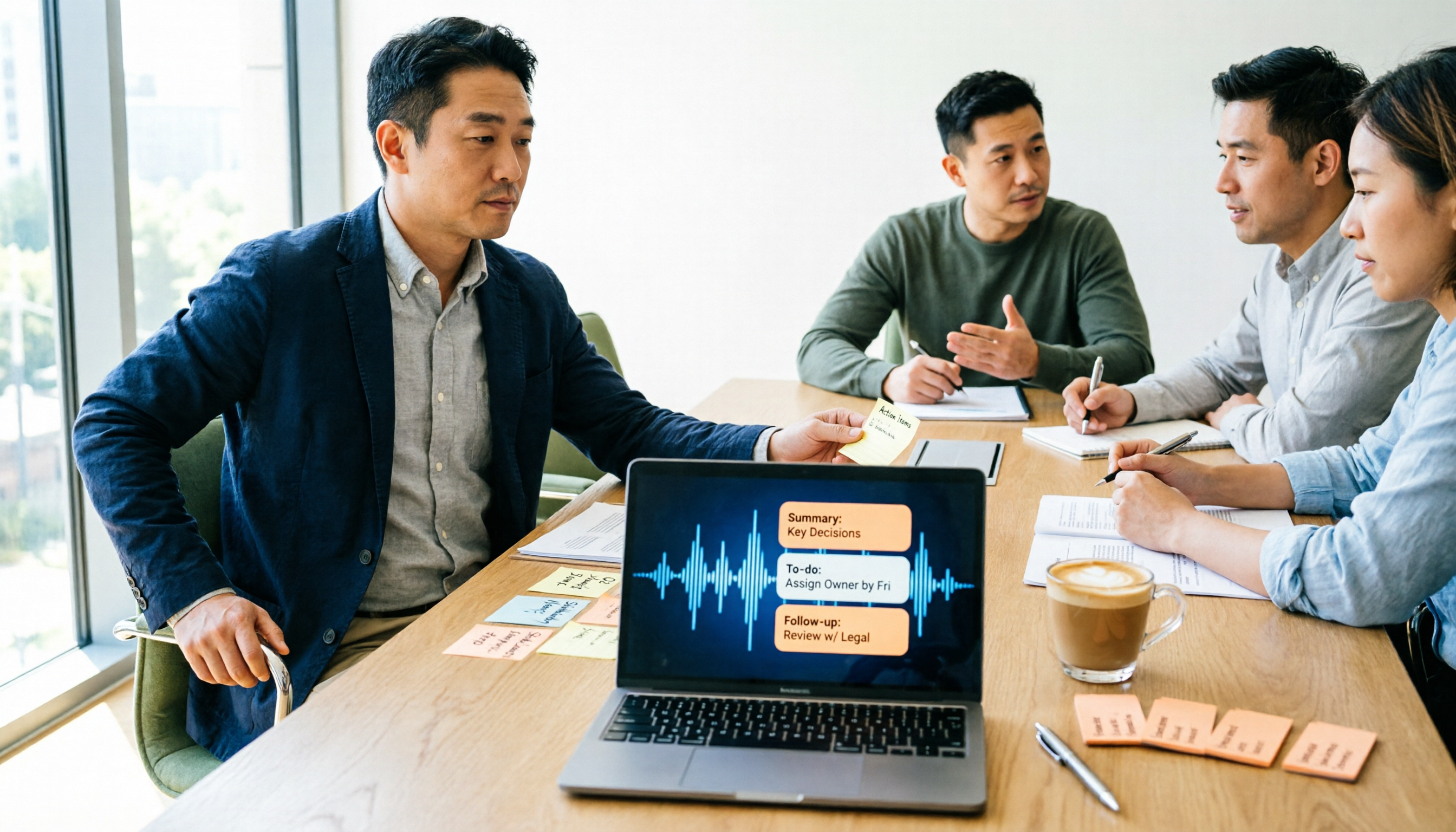
Turn recordings into transcripts and summaries in minutes
Upload audio or video for multilingual transcription, AI notes, and action items
2026 Meeting Notes Tools Compared: Tinrec vs Otter.ai — Which Keeps Your Minutes From Falling Apart?
I used to think my meeting notes were bad because I couldn't type fast enough. Then I realized the real problem was that I couldn't wrap things up cleanly.
For the first ten minutes I'd take careful notes, sentence by sentence. Then people started interrupting, someone got cut off by a phone call, and my notes began to fall apart. In the last five minutes the boss walked in and made three decisions, and all I wrote down was "Conclusion: discuss later." After the meeting, the only way to catch up was from memory.
In running terms, this is a bad taper: you go out too hard and can't bring it home. A good taper is steady convergence throughout, ending with clear conclusions, owners, and deadlines.
Meeting notes are the same thing. What really needs to converge isn't the word count — it's "who is going to finish what, and by when." In this article I compare two tools — Tinrec and Otter.ai — to explain which dimensions determine whether your minutes fall apart or get clearer with every meeting.
Tinrec vs Otter.ai | Quick Overview
One-line positioning: Tinrec is an AI meeting notes and collaboration tool for individuals and teams; Otter.ai is a mature AI meeting assistant.
| Item | Tinrec | Otter.ai |
|---|---|---|
| Meeting capture | Desktop app captures computer system audio; no extra bot needs to join the meeting | Primarily a meeting assistant that joins online meetings; also offers desktop capabilities |
| Chinese experience | Chinese, Traditional Chinese, mixed Chinese-English, and multilingual; supports real-time translation during recording and bilingual viewing | Strongest in English business meetings |
| Post-meeting outputs | Transcript, summary, chapters, action items, mind map, AI Q&A; can generate reports, tables, and documents and export in multiple formats | Summaries, action items, AI Q&A, and workflow integrations |
| Team capabilities | Team spaces, role and seat management, usage analytics, audit logs, audio recycle bin | Mature team and enterprise management capabilities |
| Pricing entry | Personal plans include free, weekly pass, Pro monthly and annual; team plan offers 7-day trial (1 free seat, 300 minutes of shared team import) | Basic free with 300 minutes/month; Pro annual billing works out to about USD 8.49/user/month |
Below I break this down across five dimensions — essentially the key to turning a bad taper into a good one.
Dimension 1 | Meeting Capture: One More Bot, or One Less Variable?
Otter.ai's approach is mature: it puts a meeting assistant into Zoom, Microsoft Teams, Google Meet, and other online meetings, where it joins and records; it also offers desktop capabilities. The upside is a high degree of automation; the downside is that an extra "participant" appears on the attendee list, which sometimes needs explaining to external clients or in highly sensitive meetings.
Tinrec takes a different path: the desktop app directly captures the computer's system audio, so no bot needs to be invited into the meeting. Zoom, Google Meet, Teams, and Webex can all be recorded while playing on your computer. One caveat: this is not "automatically join all calendar meetings" — you need to open Tinrec yourself and start recording.
→ This dimension: If you don't want an extra bot in the meeting, or can't easily explain its presence to clients, Tinrec's workflow is smoother. If you want maximum automation and a meeting-secretary-style join, Otter's experience is more intuitive. Call this one a draw, but for people who "don't want another variable," Tinrec is clearly easier to handle.
Dimension 2 | Chinese and Mixed Chinese-English: This Is Where Things Most Easily Go Wrong
Our team's meetings are typically mixed Chinese-English — "let's ship this feature first, then confirm with QA" — then back to Chinese. Otter.ai is highly mature for English business meetings, but Chinese, especially Traditional Chinese and mixed Chinese-English recognition, is not its home turf.
Tinrec's positioning here is much clearer: Chinese, Traditional Chinese, and multilingual meeting transcription, plus real-time translation during recording and bilingual viewing, so cross-language meetings can be viewed with original and translated text side by side. Actual results still depend on recording quality, accents, background noise, overlapping speakers, and technical terminology — I won't tell you it's 100% accurate, because no tool should promise that.
→ This dimension: For Taiwanese teams' Chinese and mixed Chinese-English meetings, Tinrec clearly wins.
Dimension 3 | Post-Meeting Outputs: A Transcript Is Only Half the Product
Otter.ai offers summaries, action items, and AI Q&A. This combination is already sufficient for English meetings and is a strength it has built over years.
Stop organizing recordings by hand
Upload audio or video and automatically get a transcript, summary, and action items
Tinrec goes broader in the "after the transcript" stage: beyond summaries, chapters, key points, and to-dos, it also has a mind map to help you understand the structure of the discussion, lets you continue asking AI questions about the meeting content, and uses Agent post-processing to turn meeting content into reports, tables, and documents, which can then be exported to Notion, Google Docs, OneNote, Dropbox, and other tools for continued use. For people who have to report upward every week, "having something ready to hand in right after the meeting" is worth more than the transcript itself.
→ This dimension: Tinrec wins; the difference is the completeness of the "produce deliverables" stage.
Dimension 4 | Team Knowledge Retention and Governance: Roles, Seats, and Usage Should Be Looked at Separately
Otter.ai's Business plan is mature in team and enterprise management — an advantage built over years.
Tinrec's team plan, meanwhile, centralizes meeting data into independent team spaces: create and switch between multiple teams, invite members via join links, set owners/admins/regular members, assign and reclaim seats, view team usage trends and member rankings, manage team hotwords, query and export audit logs, and use an audio recycle bin to restore files before permanent deletion (currently retained for 30 days; to-dos are not covered by the recycle bin).
Here's a concept many people confuse: roles determine who can manage the team and audit; seats determine who can record, upload, edit, and export. Members who are active but have no seat can still view, play, and read team data — they just can't perform resource-consuming operations like uploading and editing. To be clear: this is currently team-level sharing, not fine-grained file-level or member-level permissions.
→ This dimension: Both sides' team capabilities are solid — a tie. The difference is that Tinrec separates roles and seats, which makes budgeting easier for managers to align: buy as many seats as the number of people who will actually do the work.
Dimension 5 | Pricing and Quotas: Don't Just Look at the Monthly Fee Line
Otter.ai's current official pricing page states: Basic is free, 300 minutes per month; Pro annual billing works out to about USD 8.49/user/month, including 1,200 minutes of in-app recording per month and 10 file imports; Business offers unlimited meetings and in-app recording, and actual pricing may be affected by promotions.
Tinrec's personal plans are chosen by usage rhythm: free plan for occasionally organizing a recording, weekly pass for short bursts of intensive meetings, Pro for steady weekly use, annual for long-term data retention. The team plan currently offers a 7-day trial (1 free seat, 300 minutes of shared team import), USD 29.80/paid seat/month, or USD 199/paid seat/year (about USD 16.58/month), with each paid seat providing 2,000 minutes of shared team import per month; under an active team plan and active seats, real-time recording is currently not deducted by the minute. Document and web imports consume the shared team quota, not members' personal quotas.
→ This dimension: If you only record occasionally, both free tiers are enough to get started. If, like me, you're in meetings every day and also supporting a team, Tinrec's team plan prices by "shared team quota pool + number of seats," which is easier to forecast than calculating minutes per person. Prices and benefits may change; please refer to the official purchase page before ordering.
What Unique Advantages Does Each Have?
Tinrec's unique advantages:
- No hardware to buy and no bot to invite into meetings — the desktop app captures system audio to record online meetings, and audio files are retained so you can listen back and verify afterward.
- Chinese, Traditional Chinese, and mixed Chinese-English are its home turf, plus real-time translation during recording and bilingual viewing, so cross-language meetings don't require a separate translator.
- Agent post-processing turns meetings into reports, tables, and documents, pushing straight through to the delivery stage.
- Team spaces + roles/seats + usage + audit + recycle bin: when a member leaves or loses a seat, resources can be handed over to other active members, so data doesn't leave with the person.
Otter.ai's unique advantages:
- Deep maturity and ecosystem for English business meetings, with many workflow and integration options.
- Basic is free with 300 minutes per month — a low-barrier starting point for English-only, occasional meeting users.
Conclusion: Which Should You Choose?
• If your meetings are mainly in Chinese or mixed Chinese-English → Tinrec (Chinese, Traditional Chinese, and real-time bilingual are design priorities)
• If you don't want an extra bot on the meeting attendee list → Tinrec (desktop app captures system audio; you start recording yourself)
• If you want "a report or table you can hand in right after the meeting" → Tinrec (Agent post-processing + multi-format export)
• If you manage a team and need to see usage, seats, and activity logs → Tinrec team plan (team spaces, roles and seats, usage analytics, audit logs)
• If your meetings are almost entirely in English, you only need basic summaries and action items, and you don't mind a bot joining → Otter.ai is already sufficient
In one sentence: For most people in Taiwan who hold Chinese-language meetings and also lead a team, Tinrec is the more complete choice.
If you're still unsure, my advice is practical: use the free quota to record one of your own weekly meetings, and see whether you can forward the minutes it produces to your boss without edits. If you can, it's worth upgrading; if not, compare another round. Two final serious reminders: before recording, obtain participants' consent in accordance with local regulations; and for important decisions and numbers, still verify against the transcript timestamps and audio playback. AI can save you the most mechanical part, but it can't take responsibility for you.
References
Turn every recording into actionable outcomes
Get 60 free transcription minutes when you sign in. No credit card required.
Related Reading
You might also like

Vocol.ai vs Tinrec: 2025 Hands-On Review of 2 Voice Collaboration Tools — Which Is Better for Chinese Meetings?
The most-asked voice collaboration tool comparison of 2025: How do Vocol.ai and Tinrec differ? From meeting recording methods, Chinese transcripts, AI summaries and action items, team spaces, to pricing and quotas — real-world experience and buying tips to help you decide which fits your workflow.
2026 Comparison of 4 Cantonese Speech-to-Text Tools: Which Handles Mixed Chinese-English and Long Recordings Best?
Cantonese audio transcription often struggles with mixed Chinese-English, fast speech, and long recordings. This article addresses three common pitfalls and breaks down the complete workflow from audio capture to transcription, AI summarization, and exportable files. Using Tinrec as an example, it explains core capabilities, plan quotas, team governance, and 5 key considerations for purchasing.

Google Meet Revenue 2024 and Best Meeting Notes Tools: 5 Tested in 2026, Tinrec Best for Chinese
Google does not separately disclose Google Meet 2024 revenue. This article examines Alphabet's financial reports to explain the business significance of Meet's over 300 million monthly users, and compares five meeting notes solutions—Google Meet built-in transcription, Tinrec, Otter.ai, Notta, and Granola—on free quotas, Chinese language experience, post-meeting organization, and team knowledge retention, helping you choose the right tool for your team.

Arsenal vs Nottingham Forest 2026: Full Guide to Pre-Match Data, Key Storylines, and Better Research Habits
From league position, recent form, home/away splits, and head-to-head history, here's a clear pre-match guide to Arsenal vs Nottingham Forest—plus the data traps that often lead to bad calls. I also share how I use Tinrec to turn match commentary, post-match press conferences, and meeting recordings into searchable, queryable notes.

Google Meet vs Tinrec: Reddit Reviews and Hands-On Test of 2 Meeting Note Tools in 2026
Reddit reviews of Google Meet are mixed: inconsistent interface, confusing rollout pace, and data you can't take with you after the meeting are the three most common complaints. This article compiles 5 Reddit threads and compares Tinrec across 6 dimensions to help you decide whether to stick with Meet or add a dedicated meeting notes tool.

Google Meet vs Tinrec in 2026: A 5-Dimension Comparison — Are You Buying Meetings or Meeting Notes?
People searching for "Google Meet purchase" often think they're looking for a meeting tool. But Google Meet can't be bought separately—it's part of Google Workspace. This article approaches the decision from a procurement angle, breaking down the limits of Google Meet's free version, the four things to confirm in paid plans, and then compares how Tinrec differs in post-meeting organization, AI Q&A, and team knowledge retention, helping you decide where to spend your money.

2026 Google Meet Recording Options Compared: Built-in Recording vs Tinrec — Which Is Worth It?
Google Meet recording isn't a standalone product, so choosing the wrong plan means wasting money. This article breaks down the differences between Google's built-in recording and Tinrec from a procurement perspective across five dimensions: acquisition cost, recording method, post-meeting output, Chinese-language experience, and team governance — helping you make a clear case in budget meetings.

Google Meet vs Tinrec 2026: 5-Dimension Comparison — Is the Paid Version Worth It?
How much does Google Meet really cost? We break down the free version's limits, what Business Starter at $7, Standard at $14, and Plus at $22 each add, plus the per-seat billing and annual vs. monthly pricing traps that are easiest to miscalculate. Finally, we compare Google Meet and Tinrec across 5 dimensions.

How to Take Google Meet Notes in 2026: 5 Steps from Updates to AI Summaries
Google Meet recently updated features like meeting location display, Microsoft Teams interoperability, AI notes, and post-quantum encryption, but post-meeting organization is still up to you. This article summarizes the main 2026 Google Meet updates and demonstrates in 5 steps how to turn a Meet meeting into a searchable, queryable transcript and to-do list, while comparing Tinrec, Otter.ai, Notta, and Granola on differences and key purchasing considerations.