
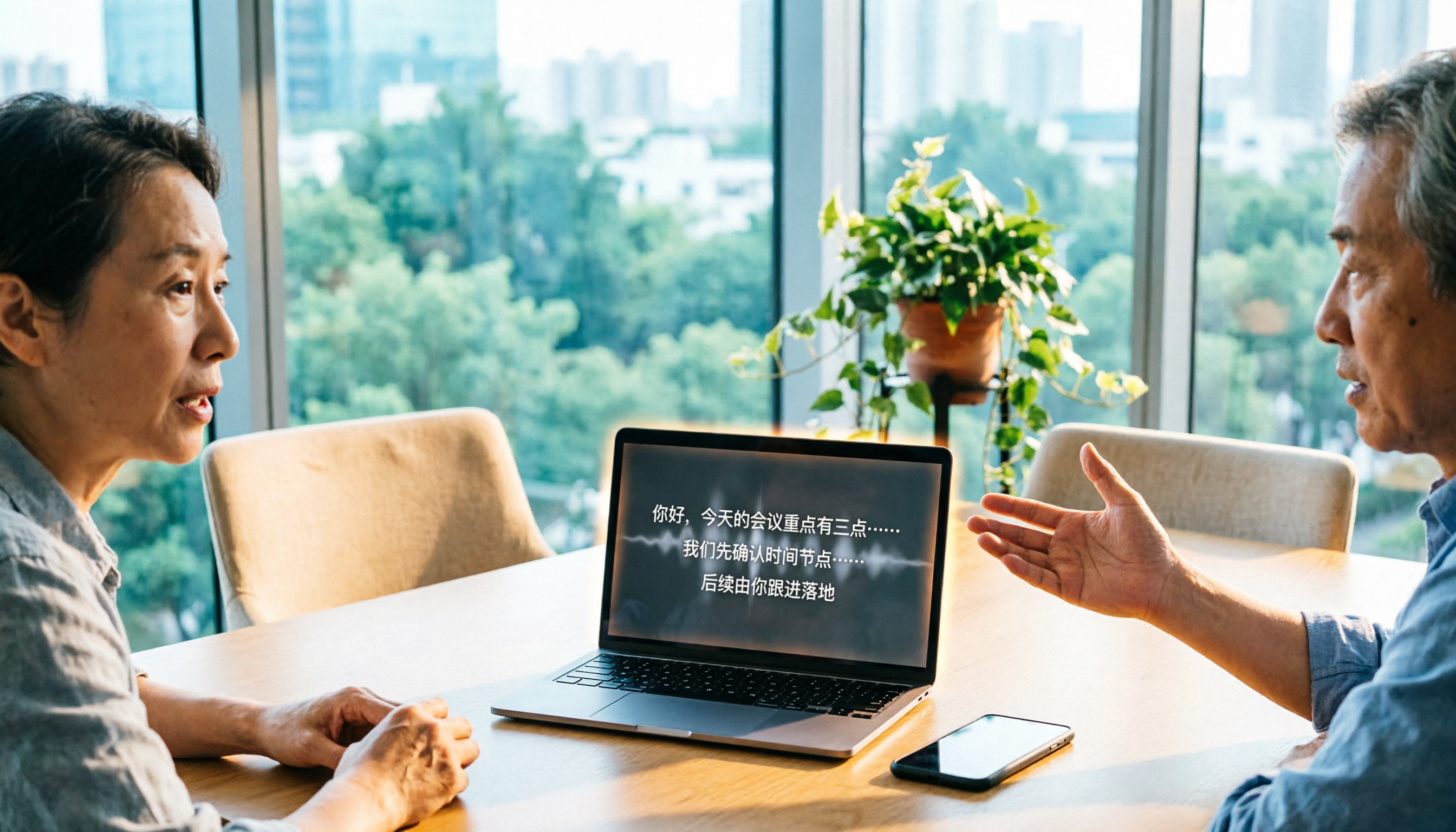
Turn recordings into transcripts and summaries in minutes
Upload audio or video for multilingual transcription, AI notes, and action items
After the meeting, you realize the real trouble is the next two hours
During that 40-minute client call on Wednesday afternoon, you held the phone with one hand and typed with the other. After hanging up, the recording file sat on your phone, the transcript was only half done, and you didn't capture the requirement the client added on the spot.
Another common scenario: after an online meeting, you want to find out "who said we could set the budget this way," but you have to fast-forward through the audio from the beginning.
There are many free speech-to-text tools now, but plenty of them look good on paper and get stuck in practice.
This article compares the tools readers ask about most, with one focus: can the free version actually handle a real meeting?
Before Choosing a Free Transcription Tool, Understand These 4 Key Points
1. Monthly total quota is not the same as per-recording limit
Many people only compare "minutes per month" when looking at free plans. But what really determines usability is the per-recording limit.
Notta's free plan is a typical example: 120 minutes per month sounds sufficient, but each recording is capped at 3 minutes. You can't transcribe a 30-minute meeting in one go, and splitting it into ten segments would break speaker labels and context.
So when evaluating a plan, I first check "what's the maximum length per recording," then look at the monthly quota.
2. Can the free version export?
This is the most easily overlooked point. Some tools' free versions only let you view in the interface and copy partial text; full download is a paid feature.
If you just need a summary to paste into a group chat, it doesn't matter; but if you need to archive or hand it to a colleague for proofreading, export is essential.
3. Chinese and mixed Chinese-English recognition performance
Meetings in Taiwan are rarely pure Chinese; they usually include sentences like "let's confirm this feature next week."
Whether a tool supports mixed Chinese-English and whether it has custom vocabulary for technical terms is more valuable than the official accuracy numbers.
4. How to record online meetings
There are roughly two approaches: one is to send a meeting bot to join as a participant, the other is to use a desktop app to capture system audio directly.
The downside of the former is that the host may need to approve, and there's an extra attendee on screen; the latter doesn't require inviting anyone, but you have to remember to open the tool yourself.
Understanding this point will prevent you from buying something and finding out "it can't record at all."
Tinrec — Our Most Recommended Choice After Actual Use
Tinrec is an AI meeting notes and collaboration tool for individuals and teams, available on web, desktop, and mobile. It doesn't just convert audio to text; it organizes meetings into searchable, queryable, and further processable data.
Open the desktop app during the meeting; no need to invite a bot. It directly captures system audio, handling meetings played on your computer via Zoom, Google Meet, Microsoft Teams, or Webex. No awkward extra attendee appears on screen, and the host doesn't need to approve. For those who frequently meet with external clients, this detail is more important than you'd think.
When the meeting ends, the transcript is already there. It transcribes while recording, supporting Chinese and bilingual content. After the meeting, the system automatically generates summaries and chapters, breaking long meetings into readable sections and organizing action items into to-dos. You don't need to listen again; just scan the summary and check if any to-dos are missing.
What truly sets it apart is after the meeting. The transcript isn't the end. Tinrec supports asking questions directly about the meeting content, such as "What were the three concerns the client mentioned?" or "What was decided in the last meeting?" It answers based on the content, not just giving you a bunch of keyword search results.
It also offers real-time translation and bilingual side-by-side display, useful for cross-language meetings; content you need to take away can be exported in common formats or further used to generate reports, tables, and meeting minutes.
Stop organizing recordings by hand
Upload audio or video and automatically get a transcript, summary, and action items
Three advantages I find most practical
First, no need to buy extra hardware to record an online meeting; it works on web, desktop, and mobile, and all meeting recordings are in one place.
Second, the team version is a separate team space, not multiple people sharing one account. Meeting data belongs to the team, and when members leave or lose their seat, it can be handed over, so it won't all disappear when someone resigns. Admins can also view usage, roles, seats, and activity logs.
Third, you can try the free version first. It provides a basic quota for you to actually record, import files, and test summaries and transcription. If the workflow feels right, consider upgrading; no need to pay upfront.
Things to note
The free version is for trial purposes with limited quota. If you handle several long meetings every week, you'll eventually need a paid plan. Also, the team version's capabilities are subject to the plans and benefits on the official purchase page; it's recommended to confirm before ordering.
Who it's for
If you have online or offline meetings every week, want to ask key points directly after recording, or need to turn meeting data into reusable team assets, Tinrec is currently the most complete workflow option.
Besides Tinrec, What Other Options Are There?
Notta: A multi-platform transcription tool with decent Chinese support, available on web, iOS, Android, and Chrome extension. The free plan offers 120 minutes per month, but each recording is capped at 3 minutes, and full download isn't available; you can only edit or copy text in the interface. The meeting bot joins Zoom, Meet, Teams, or Webex as a participant, and the host may need to approve. It's suitable for those who purely need "file-to-text"; but if you want bot-free recording plus post-meeting Q&A and team data retention, Tinrec's workflow is more seamless.
Otter.ai: A mature choice for English meetings. The free Basic plan offers 300 minutes per month, a generous quota. If 90% of your meetings are in English, it's a good deal. Note that it doesn't support Chinese meetings, nor does it have Tinrec's Chinese-focused organization and translation experience.
TurboScribe: Positioned as cost-effective file transcription. Free plan allows 3 files per day, up to 30 minutes per file; paid plans allow up to 10 hours per file. It's suitable for "processing a large number of audio/video files at once"; but it doesn't handle real-time meetings, nor does it have post-meeting Q&A and team spaces, which Tinrec can do.
Pitfall Guide: 3 Most Common Mistakes When Choosing a Free Transcription Tool
Pitfall 1: Only looking at monthly minutes, not per-recording limit. 120 minutes per month and 3 minutes per recording are two different things. The former determines how much you can use in a month, the latter determines whether you can actually complete a meeting. When choosing a tool, first compare your typical meeting length against the per-recording limit.
Pitfall 2: Assuming the free version can export. Many tools' free versions only allow copying snippets; full export to DOCX, SRT, PDF is a paid feature. If you need to archive or hand off to colleagues, confirm this first.
Pitfall 3: Not thinking through how to record online meetings. Sending a bot to join can get stuck when the host requires approval; using a desktop app to capture system audio doesn't disturb anyone, but you have to actively start recording. Each method has its prerequisites; think about which one suits you before buying.
Conclusion: Which One Should You Choose?
In one sentence: if you want "meetings that remain usable after recording," Tinrec has the most complete workflow among these options.
- Weekly meetings in Chinese or mixed Chinese-English → Tinrec, its Chinese experience and bilingual display are its strengths
- Don't want a bot joining the meeting → Tinrec desktop app captures system audio directly, no need to invite anyone
- Want to ask "who mentioned the budget last time" right after recording → Tinrec, AI Q&A is the biggest difference from pure transcription tools
- Meeting data should stay with the team, members may change → Tinrec team version, data belongs to the team, transferable, usage trackable
- Meetings are almost all in English, just want to save money → Otter.ai free plan offers 300 minutes per month, the only exception recommendation in this article
- Have a bunch of audio/video files to batch transcribe → TurboScribe is more suitable
As for Notta's free version, my advice is straightforward: use it as a "feature test," not as a formal solution for daily meetings. The 3-minute per-recording limit means it's destined to be unable to fully handle a formal meeting.
A smarter approach: first use Tinrec's free version to record a meeting you actually need to have, and see the transcript quality, summary accuracy, and to-do capture. Upgrade if it works for you; no need to commit to a year-long subscription right away.
References
- Notta | Learn AI
- What is Notta? Free Plan Limits, Pricing, and Traditional Chinese Transcript Tutorial | Mason AI Lab
- Comparison of 5 AI Meeting Notes Tools: Otter, Notta Features and Pricing
- Notta Free No Registration: AI Audio/Video to Text Tool | SoundWise.ai
- AI Notes | Free AI Meeting Transcription
Turn every recording into actionable outcomes
Get 60 free transcription minutes when you sign in. No credit card required.
Related Reading
You might also like

Free LINE Call Recording Options in 2026: 5 Methods Compared
LINE doesn't have built-in call recording, but there are several free workarounds. This guide covers iPhone's native capture, Android screen recording, external voice recorders, and third-party recording apps—plus a hands-on test of how to use Tinrec to turn recordings into transcripts, summaries, and action items so your calls actually become useful instead of gathering dust on your phone.

4 Interview Transcription Tools Tested for 2026: Which One Saves Qualitative Researchers the Most Late Nights?
Tired of transcribing interviews until you question your life choices? This article starts with the most common inefficiencies in qualitative research, outlines 4 key criteria for choosing a transcription tool, and compares Tinrec, Notta, TurboScribe, and PLAUD Note on Chinese interviews, mixed Chinese-English speech, online interview recordings, and post-interview follow-up questions. It also includes 4 common pitfalls to avoid and selection advice.

2026 Complete Guide to Class Recording Apps: Transcription and AI Summaries
Recording a class isn't just about hitting record. This guide breaks down how to choose a class recording app in 2026, from key buying factors to real-world use cases and pitfalls to avoid. It also explains how Tinrec can turn your class recordings into study notes you'll actually use for exams, with transcription, AI summaries, AI Q&A, and team knowledge sharing.

6 Student Transcription Tools Tested and Compared in 2026: Free Quotas, Chinese Recognition, and Class Notes—Which Is Enough?
Can't keep up with note-taking in class? Have interview recordings piling up that you're afraid to open? This article reviews 6 transcription tools commonly used by students, comparing free quotas, Chinese recognition, post-meeting organization, and team collaboration. It also includes market rates and precautions for hiring someone to type transcripts, helping you find the most time-saving approach within your budget.

2026 Comparison of 4 Lecture Recording-to-Text Tools: How to Balance Chinese Transcripts, Summaries, and Free Quotas
The most common pitfall in lecture recording-to-text is thinking that 'getting the text out' is the end. This article starts from the actual usage flow, first explaining how to choose a tool so you don't waste time, then compares Tinrec, cSubtitle, VEED.io, and Notta in terms of Chinese transcripts, summary organization, free quotas, and cross-device differences, helping you find the one that truly saves review time.

Best Lecture Recording to Text Tools for Students in 2026: 6 Tested Options to Turn Class Audio into Transcripts Instantly
Before finals, opening a 3-hour lecture recording and listening to it again is like retaking the class. This guide reviews 6 recording-to-text tools commonly used by students, from free plans to paid subscriptions, comparing language support, transcript formats, summarization, and review capabilities to help you get the most study efficiency for your budget.

2026 Cantonese Speech-to-Text Buyer's Guide: 4 Tools Tested and Recommended
The biggest challenges in Cantonese speech-to-text are mixed Chinese-English and the gap between spoken and written language. This guide uses Tinrec as the main demo tool to walk through 5 steps for turning a Cantonese recording into a deliverable transcript and meeting minutes, while comparing Subanana, Cantosubai, and UniScribe—4 tools in total—for their use cases and limitations, helping you decide before spending time on trials.

6 Cantonese Meeting Transcription Tools Compared for 2026: Free to Paid at a Glance
We put 6 Cantonese meeting transcription tools to the test with the same criteria: language recognition (including mixed Chinese-English), meeting capture methods, post-meeting summaries and action items, team collaboration, and pricing. From free plans to enterprise team versions, this guide helps Hong Kong workers pick the right tool and stop wasting overtime listening to recordings to type transcripts.

Rémi Notta 2026: Latest Updates, Reality TV Background & Interview Organization Guide
A complete roundup of Rémi Notta in 2026: from his start on Secret Story Season 9 and his life as a Marseille fitness coach and business owner to his recent reality TV appearances. The guide also shares a practical method for turning scattered foreign-language interviews and show clips into searchable, queryable, handoff-ready data using Tinrec.