

Turn recordings into transcripts and summaries in minutes
Upload audio or video for multilingual transcription, AI notes, and action items
2026 Comparison of 3 Transcription Tools: A Time-Saving Guide for Graduate Student Interview Organization
It's 2 a.m., and you're replaying the same interview segment through your headphones, your fingers racing across the keyboard to keep up with the interviewee's pace. The transcript isn't finished, qualitative coding hasn't even started, and your thesis timeline is already deep in the red. What graduate students really need isn't another recording app—it's a transcription workflow that quickly turns interview recordings into searchable, summarizable, queryable, and exportable transcripts. This article distills common approaches into three routes and uses Tinrec to demonstrate how it actually works.
What Can Transcription Tools Do for You?
Scenario 1: Have a text draft immediately after the interview ends. Previously, a 60-minute interview might take 3 to 4 hours of typing; with Tinrec, for example, you can import an audio file or record live, convert it to a transcript, and first confirm timestamps and key passages. You save time for analysis instead of spending it all on typing. Actual results will still depend on recording quality.
Scenario 2: Review the summary first to decide where to read in detail. Tinrec generates AI summaries and chapters, so for long interviews you can first grasp the themes, conclusions, and action items, then return to the transcript to verify quotes—avoiding reading from minute one to the end right away.
Scenario 3: Turn the transcript into queryable data. Tinrec's AI Q&A lets you ask follow-up questions about a single meeting or multiple meetings' data, such as "What learning difficulties did the participant mention?" or "Which statements relate to course scheduling?" You don't have to search keyword by keyword. AI answers should still be verified against the original text and cannot be taken directly as research conclusions.
Scenario 4: Share interview data with your team. When multiple lab members conduct research, Tinrec's Team plan puts recordings, folders, and action items in a team space; new members can view historical data, and when members change, resources can be handed over to other active members.
Three Common Transcription Routes for Graduate Students: What's the Difference?
First: Free built-in or phone recording transcription. Pros: zero cost, quick to start; cons: long interviews, multiple speakers, technical terms, and subsequent organization can break down, and export formats are limited.
Second: General-purpose file transcription services. Suitable when you already have a batch of audio files to process in bulk, focusing on transcription and subtitles; but summaries, chapters, follow-up questions, and team knowledge retention usually require additional tools.
Third: AI meeting notes and collaboration tools. Take Tinrec as an example—the focus isn't just converting speech to text, but putting recording, transcript, summary, action items, Q&A, translation, export, and team space into a single workflow. For graduate students, this route saves not only typing time but also the attention cost of switching between tools and re-listening to recordings.
What Are the Core Capabilities of Transcription Tools?
Live recording to text: Transcribe while recording, so you can see text accumulate on-site during interviews. Tinrec supports live recording transcription, suitable for in-person interviews, classes, and on-site notes; checking ambient noise and microphone placement before recording is more effective than fixing it afterward.
Bot-free online meeting recording: Graduate students often need to interview remote participants or discuss via Zoom, Google Meet, Microsoft Teams, or Webex. Tinrec's desktop version captures computer system audio directly without an extra bot joining the meeting; however, you must actively open Tinrec to start recording—it doesn't automatically join all meetings.
Audio and video file transcription: Already-recorded interviews, info sessions, and class audio can be imported into Tinrec and converted to text. This is especially useful for qualitative research, since many interviews aren't recorded live but organized afterward.
AI summaries, chapters, and action items: Tinrec organizes long content into summaries, chapters, and action items so you don't have to read from minute one to the end. Graduate students can use the summary to build a rough map before coding, then return to the transcript to mark quotes.
AI Q&A and translation: After transcription, Tinrec supports follow-up questions about the content and real-time translation for viewing in original, translated, or bilingual mode. For cross-language interviews or English literature discussions, viewing bilingual text first and then verifying against the original is safer than pasting whole sections into external tools.
Multi-format export and post-processing: Tinrec can export results to common formats and third-party tools, and can also use Agent post-processing to generate reports, tables, and documents. For graduate students, the transcript isn't the end—it ultimately goes into thesis appendices, coding tables, or research notes.
Team space and governance: For an entire lab or research team, Tinrec's Team plan provides an independent team space, member roles and seat management, shared import quota, usage analytics, audit logs, and an audio recycle bin. It's important to distinguish roles from seats: roles determine management permissions, seats determine whether one can record, upload, edit, and import/export; active members without seats can still view, play, and read team data. The team audio recycle bin currently retains files for 30 days; action items are not covered by the recycle bin.
Stop organizing recordings by hand
Upload audio or video and automatically get a transcript, summary, and action items
Practical Application Scenarios
Scenario 1: Qualitative interviews. After an interview, import the audio into Tinrec, run the transcript first, then use summaries and chapters to identify major sections like "teaching methods," "learning difficulties," and "family support." Next, use AI Q&A to ask about specific topics, map answers back to transcript timestamps, and finally export as a pre-coding organization table. This way, when you start coding, you already have structured data rather than a wall of text.
Scenario 2: Remote meetings or online interviews. Use Tinrec's desktop version to record Zoom, Meet, or Teams audio playing on your computer without pulling a bot into the meeting. Afterward, review summaries, action items, and transcripts directly; if the interviewee speaks quickly or mixes Chinese and English, use real-time translation or bilingual view to aid understanding.
Scenario 3: Classes and lectures. Graduate students often keep class recordings but rarely re-listen. Use Tinrec to convert them into transcripts and chapters, review summaries for key points, and search the transcript when you need to quote the instructor. This is more practical than fast-forwarding from the beginning each time.
Scenario 4: Team sharing. The lab centralizes interview audio, transcripts, and action items in Tinrec's team space; new members can view historical data; when someone graduates or leaves, hand over responsible resources to other active members so data doesn't disappear with individual accounts. Administrators can view usage trends and audit logs to inform purchasing or seat allocation.
6 Things to Consider When Choosing a Transcription Tool
Whether input sources cover your interview formats. Don't just look at live recording support; graduate students also need to import existing audio, handle online meetings, and supplement with phone recordings. Tinrec covers live recording, desktop online meetings, audio and video files, and mobile recording, making the interview workflow more complete.
Whether you can organize after transcription. The transcript is just a draft; summaries, chapters, action items, and Q&A are where time is saved. Tinrec puts these in the same workflow, so you don't need to switch to another tool after transcribing.
Chinese and multilingual performance. Taiwanese graduate students often encounter mixed Chinese-English, technical terms, and cross-language interviews. Tinrec supports Chinese, Traditional Chinese, and multilingual scenarios, and has team hotwords for maintaining technical terminology; however, actual results are affected by recording quality, accents, noise, overlapping speakers, and terminology—test with your own recordings first.
Export and workflow. Confirm whether results can be brought into note-taking, document, and cloud storage tools, or integrated into your thesis writing process. Tinrec supports multi-format export and Agent post-processing, which is friendlier for subsequent coding, appendices, and research notes.
Team collaboration and data governance. If multiple people share interview data, look at team space, roles, seats, usage, and auditing—not just personal plan pricing. Tinrec's Team plan provides an independent team space and member management; the first eligible team trial is 7 days, 1 free seat, 300 minutes of shared team import quota, then USD 29.80/paid seat/month for monthly billing, USD 199/paid seat/year for annual billing, with 2,000 minutes of shared team import quota per seat per month; live recording is currently not deducted by minutes under active plans and seats. Pricing and benefits are subject to the official purchase page.
Privacy and research ethics. When personal data or sensitive interviews are involved, first confirm your institution's regulations, participant consent, and data storage methods. Tinrec's Team plan has member management, audit logs, and an audio recycle bin, but detailed data policies should still be based on official terms and your IRB review.
Frequently Asked Questions
Q1: Is AI transcription accurate enough for graduate students? A: Under clear recording and non-overlapping speech conditions, AI can greatly reduce manual typing; but noise, accents, technical terms, and multiple people talking over each other all affect results. Tinrec offers a free quota—test with a segment of your own interview recording first, and always listen back to verify important quotes.
Q2: Can Tinrec record Zoom, Google Meet, and Microsoft Teams? A: It can handle meeting audio played on a computer from these platforms. Tinrec's desktop version captures system audio without a meeting bot joining; however, users must actively open Tinrec to start recording—it doesn't automatically join all calendar meetings, and this doesn't imply official partnership with these platforms.
Q3: What can I do after the transcript is done? A: With Tinrec, for example, you can generate summaries, chapters, and action items, ask AI Q&A about the content, use real-time translation for bilingual viewing, export to common formats and third-party tools, and use Agent post-processing to generate reports, tables, or documents. For graduate students, this directly connects to pre-coding organization and thesis writing.
Q4: What's the difference between the Personal and Team plans? A: Personal plan data belongs to the individual account; the Team plan is an independent team space where meeting data belongs to the team, with added members, roles, seats, shared benefits, usage analytics, audit logs, and recycle bin. Active members without seats can view, play, and read team data but cannot upload, edit, or import/export. If you're just organizing your own thesis interviews, the Personal plan is sufficient; if a lab shares data among multiple people, consider the Team plan.
Q5: Is the free plan enough to complete a thesis interview? A: It depends on interview length and usage frequency. For light use, start with the free plan; for short-term intensive interviews, consider a weekly pass; for steady weekly use, Pro is more suitable; for long-term data retention, look at the annual plan. Teams have a 7-day trial and shared quota; actual pricing and benefits are subject to the official page.
Conclusion
Graduate students don't lack recordings—they lack the time to turn recordings into analyzable data. If a transcription tool only converts text, you still have to summarize, find key points, and organize quotes yourself; with AI meeting notes and collaboration tools like Tinrec, the value lies in connecting recording, transcript, summary, Q&A, export, and team space into one process. If you're stuck in interview hell, first use the free quota to run a segment of your own recording, confirm whether the transcription quality and organization method fit your research workflow, and then decide whether to upgrade. That's more time-efficient than blindly installing a bunch of apps.
References
- Graduate Student Tool Reveal ✂️│Software Sharing | 🍋🗻 Lemon Fuji
- Qualitative Research Needs "Coding"?│Research Primer: What Is Coding🤔|🍋🗻 Lemon Fuji
- Graduate Student's Pandemic Life Seems No Different from Research Life www|Ni砸惑舖's Salon
- EP10|Boss Wants Meeting Minutes: How to Choose AI Transcription Tools? – Knowledge Nomad Studio
- Seeking recommendations for super awesome audio-to-transcript tools (mainly free ones; I'm currently using Yating Transcription, which is already quite good, but want to check out others)
Turn every recording into actionable outcomes
Get 60 free transcription minutes when you sign in. No credit card required.
Related Reading
You might also like

What Is Cantiere Nottambuli 2026? 4 Steps to Know the Yellow-Black Team of the Foiano Carnival
cantiere nottambuli 2026 is not a float but one of the four contrada groups of the Foiano della Chiana Carnival in Italy. This article uses 4 steps to explain its origins, identity, two major award records, and contact information, and reminds you to avoid the pitfall of misreading the year.

2026 Top 5 Key Points: Uma Musume × Yutaka Take Latest Horse List and Race Record Comparison
Based on source data, this article compiles the list of horses ridden by Yutaka Take in Uma Musume, explains common misconceptions, known ride counts and wins, and reminds readers that the latest list still needs to be verified against official and database sources.

2026 Notta Complete Guide: Features & a Better Alternative for Chinese-Speaking Teams
A complete rundown of Notta's 2026 free tier, paid plans, and features, plus a real-world meeting comparison with Tinrec on bot-free recording, AI summaries, action item extraction, AI Q&A, and team spaces to help you decide which to choose.

Lanciano Nottata 2026: Should You Stay Up All Night? A Guide to the Timeline and 4 Common Pitfalls
The 192nd Lanciano September Festival (Feste di settembre) in 2026 will kick off with the 'nottata' in the late night of September 13. This article compares the official schedule, local media reports, and past practices to clarify the timeline from the evening of the 13th to the early morning of the 14th, three key changes this year (silent fireworks, lighting schedule, four fireworks displays), and the four things first-timers most often get wrong.

3 AirPods Cantonese Translation Solutions Compared in 2026: Is Live Translation Ready?
Can AirPods live translation handle Cantonese? This article covers device requirements, language lists, and practical limitations, then explains how to choose a meeting notes tool and compares Tinrec, Granola, and TurboScribe in features and pricing.

Tinrec vs NotebookLM 2026: 5-Factor Comparison for Class Recording Organization
Recording a lecture but having no time to re-listen is a common pain point for students and lifelong learners. This article compares Tinrec and NotebookLM across five dimensions for organizing class recordings—Chinese recognition, AI Q&A, input sources, audio retention, and quota costs—and also covers use cases for Granola and Notta to help you pick the most time-saving option.

5 Best LINE Call Recording to Text Tools in 2026: Which One Actually Saves You from Re-listening?
LINE doesn't have built-in call recording, and the real hassle is organizing the recording afterward. This article uses Tinrec as the main tutorial tool, walking you through obtaining a LINE call audio file, uploading it for transcription, proofreading, AI summaries and action items, to exporting and team collaboration. It also compares the positioning, Chinese support, post-meeting organization, and pricing of 5 common solutions: Otter.ai, Notta, TurboScribe, and Granola.
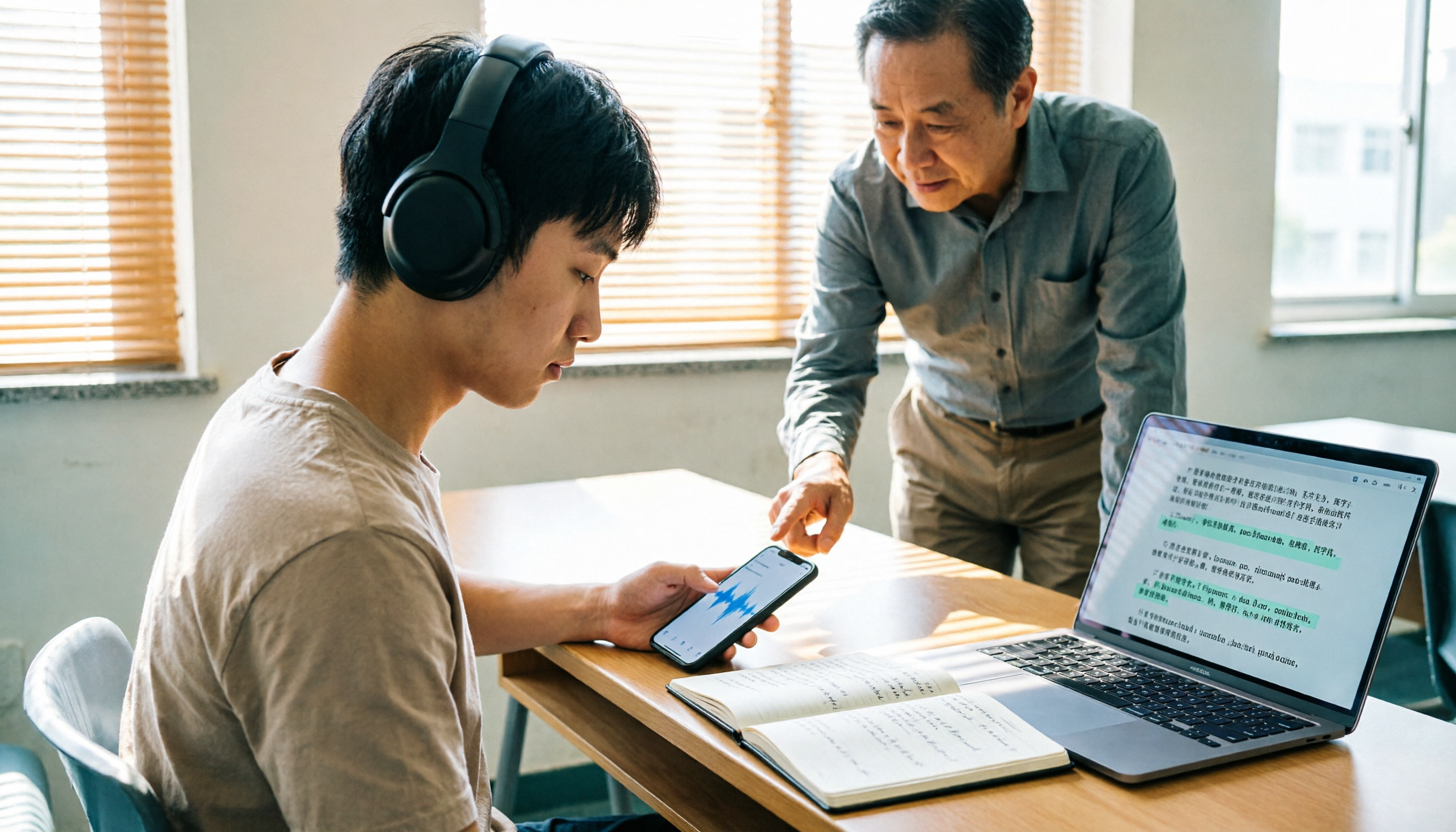
How to Transcribe Classroom Recordings in 2026: A Complete 5-Step Guide
Most people get stuck at the same step when organizing classroom recordings: they record and forget, or turn a two-hour class into a 10,000-word transcript that they still have to read from the beginning. This guide starts with the most common inefficient practices, breaks down the 5 key points to look for when choosing a tool, then demonstrates a complete 5-step workflow, and compares when Tinrec, cSubtitle, VEED.io, and Monica are each suitable.

4 Cantonese to Mandarin Translation Tools Tested: Which Handles Single Sentences vs. Full Meetings?
A comparison of Yangyang Cantonese Translator, cantonesetools.org, Cantonese Translation Assistant App, and Tinrec, covering single-sentence queries, audio/video import, post-meeting summaries, AI Q&A, and team collaboration to help you choose between short-phrase translation and long meeting organization tools.