

Turn recordings into transcripts and summaries in minutes
Upload audio or video for multilingual transcription, AI notes, and action items
2026 Notta Complete Guide: Features & a Better Alternative for Chinese-Speaking Teams
Let's start with the bottom line. This isn't a piece to sing Notta's praises—it's to save you two afternoons of trial and error.
In 2026, Notta's latest version offers a free plan with 120 minutes per month and a 3-minute cap per recording, while Pro billed annually comes out to about USD 8.17/month for 1,800 minutes per month. The numbers look good, but after testing it myself, my take is: if you just want to turn recordings into text, it's sufficient; if you want meeting minutes, action items, and the ability to ask follow-up questions right after a meeting, you should look at Tinrec.
The difference isn't in transcription—it's in what happens after transcription.
What Can AI Meeting Notes Do for You?
Scenario 1: Generate minutes 5 minutes after a meeting. A two-hour meeting used to mean another hour of organizing. With Tinrec, for example, summaries, chapters, key points, and action items are all laid out the moment the meeting ends—who's responsible for what and when it's due, all at a glance.
Scenario 2: Getting asked on the spot, "Who said that last time?" That's the most annoying. Tinrec's AI Q&A lets you ask questions directly about the meeting content, like asking a colleague—"What was the budget the client mentioned?" It answers based on semantics, not by dumping a transcript and telling you to find it yourself.
Scenario 3: No guessing in cross-language meetings. Tinrec supports real-time translation, letting you switch between original text, translation, or bilingual view during recording. When meeting with foreign clients, you don't have to wait until afterward to understand what they said.
Scenario 4: Team meeting data is no longer scattered everywhere. Tinrec's team version centralizes recordings, transcripts, summaries, and action items in a team space. New members can browse past meetings directly instead of asking veterans about everything.
What Are the Core Capabilities of AI Meeting Notes?
Bot-free recording of online meetings. This is what I find most practical about Tinrec: the desktop app captures your computer's system audio directly, so Zoom, Google Meet, Microsoft Teams, and Webex don't require inviting an extra bot into the meeting room. No need to explain to clients "what's that account that joined the meeting," and no worry about a bot interrupting the flow.
Real-time speech-to-text. Transcribes as it records—especially useful for in-person meetings and interviews. You won't get home only to find the recording failed.
AI summaries, chapters, and action item extraction. This is where it diverges from ordinary transcription tools. Tinrec doesn't just condense the transcript into a paragraph; it breaks things down into meeting topics, discussion conclusions, and action items separately. Long meetings get chapters so you can jump around.
AI Q&A. After transcription, you can ask questions about a single meeting or multiple meetings. Honestly, I thought this was a gimmick at first, but after using it for a while, the efficiency of digging through old meetings is vastly different.
Agent post-processing and multi-format export. Meeting content can be directly turned into reports, tables, and documents, and exported to Notion, Google Docs, or OneNote for further use. No more copy-pasting until you question your life choices.
Real-World Use Cases
Weekly standups and project meetings The most common issue in project weekly meetings is "what's the status of that thing we discussed last week." Tinrec extracts action items from each meeting and keeps the decision basis in the team space, so you can look it up directly during review instead of asking who said what at the time.
Customer interviews and sales communications What sales needs most is the customer's exact words. After recording with Tinrec, the transcript is searchable, and the summary captures needs, objections, and commitments, which you can directly turn into follow-up materials after the meeting. Team hotwords let you add product names and technical terms in advance for better recognition.
Stop organizing recordings by hand
Upload audio or video and automatically get a transcript, summary, and action items
Interviews and research Researchers need quotable material. Tinrec preserves the timestamps of recordings and transcripts, making it much faster to cross-reference while writing than repeatedly dragging the progress bar.
Courses and self-study notes Record online classes and lectures, and use AI summaries as review outlines. For this type of use, I think the free version is enough to test the waters.
Is Notta's Latest Version Worth Choosing? My Judgment
I'll be honest in this section.
Notta officially claims support for transcription in 58 languages and translation in 42 languages, with the app page stating 98.86% accuracy—take such numbers with a grain of salt; actual performance still depends on your recording quality and accent. Its strengths lie in file transcription, subtitles, and translation, and it does carry weight in multilingual scenarios.
But when it comes to "what to do after the meeting," Tinrec's approach is more complete: bot-free recording, summary chapters, action items, AI Q&A, agent post-processing, and team space all in one place. Notta isn't unusable—it's just that you have to fill in the rest yourself.
5 Things to Consider When Choosing an AI Meeting Notes Tool
1. First, confirm whether you want "transcription" or "output." If you only get a transcript, you still have to organize it manually afterward. Tinrec gives you summaries, chapters, and action items together—that's where the time savings come from.
2. Will the recording method disrupt the meeting? Solutions that require inviting a bot often draw objections from clients. Tinrec's desktop version uses system audio and doesn't add extra participants.
3. Performance with Chinese and mixed Chinese-English. I recommend testing with your own meeting recordings rather than just relying on official claims. Tinrec has been tuned for Chinese meetings and mixed Chinese-English content, and also supports team hotwords.
4. Can team permissions be clearly explained? Tinrec's team version distinguishes roles and seats: roles govern administration, while seats determine whether a member can record, upload, edit, and export. Members without a seat can still view, play, and read team materials. Note that currently it's primarily team-level sharing, not file-level granular permissions—I'm stating this upfront to avoid false expectations.
5. Who owns the data after a member leaves? Tinrec's team resources belong to the team. When a member exits or is removed, they must hand over to other active members; the data doesn't disappear with the individual account.
Frequently Asked Questions
Q: Is Notta's free version enough? According to the official page, the free version offers 120 minutes per month with a maximum of 3 minutes per recording. It's fine for testing recognition of technical terms, but not enough for a full meeting. Tinrec has a free version that lets you experience recording, importing, summaries, and transcription with a basic quota.
Q: Which meeting platforms does Tinrec support? The desktop version captures system audio, so it can handle meeting audio played on a computer from Zoom, Google Meet, Microsoft Teams, and Webex. Note that this is not "automatically joining all your calendar meetings"—you need to open Tinrec yourself to start recording.
Q: How is the team version priced? Current configuration: eligible teams get a 7-day trial, 1 free seat, and 300 minutes of shared team import quota; team monthly billing is USD 29.80 per paid seat per month, annual billing is USD 199 per paid seat per year (about USD 16.58/month); each paid seat gets 2,000 minutes of shared team import quota per month. Under an active team plan, real-time recording currently does not deduct minutes. Actual prices and promotions are subject to the official purchase page.
Q: Can transcription accuracy be guaranteed? No, no tool should make such a promise. Actual results are affected by recording quality, noise, accents, overlapping speakers, and technical terms. For important content, it's recommended to verify against transcript timestamps and recording playback.
Q: Can all team members see all meeting data? Currently, the team version is primarily team-level sharing: active members can read team data, and only members with seats can record, upload, edit, and export. This is not a file-level private permission design.
Conclusion
Notta's latest 2026 version still has its strengths in file transcription and multilingual translation—I won't deny that.
But if you're like me—a small team manager with three or four meetings a week and people to lead—what you really need isn't "turning a recording into text," but "being able to use it directly after the meeting." Tinrec connects recording, transcript, summary, action items, Q&A, and team space into one line, which is why I switched.
It's not without flaws: no file-level permissions, limited free quota, and you still have to press start for real-time recording. But for meeting notes, the direction is right. Try it with one real meeting—that's more accurate than reading ten reviews.
References
- Notta AI Transcription: Features, Pricing & Free Options 2026 | AI Transcription Service - Mr. Transcription
- Nottaの無料プランでできることは?議事録作成やインタビューに使える? | AI文字起こしツールガイド
- 【2026年最新】Nottaの料金プランと月額は? 全プランの費用と機能を一挙紹介 | AI文字起こしツールガイド
- https://www.notta.ai/?ref=toolsforhumans
- Notta-Transcribe Audio to Text - Apps on Google Play
Turn every recording into actionable outcomes
Get 60 free transcription minutes when you sign in. No credit card required.
Related Reading
You might also like

What Is Cantiere Nottambuli 2026? 4 Steps to Know the Yellow-Black Team of the Foiano Carnival
cantiere nottambuli 2026 is not a float but one of the four contrada groups of the Foiano della Chiana Carnival in Italy. This article uses 4 steps to explain its origins, identity, two major award records, and contact information, and reminds you to avoid the pitfall of misreading the year.

2026 Top 5 Key Points: Uma Musume × Yutaka Take Latest Horse List and Race Record Comparison
Based on source data, this article compiles the list of horses ridden by Yutaka Take in Uma Musume, explains common misconceptions, known ride counts and wins, and reminds readers that the latest list still needs to be verified against official and database sources.

Lanciano Nottata 2026: Should You Stay Up All Night? A Guide to the Timeline and 4 Common Pitfalls
The 192nd Lanciano September Festival (Feste di settembre) in 2026 will kick off with the 'nottata' in the late night of September 13. This article compares the official schedule, local media reports, and past practices to clarify the timeline from the evening of the 13th to the early morning of the 14th, three key changes this year (silent fireworks, lighting schedule, four fireworks displays), and the four things first-timers most often get wrong.

2026 Comparison of 3 Transcription Tools: A Time-Saving Guide for Graduate Student Interview Organization
Starting from the real pain points of graduate students transcribing interview recordings, this guide compares three transcription approaches—free built-in, general-purpose transcription, and AI meeting notes—and uses Tinrec to demonstrate how to turn recordings into searchable, queryable, and exportable transcripts and summaries. It concludes with a buying checklist and FAQs.

3 AirPods Cantonese Translation Solutions Compared in 2026: Is Live Translation Ready?
Can AirPods live translation handle Cantonese? This article covers device requirements, language lists, and practical limitations, then explains how to choose a meeting notes tool and compares Tinrec, Granola, and TurboScribe in features and pricing.

Tinrec vs NotebookLM 2026: 5-Factor Comparison for Class Recording Organization
Recording a lecture but having no time to re-listen is a common pain point for students and lifelong learners. This article compares Tinrec and NotebookLM across five dimensions for organizing class recordings—Chinese recognition, AI Q&A, input sources, audio retention, and quota costs—and also covers use cases for Granola and Notta to help you pick the most time-saving option.

5 Best LINE Call Recording to Text Tools in 2026: Which One Actually Saves You from Re-listening?
LINE doesn't have built-in call recording, and the real hassle is organizing the recording afterward. This article uses Tinrec as the main tutorial tool, walking you through obtaining a LINE call audio file, uploading it for transcription, proofreading, AI summaries and action items, to exporting and team collaboration. It also compares the positioning, Chinese support, post-meeting organization, and pricing of 5 common solutions: Otter.ai, Notta, TurboScribe, and Granola.
How to Transcribe Classroom Recordings in 2026: A Complete 5-Step Guide
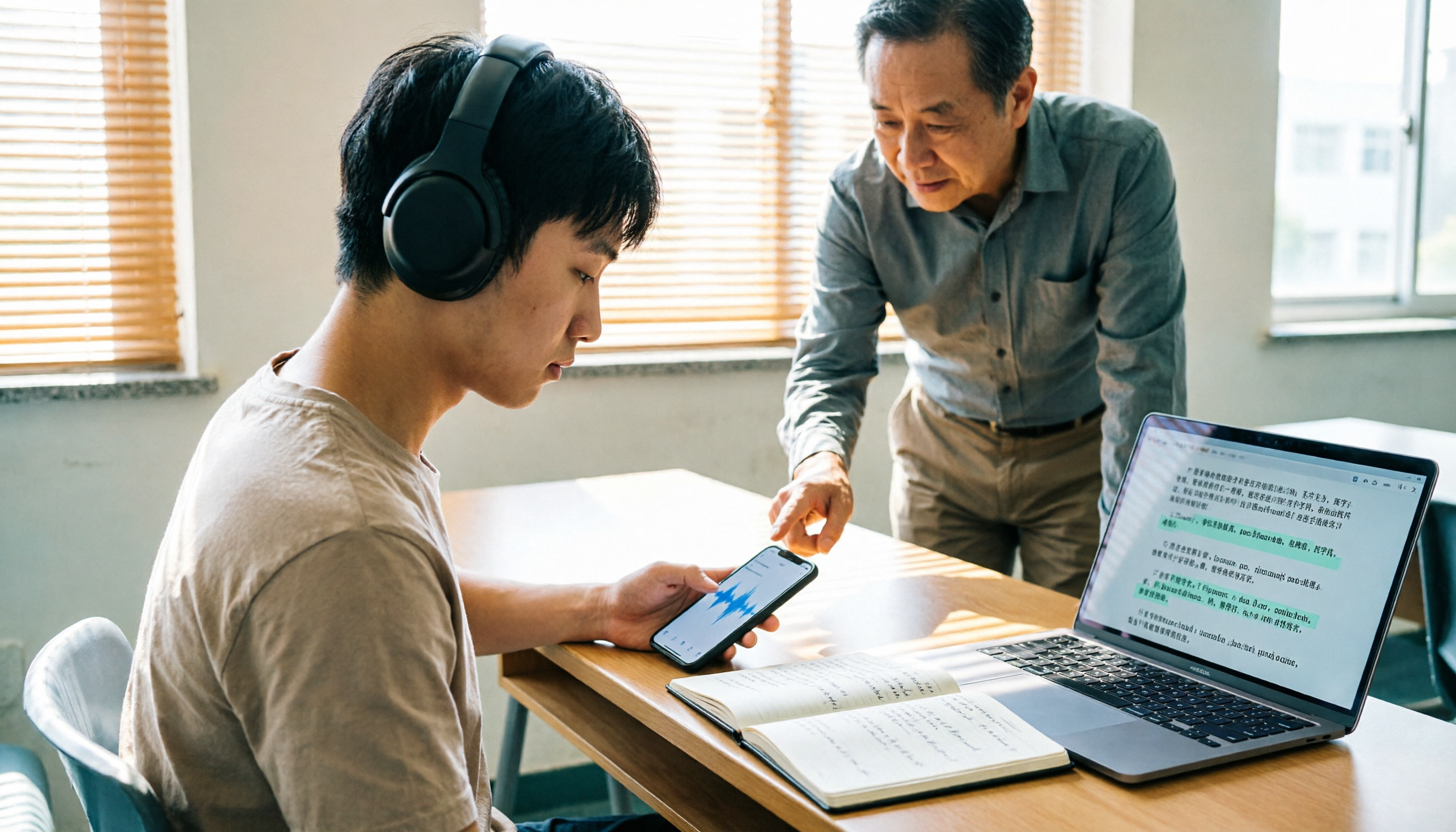
Most people get stuck at the same step when organizing classroom recordings: they record and forget, or turn a two-hour class into a 10,000-word transcript that they still have to read from the beginning. This guide starts with the most common inefficient practices, breaks down the 5 key points to look for when choosing a tool, then demonstrates a complete 5-step workflow, and compares when Tinrec, cSubtitle, VEED.io, and Monica are each suitable.

4 Cantonese to Mandarin Translation Tools Tested: Which Handles Single Sentences vs. Full Meetings?
A comparison of Yangyang Cantonese Translator, cantonesetools.org, Cantonese Translation Assistant App, and Tinrec, covering single-sentence queries, audio/video import, post-meeting summaries, AI Q&A, and team collaboration to help you choose between short-phrase translation and long meeting organization tools.