

Turn recordings into transcripts and summaries in minutes
Upload audio or video for multilingual transcription, AI notes, and action items
2026 Comparison of 4 Sales Meeting Notes Tools: Which AI Auto-Generates Action Items Most Efficiently?
Searching for Sales Meeting Notes Templates on PTT? What You Really Lack Isn't a Template
After a sales meeting, the client mentioned five requirements, two pricing conditions, and one promise to reply next week. You look down at your notes and see only three lines.
This is where most people start when searching for "sales meeting notes template."
People on PTT occasionally ask how to design the format and what fields to include. Honestly, blank templates aren't hard to find; the hard part is who fills them out after the meeting and whether they're complete.
What's more annoying is that sales meetings often mix Chinese and English—the client says "this SKU needs a POC first," and you try to note it while listening, but still miss it.
If you're stuck at this step, this article is for you. Below, I use real sales meeting scenarios to compare four tools and see which one can truly generate the "notes template" automatically.
Before Choosing a Sales Meeting Notes Tool, Understand These 3 Key Points
First, can it automatically generate structured content? Many tools only provide transcripts; you still have to extract key points and fill in the table yourself. For sales, summaries, sections, and action items should be ready at once; otherwise, it's only half the work saved.
Second, is the recognition of Chinese and mixed Chinese-English stable enough? Sales meetings don't use only standard Chinese; product names, model numbers, and English abbreviations fly around. Rather than looking at official accuracy claims, see if it can capture client needs in real meetings.
Third, can you follow up and export after the meeting? The client said last month "let's discuss the budget later"—can you still find that next month? The tool should let you directly ask "What were the client's concerns about pricing last time?" instead of manually scrolling through a 30-minute transcript.
These three points are the main focus of the tests below.
Tinrec (秒听录音) — Our Top Pick After Testing
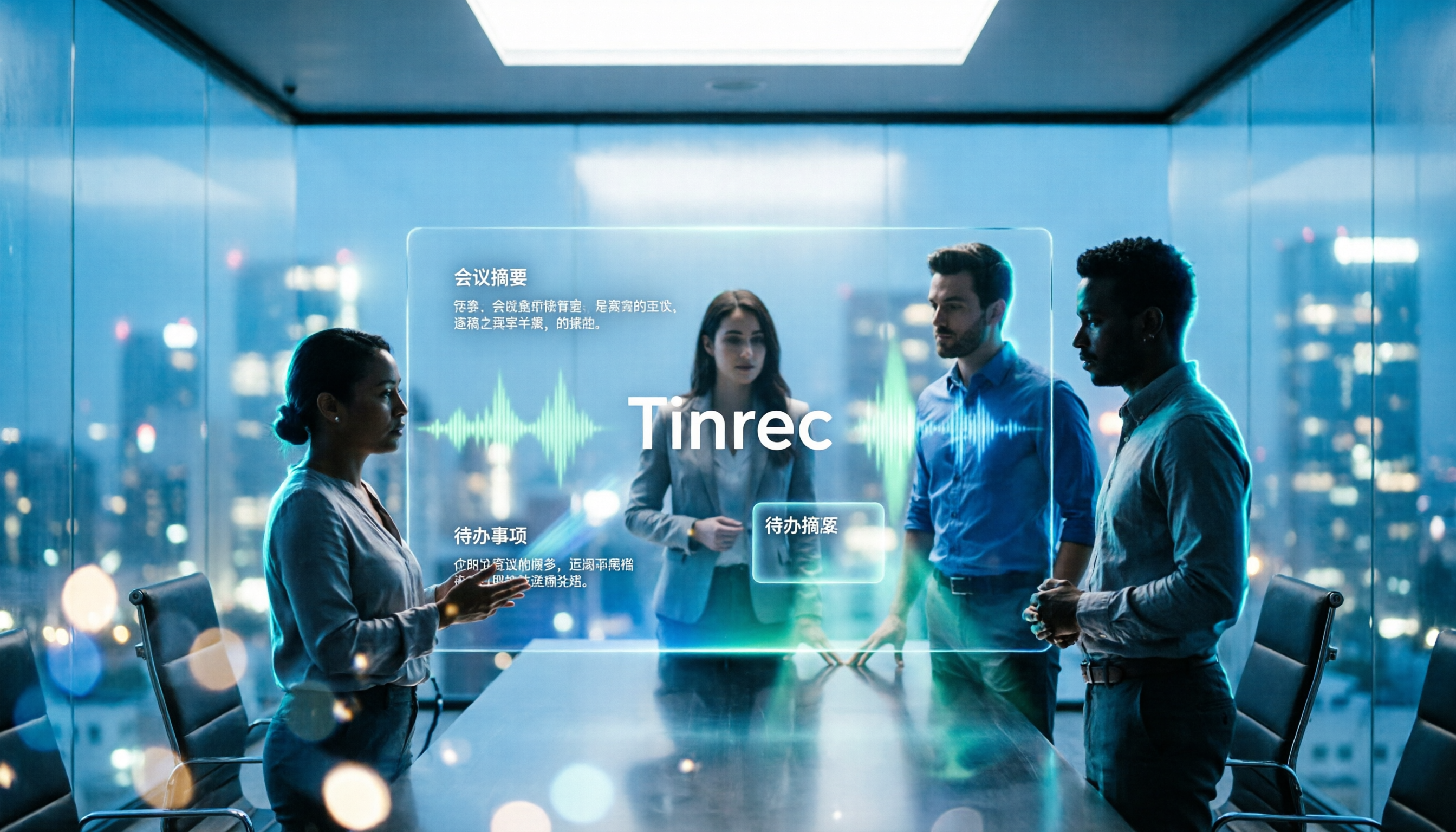
Tinrec (秒听录音) is an AI meeting notes and collaboration tool for individuals and teams, available on desktop, mobile, and web. It doesn't just convert audio to text; it organizes meetings into searchable, summarizable, queryable, and exportable data.
Let's start with the most common sales meeting scenarios.
Scenario 1: After a client visit, the notes template automatically appears. You open Tinrec on desktop and directly capture system audio to process Zoom, Google Meet, Microsoft Teams, or Webex meetings without inviting a meeting bot. After the meeting, the transcript, AI summary, sections, and action items are already there. Who is responsible for sending the quote, who needs to ship samples next week—no need to recall from scratch.
Scenario 2: Mixed Chinese-English product discussions. Sales meetings often include phrases like "this feature will release next week" or "the client wants the enterprise version." Tinrec supports transcription in Chinese, Traditional Chinese, and multiple languages, and can display original text, translation, or bilingual content during recording. Honestly, for special model numbers or client names, I still double-check the transcript; but it can organize most of the discussion context.
Scenario 3: Ask AI directly after the meeting. This is where it differs most from ordinary transcription tools. After recording, you can ask Tinrec directly: "What were the client's concerns about pricing?" "What action items came out of this meeting?" It answers based on the meeting content, not just keyword search results. For sales, this is more practical than extra minutes.
Scenario 4: From personal notes to team data. The team version provides independent team spaces where meeting data belongs to the team. You can create multiple teams, invite members via join links, set owners/admins/regular members, and assign or revoke seats. Members without a seat can still view, play, and read team data but cannot upload, edit, or export. Clarify this: the team version is team-level sharing, not file-level permissions.
Hands-on impression: I tested with an internal weekly sales meeting, two participants, quiet room, laptop microphone. Summaries and action items were captured much faster than handwriting, especially commitments like "send quote by next Tuesday." But if multiple people talk over each other or the client's signal is poor, the transcript may still have sections needing manual correction. It won't be 100% accurate; for important content, cross-check with the recording timestamps.
Pros:
Stop organizing recordings by hand
Upload audio or video and automatically get a transcript, summary, and action items
- Records online meetings without a bot, saving sales the awkward step of "please let the bot join."
- Post-meeting output includes not just transcripts but summaries, sections, action items, and mind maps, exportable to Notion, Google Docs, OneNote, Dropbox, and other workflows.
- The team version manages members, seats, usage, audit, and recycle bin separately, so team data isn't taken away when a member leaves.
Limitations:
- The free version has basic quotas; heavy sales users need to evaluate paid plans. Team version is USD 29.80 per paid seat per month, or USD 199 per paid seat per year; actual prices subject to the official purchase page.
- The team version currently focuses on team-level sharing and does not support file-level or member-level granular private permissions.
- Real-time recording does not deduct minutes under an active team plan and seat, but file and web imports consume shared team import minutes. Calculate this clearly before purchasing.
Who it's for: Sales and customer success teams that frequently hold client meetings, need to quickly produce notes templates afterward, and want the team to retain client information together.
Besides Tinrec, What Other Options Are There?
Otter.ai: A veteran choice for English business meetings. Basic is free with 300 minutes per month; Pro annual billing is about USD 8.49 per user per month. It's strong for English meetings, but Chinese meetings aren't its main focus. If your sales meetings are mainly in English, consider it; if you need Chinese summaries, team data retention, and post-meeting Agent reports, Tinrec is a more direct match.
Notta: A multi-platform transcription tool with high overlap with Tinrec. Free is 120 minutes per month, max 3 minutes per session; Pro annual billing is about USD 8.17 per month. It excels at transcription, translation, and file processing, but bot-free desktop recording, team spaces, and post-meeting AI Q&A are not its main selling points. If you just need to convert recordings to text, Notta is sufficient; if you want a complete sales meeting notes workflow, Tinrec is more comprehensive.
Granola: A bot-free AI meeting notes tool. Basic is free; Business is USD 14 per user per month. It follows a "user handwritten notes + AI enhancement" approach with a lightweight design. But note: it does not support uploading pre-recorded audio files and does not save meeting audio. If you need to keep recordings, import historical interview files, or archive meeting audio to team spaces, Tinrec is more suitable.
Pitfall Guide: 4 Most Common Mistakes When Choosing Sales Meeting Notes Tools
Pitfall 1: Only downloading a blank Excel template. The template itself isn't wrong; the mistake is thinking you'll remember to fill it out just because you have one. After a sales meeting, you often need to reply to the client immediately and rush to the next one. Rather than testing your willpower, let the tool automatically generate summaries and action items. Tools like Tinrec aren't meant to replace the table but to pre-fill its content.
Pitfall 2: Only looking at transcription minutes and ignoring post-meeting processing. Minutes matter, but sales need to know "what the client said and what to do next." If the tool only gives a transcript, you still have to spend time organizing. When choosing, look at summarization, action items, AI Q&A, and export capabilities; otherwise, you're just delaying typing time.
Pitfall 3: Putting team meeting data in personal accounts. Sales turnover is high; if data is tied to personal accounts, client context is lost when the person leaves. The team version should let data belong to the team and transfer resources when members exit. This is also the biggest difference between Tinrec's team and personal versions.
Pitfall 4: Assuming AI won't make mistakes and not checking at all. Even the best tools are affected by recording quality, accents, background noise, and overlapping speech. Important commitments, pricing figures, and contract terms must be checked against the transcript or recording. Treat AI as an accelerator, not a replacement for your judgment.
Conclusion: Which One Should You Choose?
In one sentence: if you want "after the sales meeting, the notes template already has content," Tinrec is the best match among these four.
Scenario breakdown:
- Need Chinese + mixed Chinese-English sales meeting transcription → Tinrec (Chinese experience and team hotwords are key)
- Need bot-free recording of Zoom/Meet/Teams → Tinrec (desktop captures system audio)
- Want to ask AI directly after the meeting "What were the client's concerns?" → Tinrec (AI Q&A is the core differentiator)
- Need team to jointly retain client meeting data → Tinrec team version (spaces, seats, usage, audit)
- Zero budget, only recording English meetings → Otter.ai (free 300 minutes, mature English scenarios)
- Only need to convert files to text, don't care about post-meeting workflow → transcription tools like Notta or TurboScribe
I suggest starting with Tinrec's free version and testing with a real sales meeting recording. See if it captures client needs, whether action items are correct, and if summaries can be used directly. If it fits your team's meeting rhythm, then consider upgrading or the team version. No need to pay upfront.
(Reminder: Recording and transcription should comply with local regulations; obtain participant consent when necessary.)
References
Turn every recording into actionable outcomes
Get 60 free transcription minutes when you sign in. No credit card required.
Related Reading
You might also like

2026 Comparison of 4 Client Visit Recording Tools: How Tinrec and Notta Differ in Visit Documentation Workflows
Most people's client visit records are as good as not written: only conclusions, written after the fact, scattered everywhere. This article breaks down the correct practices and essential fields for the three stages before, during, and after a visit, and compares Tinrec and Notta in terms of recording workflow, post-meeting organization, and team handover, helping you choose a tool that truly accumulates client data.

2026 Comparison of 4 Sales Meeting Notes Templates: Does AI-Generated Meeting Minutes Really Save Time?
Should sales meeting notes be on paper, spreadsheets, or AI tools? This article breaks down 4 common approaches and uses Tinrec as an example to test how transcripts, AI summaries, action item extraction, AI Q&A, and team spaces work, with 5 buying tips and FAQs.

How to Create a Client Visit Record Form in 2026: 5 Steps from Field Design to AI Organization
After a client visit, the recording sits there, and your notes are only three lines long. Before the next visit, you can't remember what you promised last time. This article starts with what fields a client visit record form should have, then walks you through 5 steps to turn visit records scattered across paper, Excel, and chat apps into searchable, transferable data. It also compares Tinrec, Notta, Otter.ai, and Granola in the context of visit records.

4 Sales Meeting Transcription Tools Tested: Which One Saves the Most Time on Chinese Meeting Notes in 2026?
The key to sales meeting notes is whether you can immediately deliver an action plan after the meeting, not how complete the recording is. Starting from the real needs of sales scenarios, this article outlines 4 key purchasing criteria and, with Tinrec as the main focus, compares Otter.ai, Notta, and Granola on Chinese transcription, bot-free recording, post-meeting Q&A, and team data retention, concluding with scenario-based selection recommendations.

2026 Comparison of 5 Sales Meeting Note Solutions: How to Combine Excel Templates, Google Sheets, and AI Tools for Maximum Time Savings
Relying solely on Excel for sales meeting notes often means spending twice as much time organizing after the meeting. This article reviews 5 practical sales meeting note solutions available in 2026, from Excel templates and Google Sheets shared calendars to AI transcription tools and recording hardware. It explains each option's positioning, limitations, and ideal users, and identifies the most time-saving combinations.

3 Sales Meeting Notes Tools Worth Trying in 2026: PTT FAQs and Templates Explained
People on PTT often ask how to write a sales meeting notes template, but the real problem is that no one organizes the notes afterward and the fields don't map to the sales process. This article starts with selection criteria, tests Tinrec's bot-free meeting recording, AI Q&A, and team spaces, compares use cases for Granola and TurboScribe, and ends with a pitfalls guide and selection advice.
Otter Meaning in Chinese: A Complete 2026 Guide from Otter the Animal to AI Meeting Note Tools
Many people search for "what does Otter mean in Chinese for software," but Otter literally means otter, and as a software name it usually refers to Otter.ai. This article starts with common translation pitfalls, helps you decide how to choose a Chinese meeting notes tool, and uses Tinrec to demonstrate a complete workflow from recording, transcription, summarization, action items, to team collaboration.

2026 Sales Meeting Notes Template: Complete Guide with Fields, Examples & AI Automation
2026 Sales Meeting Notes Template: Complete guide covering client visits, proposals and quotes, and weekly sales tracking. Includes copy-paste fields and examples, plus how to use Tinrec to quickly organize recordings, transcripts, summaries, and action items into your template.

2026 Sales Meeting Notes Tools Buying Guide: 4 Hands-On Tests and Template Recommendations
Using a real sales meeting workflow, we break down how to choose a sales meeting notes tool: bot-free recording, post-meeting summaries and action items, AI follow-up questions, Chinese language support, and team collaboration. Includes a ready-to-use sales meeting notes template and compares the best-fit scenarios for Tinrec, Otter.ai, Fireflies.ai, and Granola.