

Turn recordings into transcripts and summaries in minutes
Upload audio or video for multilingual transcription, AI notes, and action items
At 10 a.m. on a Monday, you press the red button in iPhone Voice Memos. Fifty-eight minutes later, the meeting ends, and you're left with an audio file and one question: who said what?
Type "recording" into the App Store and you'll find a long list of free options—and the iPhone even has one built in. The real challenge isn't whether you can record; it's whether that audio file can quickly become something you can read, search, and use.
This article focuses on the choice most people struggle with: how does Apple's built-in Voice Memos differ from Tinrec, an AI meeting notes tool?
Tinrec vs. Voice Memos: Quick Overview
First, here are the 5 free recording apps we're looking at, each with a very different positioning:
- Voice Memos: Built into Apple devices, free, zero setup, 95,000 ratings and 4.8 stars on the App Store—the fastest way to record something on the fly.
- Voice Recorder (TapMedia): Free download, unlimited recordings (limited by device storage); transcription and text notes are in-app purchases.
- Voice Recorder Pro (Linfei): Free download with in-app purchases; supports mixing, scheduled recording, voice-activated recording, and multiple export formats.
- PowerDirector: Primarily a video editor with recording and voiceover features—great for video narration.
- Tinrec: An AI meeting notes and collaboration tool; the free version offers basic quota to try recording, importing, summarizing, and transcription.
| Item | Voice Memos | Tinrec |
|---|---|---|
| Positioning | Apple's built-in recording tool | AI meeting notes and team collaboration tool |
| Platforms | iPhone, iPad, Apple Watch | Web, desktop, mobile |
| Free plan | Free, no subscription required | Free version offers basic quota |
| Core difference | Recording, basic editing, transcription | Summaries, to-dos, Q&A, export, and team spaces after transcription |
Now let's compare them across 6 dimensions.
Dimension 1: Can it record online meetings?
Voice Memos works on a simple principle: it uses the iPhone's microphone. It's fine for in-person meetings and one-on-one interviews, but for online meetings on Zoom, Google Meet, or Teams, you have to put the phone on speaker so it can hear your computer—and audio quality depends on how quiet the room is.
Tinrec takes a different approach. The desktop version captures your computer's system audio directly, so you don't need a meeting bot to join the call or put anything on speaker. Note that you still need to manually start recording in Tinrec—it's not a tool that automatically joins all calendar meetings.
→ This dimension: Tinrec clearly wins for online meetings.
Dimension 2: What do you have after recording?
Voice Memos has improved a lot in recent years. Built-in transcription can convert speech to text, and editing features like trim, replace, and save-as won't alter the original file. For everyday memos, it's actually sufficient. But summaries, sectioning, and to-dos are still up to you.
Tinrec focuses on what happens after transcription: it automatically generates summaries, chapters, and key points, extracts action items from discussions, and can further produce reports, tables, and documents, exporting to Notion, Google Docs, OneNote, Dropbox, and other tools for further processing.
→ This dimension: Tinrec wins—the difference is the post-meeting organization time.
Dimension 3: A month later, can you find that meeting?
With lots of recordings, Voice Memos becomes a long list that you have to name and categorize yourself. After transcription, you can search by text, but that's about it.
Tinrec supports AI Q&A across single or multiple meetings. If you want to confirm "when was the launch date the client mentioned last time?" you can just ask and let it find the answer from historical data instead of re-listening.
→ This dimension: Tinrec wins.
Dimension 4: Chinese, mixed Chinese-English, and cross-language
Meetings in Taiwan are rarely pure Chinese—usually Chinese mixed with English product names and technical terms. Built-in transcription performs well in quiet environments with a single speaker, but with overlapping speakers and proper nouns, you still need to manually correct a round.
Tinrec covers Chinese, Traditional Chinese, and multilingual meetings, supports real-time translation, and lets you switch between original text, translation, or bilingual view. The team version also lets you maintain a glossary for more consistent recognition of frequently used terms. Actual performance is affected by recording quality, accents, noise, and overlapping speech—this is true for every tool, and there's no need to believe claims of fixed accuracy rates.
Stop organizing recordings by hand
Upload audio or video and automatically get a transcript, summary, and action items
→ This dimension: Tinrec wins, especially for post-meeting reading of mixed Chinese-English content.
Dimension 5: When a team uses it together, who owns the data?
Voice Memos is a purely personal tool. Files are on your own phone and iCloud; to share with colleagues, you AirDrop or send a message—and when a colleague leaves, those recordings scatter.
Tinrec's team version is a separate team space where meeting data belongs to the team. You can invite members, set owners, admins, and regular members, and distinguish "roles" from "seats"—members without a seat can still view, play, and read team data but cannot upload, edit, or export. Admins can also see usage analytics and audit logs, and accidentally deleted audio can be recovered from a 30-day recycle bin.
→ This dimension: Tinrec wins (provided you actually need team collaboration).
Dimension 6: Free quota and paid thresholds
Voice Memos is free, no subscription required, and recording length mainly depends on how much space your phone has left.
Tinrec's free version offers basic quota to try recording, importing, summarizing, and transcription; for short-term intensive use there's a weekly card, and for steady use there are Pro monthly and annual cards. The team version is currently USD 29.80 per paid seat per month, or USD 199 per paid seat per year (about USD 16.58 per month), with each paid seat providing 2,000 minutes of shared team import quota per month; eligible teams get a 7-day trial, 1 free seat, and 300 minutes of shared import quota for the first time. Under an active team plan and active seats, real-time recording is currently not deducted by minutes. Prices and promotions are subject to the official purchase page.
→ This dimension: Tie. If you just need simple recording, the built-in app is enough; if you need organization and collaboration, paying is worth it.
What are the unique advantages of each?
Tinrec's strengths:
- Desktop version records online meetings without a bot, adding no extra participants.
- Complete post-transcription workflow: summaries, chapters, to-dos, AI Q&A, translation, multi-format export, and even Agent-generated reports and tables.
- Full team governance: spaces, roles, seats, usage, audit, recycle bin, and glossary.
- Available on web, desktop, and mobile, keeping meetings and files in one place.
Voice Memos' strengths:
- Completely free, no installation, works out of the box, and integrates smoothly with Apple Watch, iCloud, and Notes.
- Data stays on your own device and iCloud—reassuring for privacy-conscious users.
- Can layer new audio over existing recordings—handy for capturing song ideas.
Conclusion: Which should you choose?
- You just need simple recording, archiving, and occasional playback → Voice Memos is enough; don't install another app.
- You often have online meetings and don't want to use speakerphone or add a bot → Tinrec.
- You want more than a transcript—summaries, to-dos, and follow-up questions → Tinrec.
- You deal with lots of mixed Chinese-English content and need bilingual comparison → Tinrec.
- You're a team and need centralized meeting data storage and handover when members change → Tinrec team version.
In one sentence: for most office workers, recording is just the starting point; organization is the real cost. Tinrec goes deeper in the "after recording" phase. We suggest trying the free version with one of your own meeting recordings before deciding whether to pay.
FAQ
Q1: Is iPhone's built-in Voice Memos really completely free?
Yes, no subscription required, and recording length is mainly limited by available device storage. Transcription, trimming, and other features are also included.
Q2: What can Tinrec's free version do?
The free version offers basic quota to try recording, importing, summarizing, and transcription. After the quota runs out, you can choose a weekly card, Pro monthly card, or annual card based on your usage frequency—no need to pay upfront.
Q3: Do free recording apps have ads or secretly upload data?
Practices vary by app; we recommend checking the app's privacy policy and in-app purchases before installing. Built-in Voice Memos keeps data on your own device and iCloud, which is a relatively simple option; for third-party tools, check where they store your data.
Q4: Does Tinrec send a bot to join my meetings?
No. Tinrec's desktop version captures your computer's system audio to record online meetings, so no extra bot needs to enter the meeting room. But it doesn't automatically join all calendar meetings—you need to start recording yourself.
Q5: What's the difference between the team version and the personal version? Can members without a seat see data?
Personal version data belongs to the individual account; the team version has a separate space where data belongs to the team, plus member management, roles and seats, sharing benefits, usage analytics, audit logs, and a recycle bin. Active members without a seat can view, play, and read team data but cannot upload, edit, or export.
Q6: What should I pay attention to before recording?
First confirm the occasion and local regulations, and obtain participants' consent when needed. Also, AI organization may miss details; for important decisions, we recommend cross-checking with the transcript timestamps and original recording.
References
Turn every recording into actionable outcomes
Get 60 free transcription minutes when you sign in. No credit card required.
Related Reading
You might also like

Tinrec vs Plaud Note 2026: 5-Dimension Comparison — Which Is Better for Recording Sharing and Post-Meeting Organization?
Sharing a recording often takes more time than the recording itself. This article compares Tinrec and Plaud Note across five dimensions — sharing workflow, transcript portability, hardware dependency, team data ownership, and post-meeting organization — to help you decide which approach better fits your meeting scenarios.

2026 AI Recording Solutions Compared: What Is PLAUD and How It Differs from Software Tools
Many people search for "what does PLAUD recording mean"—PLAUD is actually an AI recording hardware brand, not an app feature. This article first explains what PLAUD recording really means, then compares PLAUD, Notta, Otter, and Tinrec from three angles: in-person recording vs. online meetings, post-meeting organization, and team data ownership, to help you decide which solution truly saves time.

3 Ways to Record iPhone Online Meetings in 2026: Built-in Recording, Transcripts, and AI Meeting Notes Compared
iPhone's built-in recording can't capture Zoom, Google Meet, or LINE calls. This guide breaks down three common approaches: Voice Memos, iOS 18 transcripts, and AI meeting tools like Tinrec. From real-world scenarios to core capabilities, pricing, and buying tips, we help you decide which one truly saves time on post-meeting organization.

5 iPhone Call Recording & Post-Call Summary Solutions Tested for 2026: Built-in, Hardware, or AI?
How to choose the best iPhone call recording solution in 2026? This comparison covers iOS 18.1 built-in call recording, PLAUD recording hardware, speakerphone with a second device, and Tinrec's post-call workflow. We explain regional restrictions, consent requirements, recording quality, and transcript/summary differences to help you pick the right solution for calls, meetings, and team needs.

Tinrec vs Notta 2026: 5-Dimension Comparison — Which iPhone Recording App Is Better for Chinese Meetings?
A scenario-based, 5-dimension comparison of Tinrec and Notta, showing how to use an iPhone for recording, transcription, AI meeting notes, and team sharing, plus FAQs, advanced tips, and alternatives.

3 Free iPhone Call Recording Methods Tested for 2026: Built-in, Screen Recording, or App — Which Is Enough?
A practical comparison of free iPhone call recording methods in 2026, testing the real limits of iOS built-in call recording, speakerphone screen recording, and third-party apps. Plus, how to turn call audio into transcripts, summaries, and action items with Tinrec so your recordings are actually usable.

How to Record Online Meetings on iPhone in 2026: 5 Steps from Recording to AI Summary
iPhone's built-in Voice Memos can't capture the other party's voice on Zoom or Meet? Starting from real meeting scenarios, this article breaks down 4 key buying factors and a 5-step workflow, and tests the differences between Tinrec, PLAUD, Notta, and Otter.ai to tell you which combination saves the most time.
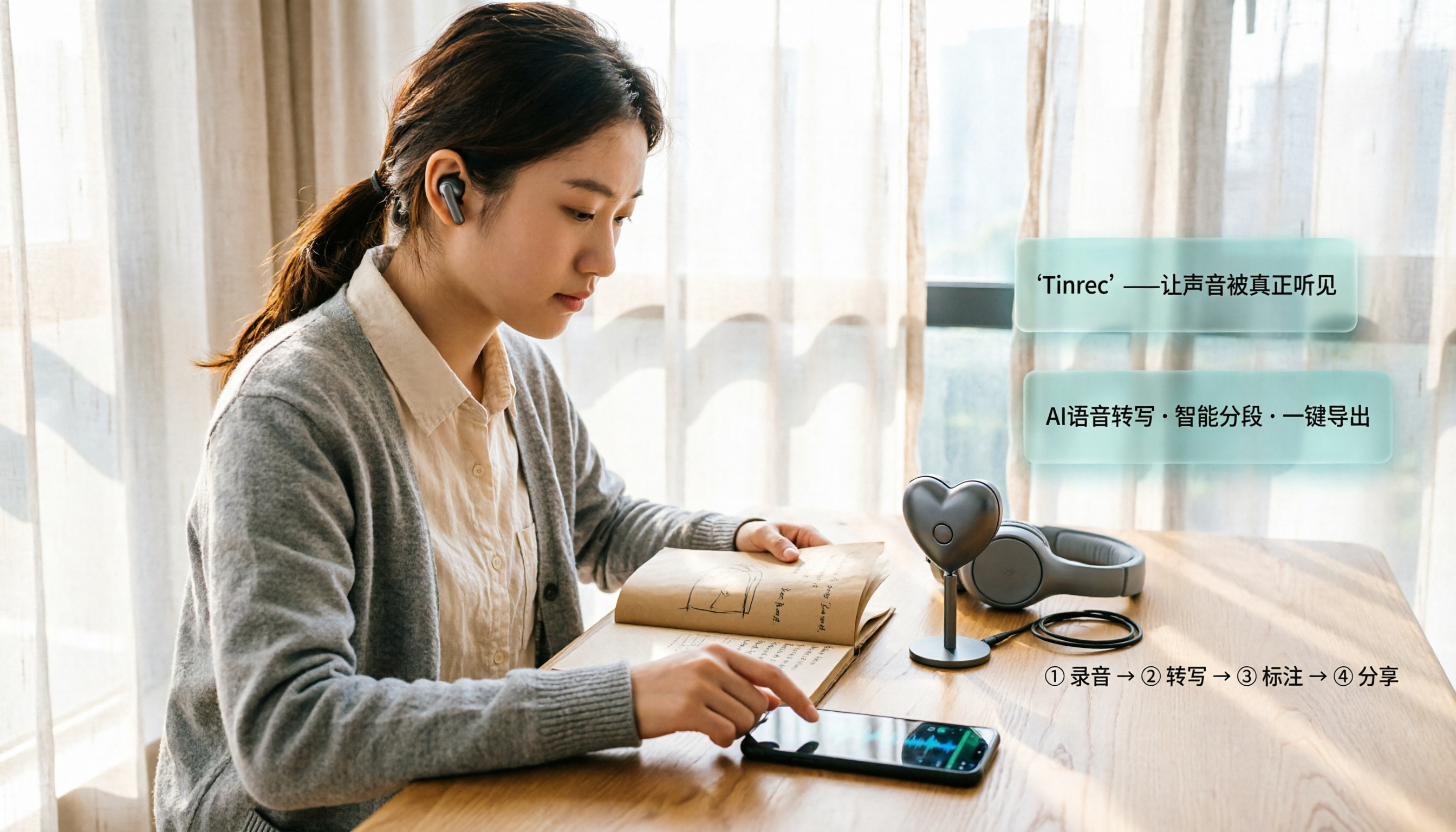
2026 iPhone Recording Microphone Comparison: Capture Is Just the Start—Organizing Is Key
A student's hands-on guide to choosing an iPhone recording microphone: connectors, power, dual wireless, noise reduction, and monitoring—plus why most people buy a mic but never use their recordings, and how Tinrec turns audio files into transcripts, summaries, and action items.

6 iPhone Call Recording Apps Tested for 2026: Which Free Option Is Actually Enough?
Recording iPhone calls has been easy since iOS 18—the hard part is organizing them afterward. This guide breaks down 6 options based on what you're really trying to solve: iOS 18 built-in call recording, Rev Call Recorder, TapeACall, Call Recorder ™, Voice Recorder, and Tinrec for post-call organization. Free and paid tiers are listed honestly, along with selection guidance and 4 things to know before you start.