

Turn recordings into transcripts and summaries in minutes
Upload audio or video for multilingual transcription, AI notes, and action items
Still spending two hours organizing after a meeting? First, figure out whether you need "transcription" or "usable meeting data"
Most people searching for "AI meeting notes comparison" really have just one question in mind: should I buy something that records, something that transcribes, or something that turns meetings into action items?
These three things often get mixed up. A voice recorder just records; a transcription tool turns audio into text; a meeting notes tool handles the later part—who said what, what the conclusions were, and who needs to do what next week.
If after every meeting you still have to manually re-read a 40-minute transcript, then what you bought is just a "typewriter," not a "meeting assistant."
This article compares Tinrec and Notta across 5 dimensions, and also covers a few commonly asked-about options, so you can decide based on your own meeting style.
Before choosing an AI meeting notes tool, understand these 5 key points
First, how the meeting is recorded. There are three main approaches: a meeting bot joins the meeting, desktop software captures system audio directly, or a physical hardware recorder is used. Bots are the easiest, but having an extra "participant" in the meeting room can sometimes be awkward; desktop capture doesn't require inviting anyone.
Second, can it handle existing files, not just live meetings? Many meetings aren't online at all—client visits, in-person interviews, old phone recordings. Tools that only support real-time meetings leave you looking for another solution in these cases.
Third, how far does the post-meeting output go? If it only gives you a transcript, it's dumping the organizing work back on you. Only with summaries, chapters, and action items does it truly save time.
Fourth, performance with Chinese and mixed Chinese-English. Meetings in Taiwan are almost always primarily in Chinese, with technical terms mixed in English. Actual performance is affected by recording quality, accents, and overlapping speakers; no tool can guarantee a fixed accuracy rate, so it's best to test with your own recordings.
Fifth, is it for team use or personal use? For personal use, it just needs to be convenient; but if a department shares it, you must clarify members, roles, seats, usage, and data ownership upfront.
Tinrec: Turning meetings into searchable, collaborative data
Tinrec is an AI meeting notes and collaboration tool for individuals and teams, available on iOS, Android, desktop, and web. Its positioning isn't just "audio-to-text"—it's about turning meetings into data that can be searched, queried, and further processed.
No bot invitation needed for online meetings. The desktop version directly captures system audio, handling meetings on platforms like Zoom, Google Meet, Microsoft Teams, and Webex, without adding a bot account to the meeting room. Note that this doesn't mean "automatically joining all calendar meetings"—you still need to actively open Tinrec to start recording.
Transcribe while recording, even for cross-language meetings. Real-time audio-to-text is suitable for offline meetings and interviews; the transcript builds up as you record. For foreign languages or mixed Chinese-English settings, you can switch between original text, translation, or bilingual view—a feature many Chinese teams actually use.
The post-meeting part is what I find most valuable. After recording, Tinrec generates summaries, chapters, key points, and action items, and can even output mind maps. More importantly, there's AI Q&A: you can directly ask "who mentioned the budget in the last meeting" or "what were the client's concerns about the delivery date," and it answers based on the meeting content, rather than dumping a bunch of keyword search results on you. When you need to deliver documents, you can use Agent post-processing to generate reports, tables, and meeting minutes, and export to Notion, Google Docs, OneNote, Dropbox, and other tools for further use.
The team version addresses the "data ownership" issue. The team version is a separate team space, not multiple people sharing a personal account. You can create multiple teams, invite members via link, set owners/admins/regular members, and assign or revoke seats. Meeting data belongs to the team; when a member leaves or loses their seat, they need to hand over their responsible resources to other active members, so data doesn't follow the individual. Admins can also view usage trends and details, maintain team hotwords, query and export audit logs, and recover accidentally deleted recordings via the audio recycle bin.
Stop organizing recordings by hand
Upload audio or video and automatically get a transcript, summary, and action items
A few limitations that must be clarified. First, members without a seat can only view, play, and read team data; they cannot upload, edit, or export. Second, it's currently team-level sharing, not file-level granular permissions—all active members can read team data. Third, the free version only has a basic quota; heavy users need to upgrade. For short-term intensive use, consider a weekly pass; for long-term data accumulation, an annual pass is suitable.
Who it's for. Teams that frequently hold online meetings but don't want to invite bots, need Chinese and mixed Chinese-English transcription, want to find key points directly via Q&A after meetings, or don't want meeting data scattered across personal devices.
Notta: A veteran option for transcription and translation—how does it differ?
Notta is a long-established name in multilingual transcription and meeting notes. The free version offers 120 minutes per month with a 3-minute limit per session; Pro annual billing is about USD 8.17/month for 1,800 minutes per month; Business annual billing is about USD 16.67/seat/month, offering unlimited transcription, role permissions, and usage reports. Its multilingual and file processing capabilities have a stable reputation, suitable for those whose main needs are transcription and translation.
The difference lies in the post-meeting part. Tinrec's team version manages roles and seats separately, and also offers governance features like team hotwords, audit logs, and an audio recycle bin, suitable for departments that need to handle member changes and data handover; Notta's Business plan focuses on role permissions and usage reports. Prices and benefits may change, so it's advisable to check both official websites before deciding.
Other options worth a look
Otter.ai: A mature option for English business meetings, with a generous free tier of 300 minutes per month. If 90% of your meetings are in English, it will be smoother than Tinrec; but for Chinese meetings and mixed Chinese-English organization, it's not its strong suit.
Granola: Also uses a bot-free approach to capture system audio, focusing on "your handwritten notes plus AI enhancement." Its特点 is that it doesn't save meeting audio and doesn't support uploading pre-recorded files; if you need to keep recordings or import existing audio files, Tinrec covers these two things.
PLAUD NotePin/Note Pro: Hardware recording approach, with device prices around USD 159 and USD 189, plus membership fees. Suitable for those who are often on-site and need portable recording; but if most of your meetings are on the computer, you don't need to buy an extra device.
Pitfall guide: The 4 most common mistakes when choosing an AI meeting notes tool
Pitfall 1: Treating "having a transcript" as the end goal. A transcript is just raw material. What really takes time is reading through it, extracting conclusions, and assigning action items. When choosing a tool, first ask: will it generate summaries and action items for me?
Pitfall 2: Not confirming how the meeting is recorded. If a tool can only join meetings via a bot, it gets stuck in in-person meetings or situations where clients don't want a bot recording. Desktop system audio capture plus phone recording covers much more ground.
Pitfall 3: Ignoring team permissions and handover. A common pitfall many teams have experienced is "multiple people sharing one account," resulting in no one being responsible for data after an employee leaves. You need to clarify: who owns the data, how to hand over after a member exits, and whether someone manages seats.
Pitfall 4: Thinking AI can completely replace humans. AI may miss or misunderstand details; for important decisions, it's recommended to cross-check with transcript timestamps and audio playback. Also, remember to inform participants and obtain consent before recording—this is basic courtesy and a legal requirement.
Conclusion: Which one should you choose?
In one sentence: if what you want is "Chinese meetings + usable after the meeting + team data accumulation," Tinrec is the most suitable default answer in this comparison.
Scenario-based breakdown makes it clearer:
- Frequently hold Zoom/Meet/Teams meetings and don't want to invite a bot → Tinrec, desktop version captures system audio directly.
- Meetings mix Chinese and English, need bilingual comparison → Tinrec, can switch between original text, translation, and bilingual view.
- Want to ask questions directly to find conclusions after recording → Tinrec, AI Q&A is the biggest differentiator from most transcription tools.
- Department sharing, need to manage members and seats → Tinrec team version, plus audit logs and audio recycle bin.
- 90% of meetings are in English → Otter.ai's free 300 minutes is more cost-effective.
- Need to keep recordings and import old audio files → Tinrec supports audio file import and audio retention, while Granola doesn't save meeting audio.
It's recommended to first use the free version for two or three real meetings, record the kinds of meetings you normally hold, see how practical the transcripts and summaries are, and then decide whether to upgrade. Whether a tool is good or not, you'll know after trying it with your own meeting.
References
- AI Meeting Notes Software Recommendations: 5 Major Apps Tested and Compared, Automatic Transcription Makes Meetings Super Easy!
- After the meeting, do you only ask AI to organize key points? That's just the most basic 1% trick | Three-level meeting notes prompts to turn AI into your strategic analyst | Personal Knowledge Management X AI Applications | Coach Jiang Jiang
- Meeting Ink - 2026 AI Meeting Notes Tool Test | 7 Voice-to-Text and Summary Speed Comparisons | Meeting Ink - AI Meeting Notes Assistant Automatic Transcription and Meeting Summary
- Meeting Notes AI Assistant (Enterprise Cloud Version) | METAMatch | Product Introduction | METAMatch AI Cloud Marketplace | Enterprise Software Procurement | Ecosystem Matching Platform
- AI Meeting Minutes Generator
Turn every recording into actionable outcomes
Get 60 free transcription minutes when you sign in. No credit card required.
Related Reading
You might also like

2026 AI Meeting Notes Showdown: Tinrec vs Otter.ai for Chinese-Language Meetings
A transcript is not a meeting summary. This article compares Tinrec and Otter.ai across five dimensions—Chinese transcription, meeting capture methods, post-meeting outputs, team governance, and pricing/quotas—to clarify common misconceptions and highlight each tool's unique strengths and ideal users, helping you choose based on your Chinese-language meeting and team knowledge retention needs.

2026 AI Meeting Notes Software Comparison: Can Free Versions Handle a Full Meeting?
With the decision-making focus on whether free versions are truly usable, this side-by-side comparison of Tinrec and Notta examines free quotas, online meeting recording methods, post-meeting organization depth, Chinese-language experience, team collaboration, and cost structure to help you choose the right AI meeting notes software without unpleasant surprises.

Best AI Meeting Notes Software? 2026 Hands-On Test of 4 Tools: This One Is the Smoothest for Chinese Meetings and Team Knowledge Retention
Still spending time re-listening to recordings and writing meeting notes after meetings? Based on real-world usage scenarios, this article outlines 4 key factors for choosing AI meeting notes software and hands-on tests the differences among Tinrec, Notta, Otter.ai, and Granola, covering Chinese transcription, bot-free recording, post-meeting Q&A, team seat management, and actual pricing to help you determine which tool suits your work style.

2026 AI Meeting Recorder Comparison: Which Free Version Is Enough?
How to choose a free AI meeting recorder? This article examines four key factors—free plan structure, meeting format, post-meeting workflow, and team data ownership—and compares the free plans of Tinrec, Notta, Otter.ai, and PLAUD. It also highlights three common pitfalls when choosing the wrong tool, helping you determine how far a free version can take you and when you truly need to pay.

2026 AI Meeting Notes Tools Compared: Which Free Online Version Is Enough?
There are many free AI meeting notes tools, but free quotas, how meetings are captured, and post-meeting organization capabilities vary widely. This article compares Tinrec, Notta, Otter.ai, and Granola from four angles: free quota, how online meetings are recorded, post-meeting AI organization, and team data ownership, and summarizes the four most common pitfalls when choosing a tool.
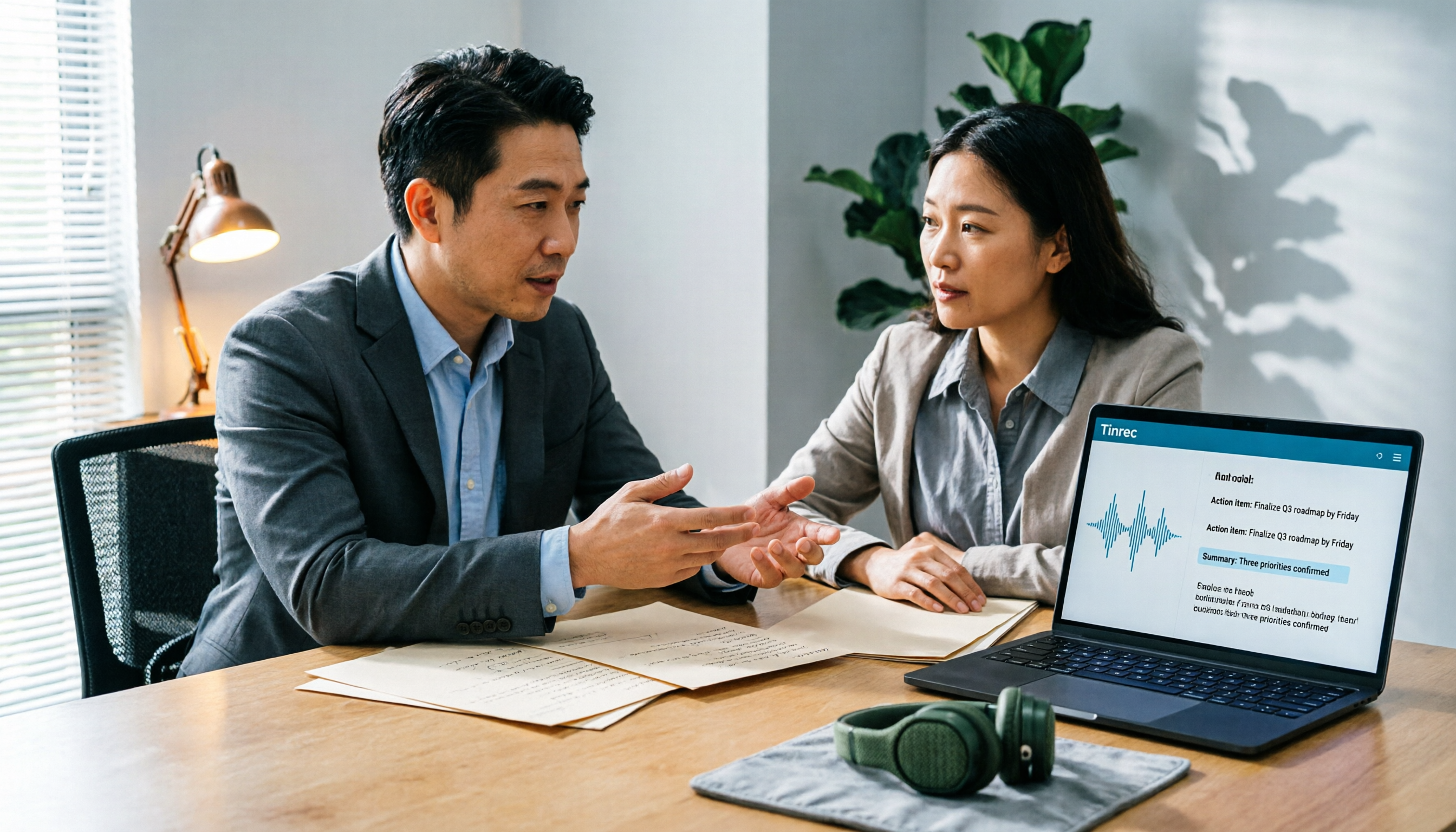
2026 AI Meeting Notes Software Comparison: Are Free Versions Enough?
A mid-level manager who attends 15 meetings a week tests four AI meeting notes tools—Tinrec, Notta, Otter.ai, and PLAUD NotePin—covering free tiers, Chinese recognition, post-meeting organization, and team data ownership, and outlines the four most common pitfalls of free versions plus practical selection advice.
2026 AI Meeting Notes Software Comparison: 5 Tools Tested, Post-Meeting Organization Is What Matters
When choosing AI meeting notes software, most people compare free minutes first, but the real time sink is post-meeting organization. This article breaks down the differences and limitations of Tinrec, Otter.ai, Notta, and PLAUD based on hands-on testing, 4 key buying factors, recording methods that don't require a bot to join meetings, and team collaboration. It also covers common selection mistakes to help you choose the right tool for your meeting style.

2026 AI Meeting Notes Tools Compared: Which One Actually Saves You Time?
AI meeting notes tools are everywhere, but transcription accuracy isn't the only difference. This hands-on comparison of Tinrec, Notta, Otter.ai, and Granola looks at four dimensions: how meeting audio gets captured, whether post-meeting output is actually usable, performance with Chinese and mixed Chinese-English speech, and team data ownership. We also cover key pitfalls to check before buying, so you can find the one that truly cuts your post-meeting cleanup time.

2026 AI Meeting Recorder Comparison: Chat AI vs. Dedicated Tools — Which One Actually Delivers Meeting Minutes?
Based on real-world testing by a mid-level manager juggling 15 meetings a week, this article breaks down the three most common misconceptions about chat AI vs. dedicated AI meeting recorders. It demonstrates a complete workflow using Tinrec — from bot-free recording and transcription to summaries, action items, and team knowledge retention — plus five key buying criteria and an FAQ.