

Turn recordings into transcripts and summaries in minutes
Upload audio or video for multilingual transcription, AI notes, and action items
2026 AI Meeting Notes: Record Online Meetings Without a Bot + Auto To-Dos in One Go
Before Choosing a Tool, Answer One Question: Do You Want a "Bot That Joins the Meeting" or "Data You Can Use After the Meeting"?
Let me ask you a question first: if you had to choose an AI meeting notes tool by tomorrow, would you first check "does it support the platform I use for meetings," or would you first check "what exactly do I get after the meeting ends"?
Most people look at the former first. But the real dividing line in 2026 is the latter—because almost every vendor can turn speech into text. The difference is what you're holding at the moment the meeting ends: a transcript, or data you can directly act on.
I lead a team of 10 and have about 15 meetings a week: weekly meetings, project status meetings, one-on-ones, cross-department coordination, and regular reports to my boss. What used to annoy me was never the meeting itself—it was the aftermath.
Scenario one: a two-hour cross-department meeting ends, everyone scatters, and I'm left alone with my notebook trying to remember "who said that budget line just now." No transcript, just a few crooked keywords.
Scenario two: my boss asks me in the elevator, "What was the conclusion of that project last time?" I scroll through my phone for three minutes and finally give a vague version. That feels awful, because I know I actually have records—I just can't find them.
Scenario three: I assign something to a colleague, ask about progress two days later, and they say, "I thought it was due next week." Verbal assignments have no anchor and no record to check back against—this communication cost is more expensive than the meeting itself.
This article isn't about whose transcription is the most magical. What I want to cover is: in this 2026 wave of AI meeting notes tools, what criteria you should use to judge, and which one my team ultimately kept and why.
Three Latest Changes in AI Meeting Notes for 2026
Change 1: From "Inviting a Bot into the Meeting" to "Capturing System Audio Directly on Desktop"
The mainstream approach in the past two years was to send a meeting bot as a participant into online meetings. The advantage was full automation; the downside was that external guests would see an unfamiliar account in the meeting room and often ask, "Who is this?" Now more and more tools capture system audio directly on the computer without adding an extra participant, which makes external meetings much smoother.
Change 2: The Selling Point Has Shifted from "Transcript" to "Post-Meeting Output"
Transcripts have become table stakes. What people compare now is: is the summary accurate enough, are the chapters clearly divided, are action items extracted, and can you ask follow-up questions directly about the meeting content. Some tools even connect meeting minutes to a project workspace, so this meeting's conclusions build on last meeting's decisions instead of starting from zero every sync.
Change 3: From Personal Tool to Team Asset
This is what I felt most strongly in 2026. Meeting notes are no longer just "my own notes"—they're data the team shares: who can view, who can edit, how much usage there is, and whether operations leave an audit trail. Once a tool starts managing members, roles, and seats, it's no longer just a voice recorder—it's a meeting data system.
Before Buying an AI Meeting Notes Tool, Understand These 4 Key Points
Key 1: How the meeting is "recorded." Do you send a bot to join, capture system audio on desktop, or upload the audio file afterward? These three methods suit completely different scenarios. For purely internal online meetings, a bot isn't a big problem; but as soon as external clients or suppliers are involved, an extra unfamiliar account becomes distracting.
Key 2: What else you get after the transcript. This is where most people get burned. Having a transcript doesn't mean having meeting notes—a 60-minute transcript is about 10,000+ words. Will you really re-read it? What you need is the summary, chapters, action items, and the ability to ask questions.
Key 3: Who owns the data, and can the team share it. Nobody cares about this question normally, but it blows up when people leave. If meeting notes are all stored in personal accounts, the day a colleague resigns, the context of the entire project goes with them.
Key 4: How quotas are calculated. Real-time recording and document import are two different calculation methods in most tools. If you mainly record online meetings but buy a plan with "lots of document import minutes," you're spending money in the wrong place.
Tinrec—The One My Team Kept After Testing
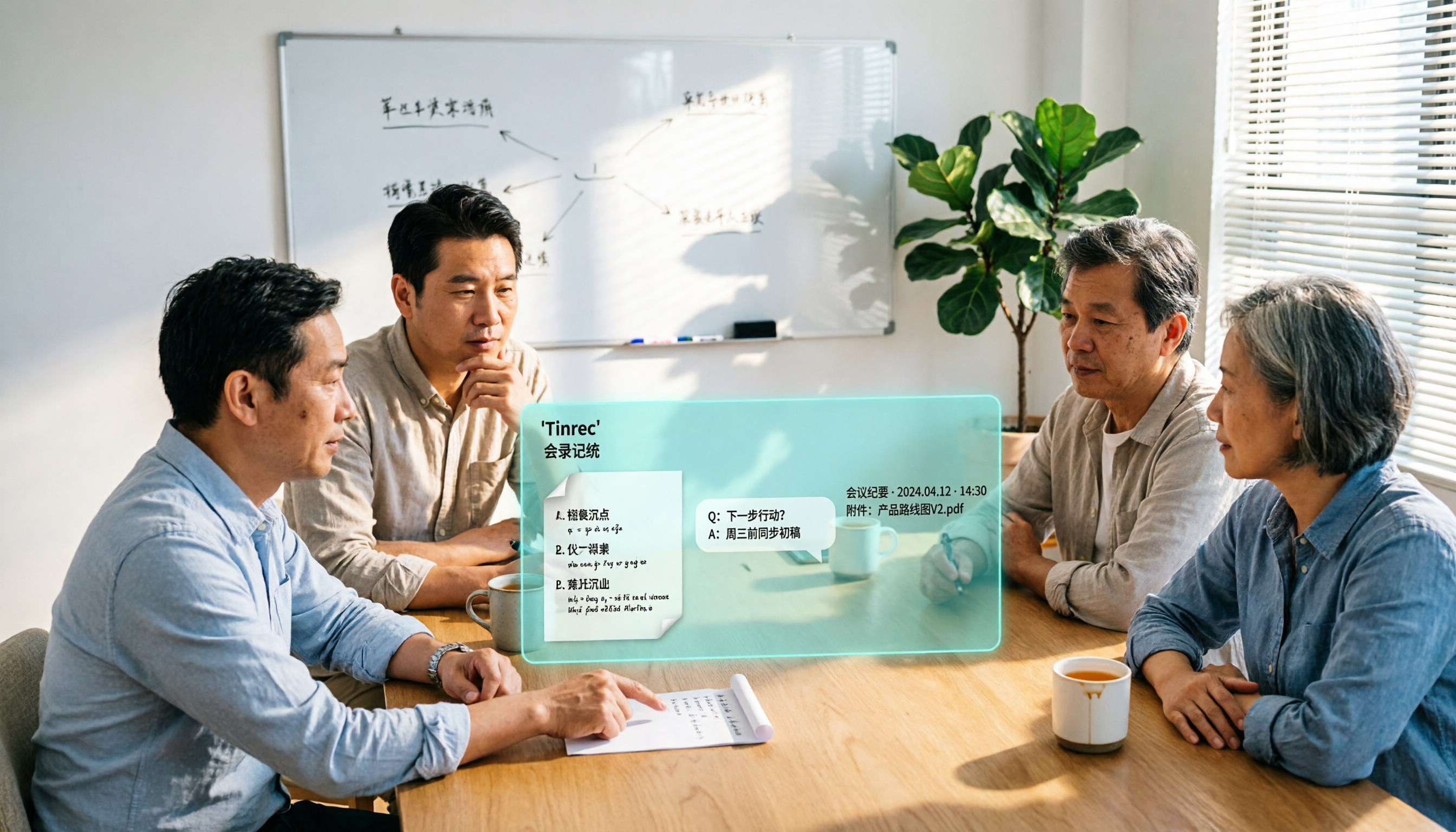
Tinrec is an AI meeting notes and collaboration tool for individuals and teams, covering desktop, web, and mobile. What it does isn't just turn speech into text—it turns meetings into data that can be searched, summarized, queried, and further processed.
Scenario 1: Record online meetings without inviting a bot. My daily meetings are spread across Zoom, Google Meet, Microsoft Teams, and Webex. Tinrec's desktop version captures the computer's system audio directly. I open it before starting and press record—no extra account appears in the meeting room. For meetings with external clients, this difference is practical—one less "who is this" explanation.
Scenario 2: The meeting ends, and the to-dos are already listed. It produces a transcript while recording, automatically generates a summary and chapters after the meeting, and organizes action items from the discussion into to-dos. My own approach: after the meeting, I don't read the transcript—I look at the summary and to-dos first, confirm "who's responsible for what and when it's due," and if I have questions, I go back and click the timestamp to hear the original audio. In testing, I deliberately picked the hardest meeting—three people talking over each other, and someone using product codes the whole time. The transcript showed some places needed manual correction, but the skeleton of the summary and to-dos was correct. Actual performance is affected by recording quality, accents, noise, and overlapping speech; I won't promise you a fixed accuracy rate.
Stop organizing recordings by hand
Upload audio or video and automatically get a transcript, summary, and action items
Scenario 3: Ask it directly "who mentioned the budget in the last meeting." This is where it pulls ahead of most tools at the same price point. After recording, you can ask follow-up questions about the meeting content, such as "What was the conclusion on the budget in last week's meeting?" or "What concerns did the client raise?" It answers with semantically understood answers, not a row of keywords for you to search yourself. For the same question, manually pressing Ctrl+F might take five minutes of scrolling through the transcript.
Team version: Turn meetings into a department's shared asset. I care about this especially because I've been burned by "people leave, data leaves." Tinrec's team version is an independent team space, not multiple people sharing one account: you can create multiple teams, invite members with a join link, set owners/admins/regular members, and assign or revoke seats. Team meeting audio files, folders, and to-dos are stored centrally, and you can see usage trends, member rankings, manage team hot words, query and export audit logs, and recover accidentally deleted audio from the recycle bin (currently retained for 30 days).
Here's a commonly misunderstood point to clarify: roles and seats are two different things. Roles determine who can manage the team, members, and settings; seats determine whether someone can record, upload, edit, and import/export. A member who is active but has no seat can still view, play, and read team data—they just can't perform resource-using operations. Also, current sharing is mainly at the team level, not fine-grained file-level permissions. Understand it as the official website states—don't imagine otherwise.
How to look at cost. The personal version has a free version, weekly card, Pro monthly card, and Pro annual card—use the free version first for occasional recording cleanup; use the weekly card for short-term intensive interviews; go Pro if you have steady weekly needs; the annual card is more cost-effective for long-term data accumulation. The team version is currently USD 29.80 per paid seat per month, or USD 199 per paid seat per year (roughly USD 16.58/month), with each paid seat providing 2,000 minutes of team shared import quota per month; eligible teams get a 7-day trial, 1 free seat, and 300 minutes of shared import quota for the first time. Under an active team plan and active seats, real-time recording currently does not deduct by minute; only document and web import consume shared quota. Prices and promotions are subject to the official purchase page.
Limitations, too. It's not omnipotent: if you mainly batch-process dozens of long audio files, this kind of massive document transcription scenario isn't its strength; also, the free quota definitely won't be enough for people who "meet every day"—be mentally prepared for that.
Who it's for. People who frequently hold online meetings, need Chinese and mixed Chinese-English content, need to submit reports or track to-dos after meetings, and want meeting data to stay with the team rather than in personal accounts.
Besides Tinrec, What Other Options Are There?
Meeting Ink. It can automatically generate transcripts and smart summaries from Zoom, Google Meet, Teams, and Webex, works for in-person meetings too, and offers real-time captions, multilingual translation, one-click meeting share links, and custom summary templates. Its share link is convenient for "sending records to external participants immediately after the meeting." But if what you want is continuous questioning around historical meetings, plus member seat and usage governance, Tinrec's team space is more complete.
SeaMeet. The experience tied to Google Meet is very smooth—online meetings sync transcripts and real-time summaries, and after the meeting it emails all participants directly. Mobile recording uploads can also handle in-person meetings. It has special tuning for Taiwanese Chinese usage, and older or non-tech colleagues can learn it in ten minutes. The limitation is that its home turf is Google Meet; if your company mainly uses Teams or Webex, a cross-platform desktop capture like Tinrec will be more practical.
CLOVA Note. A free tool you can use with a LINE account. Its signature is fast recognition speed, and it can distinguish different speakers—suitable for people who just want a cheap, quick transcript. But it basically stops at "turning into text"—no AI follow-up questions, no action item extraction, and no team space. If what you want is deliverable data directly after the meeting, Tinrec goes further.
Pitfall Guide: The 3 Most Common Mistakes When Choosing AI Meeting Notes
Pitfall 1: Treating "having a transcript" as "having meeting notes." A transcript is raw material, not a finished product. Before buying a tool, think clearly about which one you want—otherwise you'll still have to spend time organizing after buying, saving only half the effort.
Pitfall 2: Ignoring data ownership. Personal accounts are cheap and convenient, but they're not a team asset. Once the team exceeds three people and starts having rotations and resignations, this becomes a real management risk.
Pitfall 3: Confusing real-time recording and document import quotas. These two are calculated separately in most tools. First calculate roughly how many hours of meetings you record per month and how many files you upload, then look back at the plans—that way you won't buy capacity you won't use.
Pitfall 4: Buying AI features but only using them for transcription. This is the biggest waste. After recording, directly ask it "What was the conclusion this time?" or "What three concerns did the client raise?"—much faster than scrolling through a 30-minute transcript yourself.
Conclusion: Which One Should You Actually Choose?
To sum up in one sentence: when choosing AI meeting notes in 2026, the point isn't who transcribes most accurately—it's who can get you usable data within ten minutes after the meeting. On this point, Tinrec is the answer my team currently keeps.
- Need Chinese and mixed Chinese-English meetings, with summaries and to-dos after → Tinrec
- Don't want a bot in the meeting, and often meet with external clients → Tinrec (desktop version captures system audio)
- Want to ask follow-up questions directly about meeting content after recording → Tinrec (AI Q&A is a rare feature at this price point)
- Meeting data should stay with the team, and you need to manage members and usage → Tinrec team version
- Company uses Google Meet across the board, and you only need automatic post-meeting emails → SeaMeet is worth considering
- Only need a cheap, quick transcript → CLOVA Note is enough
My advice is practical: first run two or three real meetings with the free version, and test with the hardest one—the kind with background noise, people talking over each other, and code names. If it passes, then talk about paying; if it can't even handle your daily meetings, no matter how cheap the plan is, it's a waste.
One last reminder: recording and transcription involve personal data. Before recording, make sure you comply with local regulations and obtain participants' consent when necessary. No matter how convenient the tool is, this can't be skipped.
References
- Meeting Ink - 2026 AI Meeting Notes Tool Test | 7 Voice-to-Text and Summary Speed Comparison | Meeting Ink - AI Meeting Notes Assistant Auto-Transcribes and Summarizes Meeting Minutes
- AI Meeting Notes - Google Play App
- Recently quite a few people have asked me if there are any AI tools for meeting notes. They're still typing manually, often can't multitask, and it's a waste of time. I always answer—SeaMeet. Why recommend it? Here are the key points: -Tied to Google Meet, online meetings sync transcripts and real-time summaries, super convenient. -No need to specially refresh; after the meeting ends, it directly emails all meeting participants. -Operation is super simple; I taught middle-aged and older people who've never used AI tools in 10 minutes. -In-person meetings
- How to Use AI for Meeting Minutes? How to Organize Meeting Transcripts? | AI Voice-to-Transcript Tutorial | 104 Workplace Power
- AI Meeting Minutes Generator
Turn every recording into actionable outcomes
Get 60 free transcription minutes when you sign in. No credit card required.
Related Reading
You might also like

6 AI Meeting Transcription Tools Compared for 2026: From Transcripts to Post-Meeting Summaries
A 90-minute interview recording is sitting on your phone, and the transcript is due tomorrow morning. This article breaks down AI meeting notes into two steps—transcription and organization—and compares six practical solutions, including bot-free recording, multilingual transcription, hardware recorders, and free post-meeting organization tools, to help you choose the right one for your scenario.

2026 AI Meeting Notes Comparison: Tinrec vs Granola for Chinese Transcription and Free Tiers
In Dcard's 2024 AI meeting notes discussions, the most common questions are whether free tiers are sufficient, how well Chinese transcription works, and whether post-meeting summaries can be shared directly. This article compares Tinrec and Granola, two bot-free meeting note tools, across recording retention, old file import, Chinese and bilingual support, post-meeting outputs, team data governance, and pricing to help you decide which fits your meeting scenario.

How to Choose AI Meeting Notes Tools in 2026: 5 Steps to Understand Comparison Tables and Key Selection Criteria
2026 AI meeting notes tool comparison and buying guide: use 5 steps to understand meeting capture, post-transcription processing, Chinese language support, team governance, and pricing quotas, and compare use cases for Tinrec, Otter.ai, Notta, Granola, TurboScribe, and PLAUD.

2026 AI Meeting Notes Comparison: Tinrec vs Notta — Which Is Better for Chinese-Speaking Teams?
A meeting notes table isn't just pasting a transcript. This article uses a typical weekly meeting workflow to compare Tinrec and Notta across five dimensions: meeting capture methods, table output, free quota and pricing, Chinese and real-time translation, and team governance. It also includes a ready-to-use meeting notes table template with fields and a manual verification checklist.
Tinrec vs Notta 2026: 5-Dimension Comparison for Chinese Meeting Notes
Based on the popular PTT discussion about AI meeting notes, we compare Tinrec and Notta across 5 key dimensions: bot-free recording, post-meeting AI Q&A, team data retention, and quota rules, to help you choose the right tool for Chinese meetings.

2026 AI Meeting Notes Comparison: Which Latest Version Actually Saves You Time?
A guide to choosing the latest AI meeting notes tools in 2026, covering common pitfalls, core capabilities, real-world use cases, team seat pricing, and how Tinrec turns meetings into searchable, collaborative, actionable data.

2025 AI Meeting Notes Guide: Auto-Generate Transcripts and Action Items in One Go
How to choose an AI meeting notes tool in 2025? We break down 5 key buying factors: meeting capture methods, post-transcript organization, mixed Chinese-English recognition, team data ownership, and quota calculations. Plus, we compare Tinrec, Otter.ai, Notta, and Granola to help you find the right fit.

4 Real-Time Transcription Tools Tested for 2026: Which One Keeps Up as You Speak?
How do you do real-time transcription? We tested 4 tools with the same Chinese meeting recording, comparing live transcription, Chinese and mixed Chinese-English recognition, post-meeting summaries and AI follow-up questions, as well as free quotas, team seats, and pricing, to help you find the approach that truly keeps up during meetings.

2026 AI Meeting Notes Guide: Record Online Meetings Without Bots + Auto-Generate Action Items
How to choose the best AI meeting notes tool in 2026? This guide covers three real-world scenarios—online meetings, in-person meetings, and multilingual meetings—and outlines 4 key buying factors. It hands-on tests Tinrec's bot-free recording, transcription, AI summaries, and action item extraction, compares Otter.ai, Notta, and Granola, and includes a pitfalls guide and selection advice.